

 Dansk
 Svenska
 Deutsch
 Norsk bokmål
Opening hours
Opening hours
Open the group
Shop → Settings → Opening hours configuration.
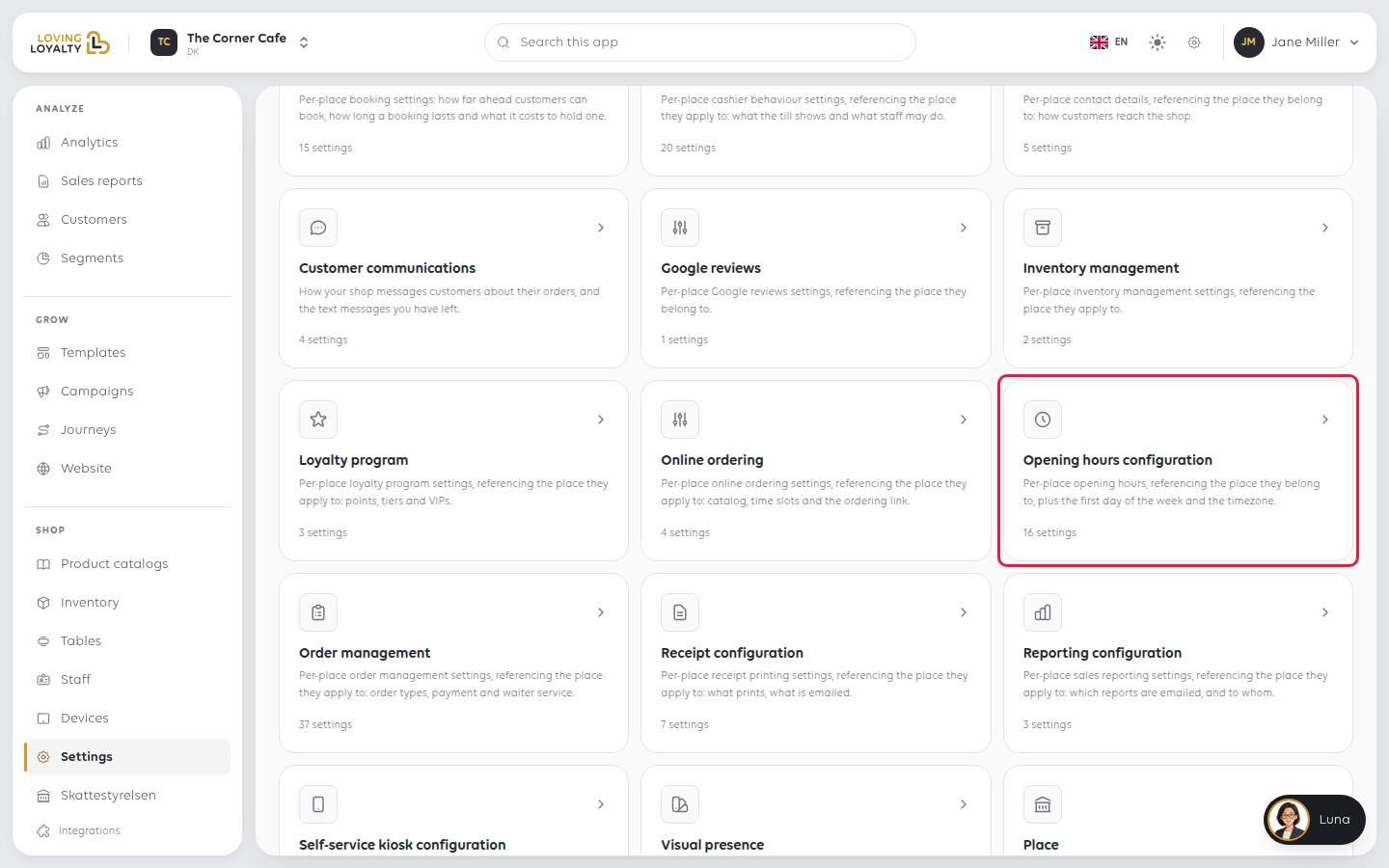
Every change saves as soon as you make it. There is no Save button.
Each day
All seven days sit in one week grid. Each day has a switch to open or close it, then
its opening and closing times. Times are rounded to the nearest half hour.
Closing a day clears its times. If you switch that day back on, it is not saved
until you pick both times again; a note under the grid reminds you which days still
need them.
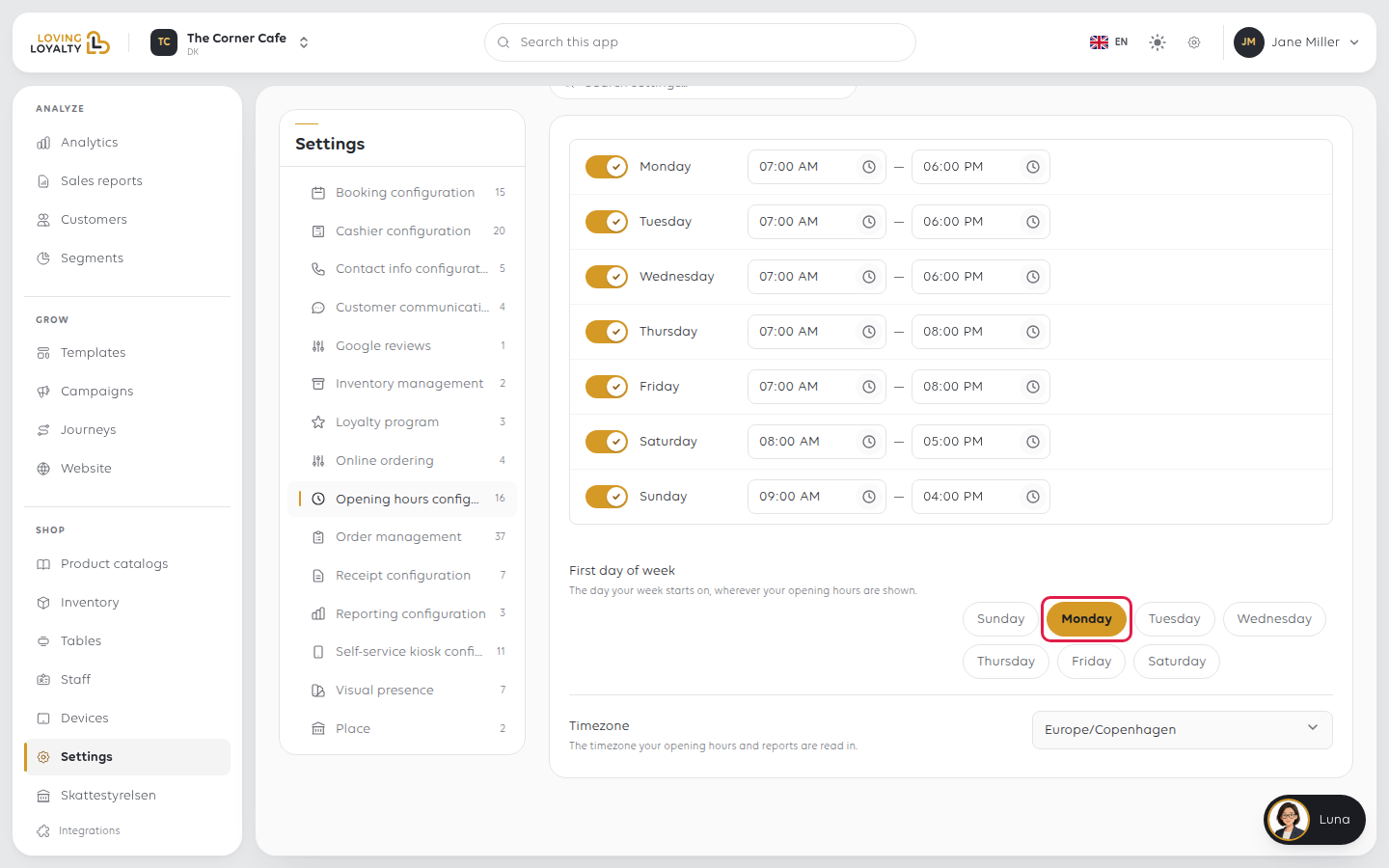
First day of week
The day your week starts on, wherever your opening hours are shown. Pick a day; it
changes the display only, not when you are open.
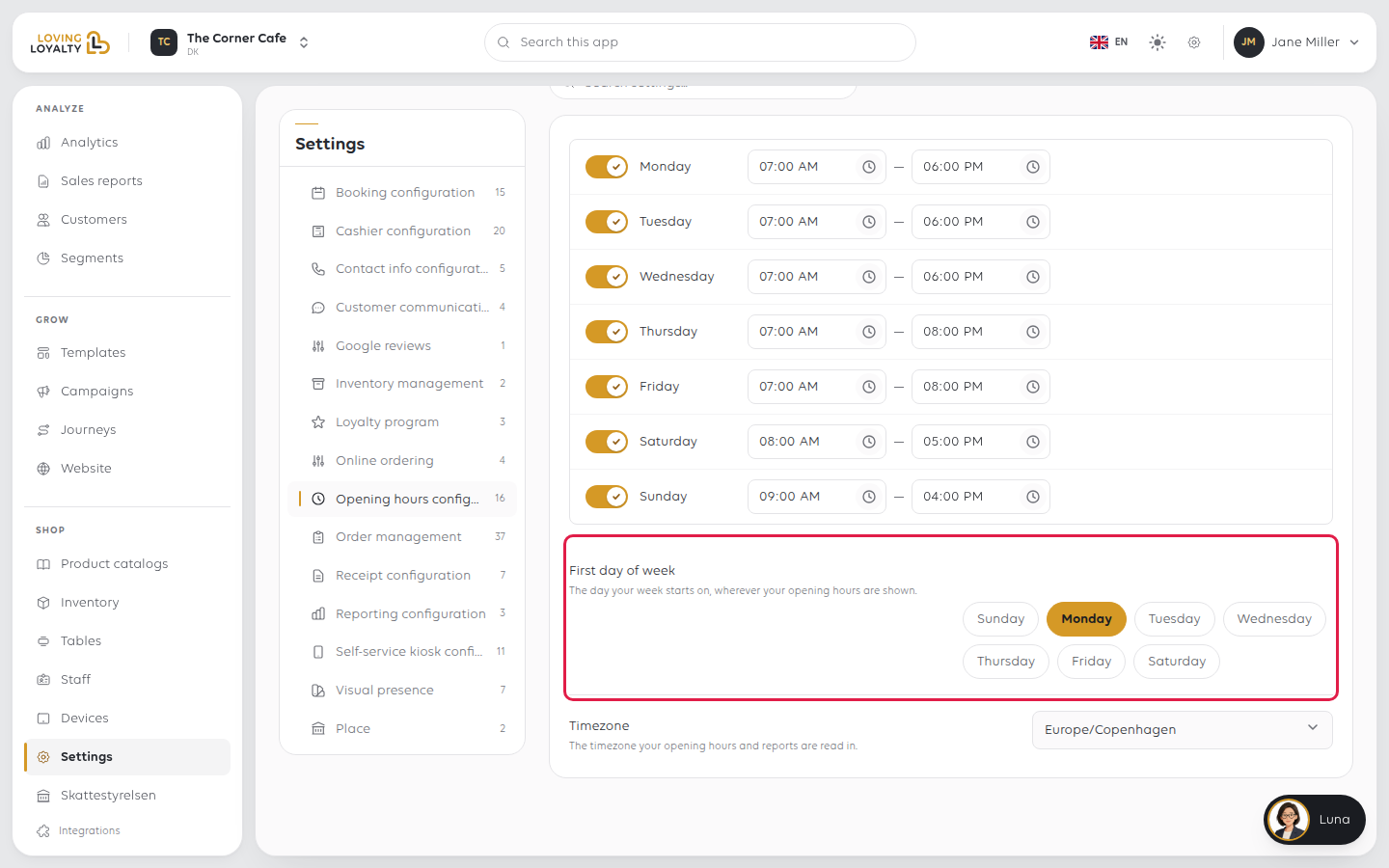
Timezone
The timezone your opening hours and reports are read in. Pick it from the list, for
example Europe/Copenhagen.
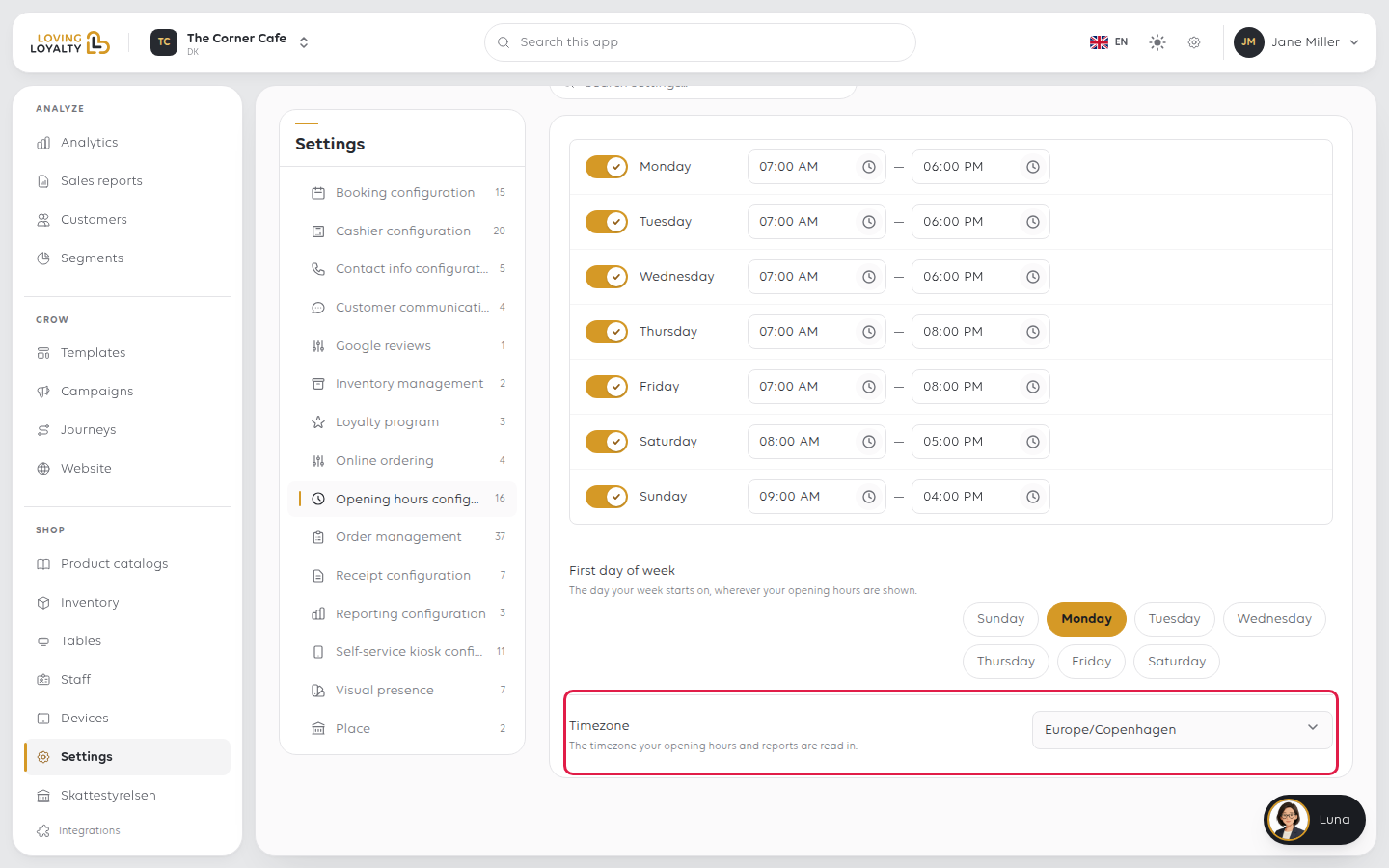
If something goes wrong
| What you see | What it means | What to do |
|---|---|---|
| Hours are an hour out | The timezone is wrong | Pick your local Timezone |
| Customers think you are closed | A day is switched off, or was switched on again without times | Check that day in the grid |
| Online orders arrive for out-of-hours times | Customers can order ahead for a later day | Check Same-day orders only in Online ordering settings |
| The week starts on the wrong day | First day of week is set to another day | Pick the right day |
Was this article helpful?
Thanks for your feedback!
