

 Dansk
 Svenska
 Deutsch
 Norsk bokmål
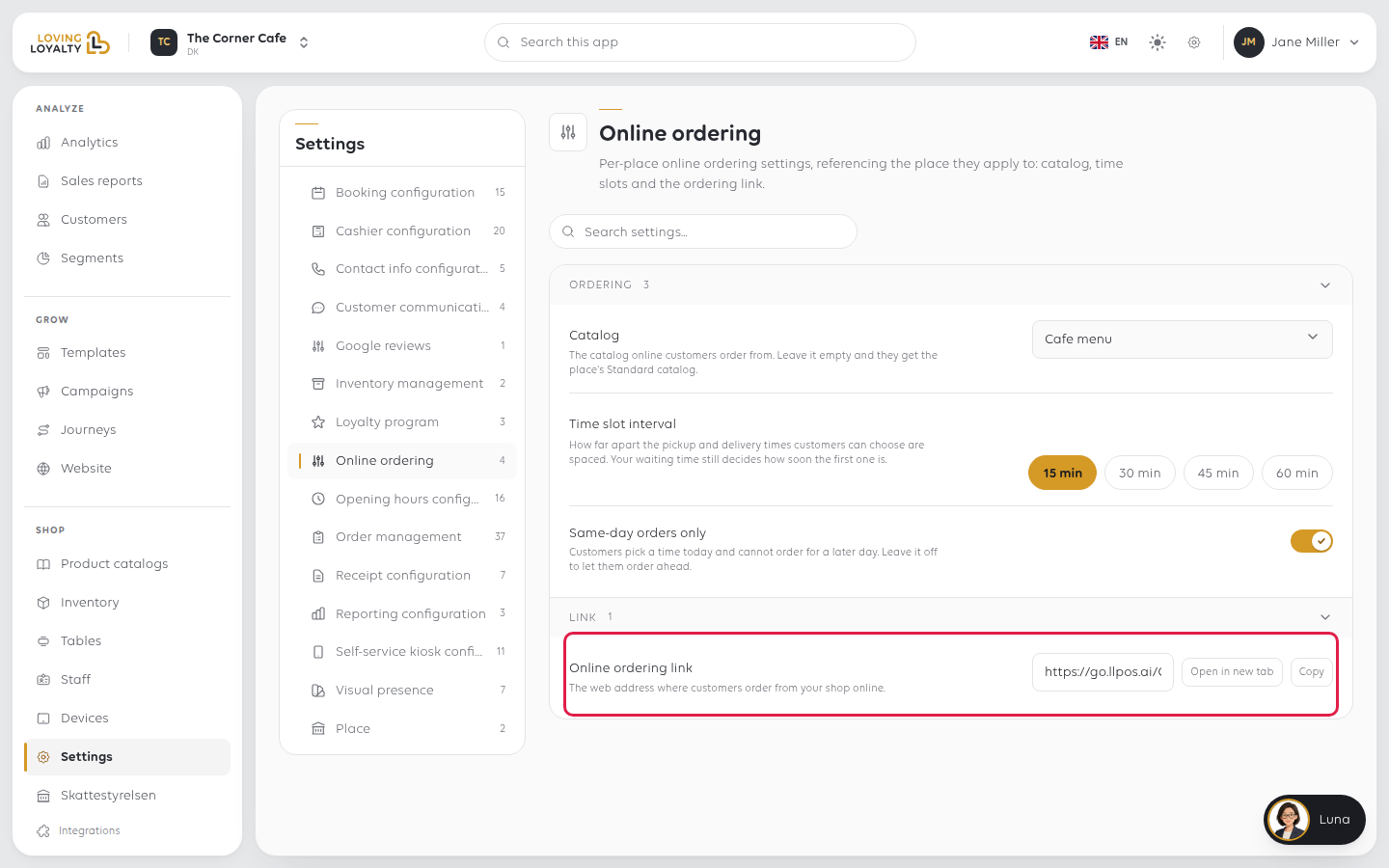
Online ordering settings
Online ordering settings
Open the group
Shop → Settings → Online ordering.
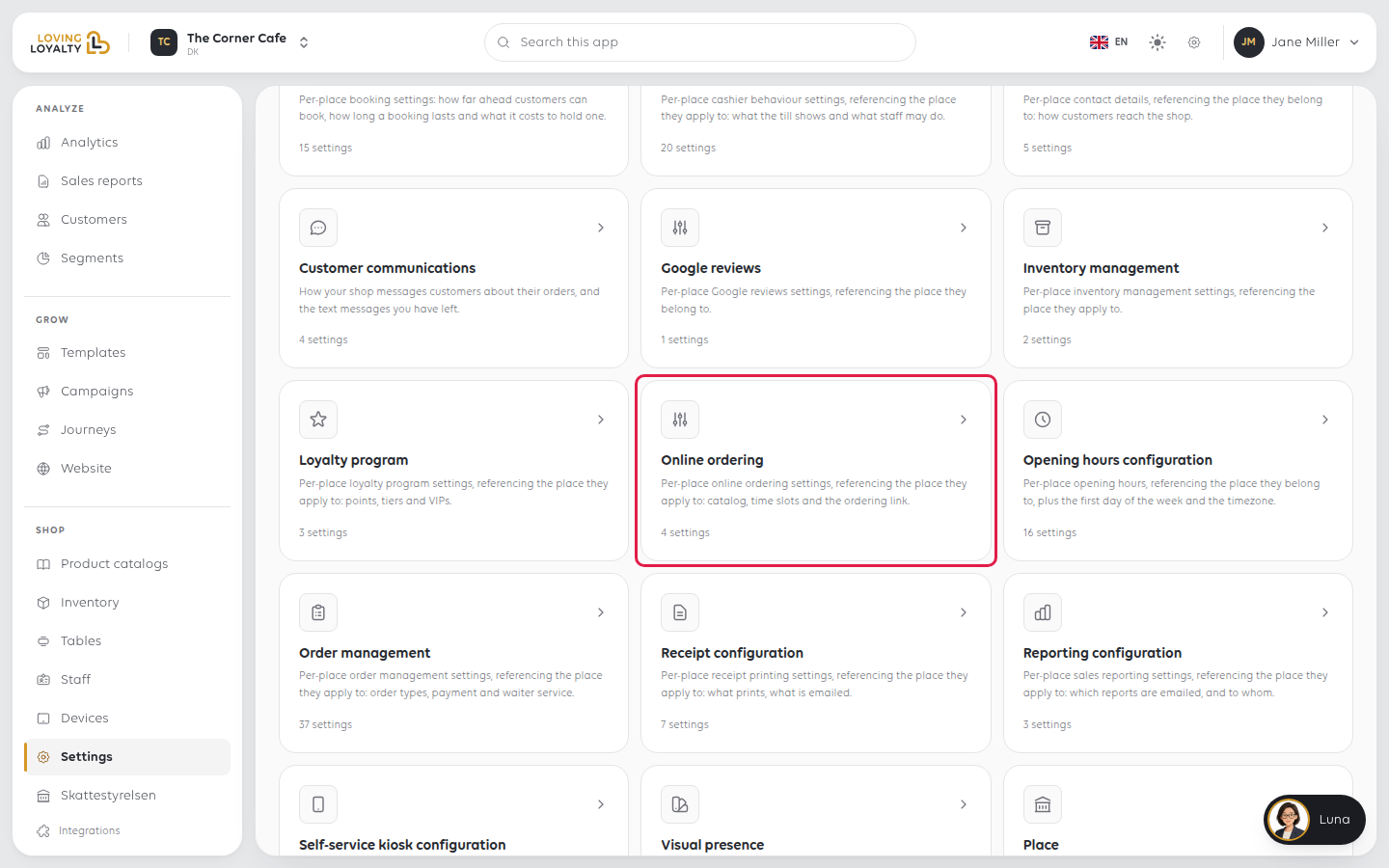
The settings sit in two groups, Ordering and Link. Each one saves as soon as
you change it.
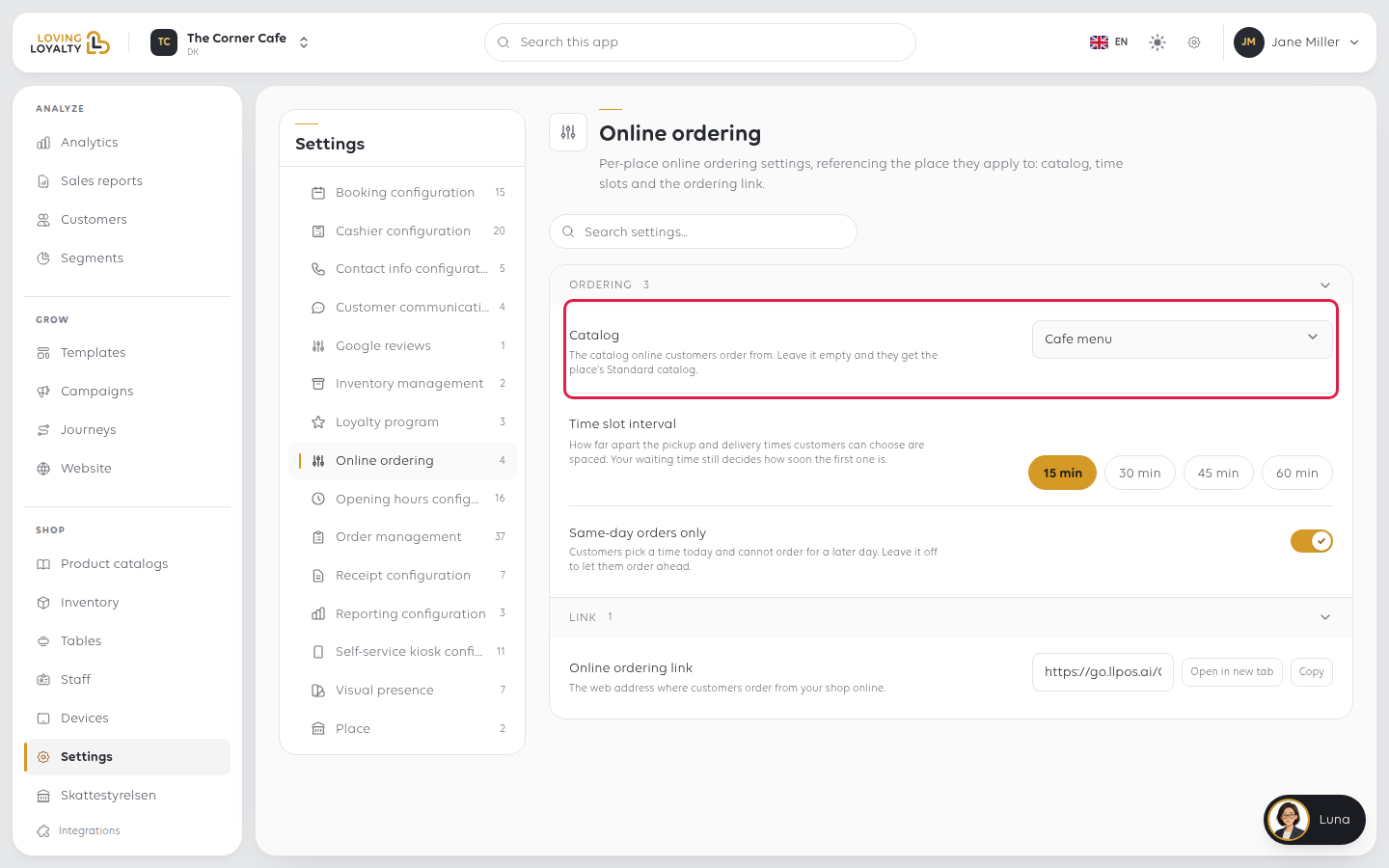
Catalog
The catalog online customers order from. Pick it from the list. Leave it empty and they get the place's Standard catalog.
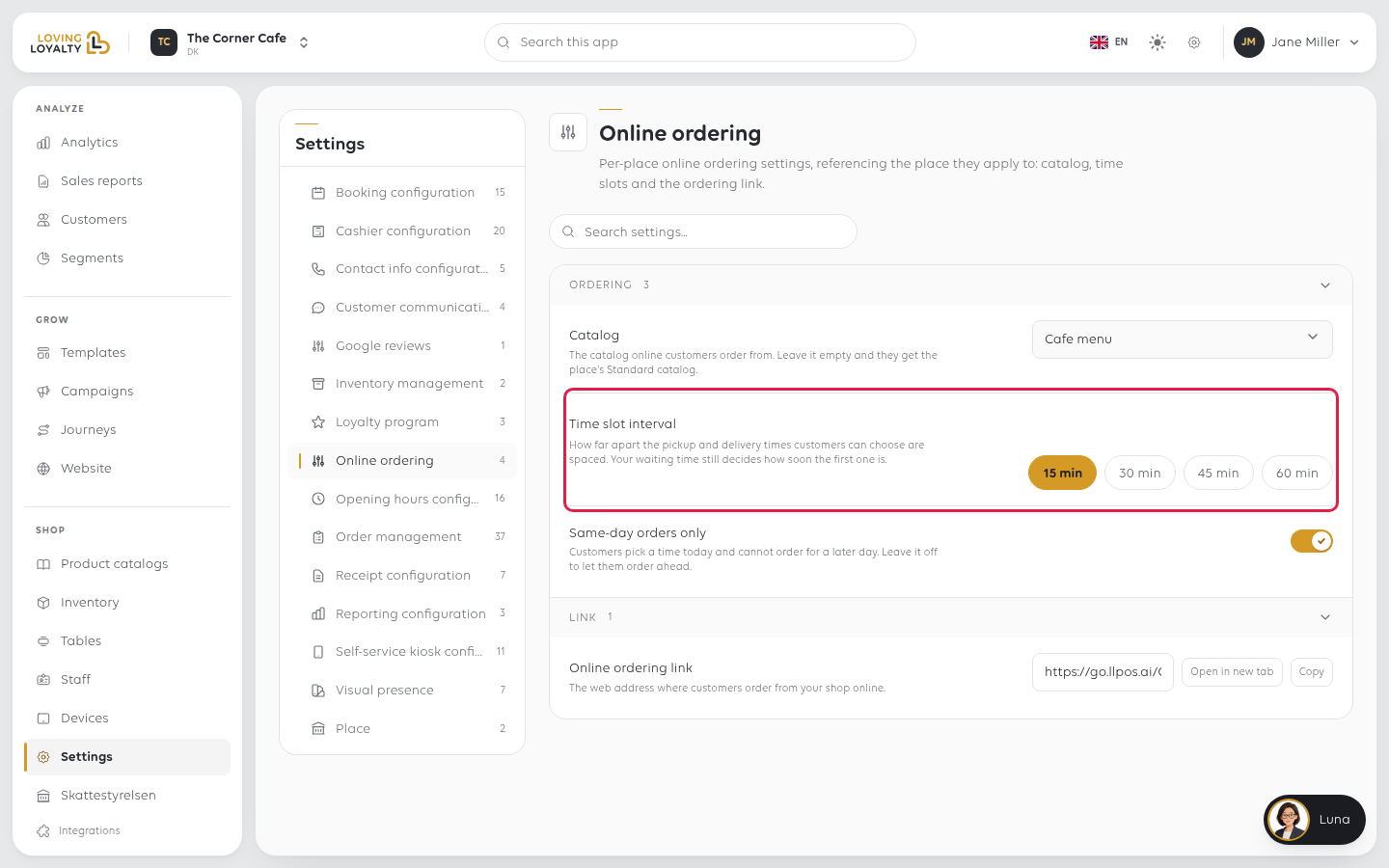
Time slot interval
How far apart the pickup and delivery times customers can choose are: 15 min,
30 min, 45 min or 60 min. It does not decide how soon the first time is;
your waiting time does.
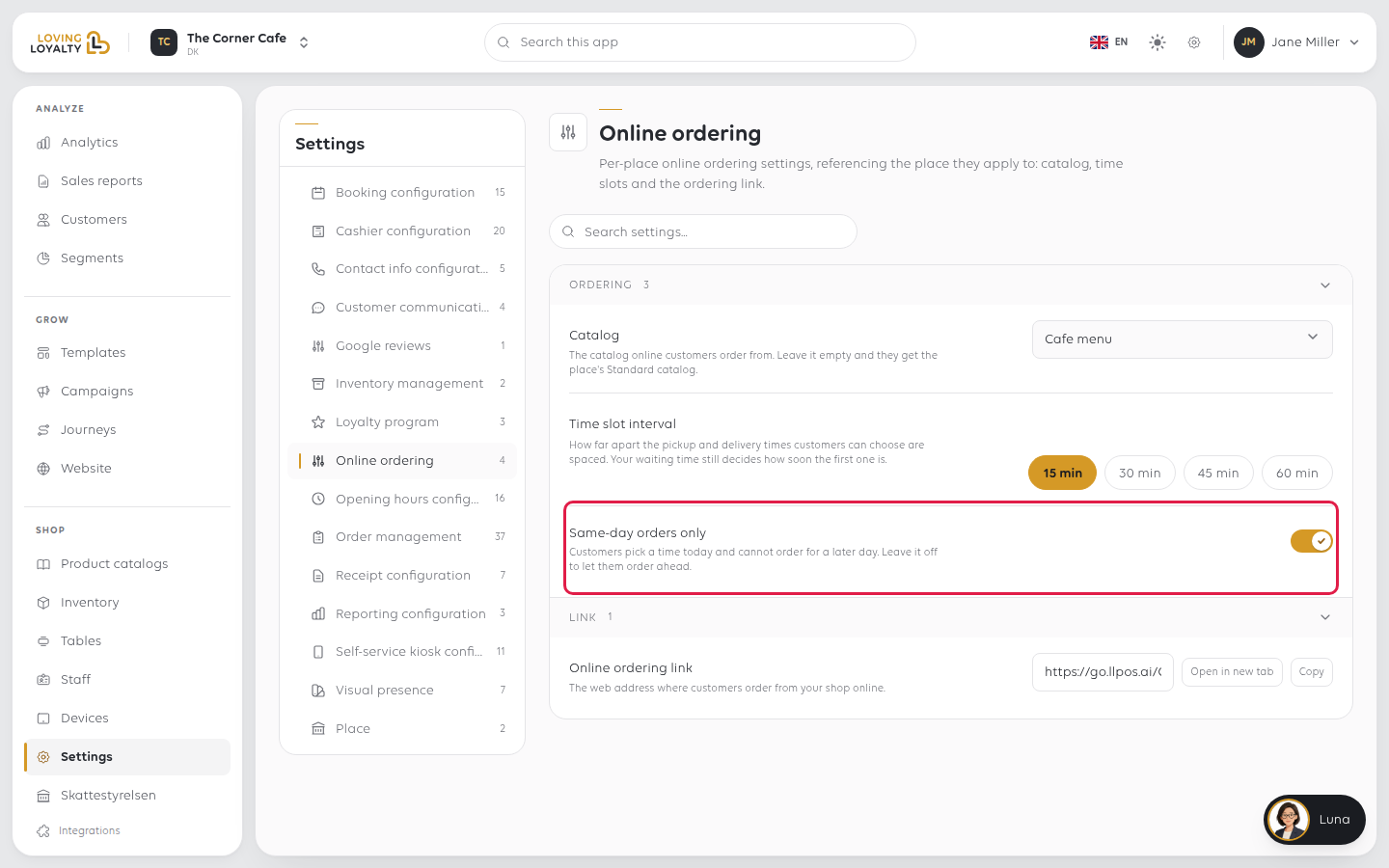
Same-day orders only
Customers pick a time today and cannot order for a later day. Leave it off to let them order ahead.
Online ordering link
Under Link. The web address where customers order from your shop online. You
cannot change it here; use Open in new tab to check it or Copy to share it.
If something goes wrong
| What you see | What it means | What to do |
|---|---|---|
| Online prices are wrong | Online ordering uses the catalog chosen here | Check Catalog |
| Customers pick times you cannot meet | The interval only spaces the times out; waiting time sets the first | Raise your waiting time |
| Someone ordered for next week | Same-day orders only is off | Turn it on to keep orders to today |
Was this article helpful?
Thanks for your feedback!