

 Dansk
 Svenska
 Deutsch
 Norsk bokmål
Loyalty programme settings
Loyalty programme settings
Open the group
Shop → Settings → Loyalty program.
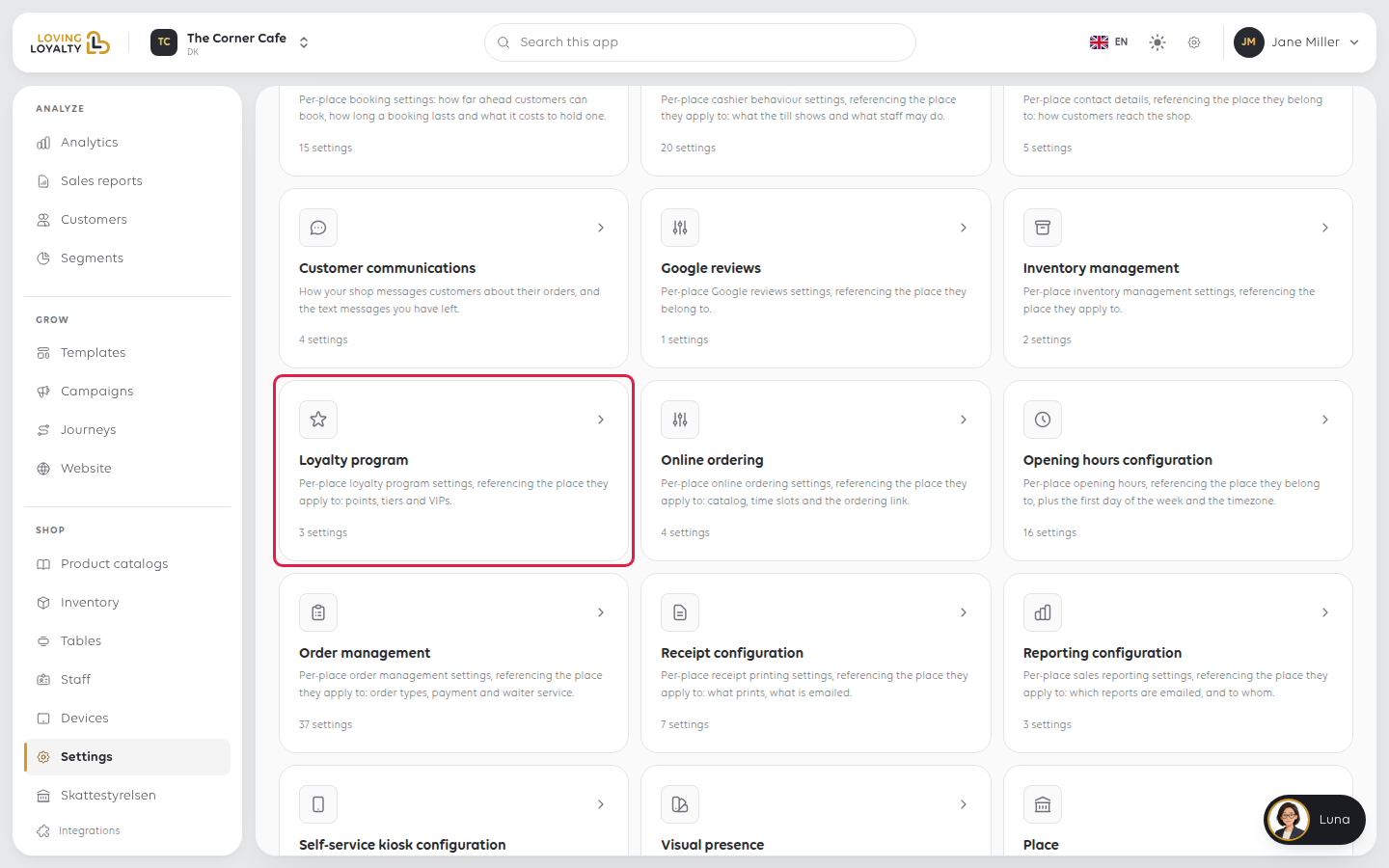
The two switches save as soon as you change them.
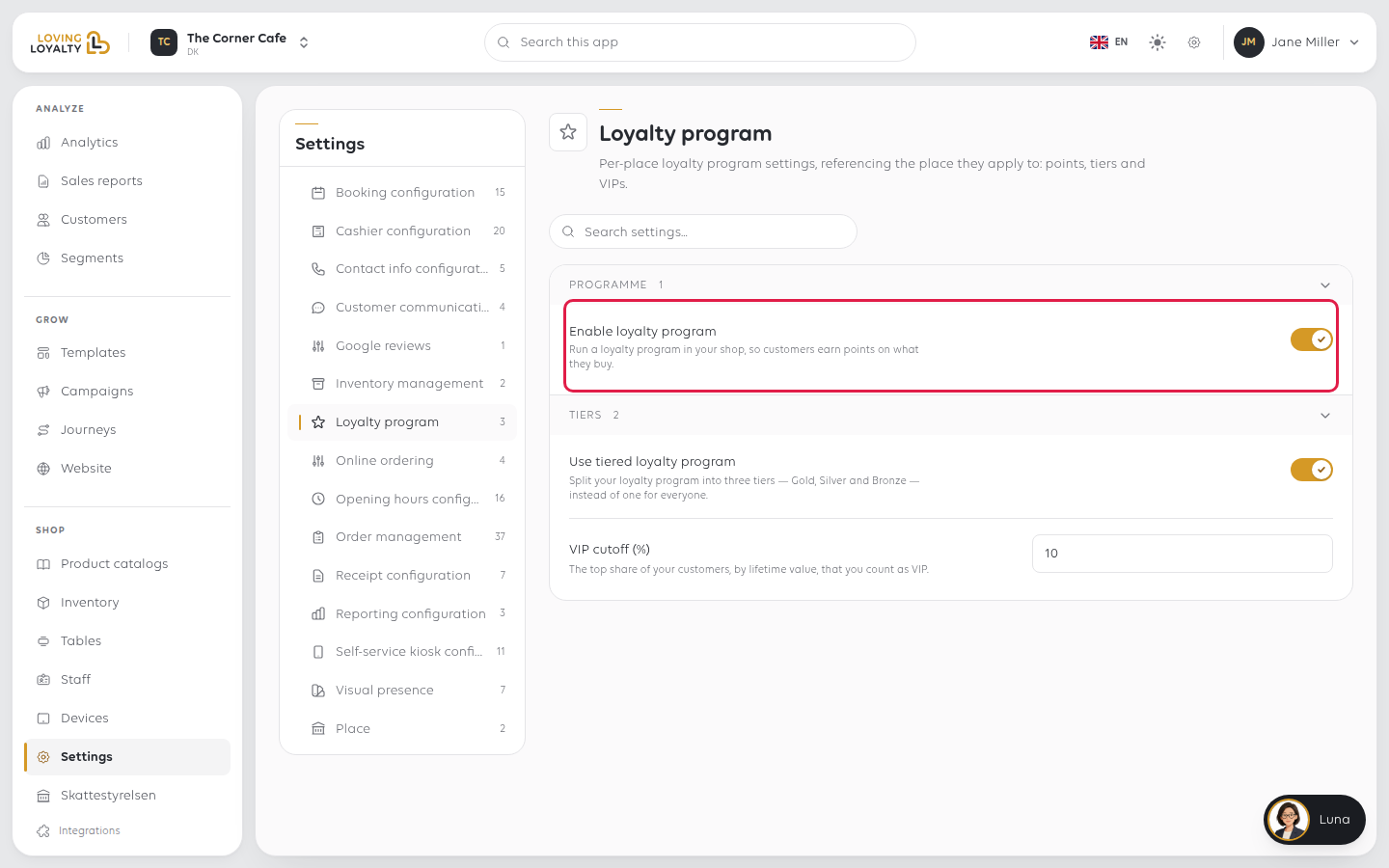
Enable loyalty program
Run a loyalty program in your shop, so customers earn points on what they buy.
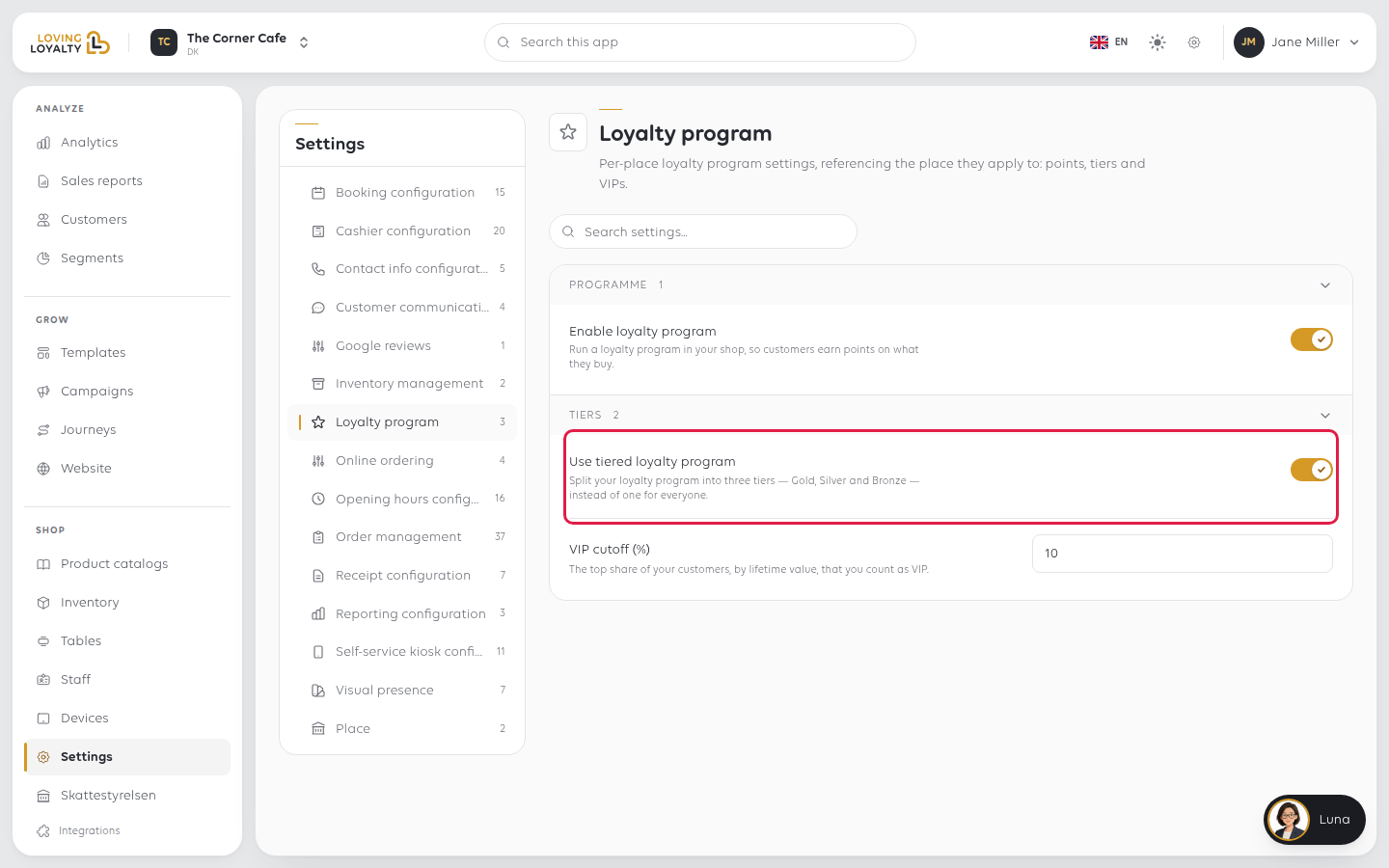
Use tiered loyalty program
Split your loyalty program into three tiers - Gold, Silver and Bronze - instead of one for everyone.
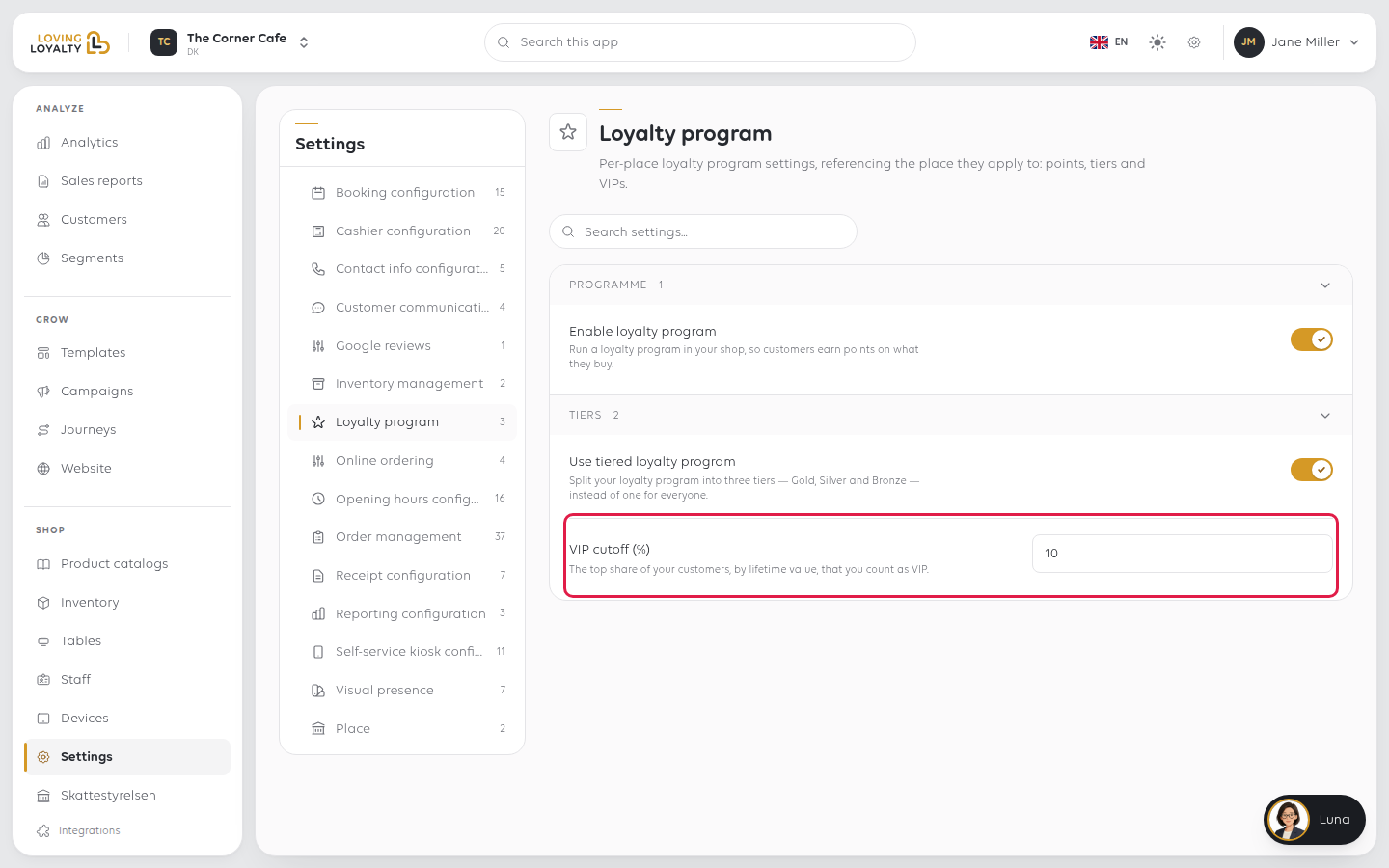
VIP cutoff (%)
The top share of your customers, by lifetime value, that you count as VIP. For
example, 10 makes your top 10% of customers VIPs.
It shows as a row of twenty dots, one for each 5% of your customers, most valuable on
the left, with the VIP share in brass. Click a dot to set the share in 5% steps, or use the
minus and plus buttons beside the number to change it by 1%. Then select Save.
If something goes wrong
| What you see | What it means | What to do |
|---|---|---|
| Customers have no Gold, Silver or Bronze tier | Tiers are not switched on | Turn on Use tiered loyalty program |
| Customers earn nothing | The programme is off | Turn on Enable loyalty program |
| Too many customers count as VIP | The cutoff is too high | Lower VIP cutoff (%) |
Was this article helpful?
Thanks for your feedback!