

 Dansk
 Svenska
 Deutsch
 Norsk bokmål
Contact information
Contact information
Open the group
Shop → Settings → Contact info configuration.
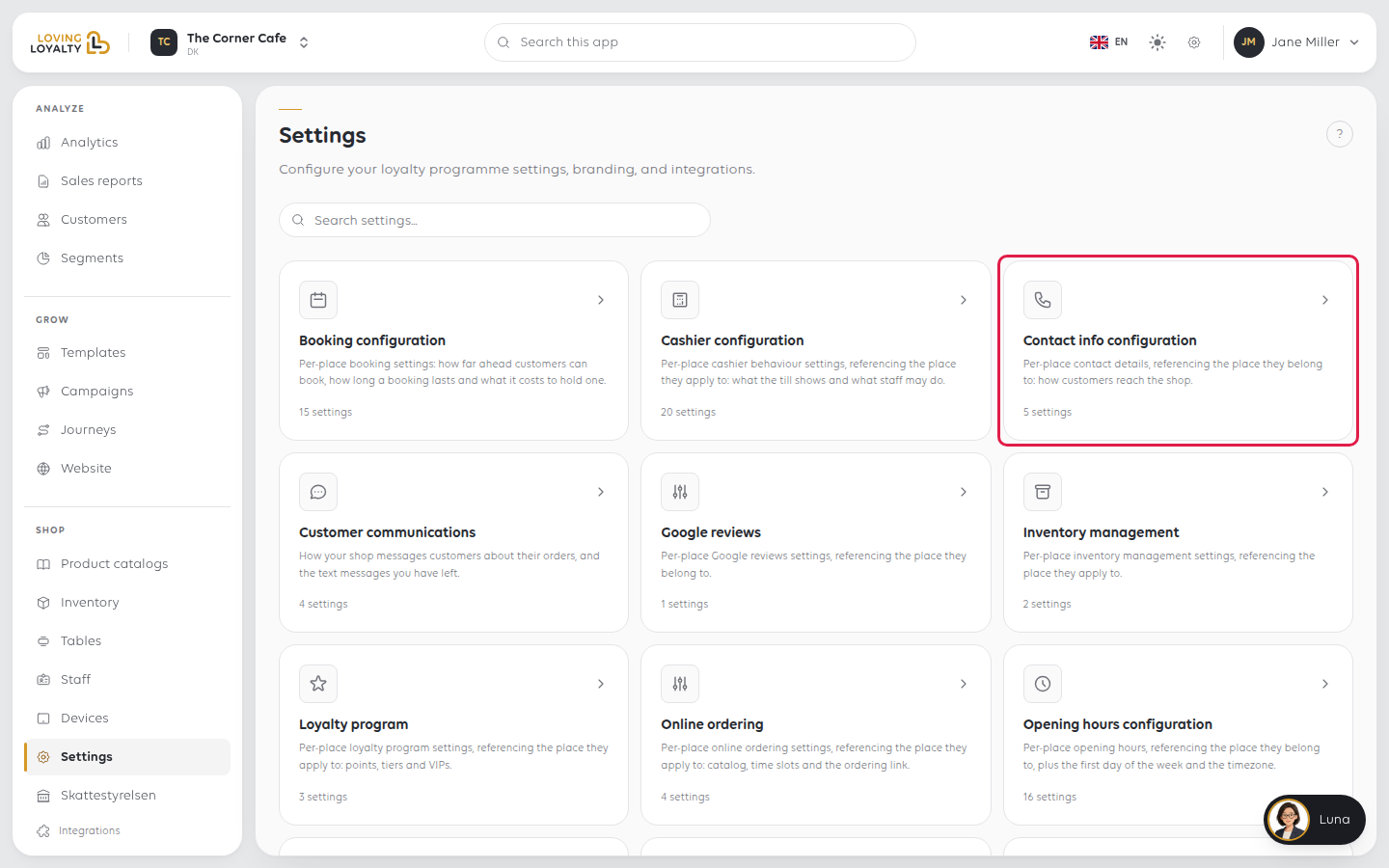
Each field shows Save once you change it. Select it to keep the change.
The email address customers see for your shop. It can differ from your own.
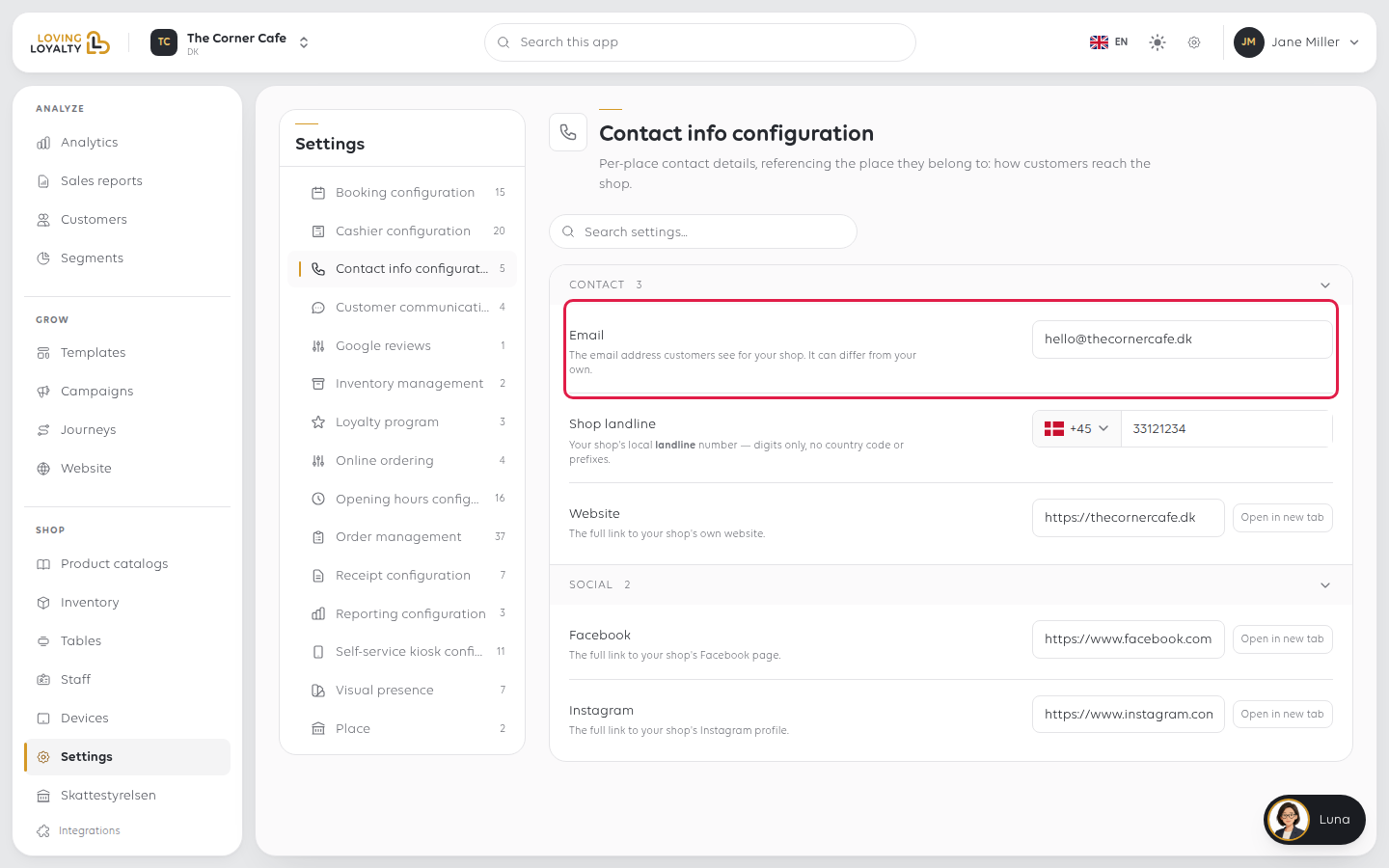
Shop landline
Your shop's landline number. Pick the country from the flag, then type the number.
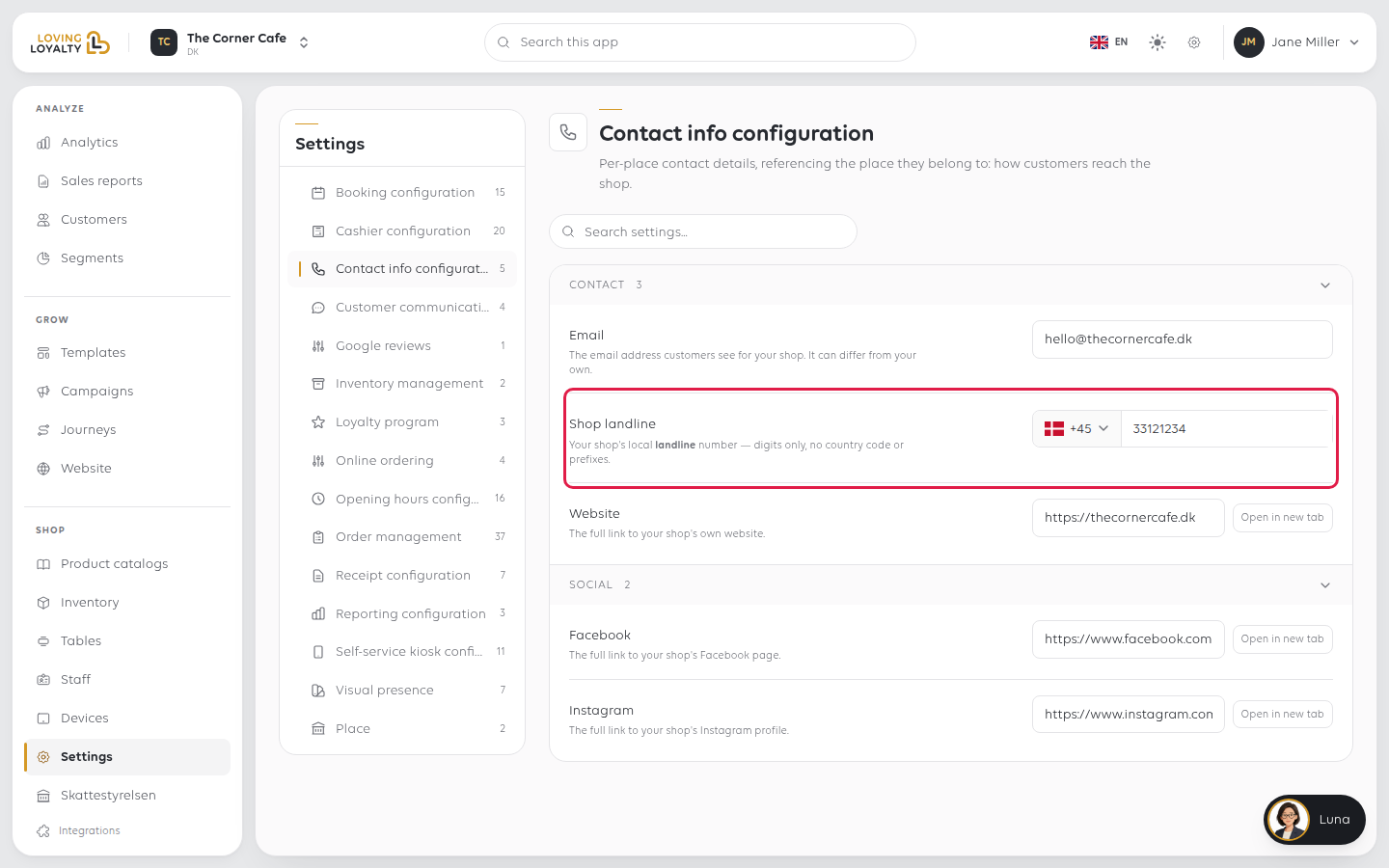
Website
The full link to your shop's own website.
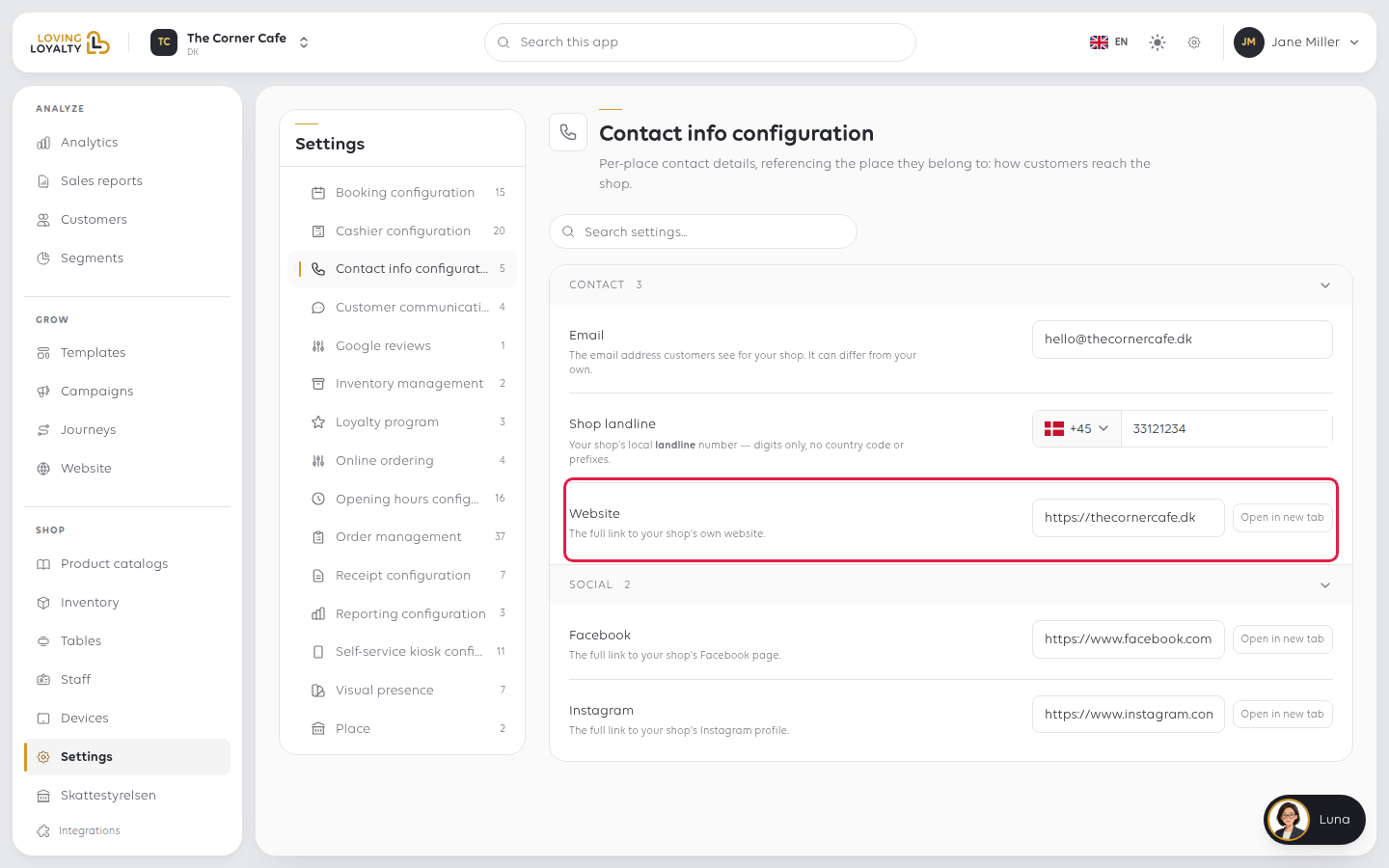
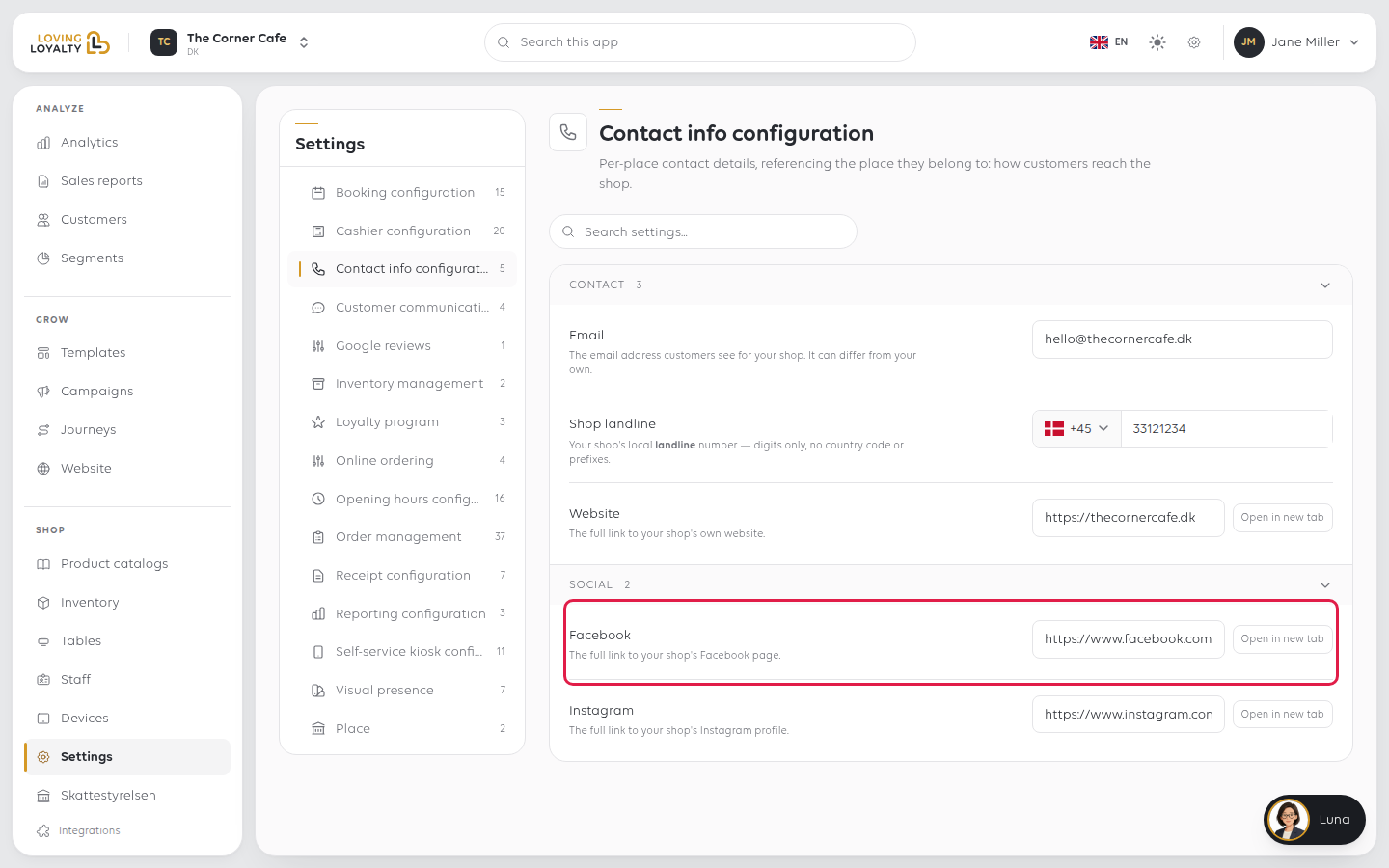
The full link to your shop's Facebook page.
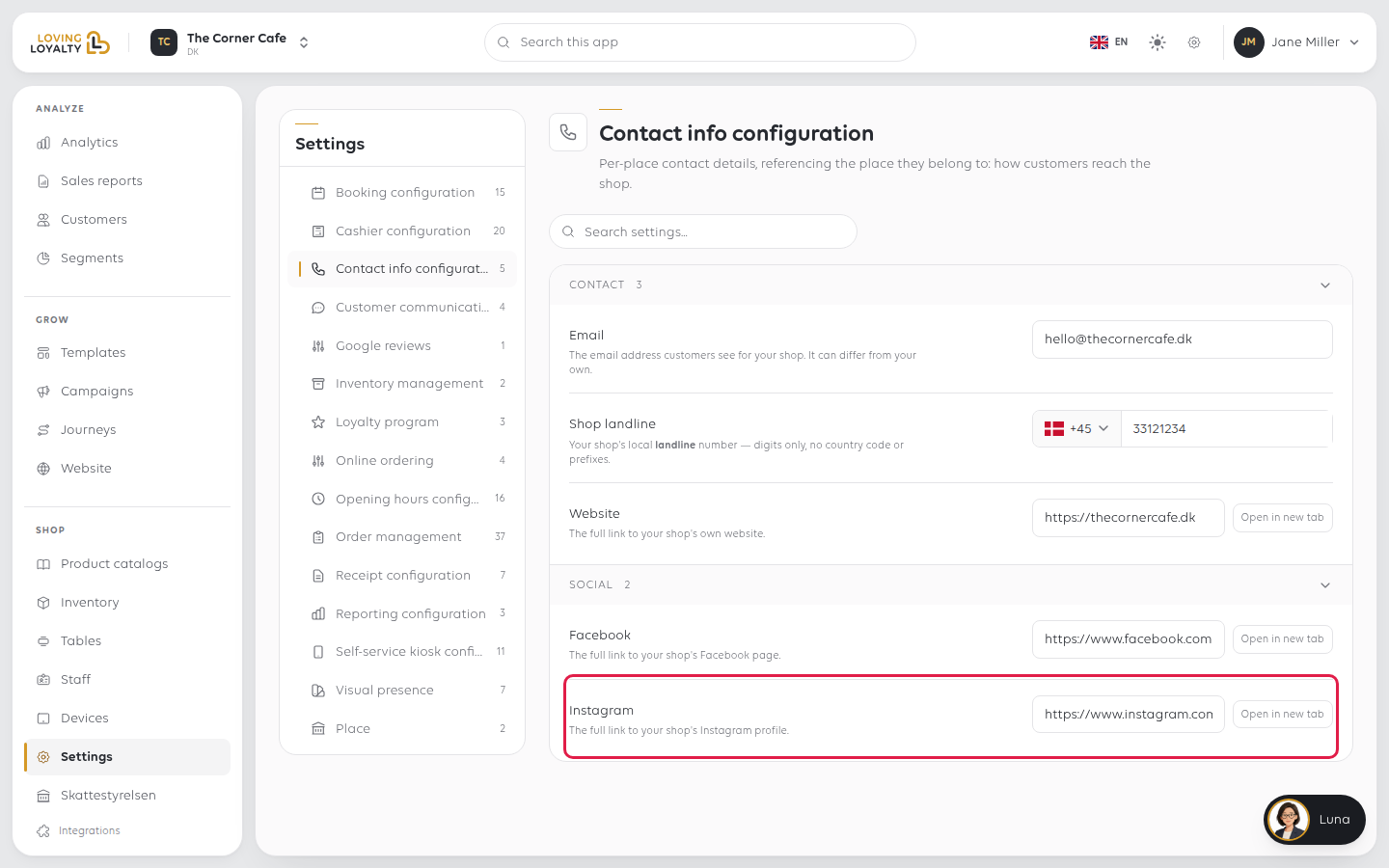
The full link to your shop's Instagram profile.
If something goes wrong
| What you see | What it means | What to do |
|---|---|---|
| A customer reached the wrong inbox | The email here may be a personal one | Use an address the shop reads |
| The phone number does not work | The country code may be duplicated in the field | Pick the country from the flag and type the number without the country code |
| A social link goes to a "page not found" | A username was entered rather than a full link | Paste the whole address, starting with https:// |
Was this article helpful?
Thanks for your feedback!