

 Dansk
 Svenska
 Deutsch
 Norsk bokmål
Customer communications
Customer communications
Open the group
Shop → Settings → Customer communications.
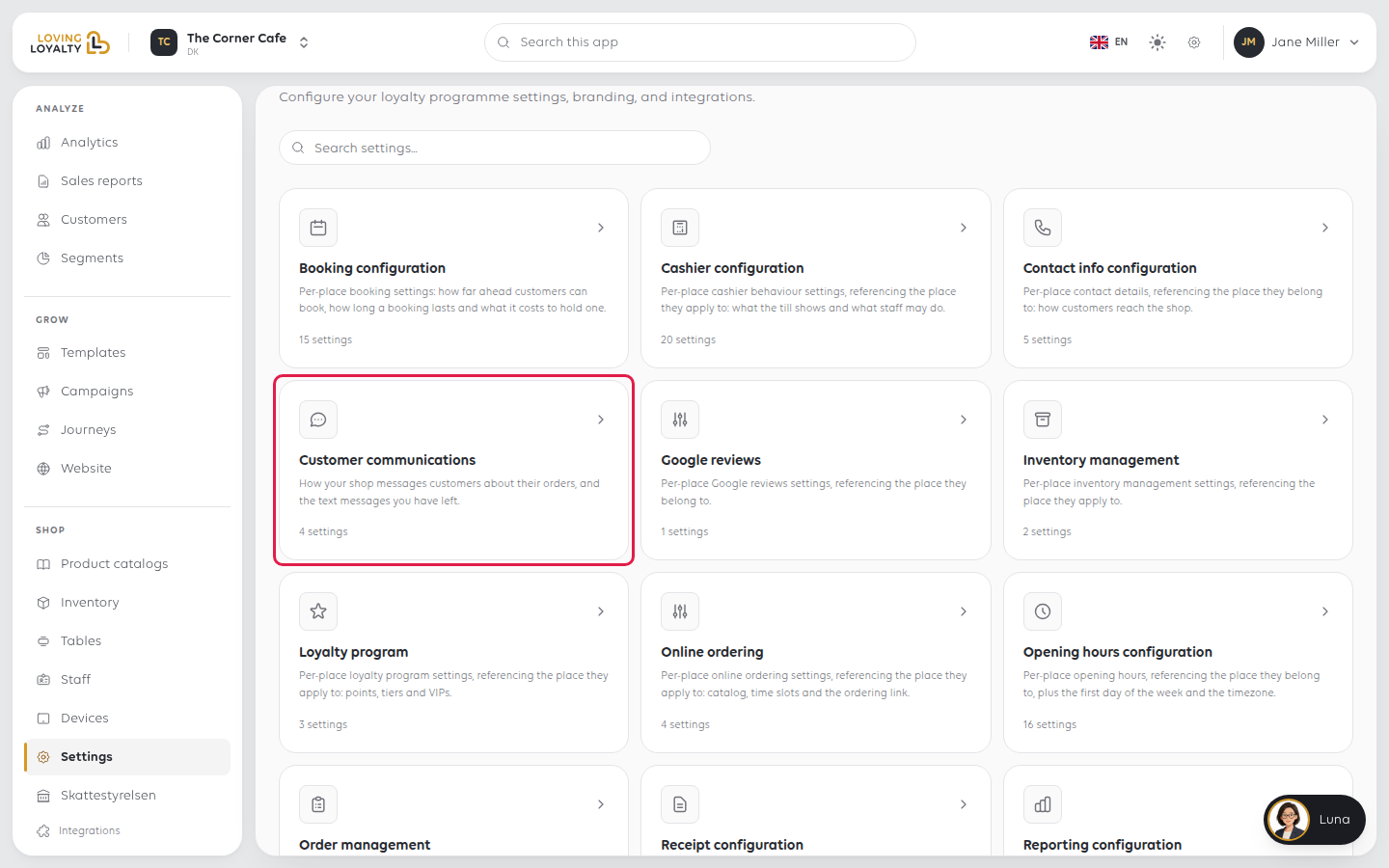
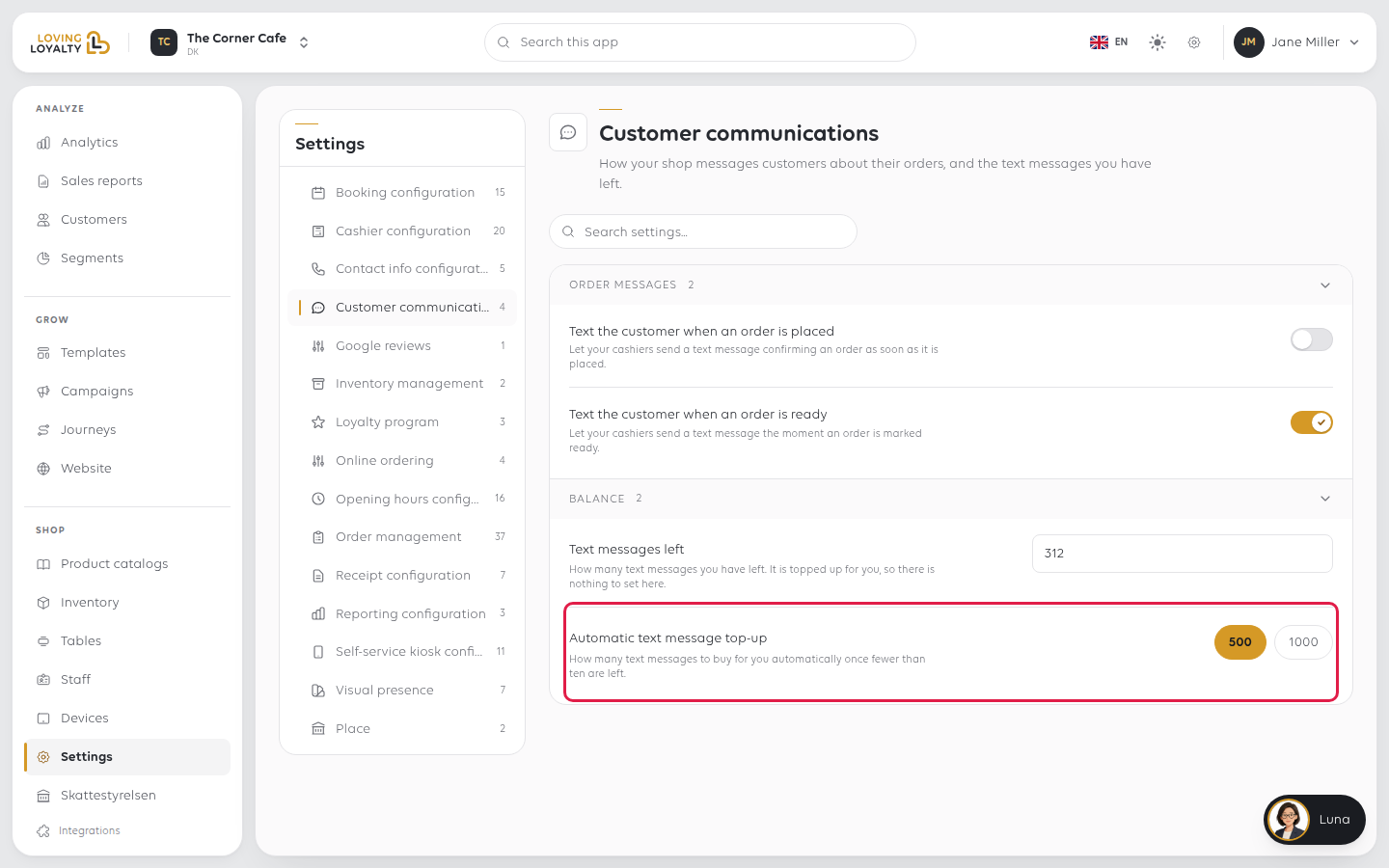
The settings sit in two groups, Order messages and Balance. Switches and
choices save as soon as you change them.
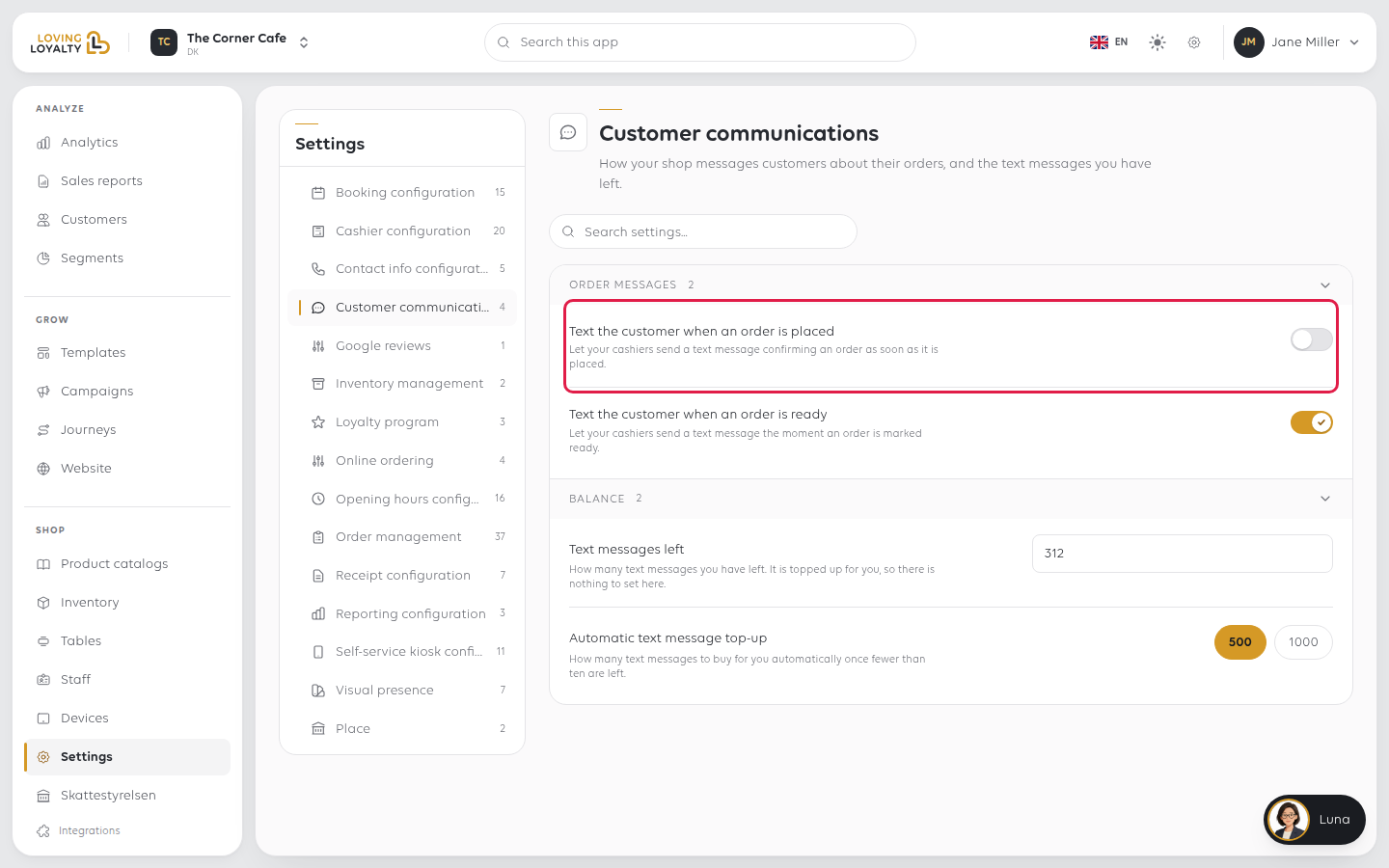
Text the customer when an order is placed
Under Order messages. Let your cashiers send a text message confirming an order as soon as it is placed.
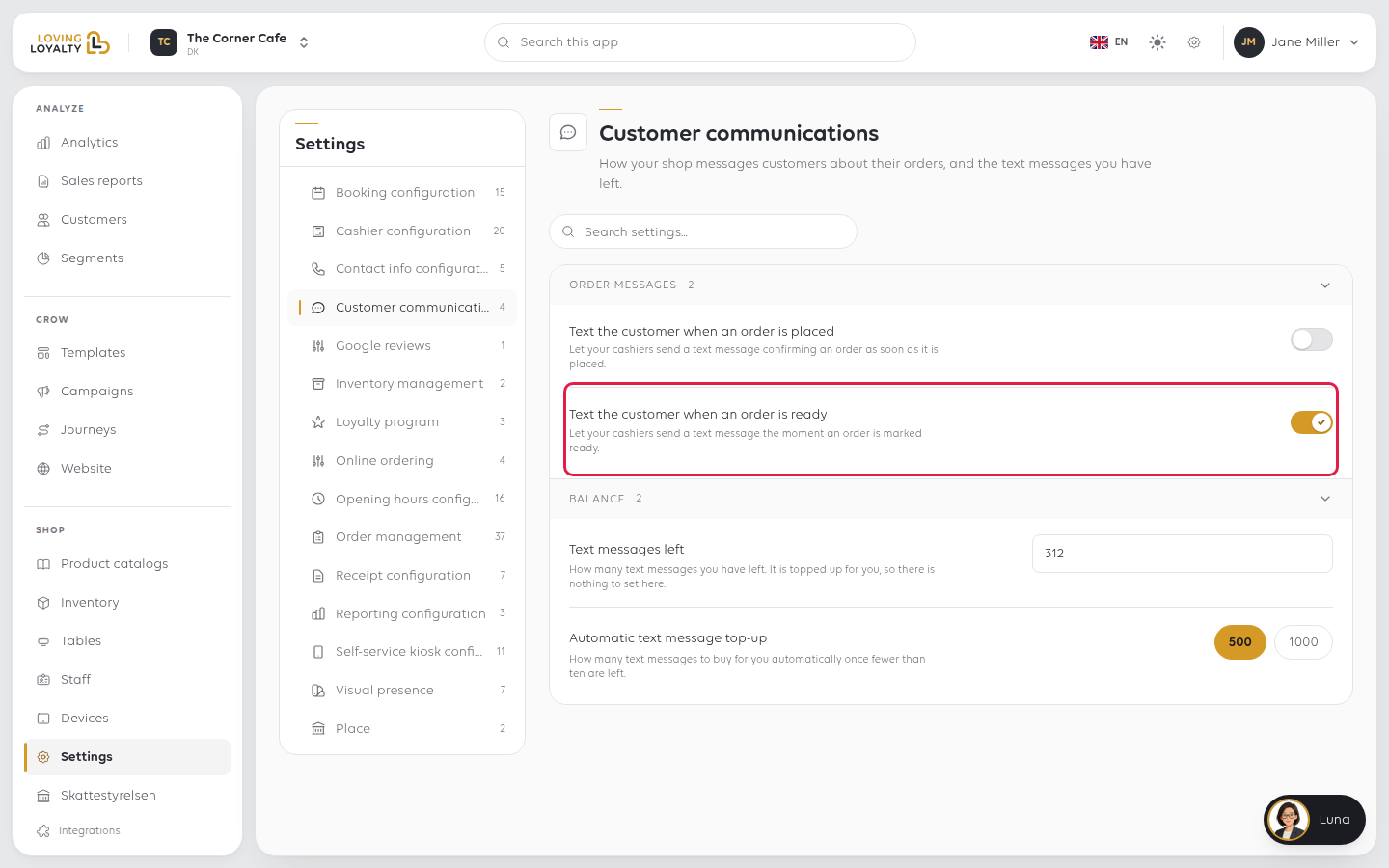
Text the customer when an order is ready
Let your cashiers send a text message the moment an order is marked ready.
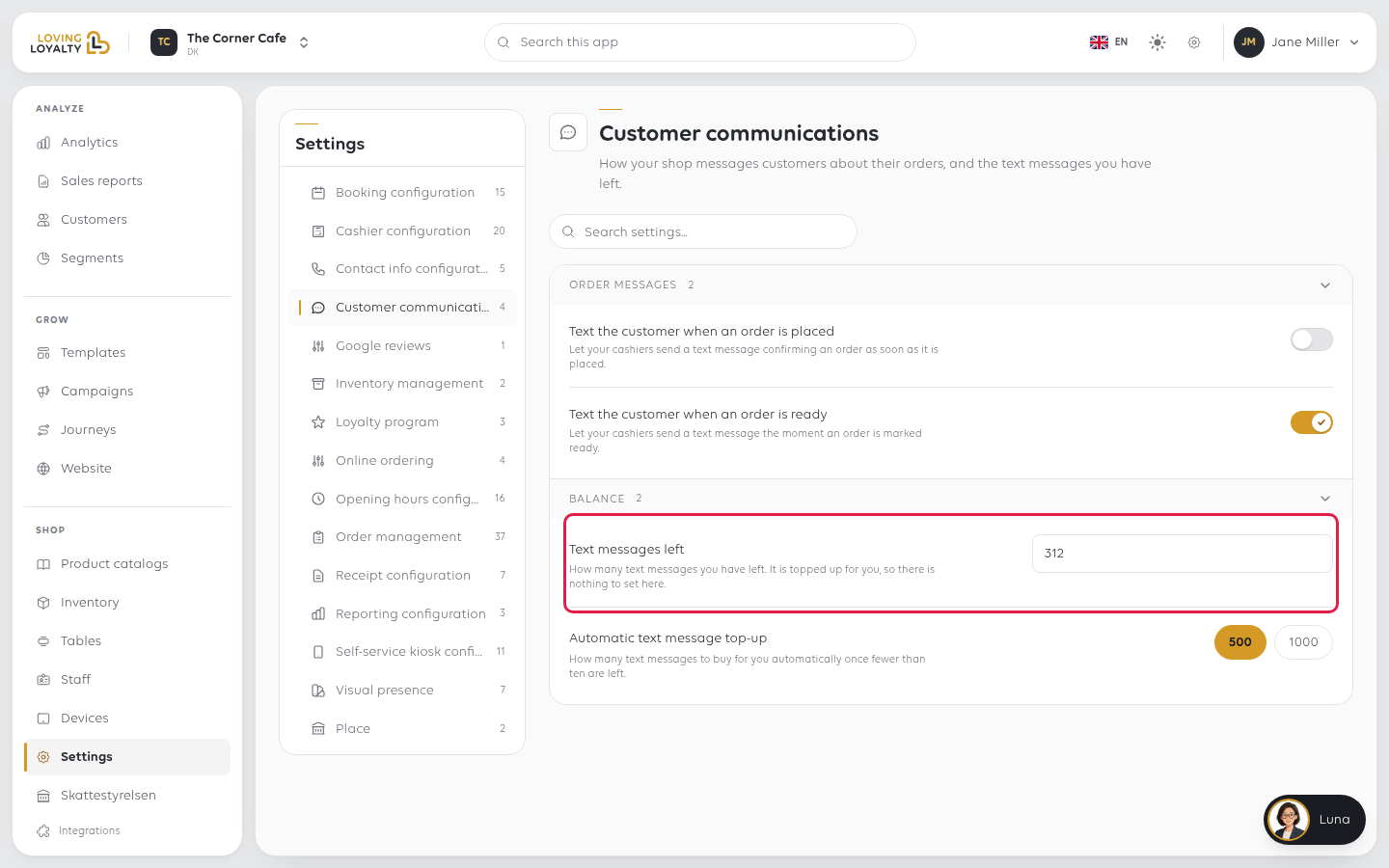
Text messages left
Under Balance. How many text messages you have left. You do not set this - it goes
down as messages are sent and up when more are bought.
Automatic text message top-up
How many text messages to buy automatically once fewer than ten are left. Pick
500 or 1000.
If something goes wrong
| What you see | What it means | What to do |
|---|---|---|
| Customers are not getting texts | The switch may be off, or no messages are left | Check both here |
| The balance keeps running down fast | Two messages per order, if both settings are on | Turn one off, or pick the larger top-up |
| A cashier cannot send a text | The setting for that moment is off | Turn on the switch for placed, ready, or both |
Was this article helpful?
Thanks for your feedback!