

 Dansk
 Svenska
 Deutsch
 Norsk bokmål
Google reviews settings
Google reviews settings
Open the group
Shop → Settings → Google reviews.
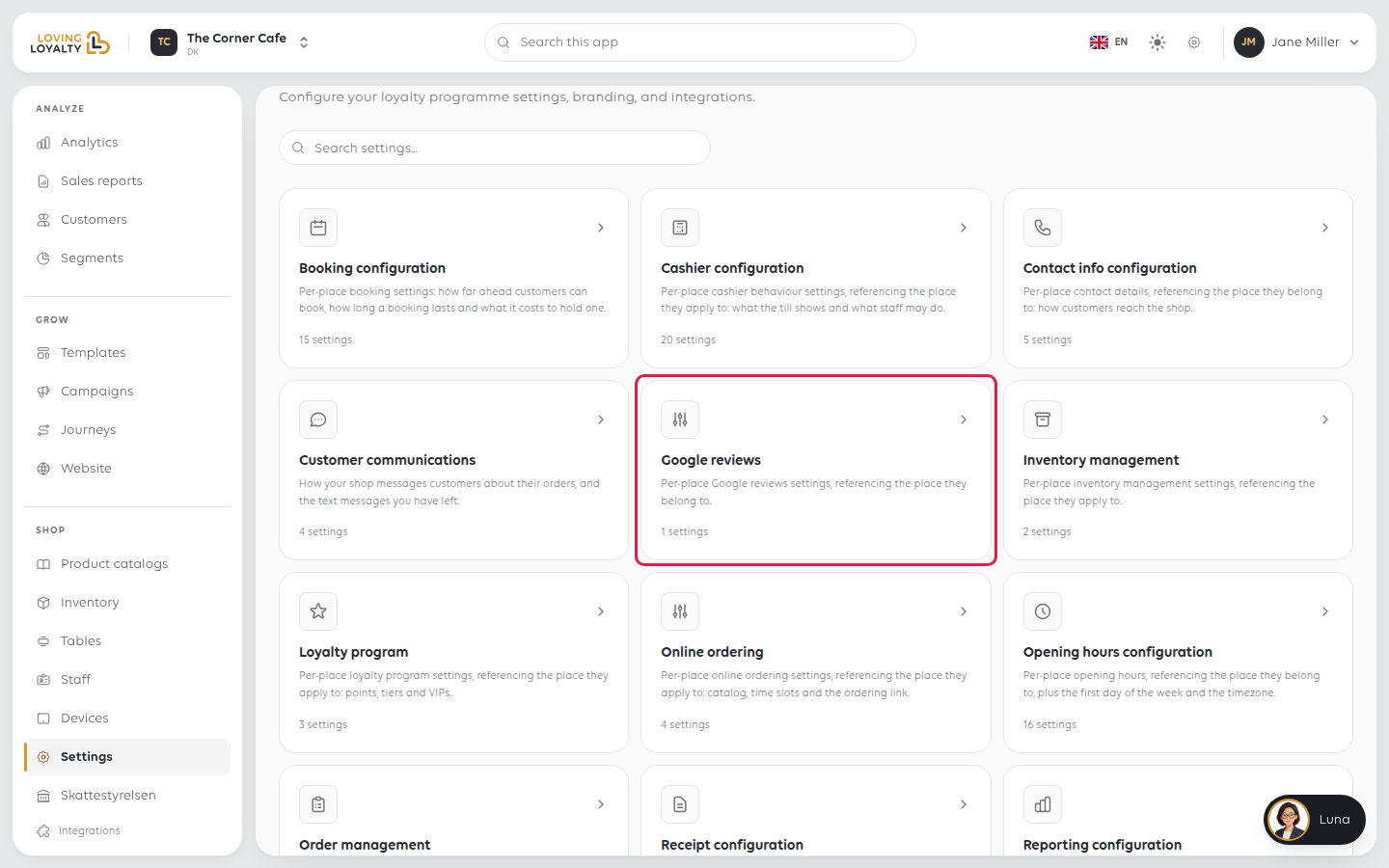
The group holds one setting, under Reviews.
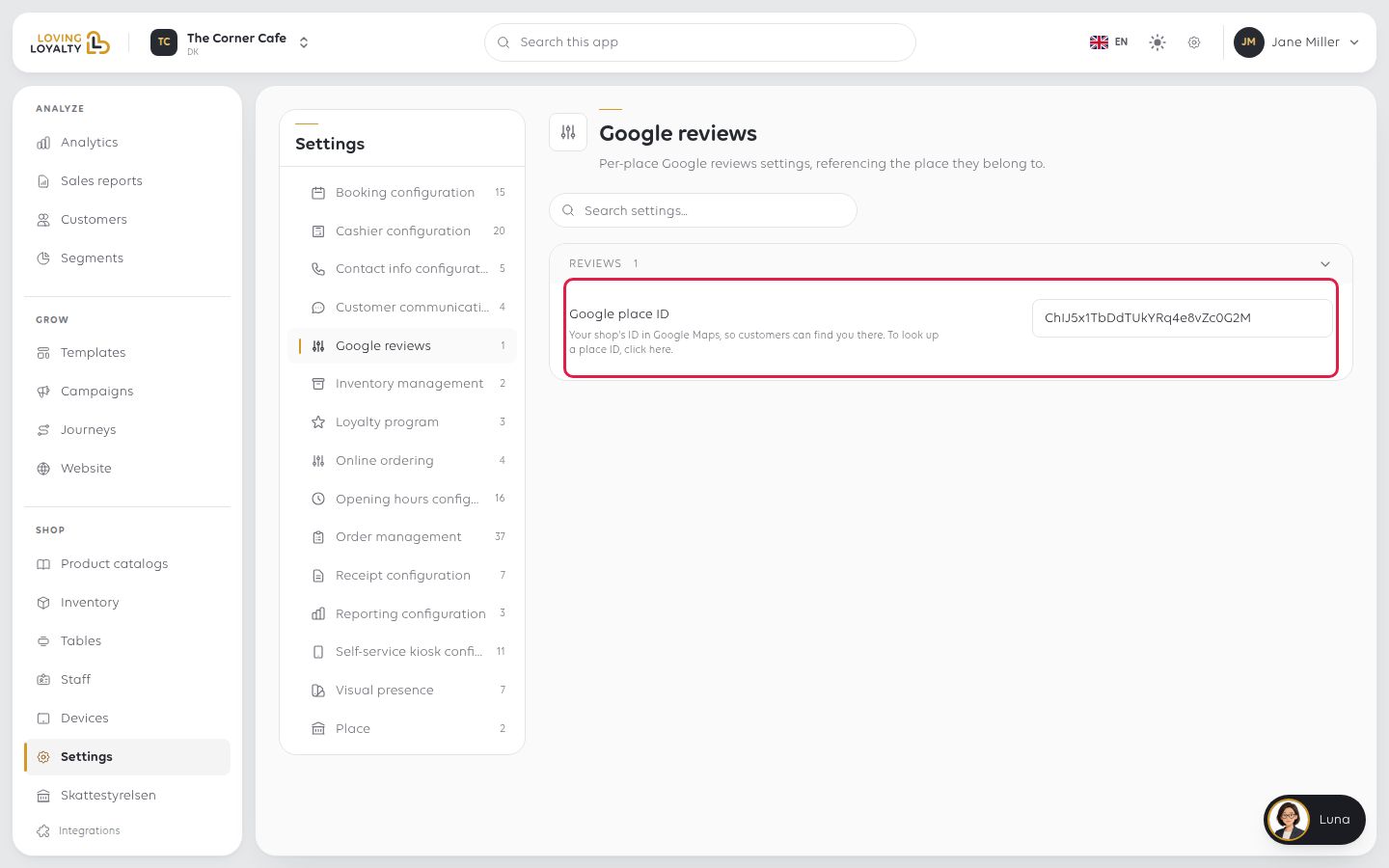
Google place ID
Your shop's ID in Google Maps, so customers can find you there. If you do not know
it, use the click here link under the setting to look it up, then paste it into
the field. Select Save next to the field, or press Enter, to keep it.
If something goes wrong
| What you see | What it means | What to do |
|---|---|---|
| Nothing appears to happen after setting it | The ID only tells Google which shop is yours | Check the reviews add-on is on your plan |
| Customers are sent to the wrong place | The ID is wrong | Look it up with the click here link and paste it in again |
Was this article helpful?
Thanks for your feedback!
