

 Dansk
 Svenska
 Deutsch
 Norsk bokmål
Inventory management settings
Inventory management settings
Open the group
Shop → Settings → Inventory management.
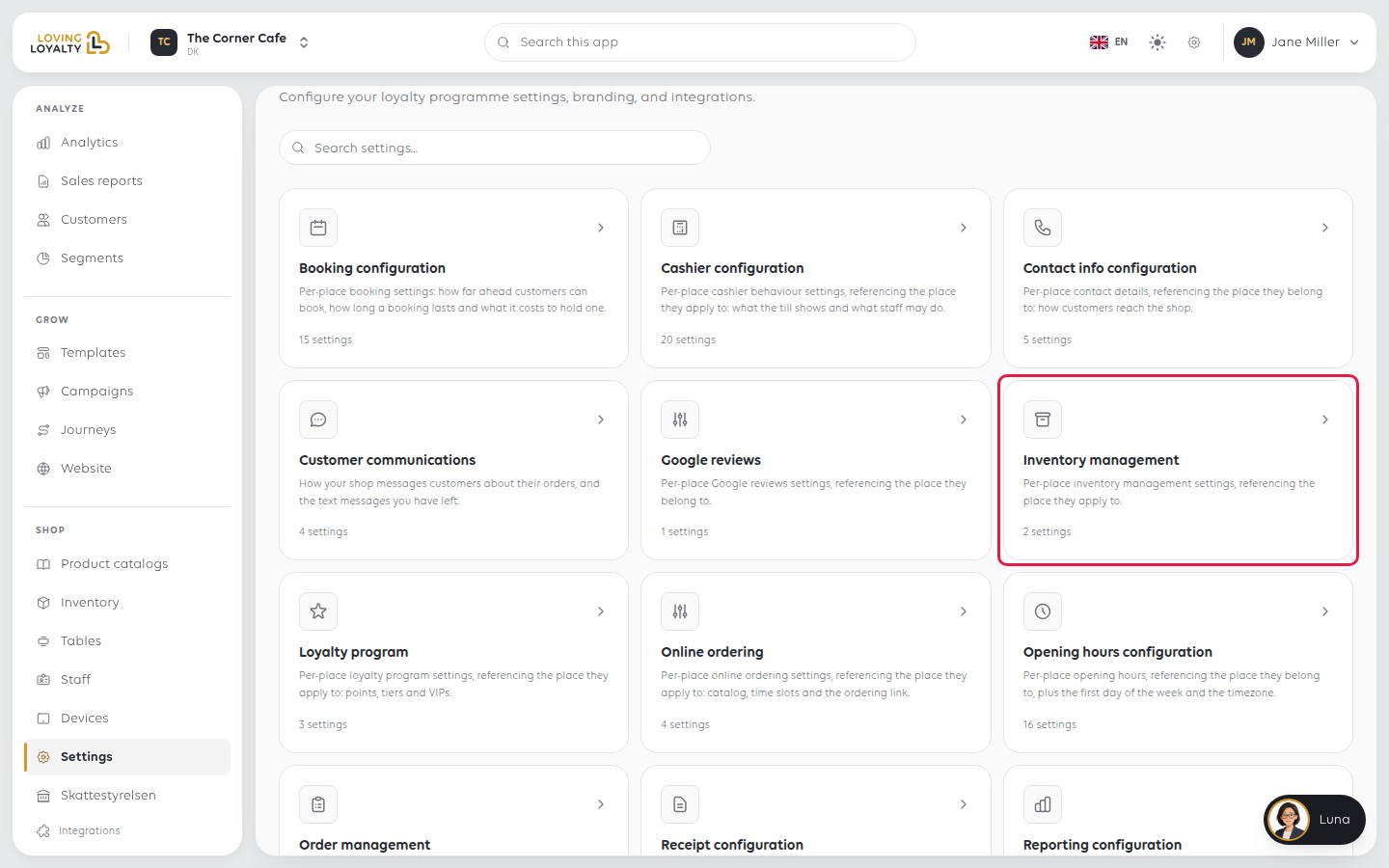
Both settings are switches.
Active
Shows whether inventory is part of your plan. It is on when it is, and you cannot
change it here.
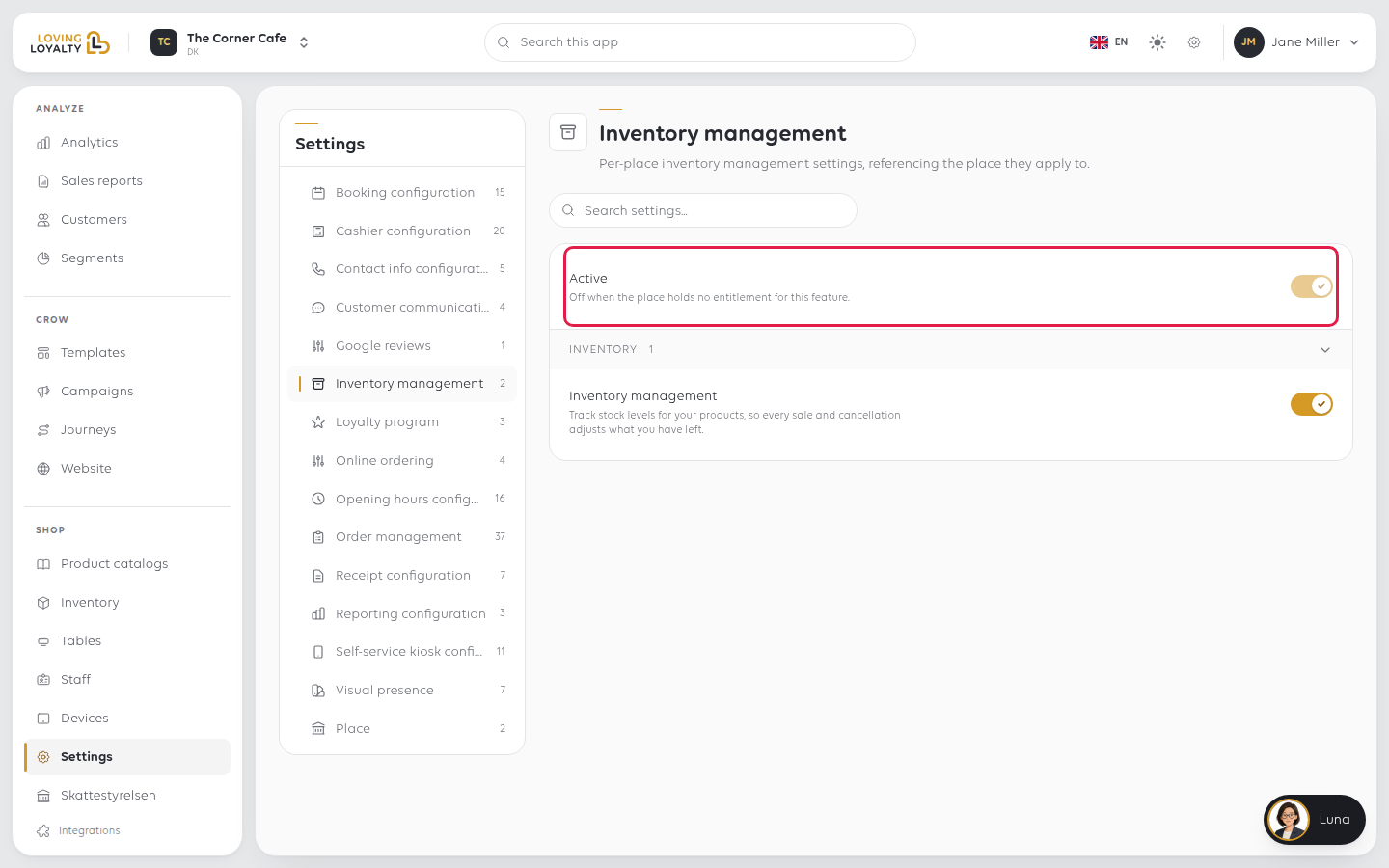
Inventory management
Under Inventory. Turn it on to track stock levels for your products, so every
sale and cancellation adjusts what you have left. It saves as soon as you switch it.
If something goes wrong
| What you see | What it means | What to do |
|---|---|---|
| Active is off | Inventory is not on your plan | Check the plan - see Your plan and invoices |
| Everything reads out of stock | Tracking is on but no stock has been entered | Enter your stock levels under Inventory |
| Stock never changes | Tracking is off | Turn on Inventory management |
Was this article helpful?
Thanks for your feedback!
