

 Dansk
 Svenska
 Deutsch
 Norsk bokmål
Ring up an item that is not in the catalogue
Ring up an item that is not in the catalogue
Sometimes you have to take money for something the till does not know about: a
one-off, a special, something that has not been added to the catalogue yet. The
Unspecified button takes an amount without an item behind it.
Take the money
On the home screen, tap Unspecified at the bottom.
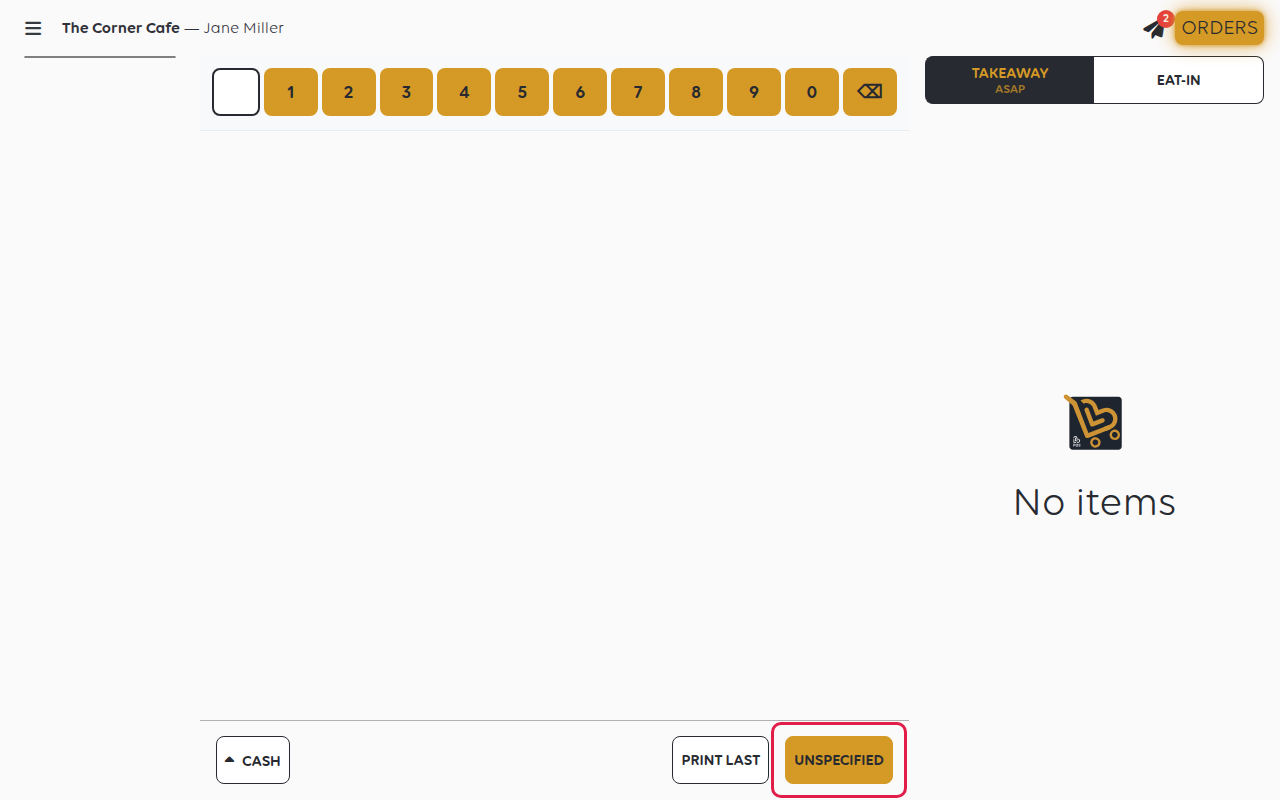
A keypad opens, titled Add unspecified. Type the price and tap Add. It joins
the basket like any other line, and the order is paid for normally.
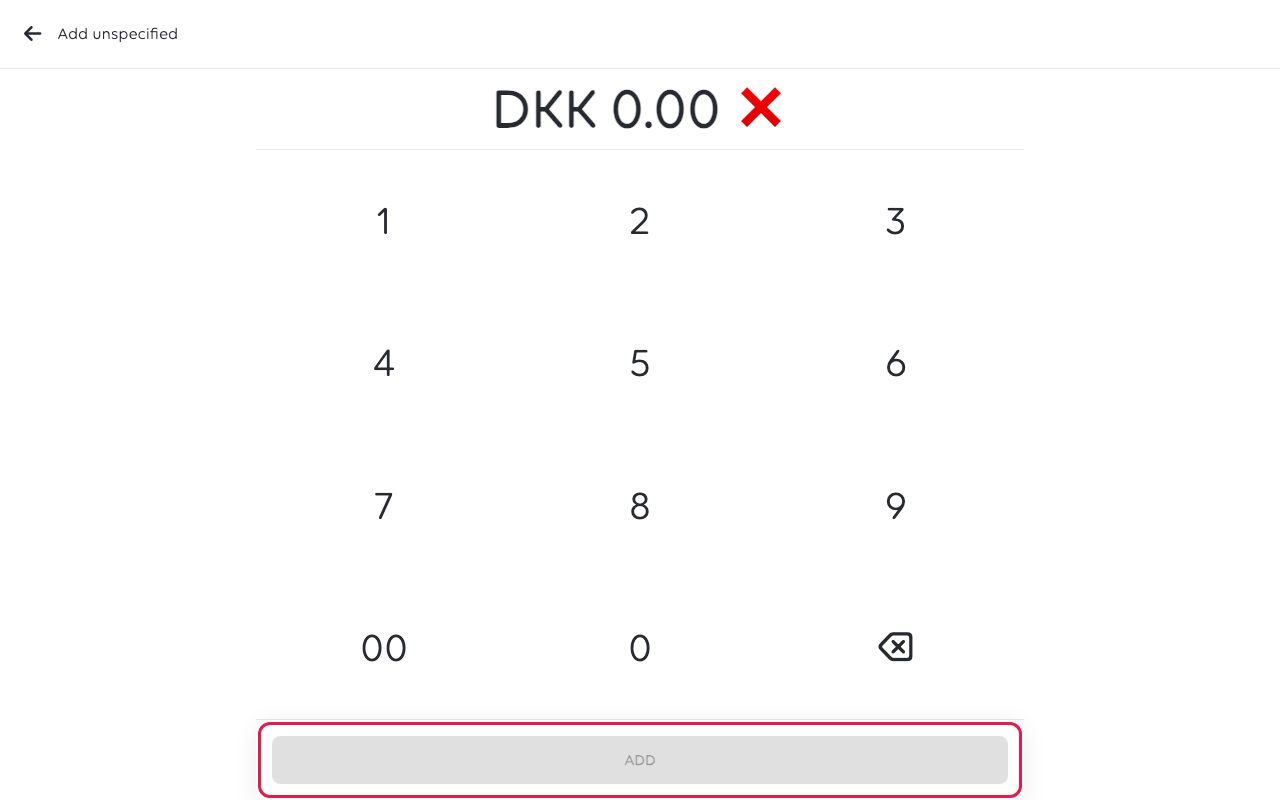
How you type the amount is a shop setting. Either you type it as written, with a
comma before the øre, or the keypad fills from the right in øre, so 1, 5, 0 is
DKK 1.50, not DKK 150. Check the basket line before taking payment.
Was this article helpful?
Thanks for your feedback!
