

 Dansk
 Svenska
 Deutsch
 Norsk bokmål
Order types: eat-in and takeaway
Food and drink shops choose how each order is being taken, because it changes where
the order goes and how it is reported. The choice sits at the top of the basket and
belongs to the order, so make it before placing.
Only one order type? You will not see the tabs. A shop that offers just one of
Takeaway, Eat-In and Delivery records every order that way, so there is
nothing to choose.
Before you start - the basket has something in it. See Take an order and get paid.
Takeaway
Tap Takeaway. Under the label the till shows when the order is wanted - ASAP
unless you set a time. Which type is selected when a new order starts is a shop
setting.
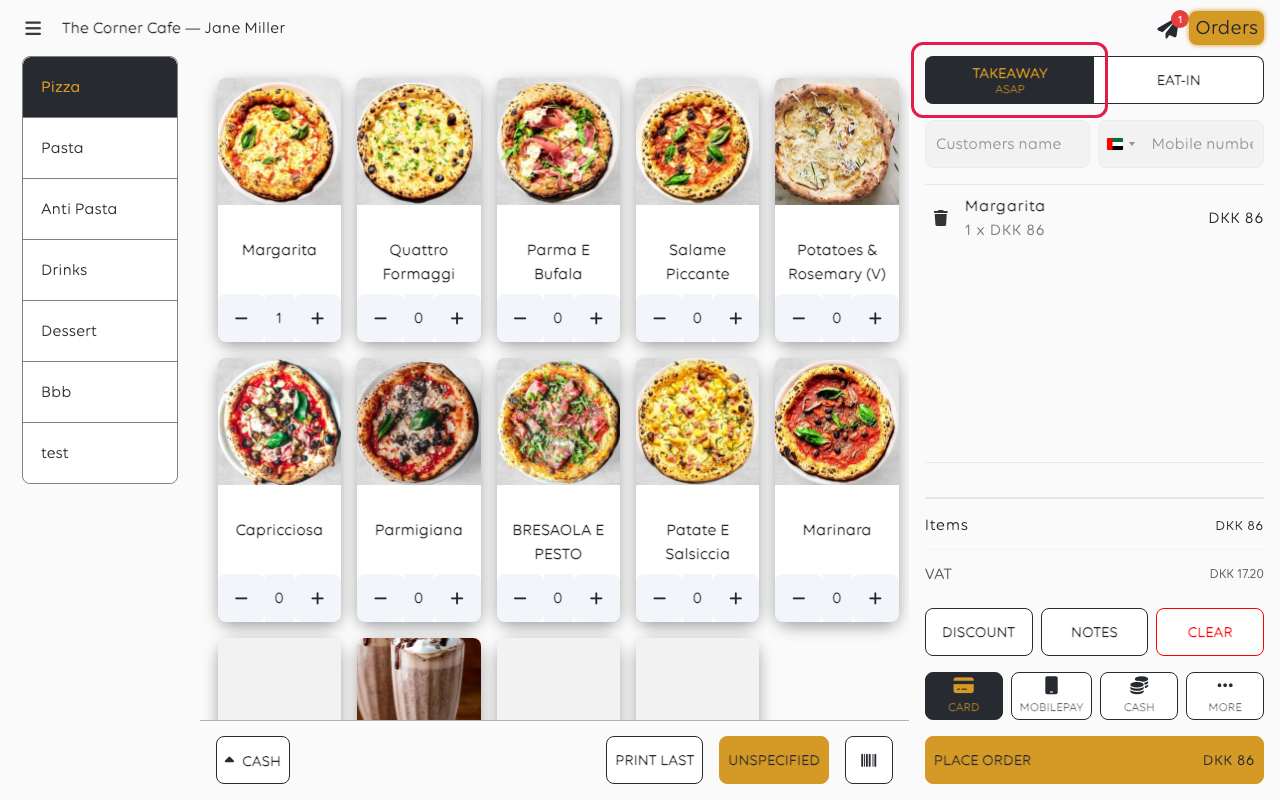
Set a collection time
With Takeaway already selected, tap it again. Select pickup time opens:
ASAP first, then every half hour the shop is open that day. Pick a time for an
order being collected later; leave it on ASAP for someone waiting at the counter.
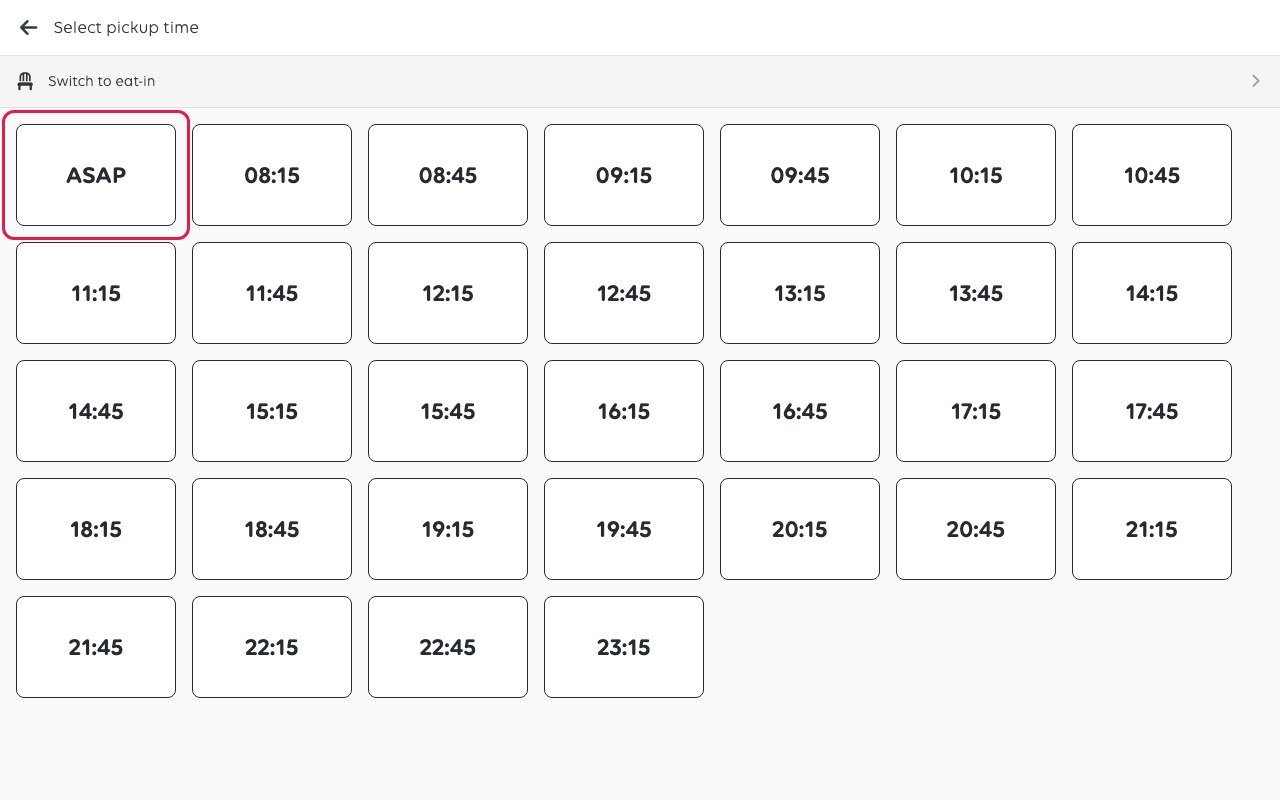
The times only open if the shop allows orders to be collected later. Otherwise the
tab just stays on ASAP.
Eat-in
Tap Eat-In for a customer staying. The tab highlights to show the order type has
changed.
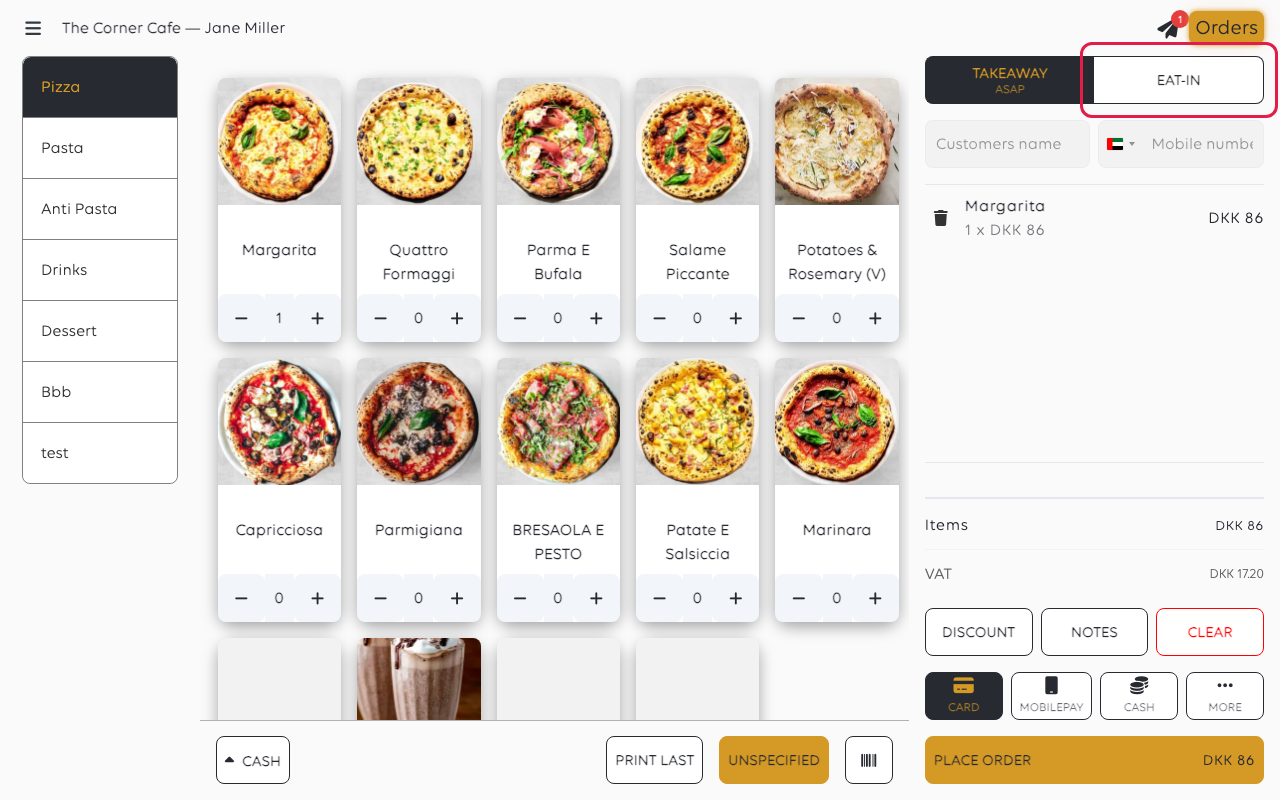
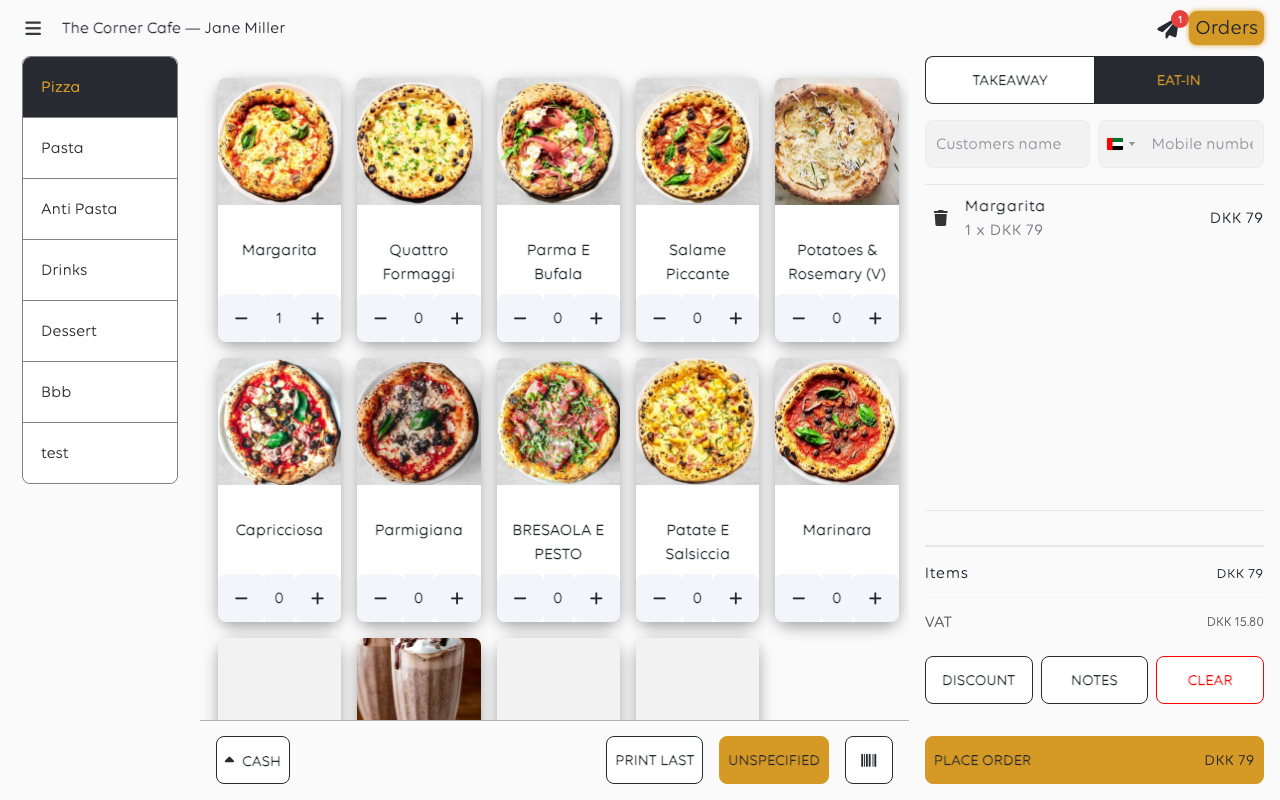
Tap Eat-In again and Select table opens, so you can put the order on a table.
To start from the room instead, see Serve a table.
Changing your mind
If the order already has a table, a pickup time or a delivery address and you tap
another type, the till asks before it drops it. The items stay in the basket.
If something goes wrong
| What you see | What it means | What to do |
|---|---|---|
| The order has the wrong type | It was placed before the tab was changed | Change it on the order in the orders list |
| There are no tabs at all | The shop offers only one order type | Nothing to do; every order is recorded the same way |
Was this article helpful?
Thanks for your feedback!
