

 Dansk
 Svenska
 Deutsch
 Norsk bokmål
Pay money out of the drawer
Money leaves the drawer for reasons that are not sales: paying a supplier in cash,
taking the day's takings to the safe, or paying money onto a customer's card.
Recording each one is what keeps the drawer and the reports agreeing.
Before you start
- For cash, a cash balance is open. If one is not, the till offers to open one when you submit.
- Money In/Out is turned on for your shop. If it is not in the CASH menu, ask your manager.
Which one to use
All of these live behind CASH on the home screen.
| Use | When |
|---|---|
| Money In/Out | Money leaves or enters the drawer for its own reasons - paying a supplier, adding a float, moving takings to the safe |
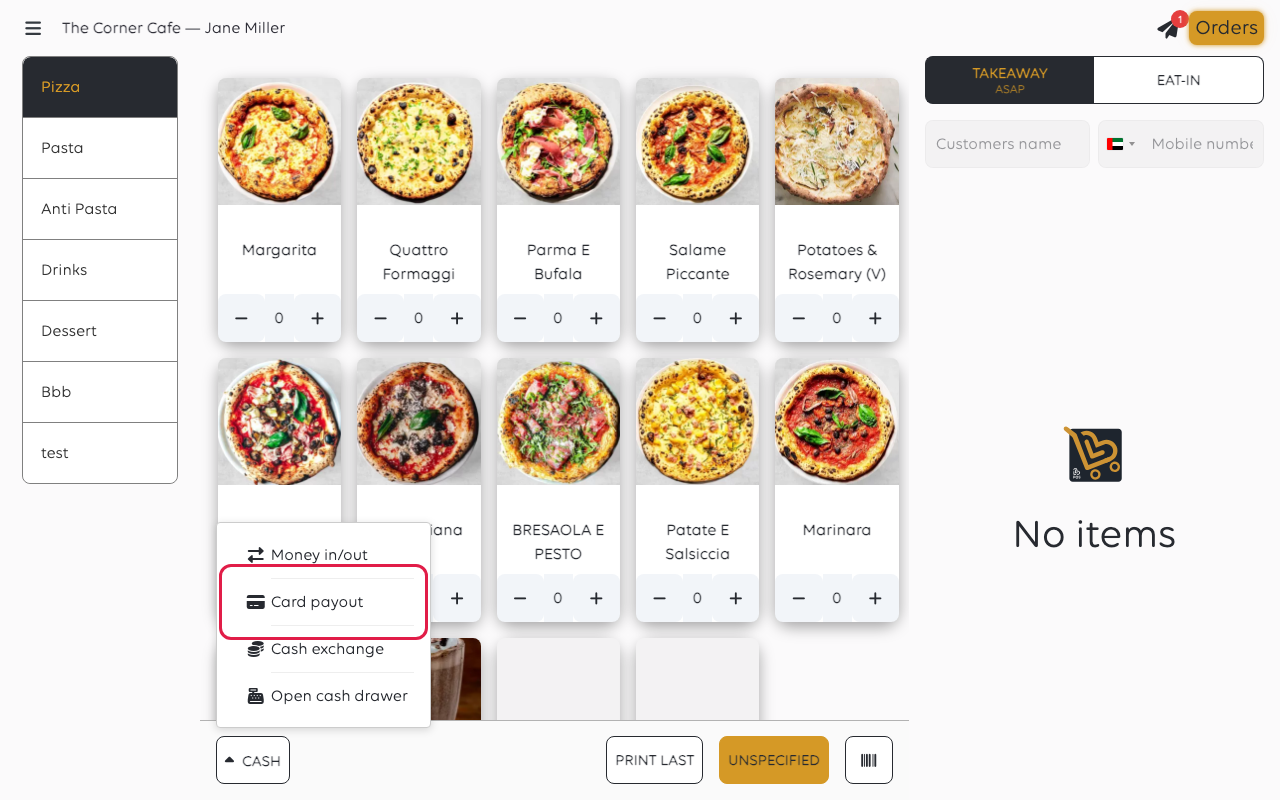
| Card payout | You pay money onto the customer's card on the terminal |
| Cash Exchange | The customer pays by card and takes the same amount in cash - see Exchange cash |
Money in and out, step by step
Tap CASH, then Money In/Out.
1. The amount
A keypad titled Enter cash amount opens. Type the amount and tap CONTINUE.
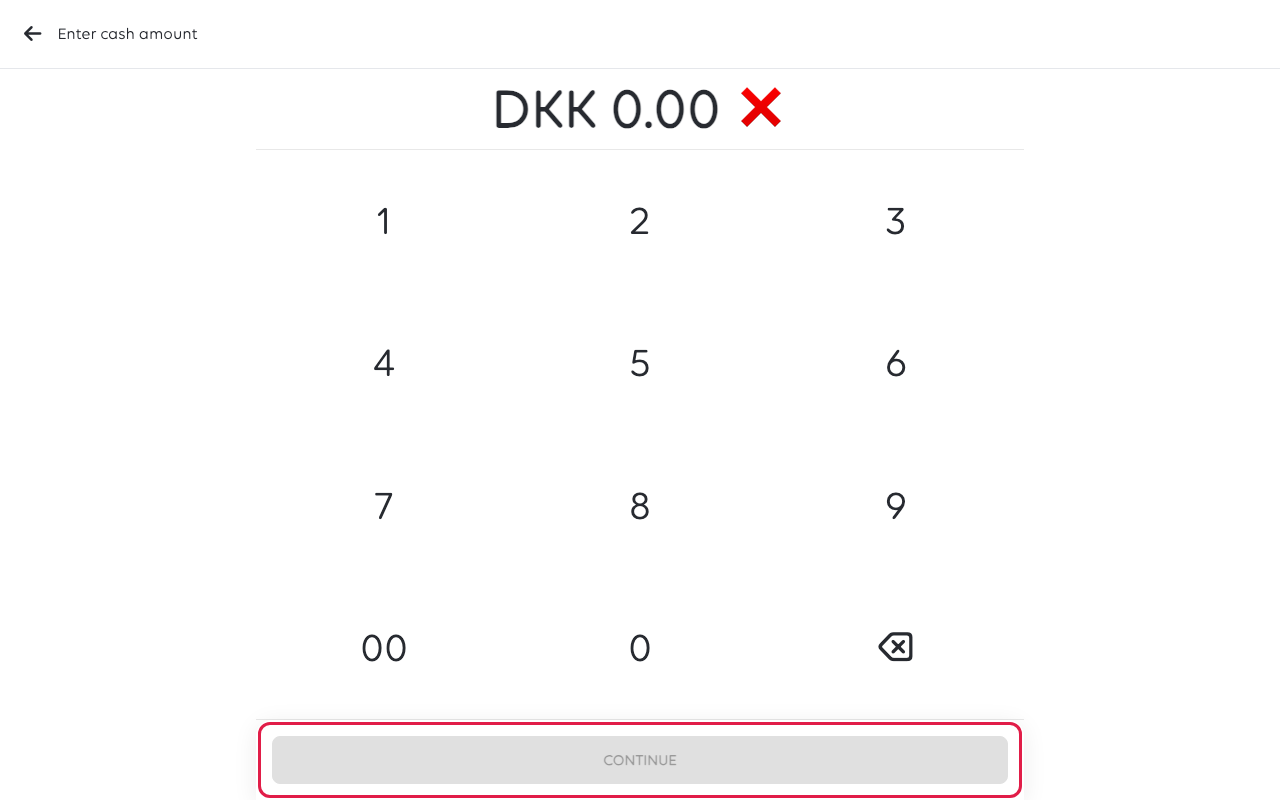
The keypad fills from the right, in the smallest unit of the currency. Typing 1, 5,
0 gives DKK 1.50, not DKK 150. Check the figure before continuing.
2. Which way the money is going
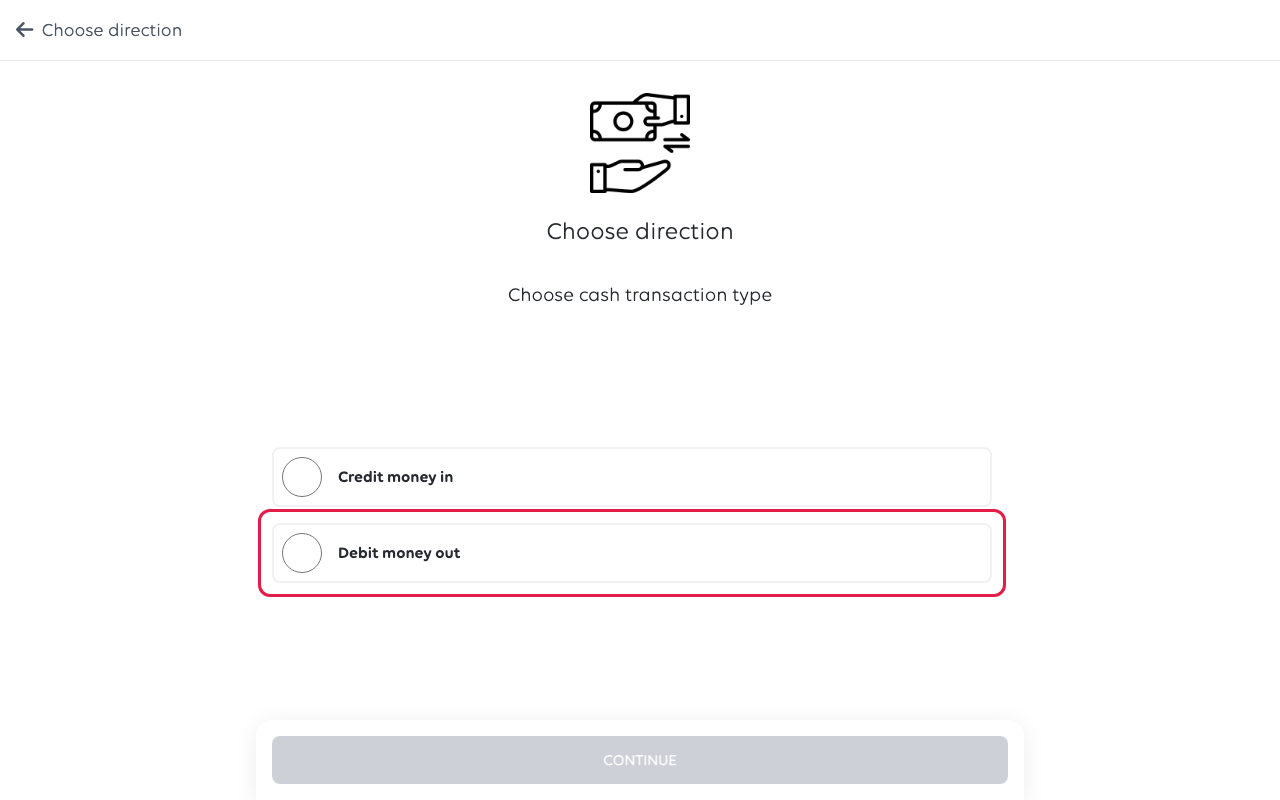
Tap Credit money in or Debit money out, then CONTINUE. The amount you
typed has no sign, so this is where you say whether money comes in or goes out.
3. The reason
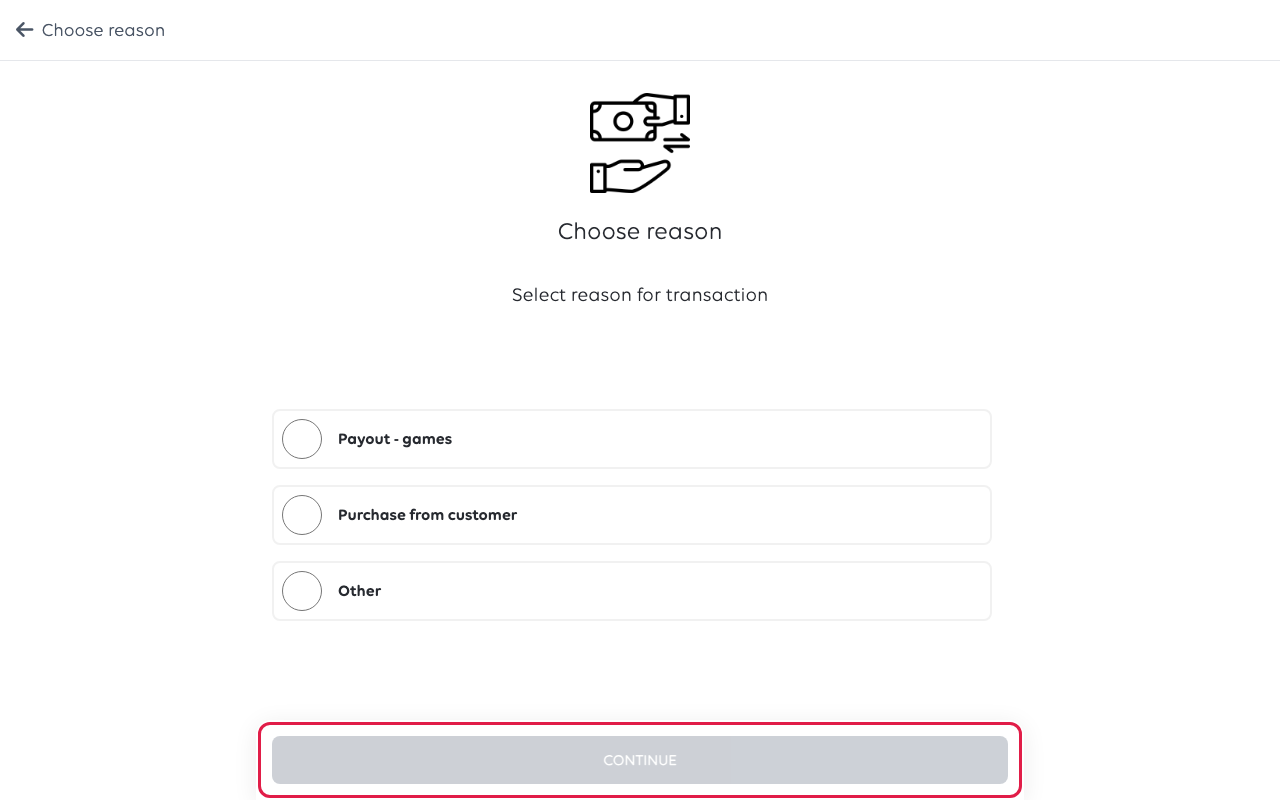
Pick a reason, or tap Other and type your own. Then tap CONTINUE.
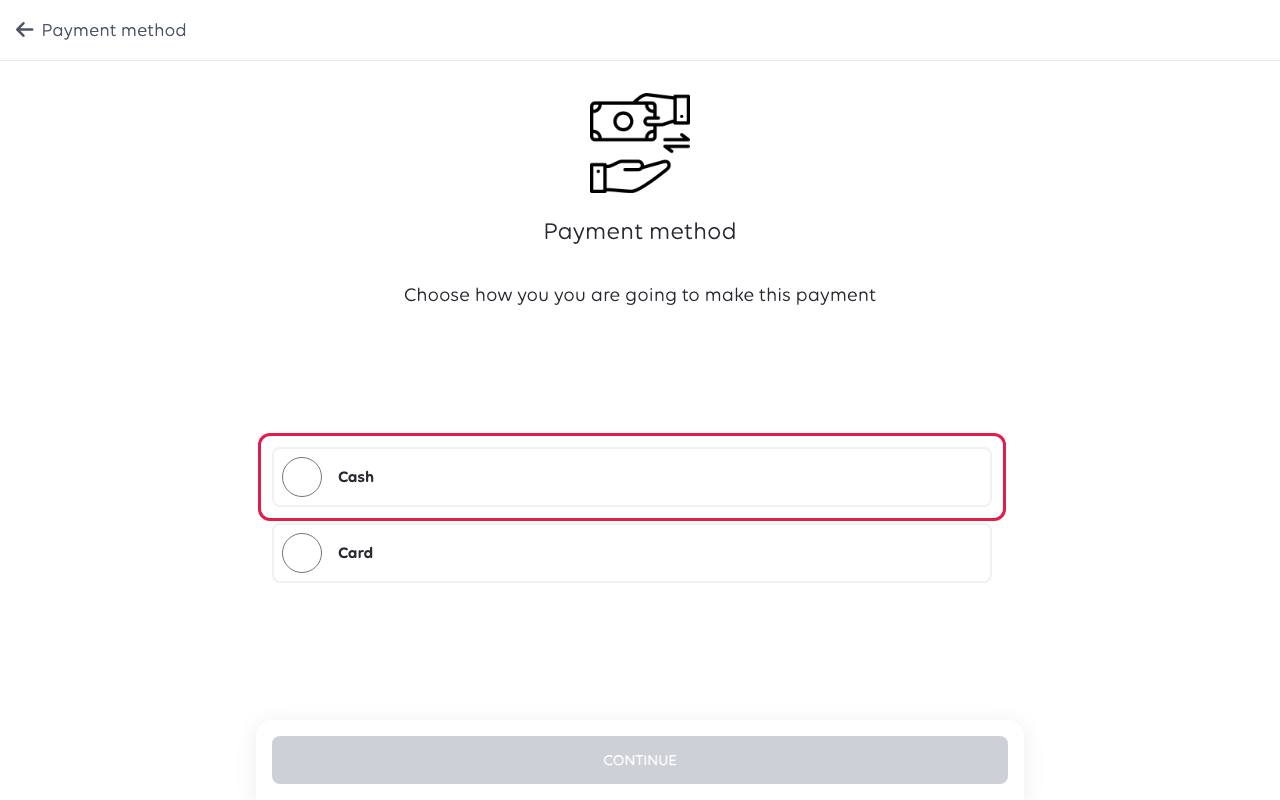
4. Cash or card
Tap Cash, Card or Bank transfer, then CONTINUE. Card shows only
when the till has a card terminal, and Bank transfer only for money in.
5. When it happened
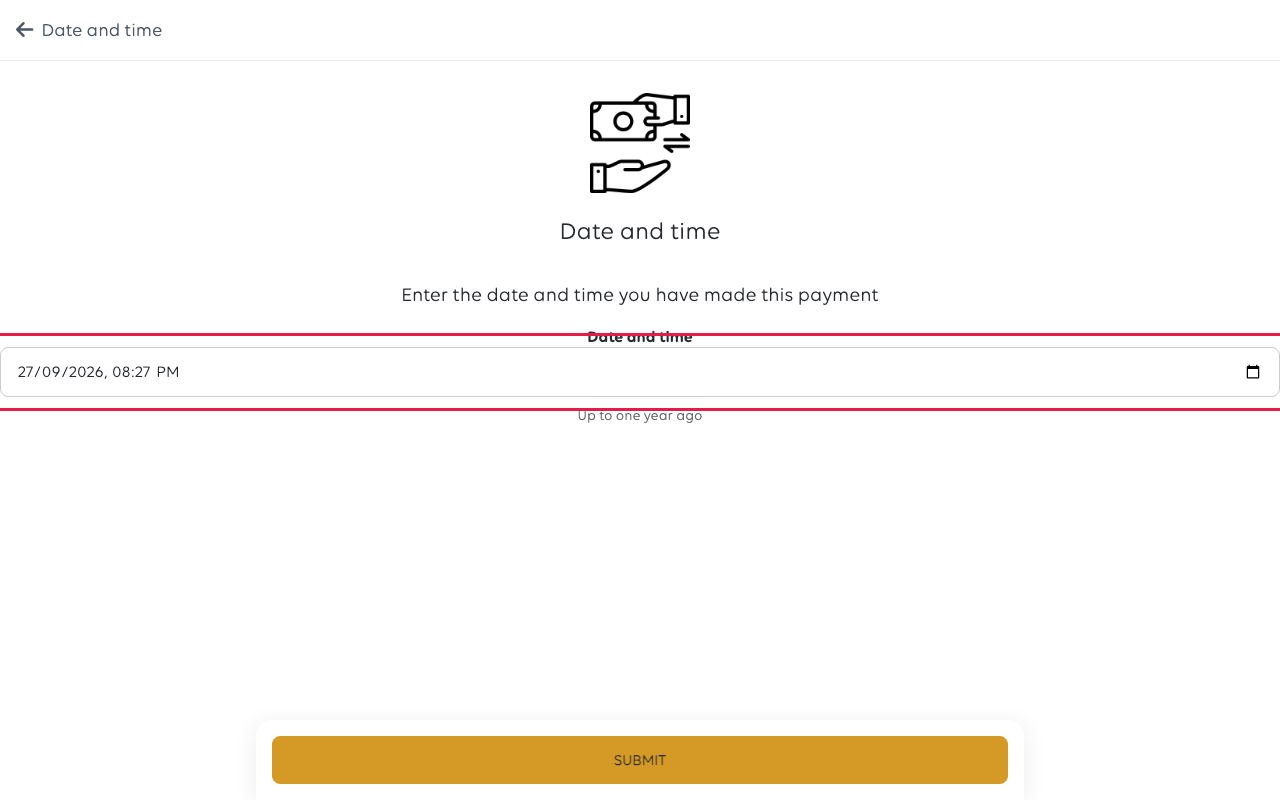
The last step asks for the date and time. It is set to now, and accepts anything
up to one year ago. For card money in, the time is recorded for you.
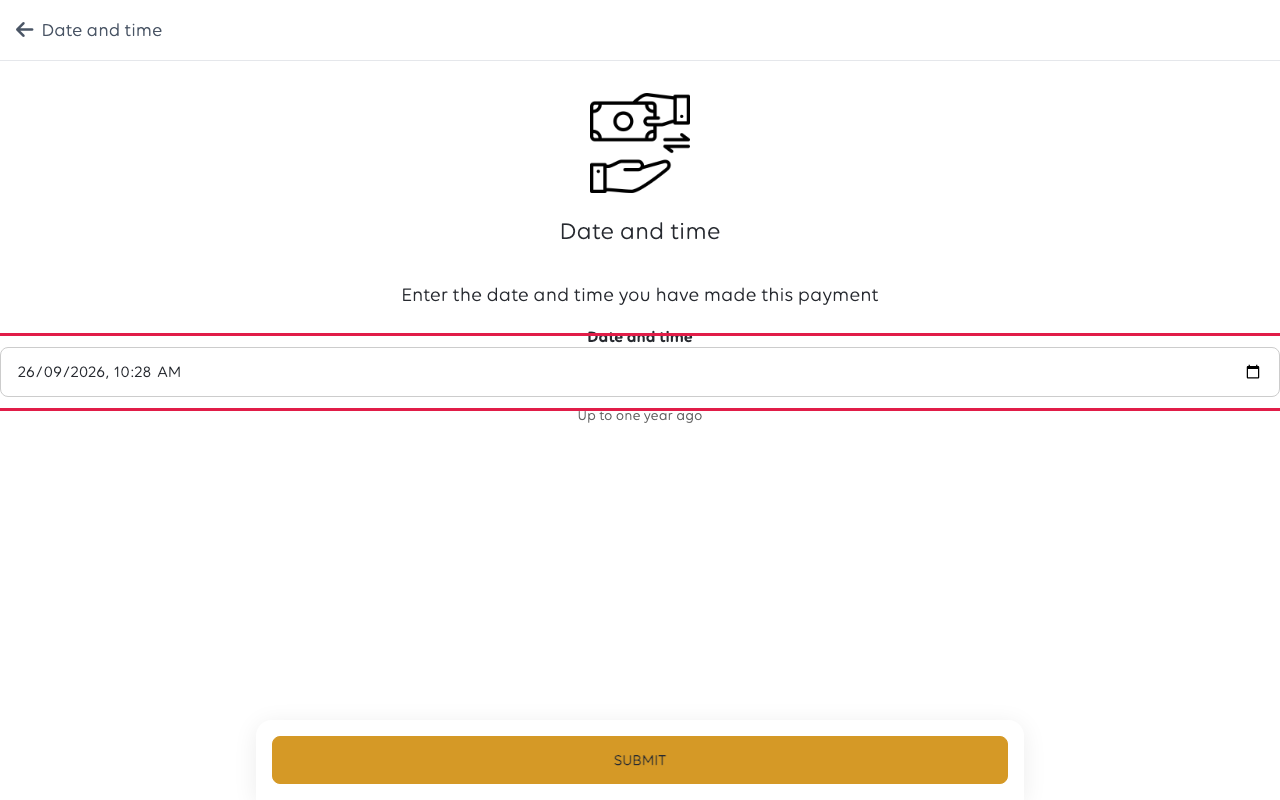
Tap SUBMIT. For cash, the drawer opens, a receipt prints and Payment
registered successfully shows.
If no cash balance is open
The till stops you here rather than earlier:
You must have an open cash balance to accept or pay out cash. Do you want to
start one now?
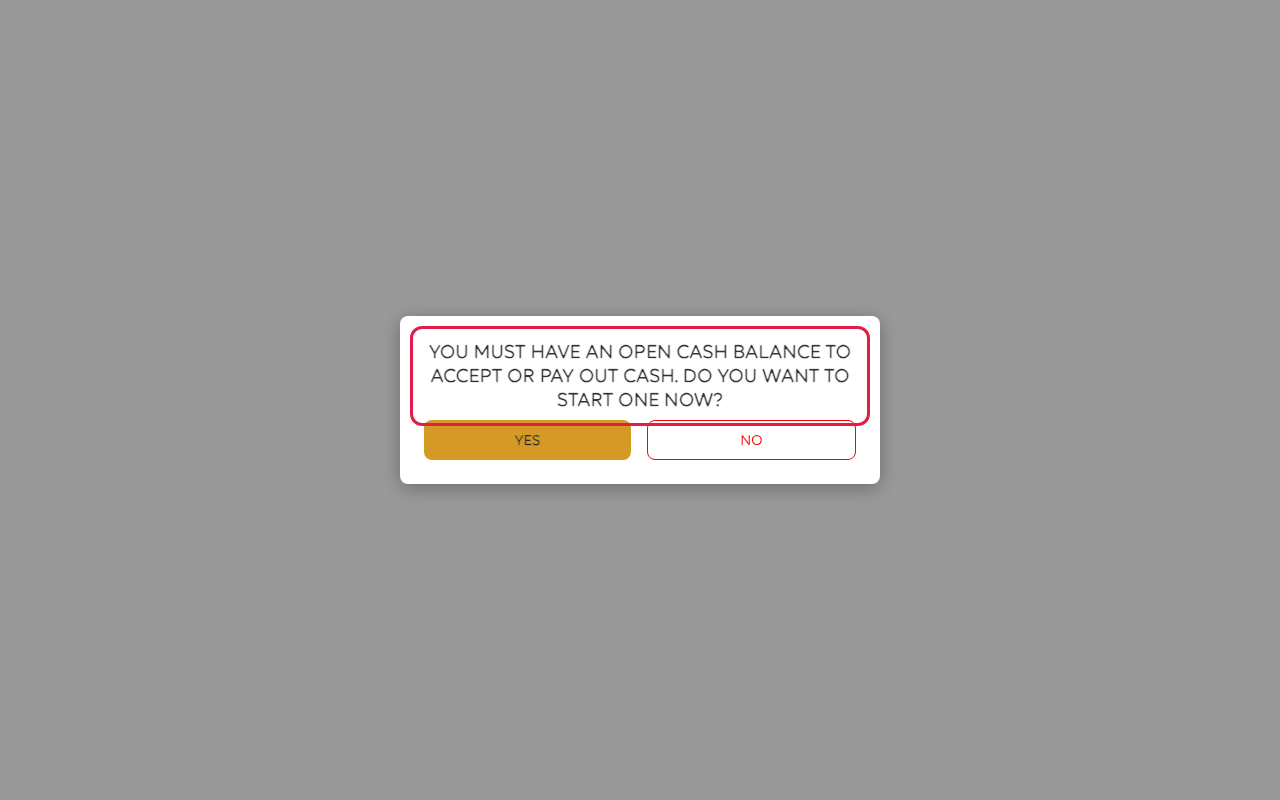
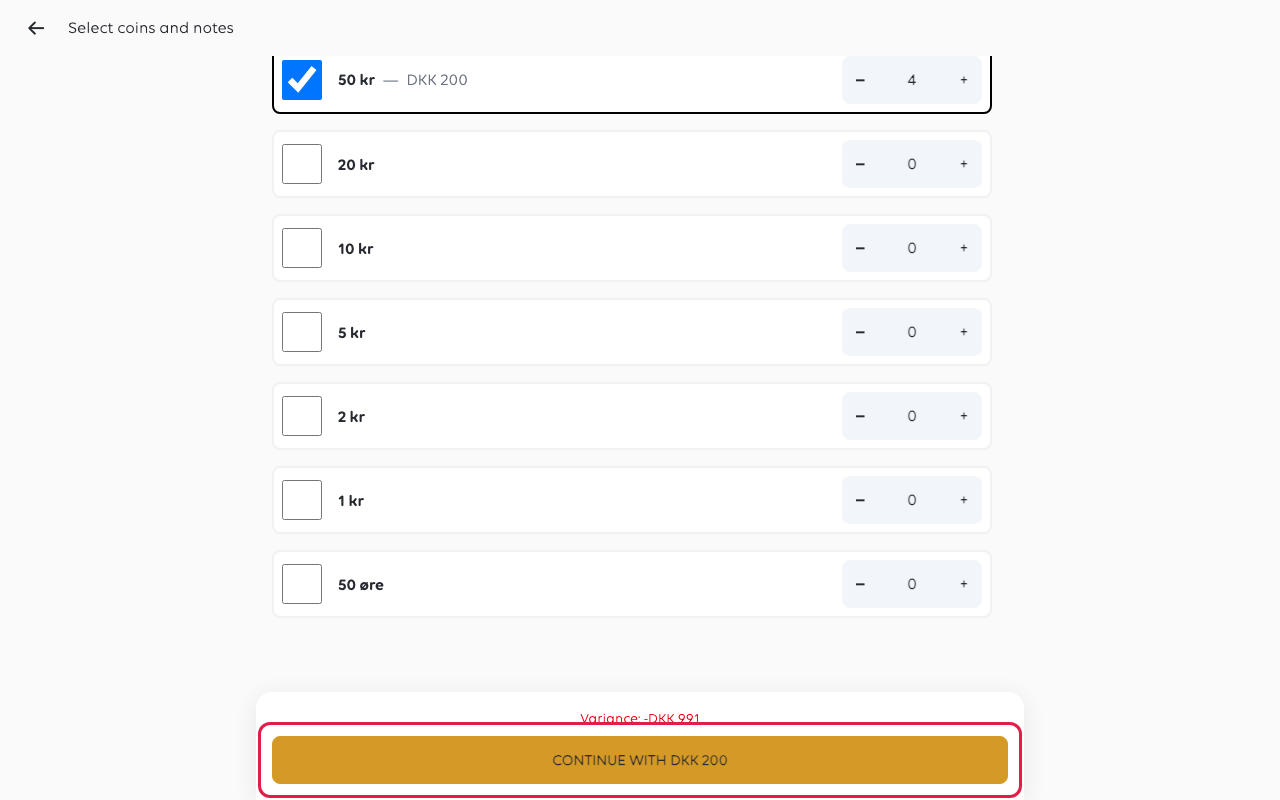
Tap YES and it takes you straight into opening one, which means counting what is
in the drawer, denomination by denomination.
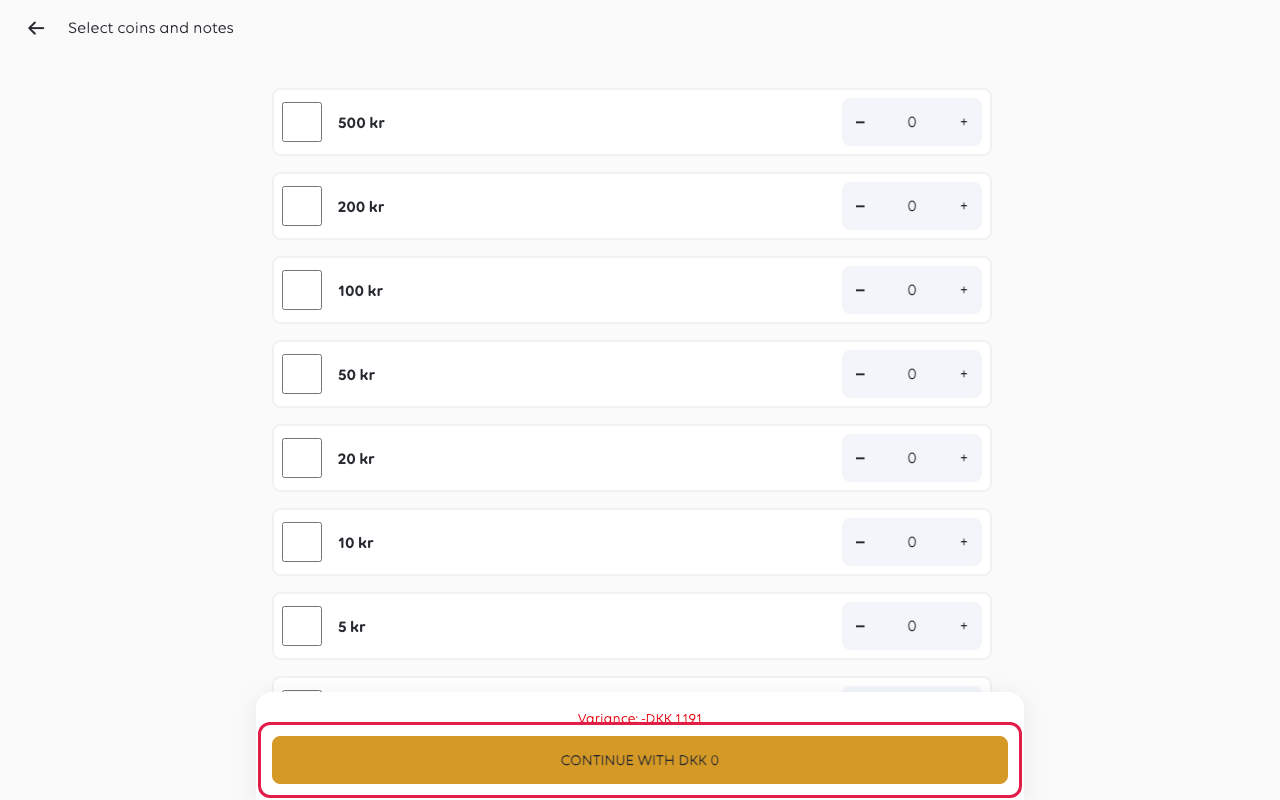
The button at the bottom keeps a running total as you count, so you can check it
against the drawer before committing.
When the count is done, the till puts you back on Date and time — the movement
you started has been waiting for you.
Tap SUBMIT and it is recorded. Payment registered successfully shows and you
are back on the till.
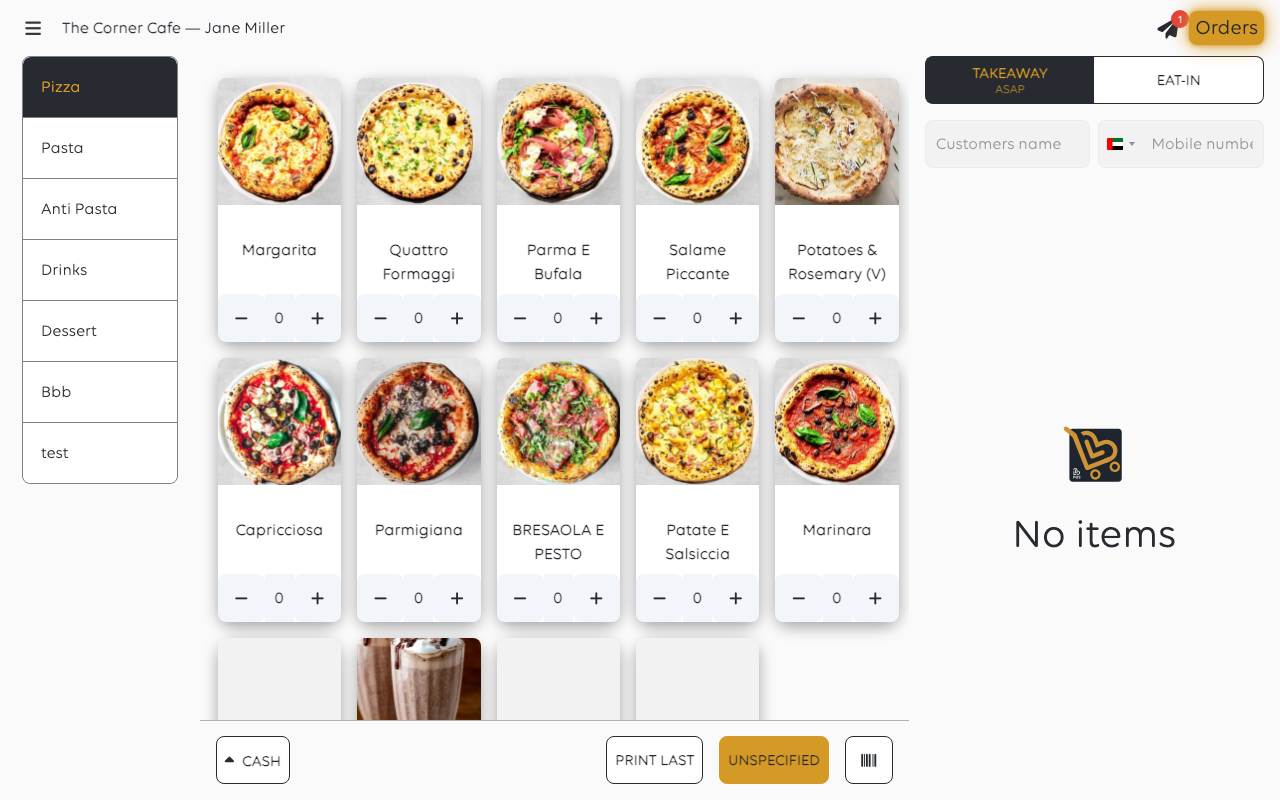
To check it, open Cash Balances from the menu: the open balance now shows the
float less what you paid out.
Card payout
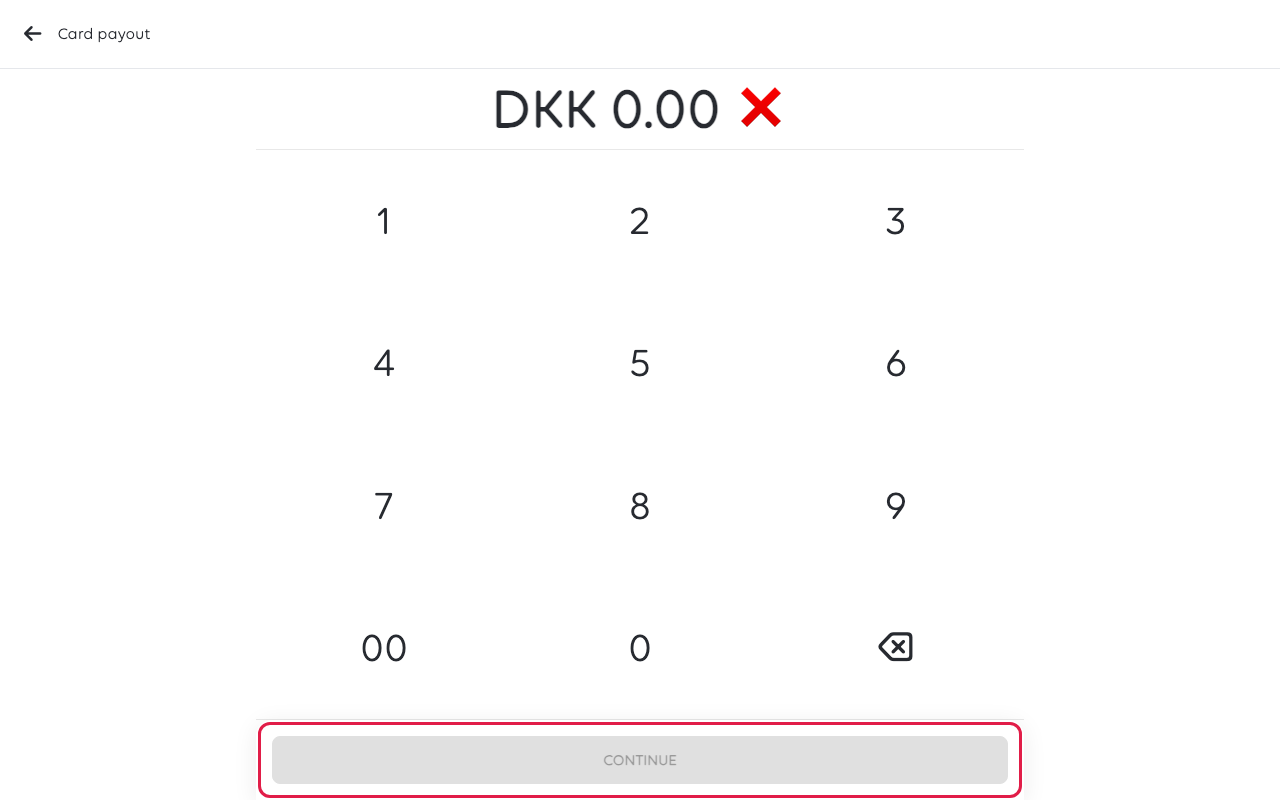
Tap CASH, then Card payout. Type the amount, tap CONTINUE, pick a reason
and tap CONTINUE again. Your shop can turn the reason step off. The customer then
holds their card to the terminal, and Refund registered successfully shows when the
money has gone onto the card.
Card payout shows only when the till has a card terminal. If the terminal's
provider cannot pay out, the till says so and you pay in cash instead.
If something goes wrong
| What you see | What it means | What to do |
|---|---|---|
| The amount is a hundred times too small | The keypad fills from the right | Clear it with the red cross and type it again, including the pennies |
| You are asked to open a cash balance | None is open for this till, and you chose cash | Say yes and count the drawer; you are returned to finish the movement |
| The movement is on the wrong day | The date and time step was left at now | Set the date it happened - it accepts up to a year back |
| The drawer is short at the end of the day | Money was taken with the drawer simply opened | Record it as Money In/Out at the time, not afterwards from memory |
Was this article helpful?
Thanks for your feedback!
