

 Dansk
 Svenska
 Deutsch
 Norsk bokmål
A card payment failed
A card payment did not go through, or you cannot tell whether it did. The customer is
waiting, so this is ordered by what to do first.
The rule that settles every case
A payment counts when the till shows it as Settled. Not when the terminal says
approved, not when the customer's phone buzzes, not when a receipt prints. Settled on
the till, or it has not happened as far as your shop is concerned.
Do not simply charge again
The dangerous case is a payment the terminal took and the till did not record. Taking
it again charges the customer twice, and you will not find out until they tell you.
Before retrying, check whether the money arrived:
- Open the order. Its detail lists every payment with its status and time.
- If nothing is listed, open Payments from the menu. It lists every payment for
the shop, with filters for Unsettled, Failed, Cancelled, Refunded
and Partially refunded. - Only if there is no successful payment for that amount, take it again.
What each status is telling you
| Status | Means | What to do |
|---|---|---|
| Settled | The money is in | Nothing. This is done |
| Unsettled | Started, not confirmed | Wait a moment and reload before deciding; do not charge again yet |
| Failed | It did not go through | Take the payment again |
| Cancelled | Someone stopped it | Take it again if the customer still wants to pay |
| Refunded / Partially refunded | Money has gone back | Check who did it and when before doing anything else |
Common causes, most likely first
The card was declined. Nothing is wrong with your shop. Ask for another card, or
take cash.
The customer removed the card too early. The terminal needs the card until it
says so. Take it again and ask them to wait for the prompt.
The terminal lost contact with the till. The payment may have been taken on the
terminal and never reported back. The till may say Payment status could not be
confirmed please check the terminal. Check the terminal and the payments list
before retrying.
The connection dropped mid-payment. A payment sent to a customer-facing terminal
is abandoned if it cannot be delivered promptly, rather than arriving minutes later
and charging someone unexpectedly. Start it again.
If the customer has been charged and the order still says unpaid
Do not refund from the terminal and do not charge again. Note the order number and
the time, and contact support — see Get help from inside the app. That is a
mismatch between two records, and fixing it from the till usually makes it worse.
Taking the money another way
The customer is still standing there. Cash, MobilePay or a voucher are all available
from the payment buttons, and a part payment is allowed if they want to split it.
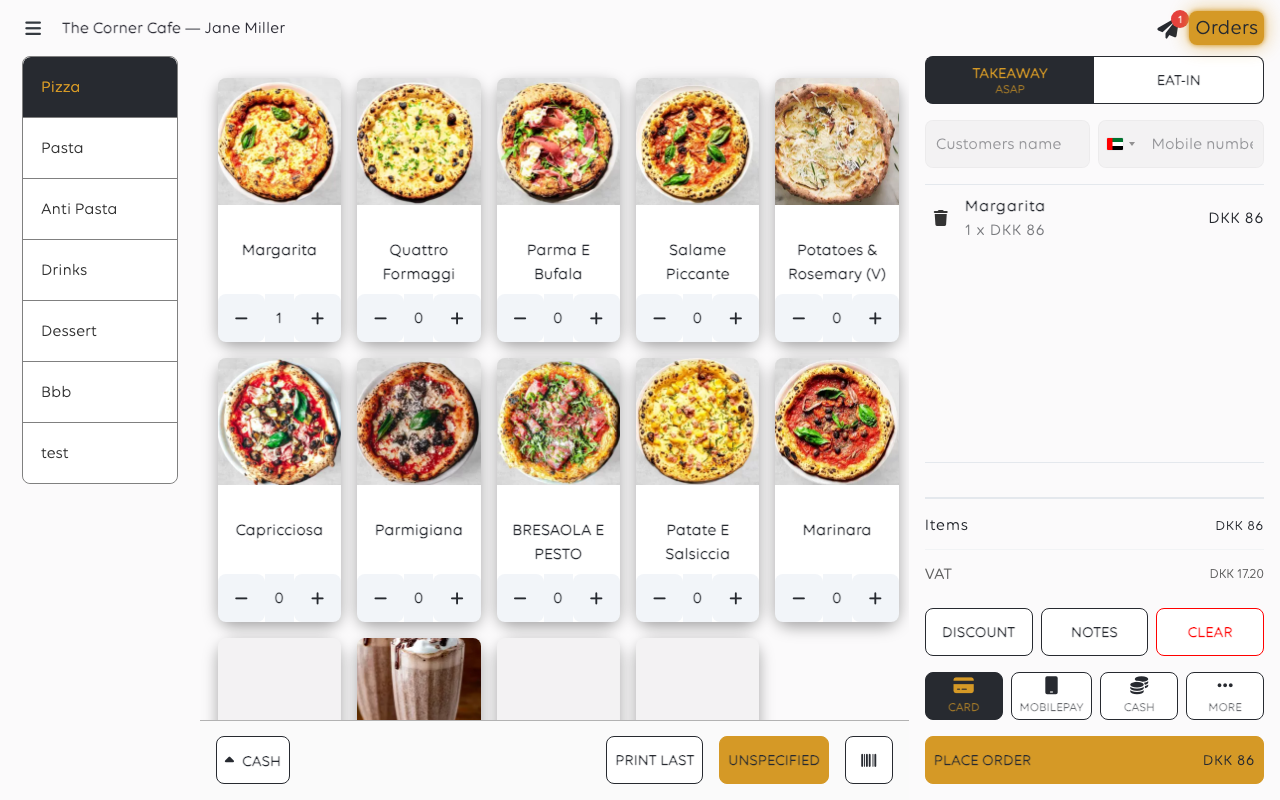
See Take cash and give change and Split a payment across methods.
Was this article helpful?
Thanks for your feedback!
