

 Dansk
 Svenska
 Deutsch
 Norsk bokmål
Set up an all-you-can-eat offer
Set up an all-you-can-eat offer
F&B — this article applies to food and drink businesses.
An all-you-can-eat offer is one item the customer buys that lets them take a set of
other items without paying for each. The buffet, the set menu, the sushi deal.
1. Create the offer item
Create the item the customer buys, for example Sushi buffet, with its price, like
any other product. See Add a product. The dishes it includes must exist as items
too.
2. Turn on All you can eat
Open the offer item from Shop → Product catalogs → Items Library and go to the
All you can eat tab. Switch on All you can eat.
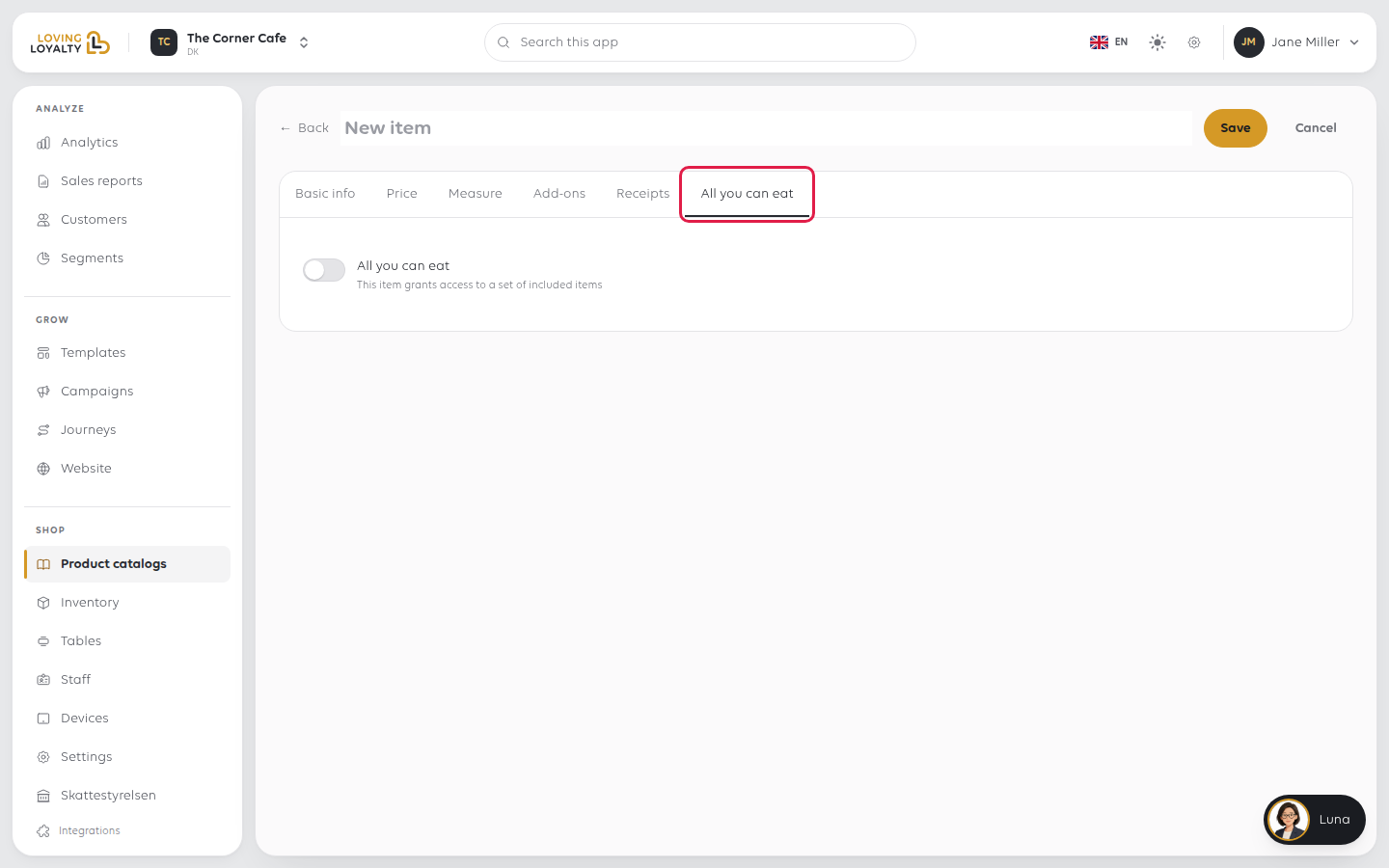
3. Choose the session length and the included items
- Under Session duration, pick 1 hour, 2 hours or 3 hours.
- Under Included items, search and switch on every dish the offer covers.
4. Save
Click Save. At the till, the offer item now grants the included dishes.
If something goes wrong
| What you see | What it means | What to do |
|---|---|---|
| The included items are charged for | They are being rung up as ordinary items rather than under the offer | Check the offer is on the order first |
| The kitchen gets nothing | The included items were never rung up | Ring each dish up; the offer alone prints no food |
| The offer is not offered at the till | The item is inactive, or not in this catalogue | Check its status and which catalogue it belongs to |
| Reporting shows one sale and no dishes | Only the offer was rung up | The dishes are what stock and bestsellers read |
Was this article helpful?
Thanks for your feedback!
