

 Dansk
 Svenska
 Deutsch
 Norsk bokmål
Reprint a receipt
A customer comes back for a receipt, or one tears on the way out of the printer. The
till can print it again, and there are two ways in depending on whether it was the
last sale or an older one.
Before you start
- A receipt printer is set up and switched on. A successful reprint shows nothing on screen - the paper is your proof.
The last receipt: PRINT LAST
On the till's home screen, tap PRINT LAST. The receipt for the most recent order
prints again - the customer receipt if it was paid, the order receipt if not.
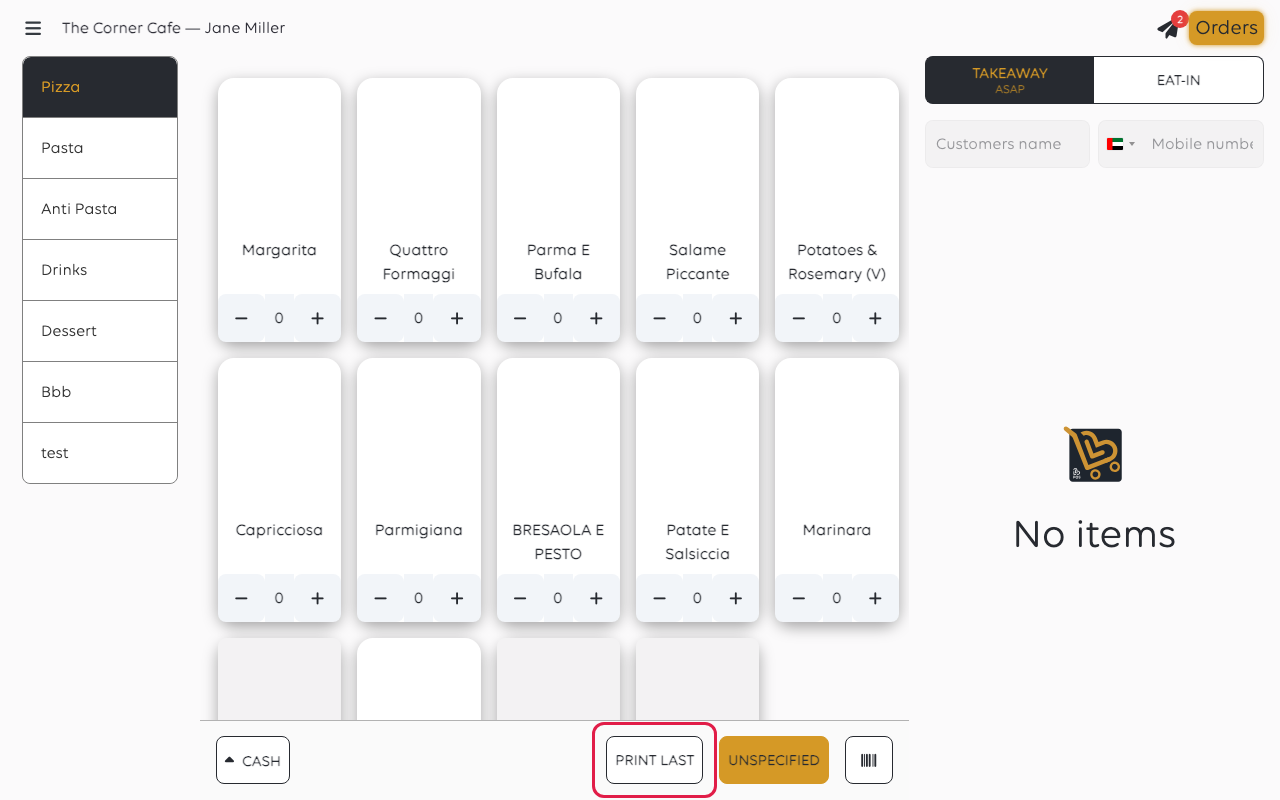
This is the quickest route, and the one to use while the customer is still at the
counter.
An older receipt: find the order and print it
For anything but the last sale, open Orders and tap the order. Tap RECEIPT,
then Customer receipt. If the till then asks Choose action, tap Print.
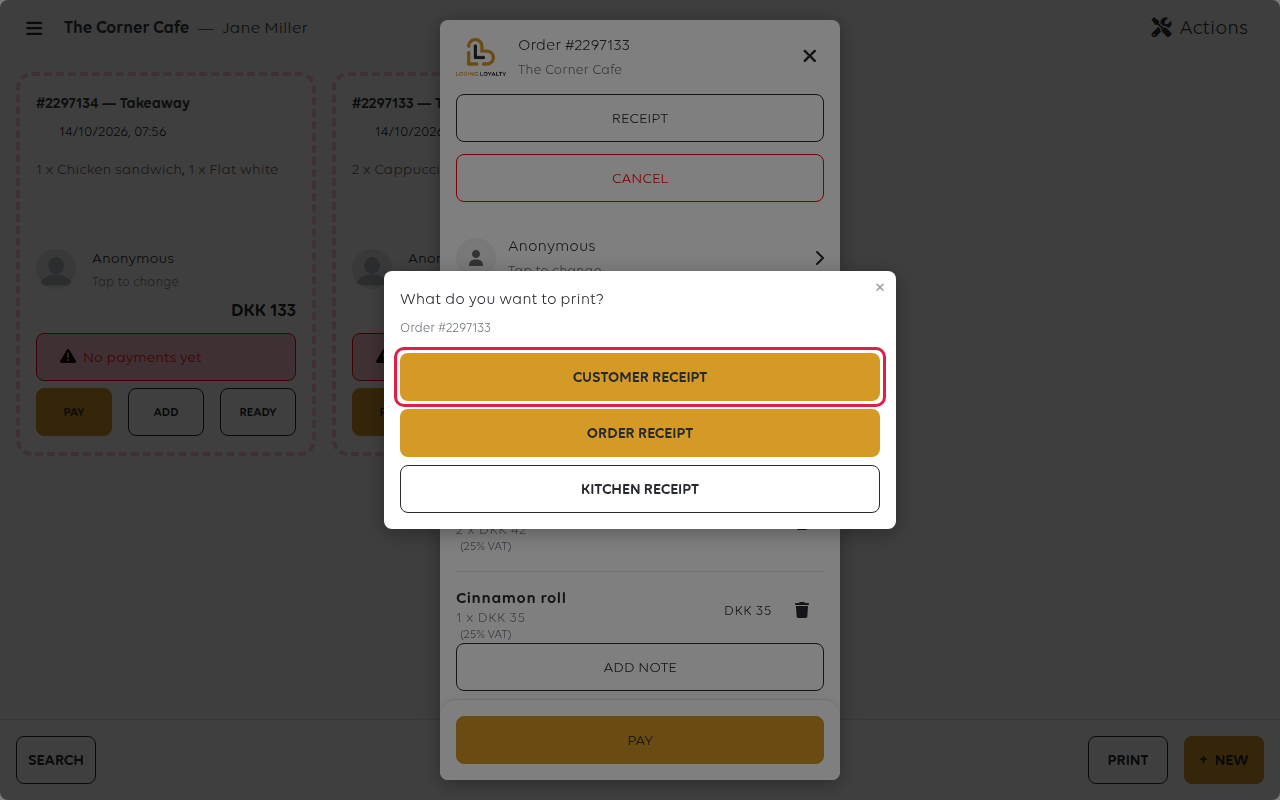
The receipt that prints is that order's, whatever else has been sold since.
No confirmation shows when it works. The till only shows a message when
printing fails, such as Failed to print receipt.
If nothing comes out
Work down this list.
| What to check | Why it matters |
|---|---|
| The printer has power and paper | A printer that is off accepts nothing, and the till is not told |
| The printer is in use under Receipt printers in the menu | A printer listed under Available printers that you're not using is ignored |
| You are printing from the right till | The reprint goes to the printers of the shop and till you are signed in to |
| The order is the one you meant | PRINT LAST follows the till's last sale, not the last order you were looking at |
If the printer is on, in use and still silent, open the menu, tap Receipt
printers, tap the printer and tap PRINT TEST RECEIPT. That tells you whether the problem is the
printer or the order.
Was this article helpful?
Thanks for your feedback!
