

 Dansk
 Svenska
 Deutsch
 Norsk bokmål
Change the text size on the till
Change the text size on the till
If the till is hard to read across a counter, or the product names are being cut
short, the text size can be changed. It is a setting on the device, so each till
keeps its own.
Change the size
Open the menu with the button at the top left, and look at the bottom of the panel.
Three As sit there, smallest to largest. Tap the one you want.
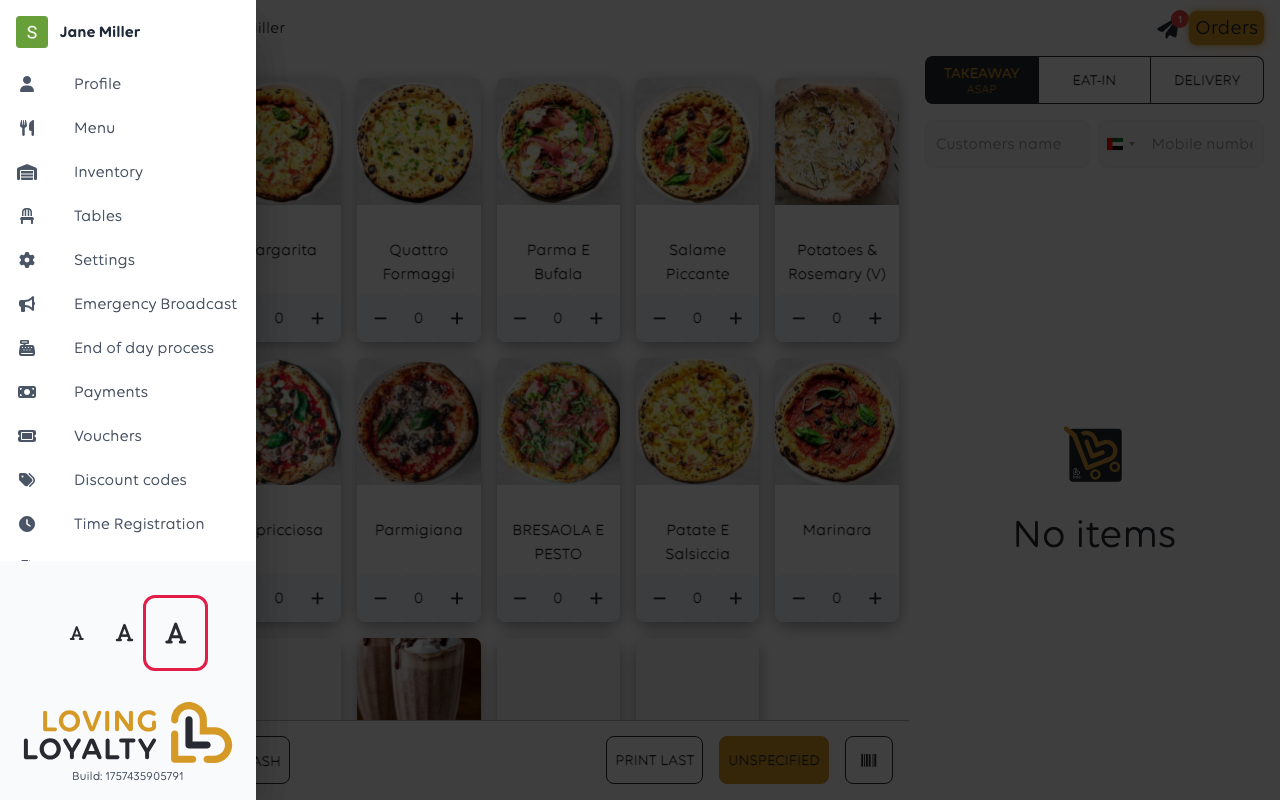
The menu closes and the till is redrawn at the new size straight away.
Was this article helpful?
Thanks for your feedback!
