

 Dansk
 Svenska
 Deutsch
 Norsk bokmål
How to enable "start from table system" in settings
How to enable "start from table system" in settings
This guide provides a quick walkthrough for navigating to settings to enable "start from table system". Following these steps will help you start on the floor plan instead of the usual menu page.
1. Navigate to https://ll-reactivate-production2-env.web.app/cashier-home
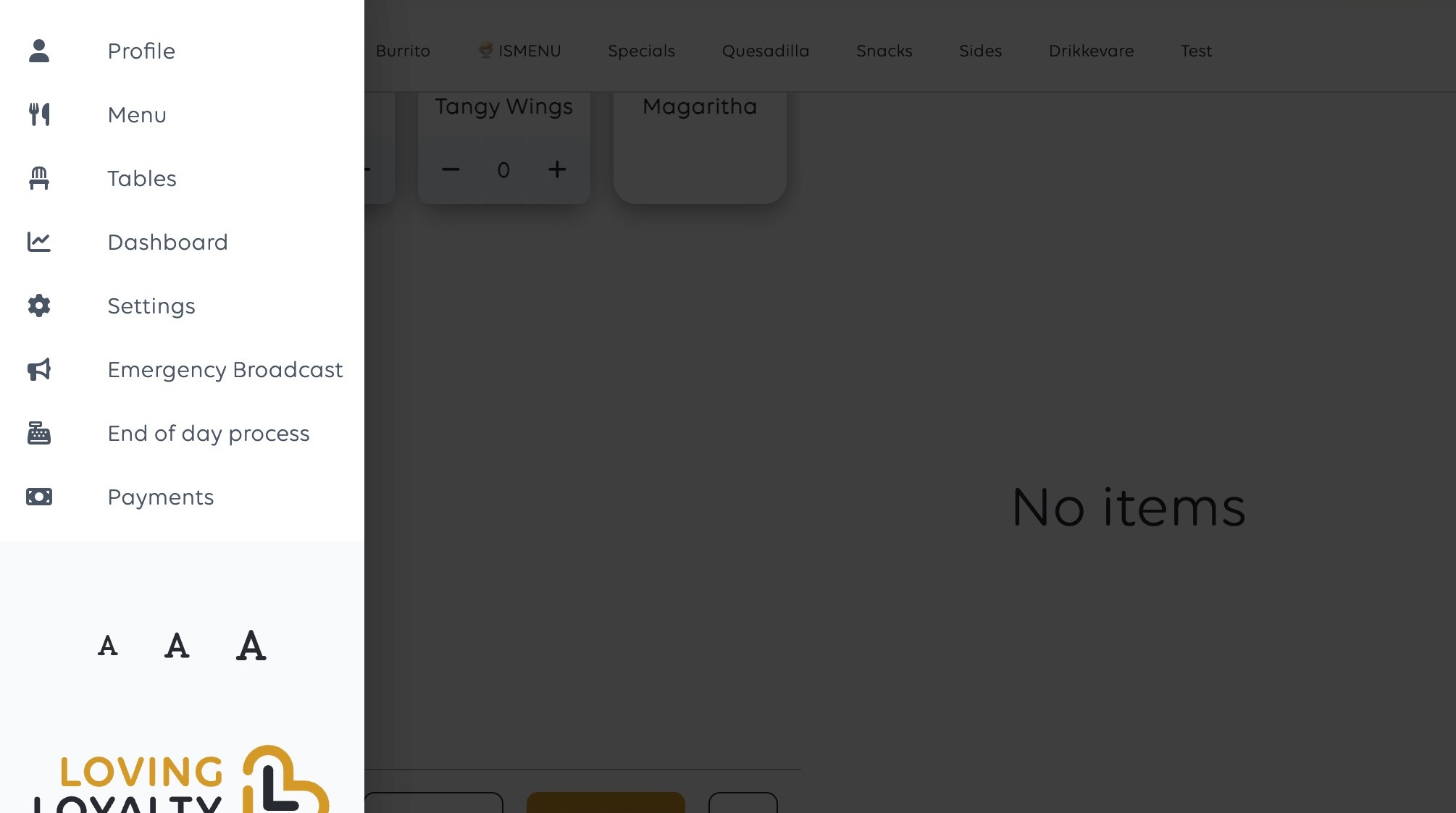
2. Open the navigation menu by clicking the profile icon.
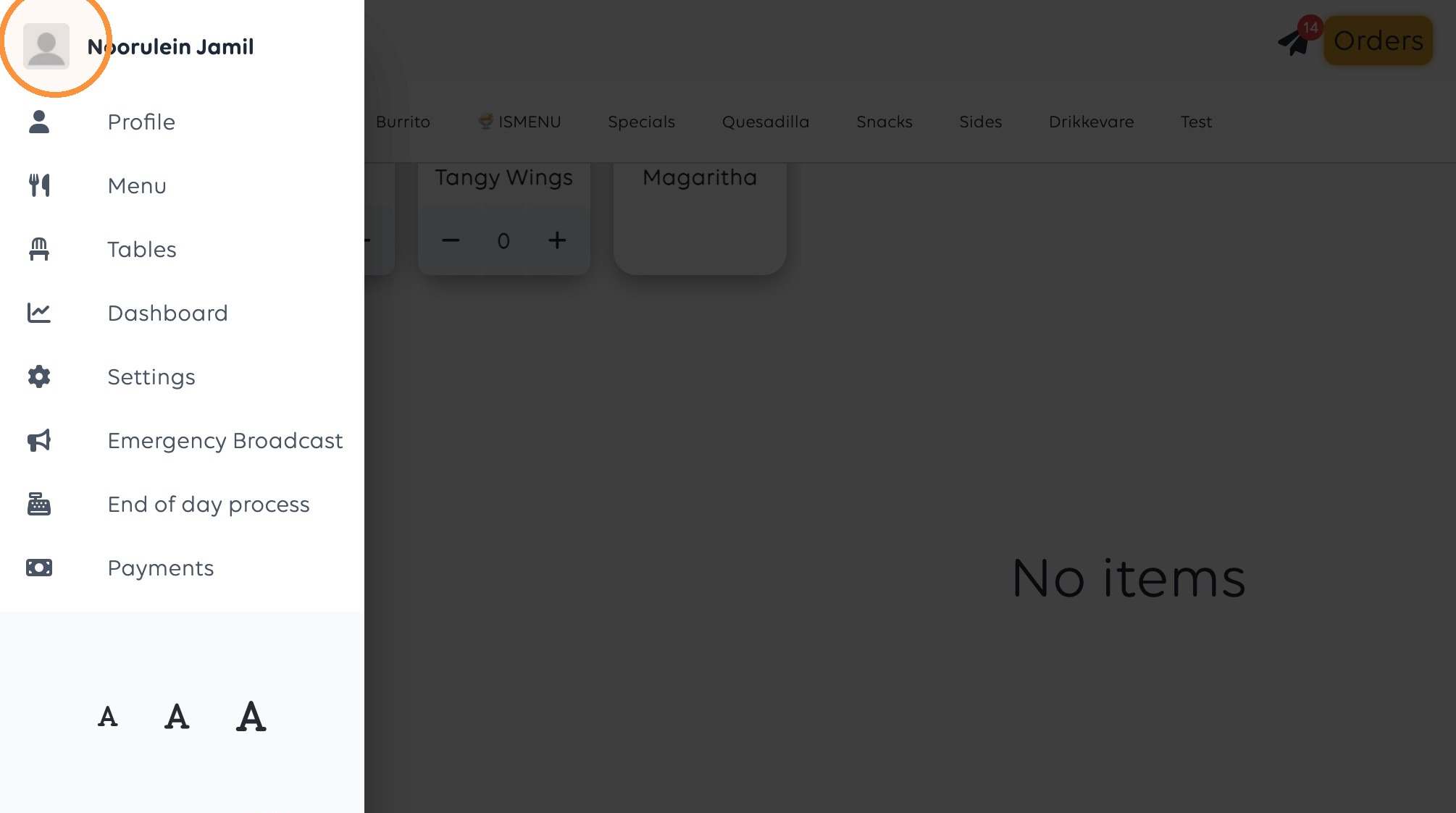
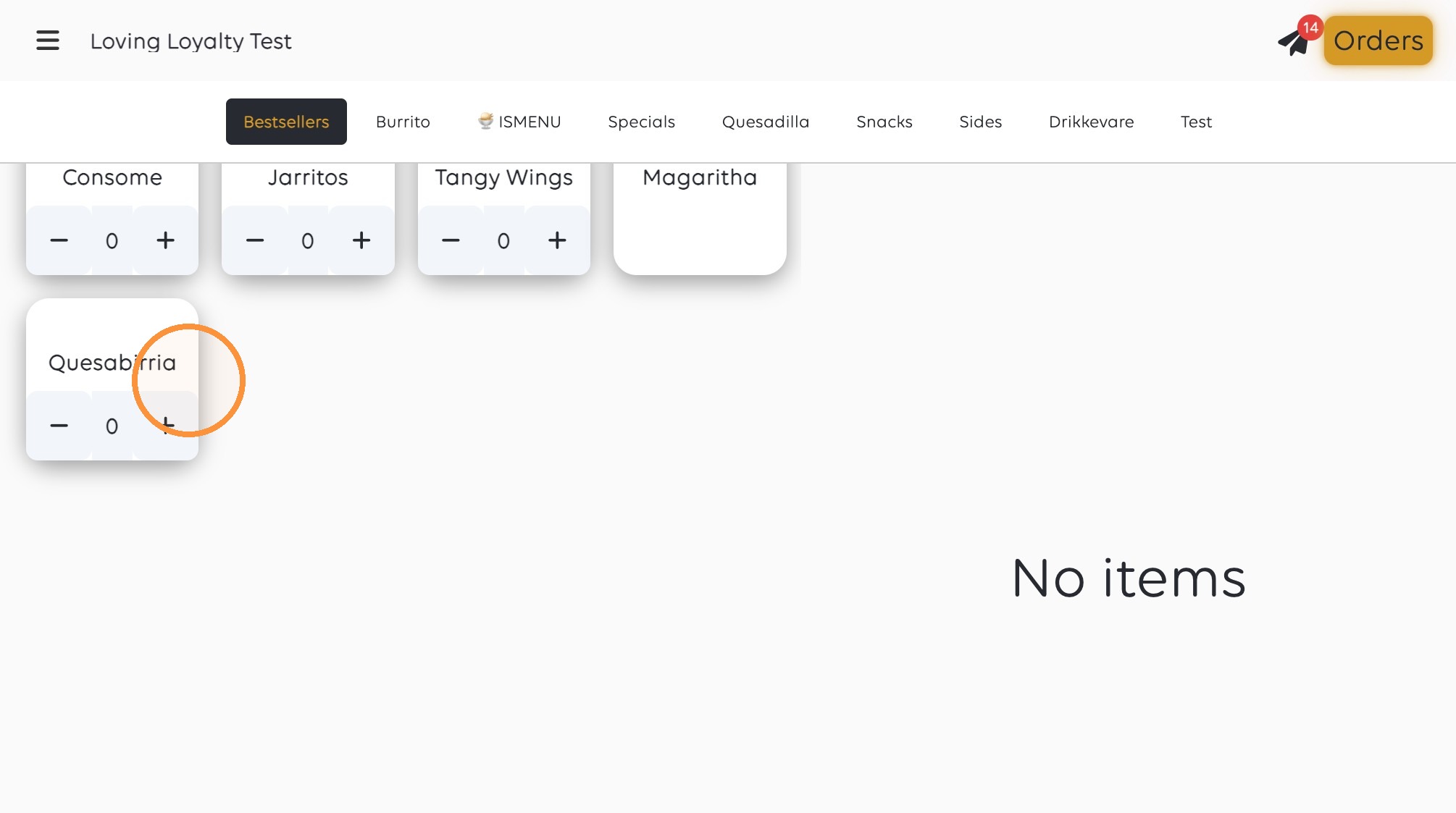
3. Click "Settings"
4. Click "Advanced"
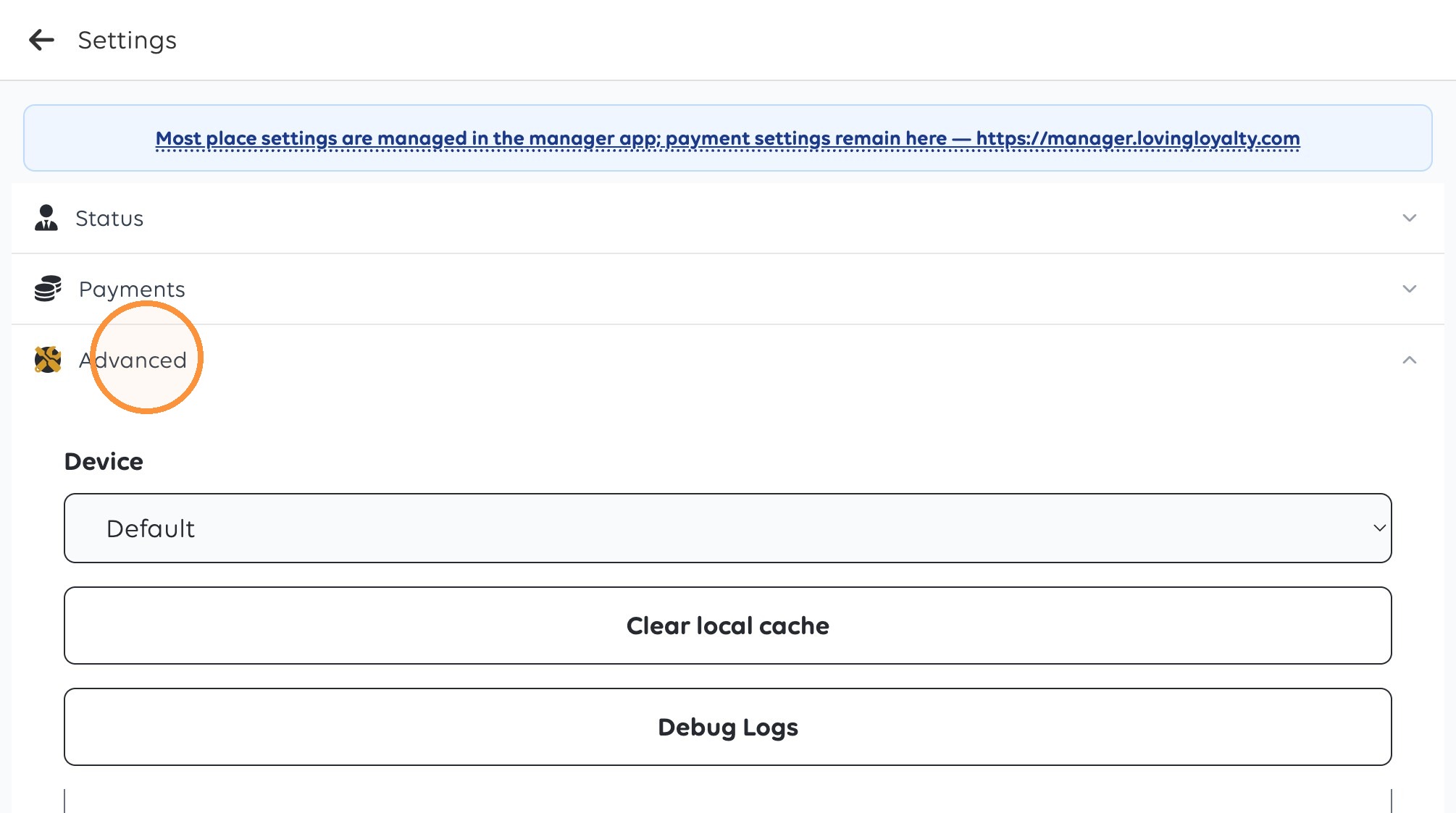
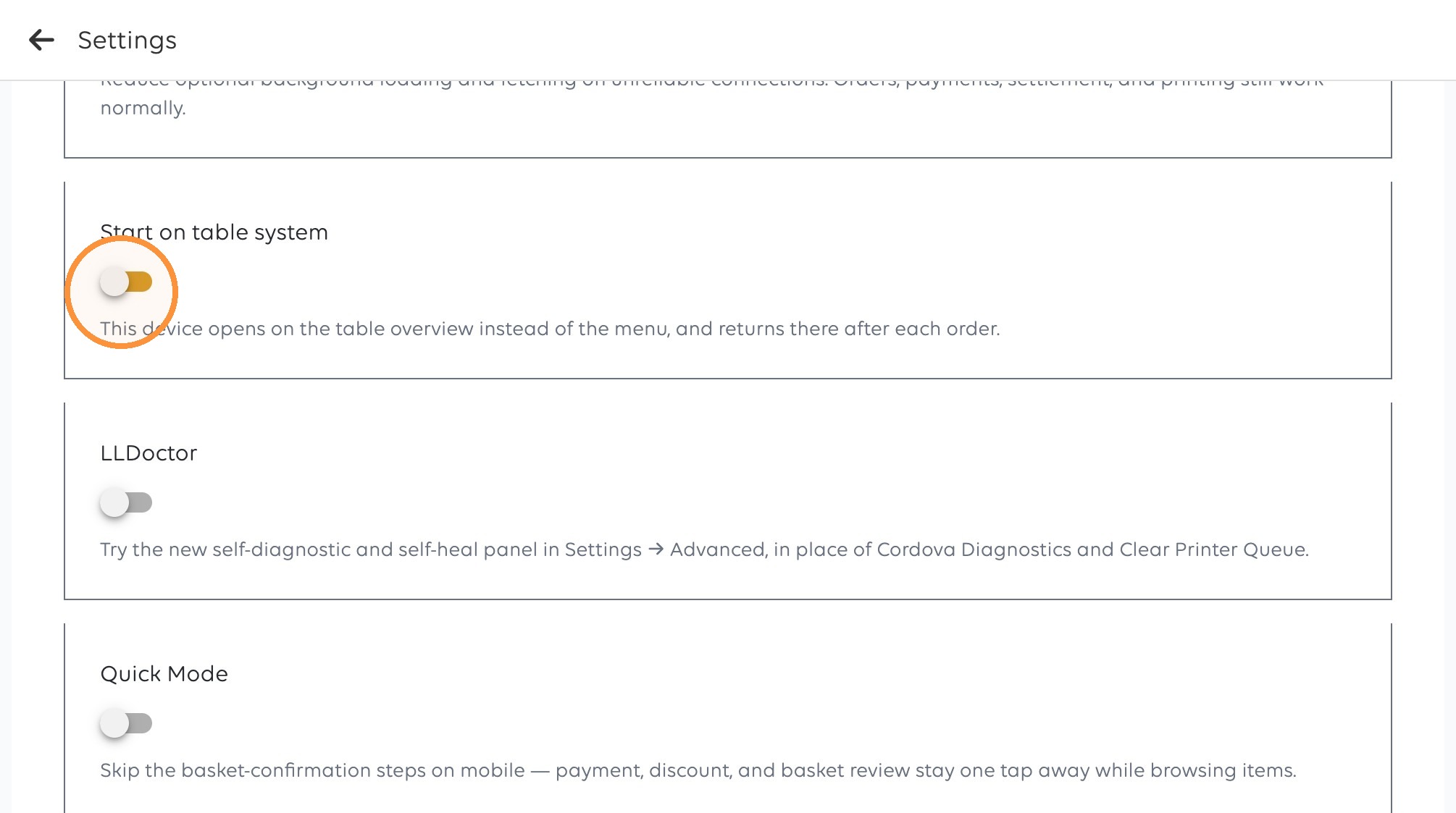
5. Enable the Start on table system toggle.
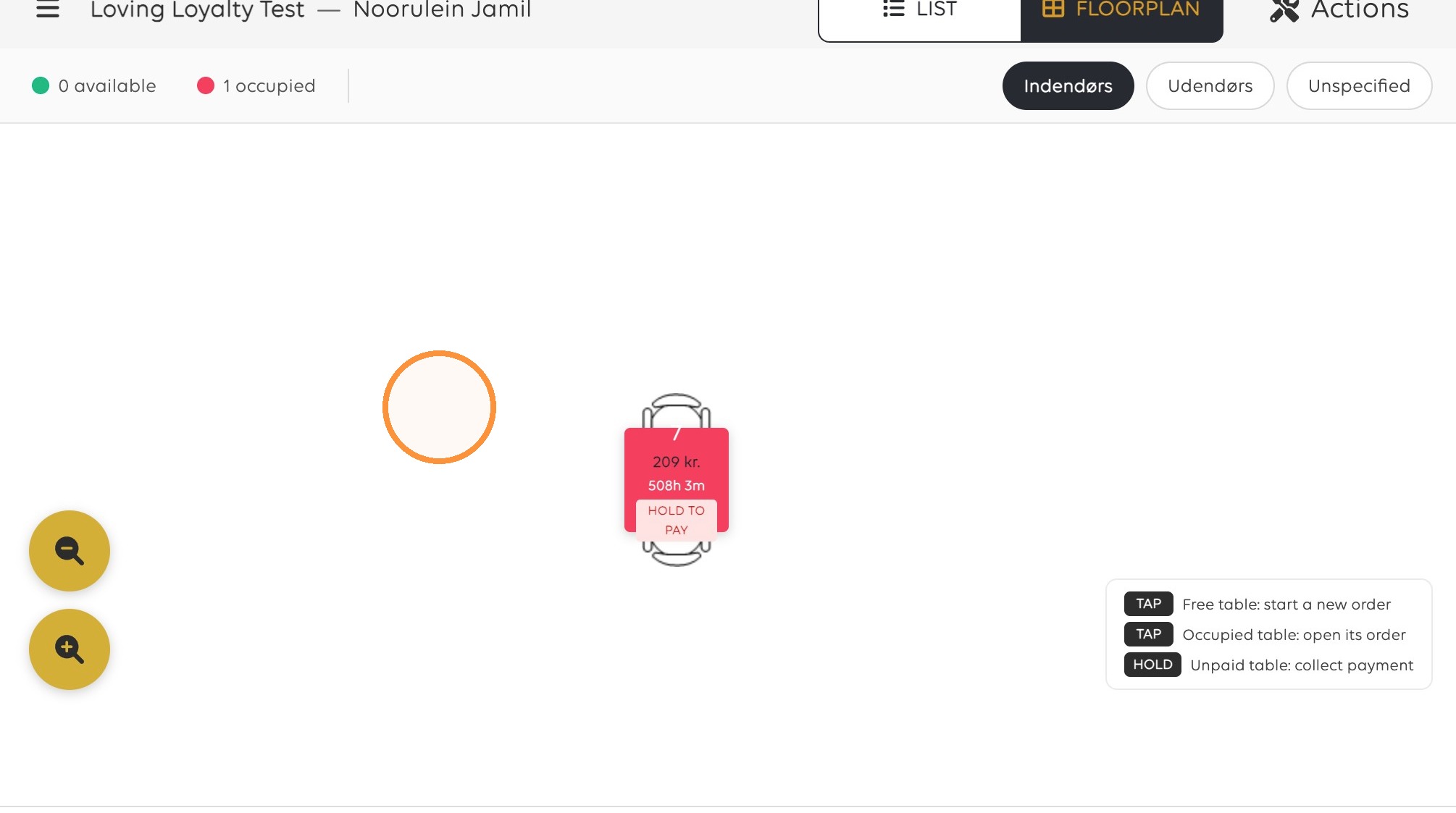
6. Start on floor plan instead of menu page
Was this article helpful?
Thanks for your feedback!
