

 Dansk
 Svenska
 Deutsch
 Norsk bokmål
How to enable "add items after cancelled payment" in settings
How to enable "add items after cancelled payment" in settings
Learn how to navigate your account settings to effectively enable item settings. This guide provides a simple walkthrough for accessing advanced options and handling order cancellations or additions.
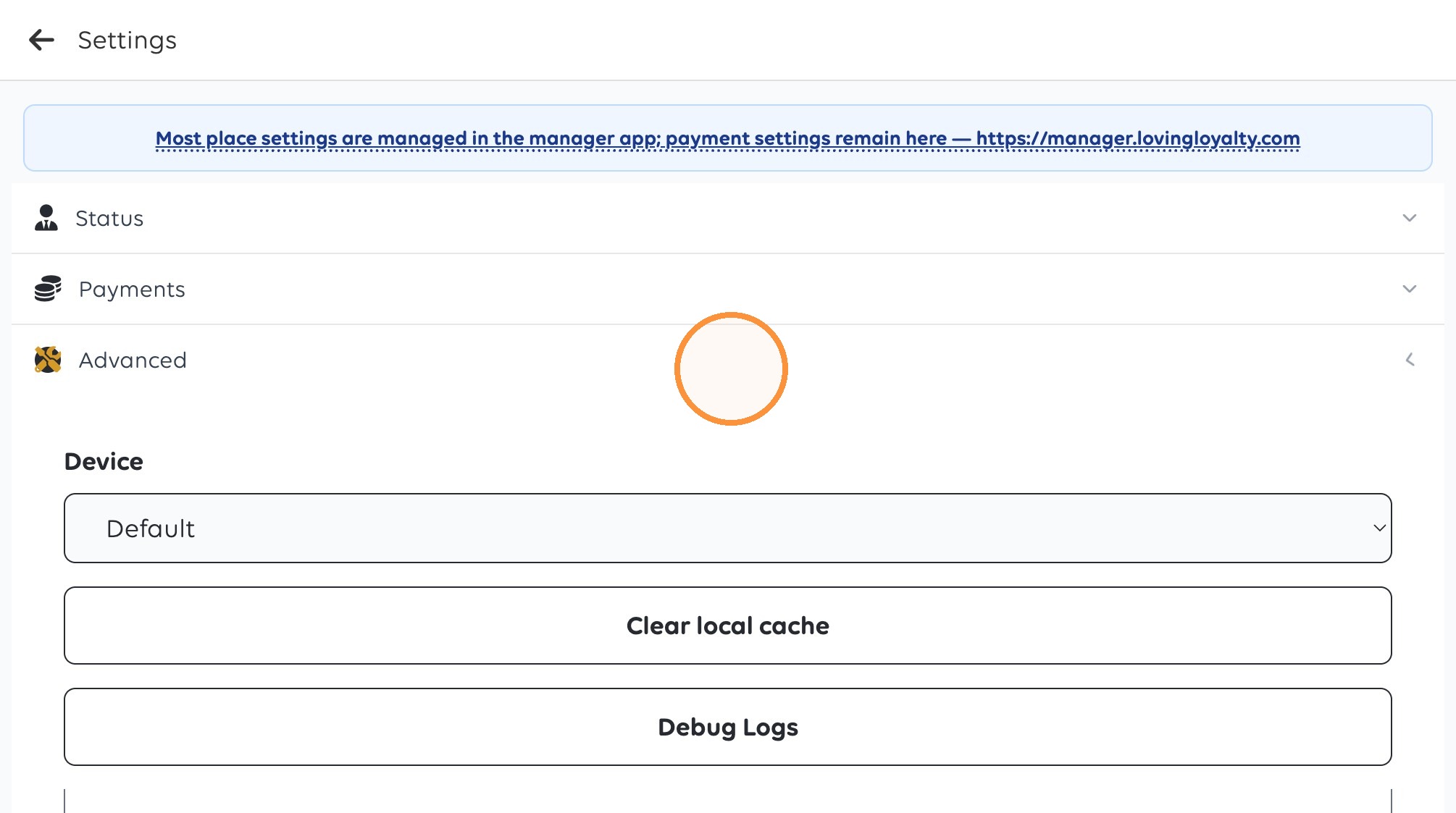
1. Click "Advanced"
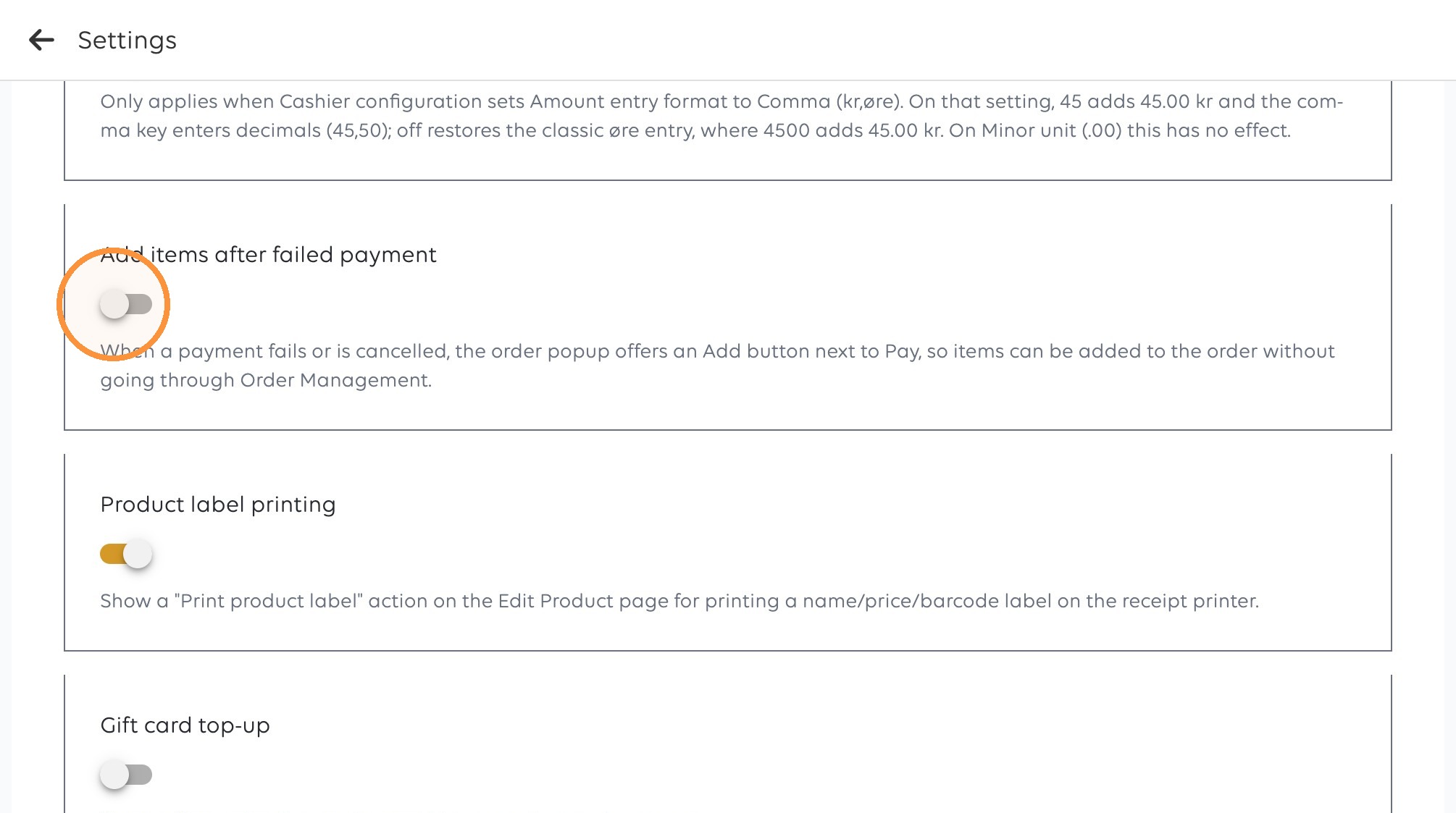
2. Click the toggle for “Add items after failed payment”.
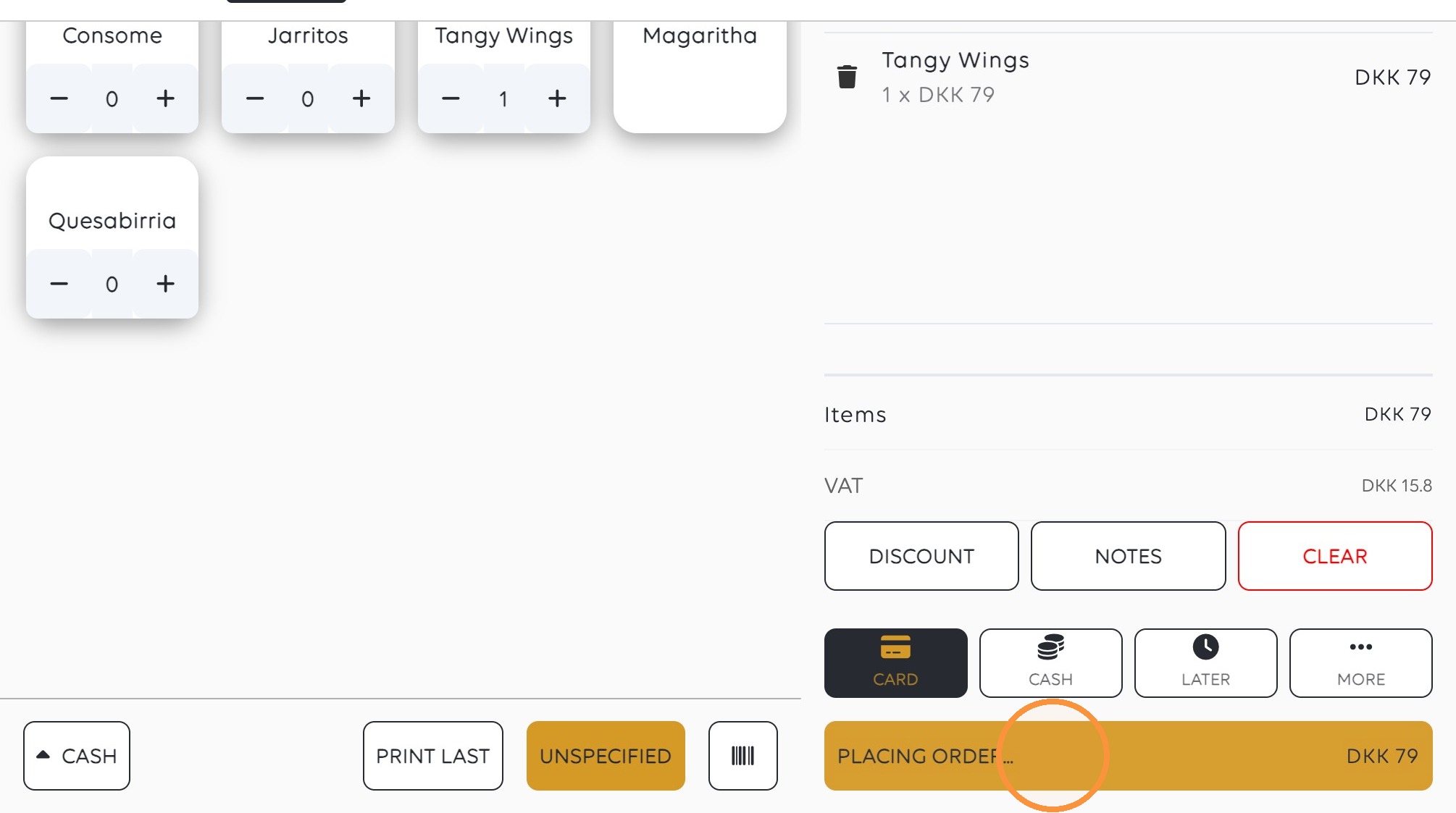
3. Click “PLACING ORDER... DKK 79”.
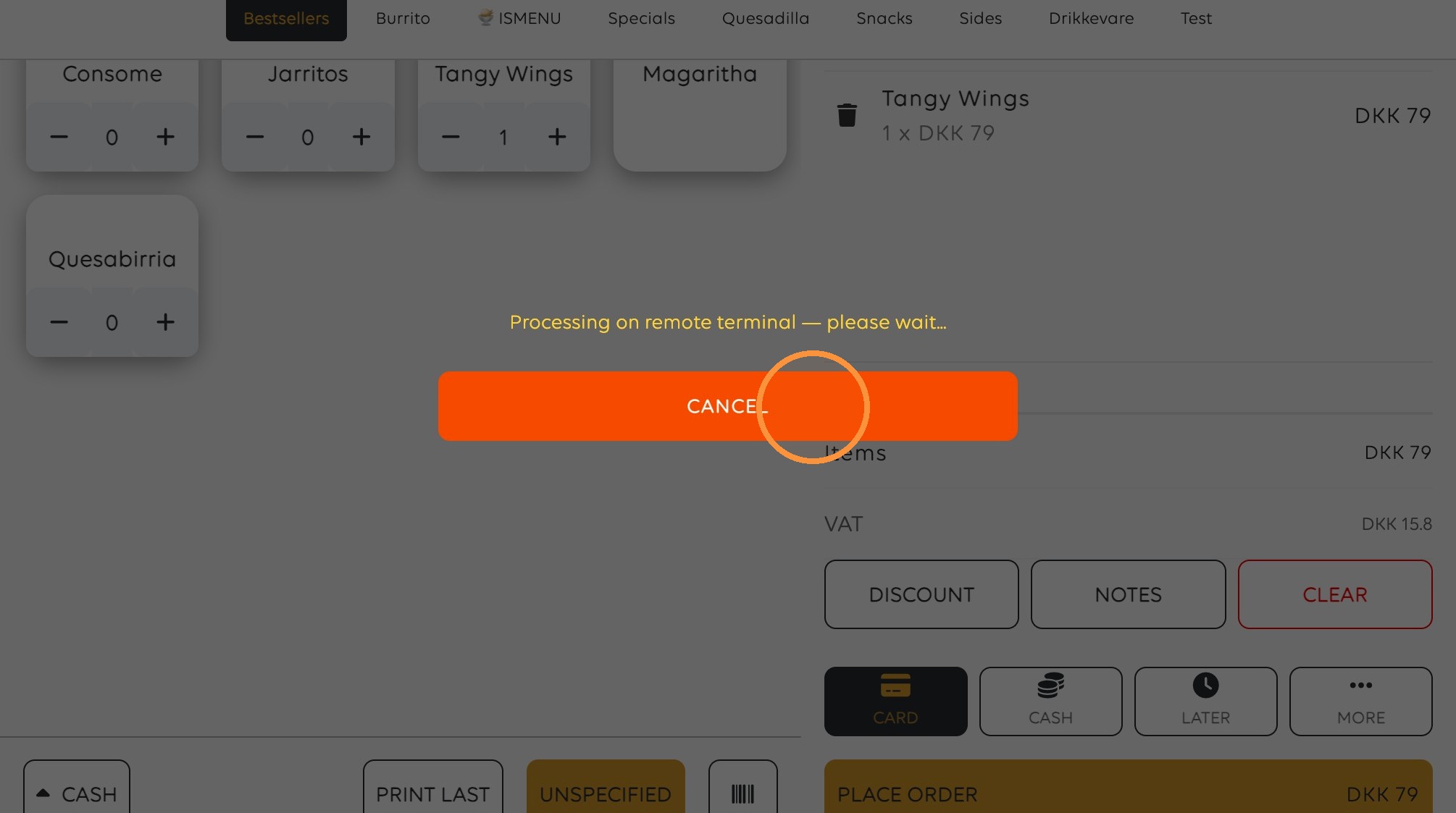
4. Click "Cancel"
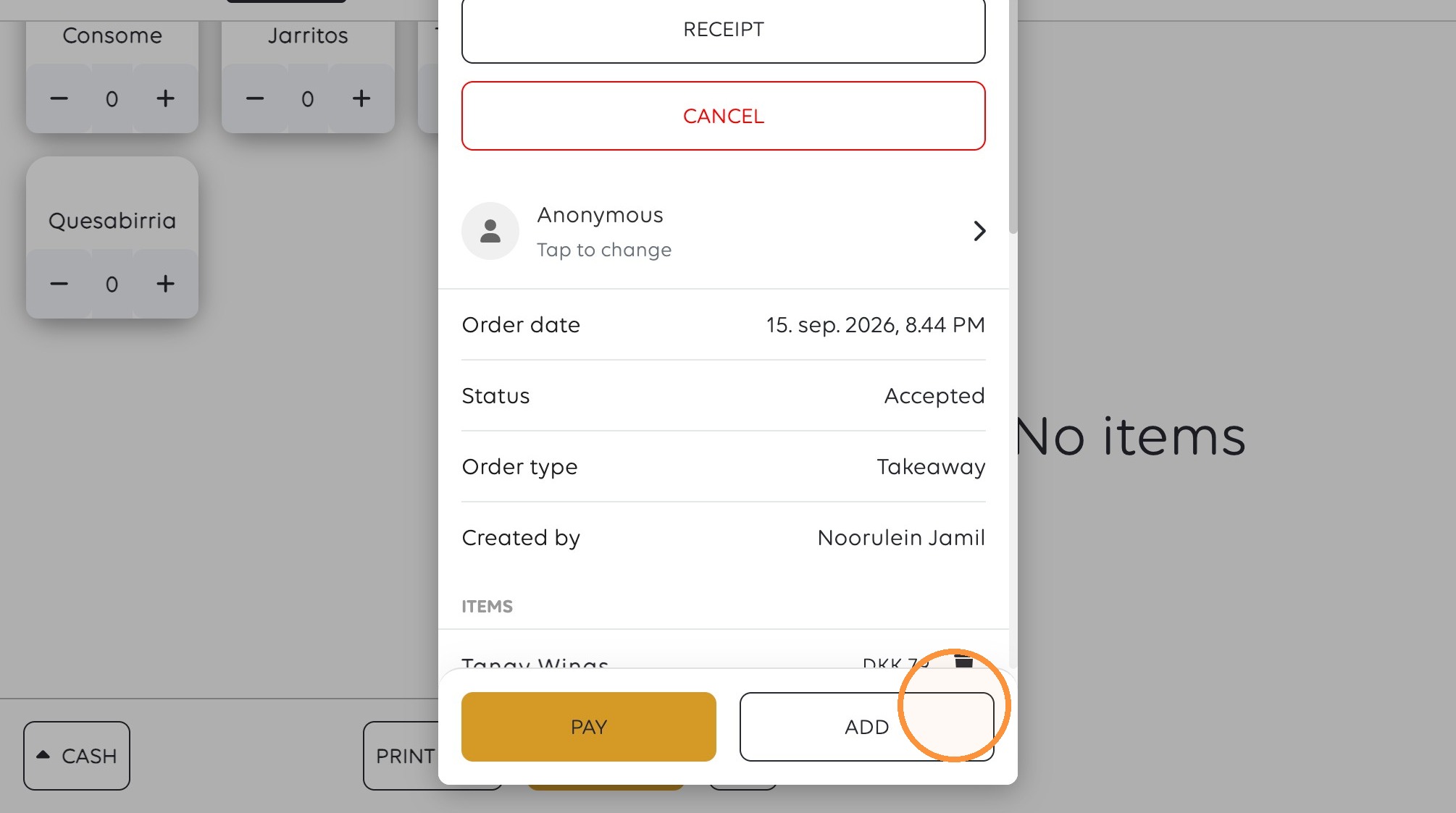
5. Click "Add"
Was this article helpful?
Thanks for your feedback!
