

 Dansk
 Svenska
 Deutsch
 Norsk bokmål
How To Disable "add ons" in settings
How To Disable "add ons" in settings
This guide walks you through the specific navigation steps required to modify your preferences and product configurations.
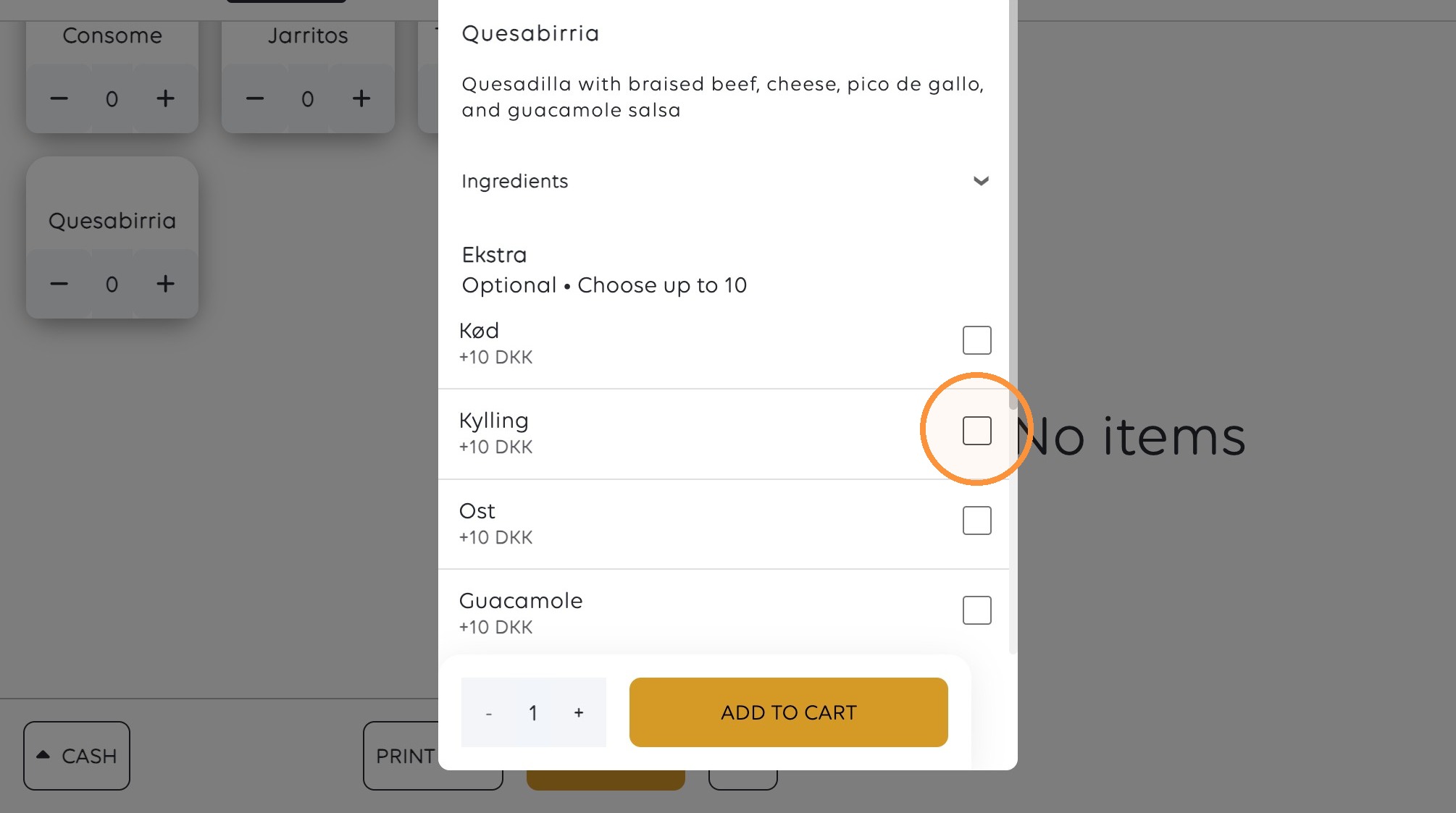
THIS is how the menu looks WITH "add ons"
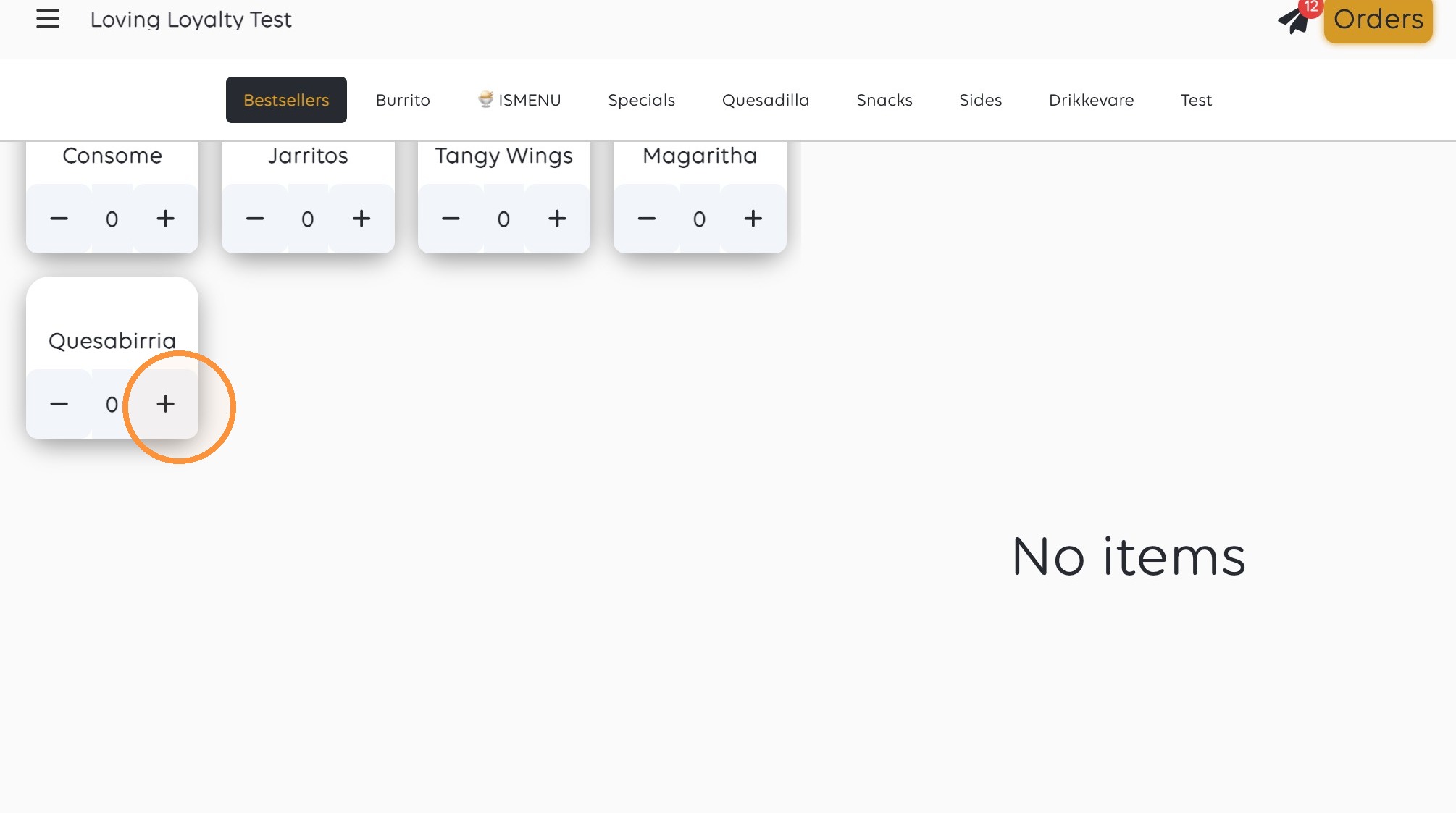
1. Click the plus button for Quesabirria.
2. Select Kylling (+10 DKK).
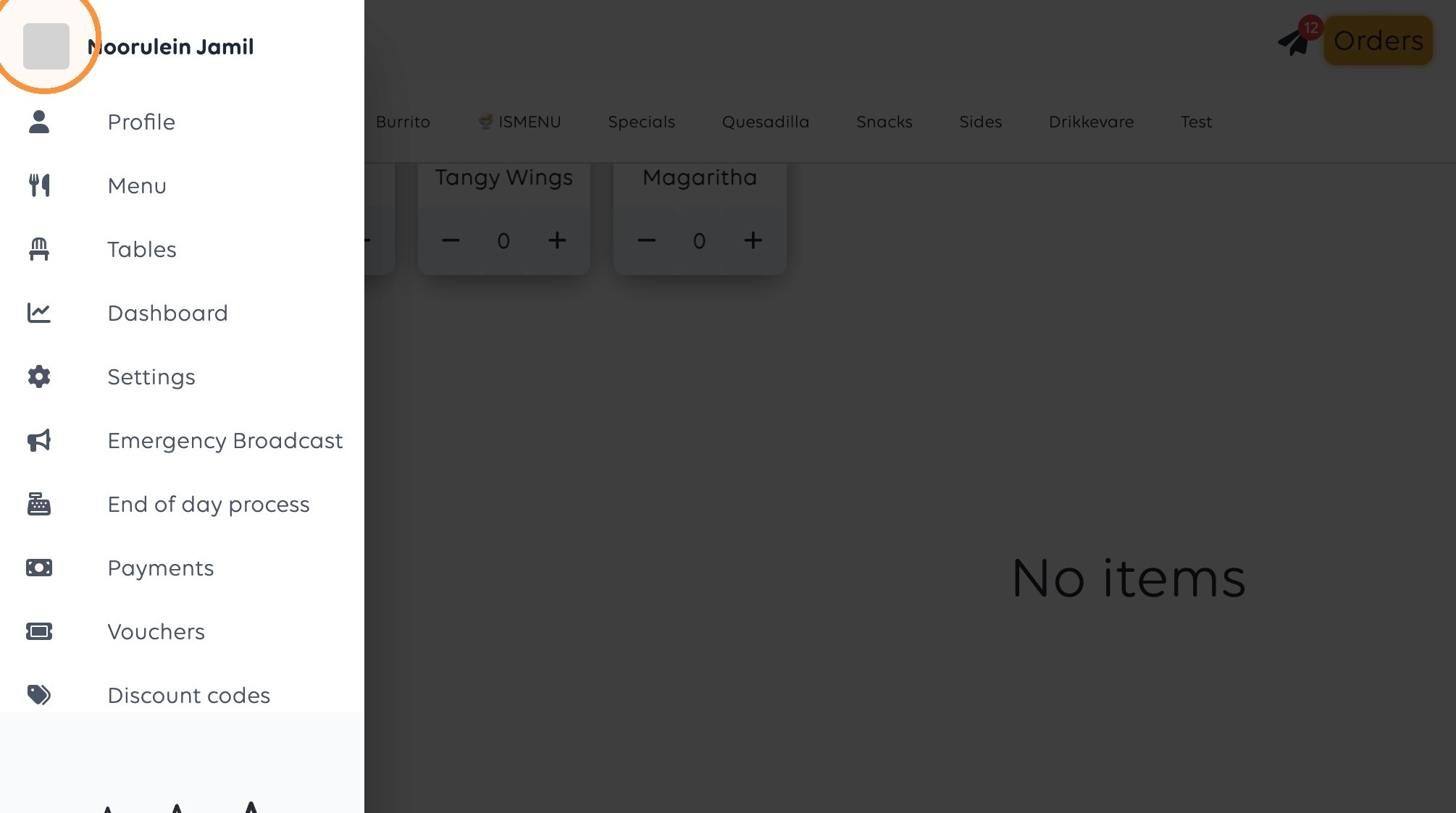
3. Click the menu button.
4. Click "Settings"
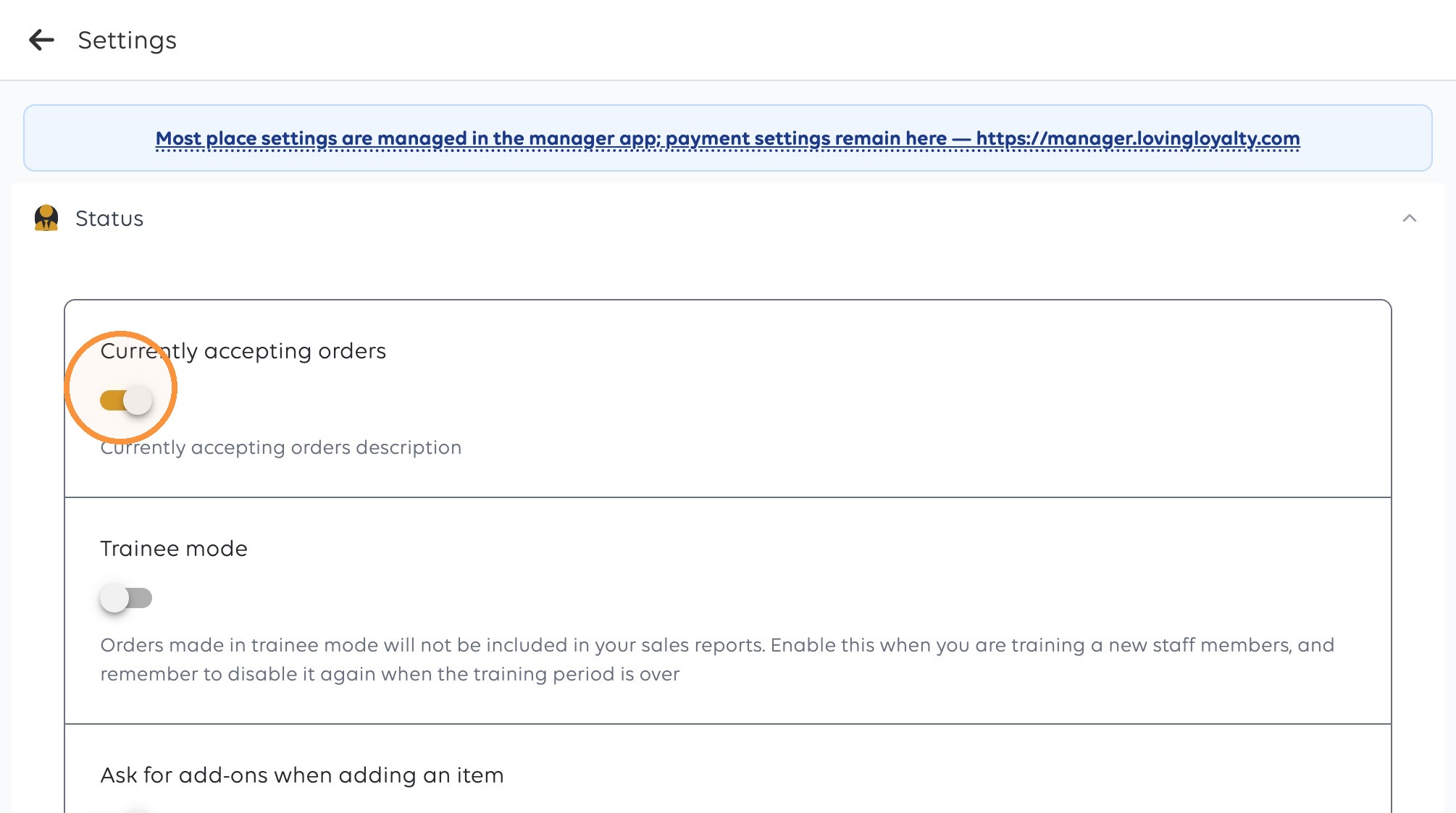
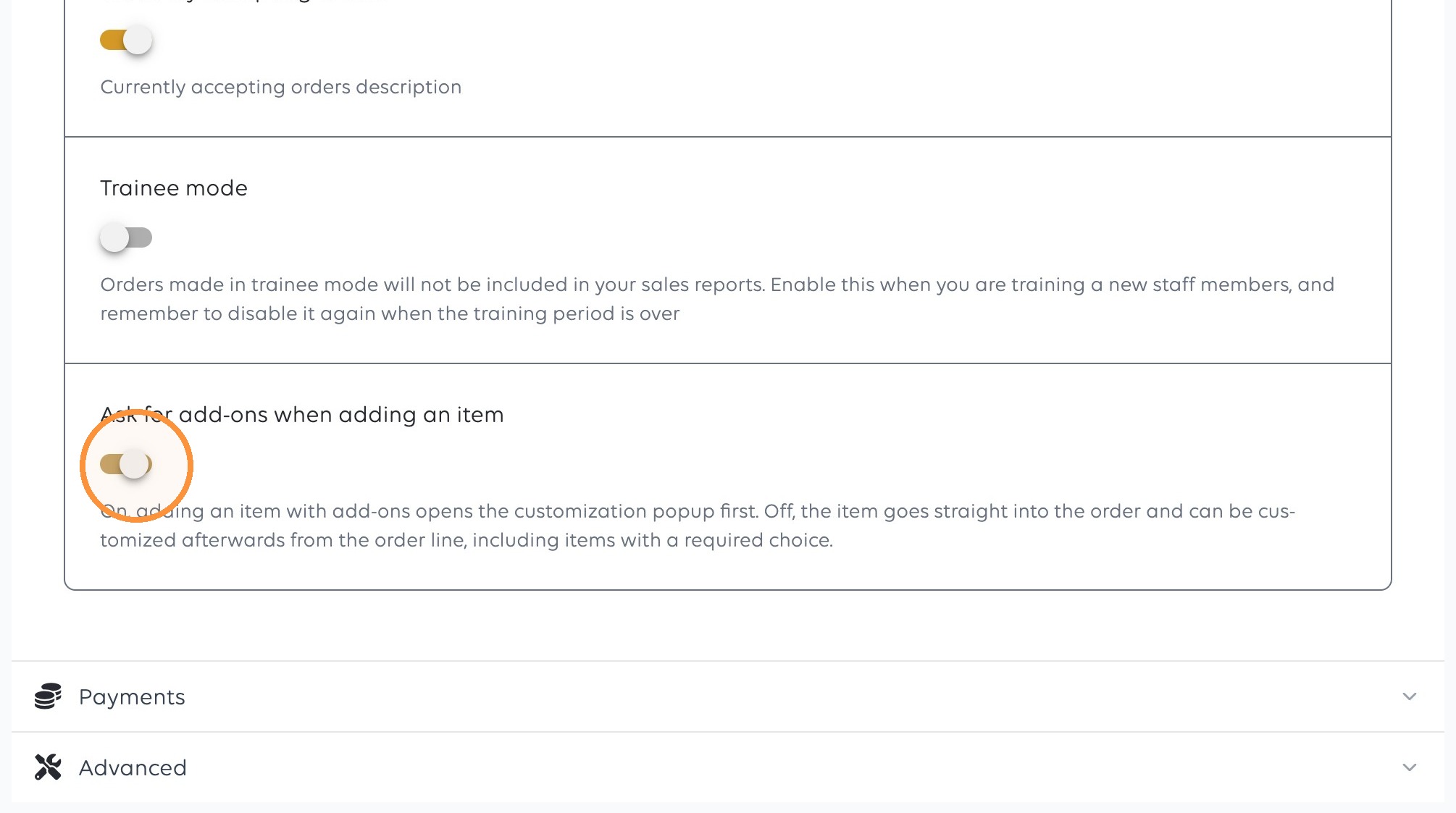
5. Disable Ask for add-ons when adding an item to remove them when creating an order
Was this article helpful?
Thanks for your feedback!
