

 Dansk
 Svenska
 Deutsch
 Norsk bokmål
Reset a forgotten manager password
Reset it from the Manager's own sign-in page. This is the password for signing in to
the Manager, not a cashier's PIN.
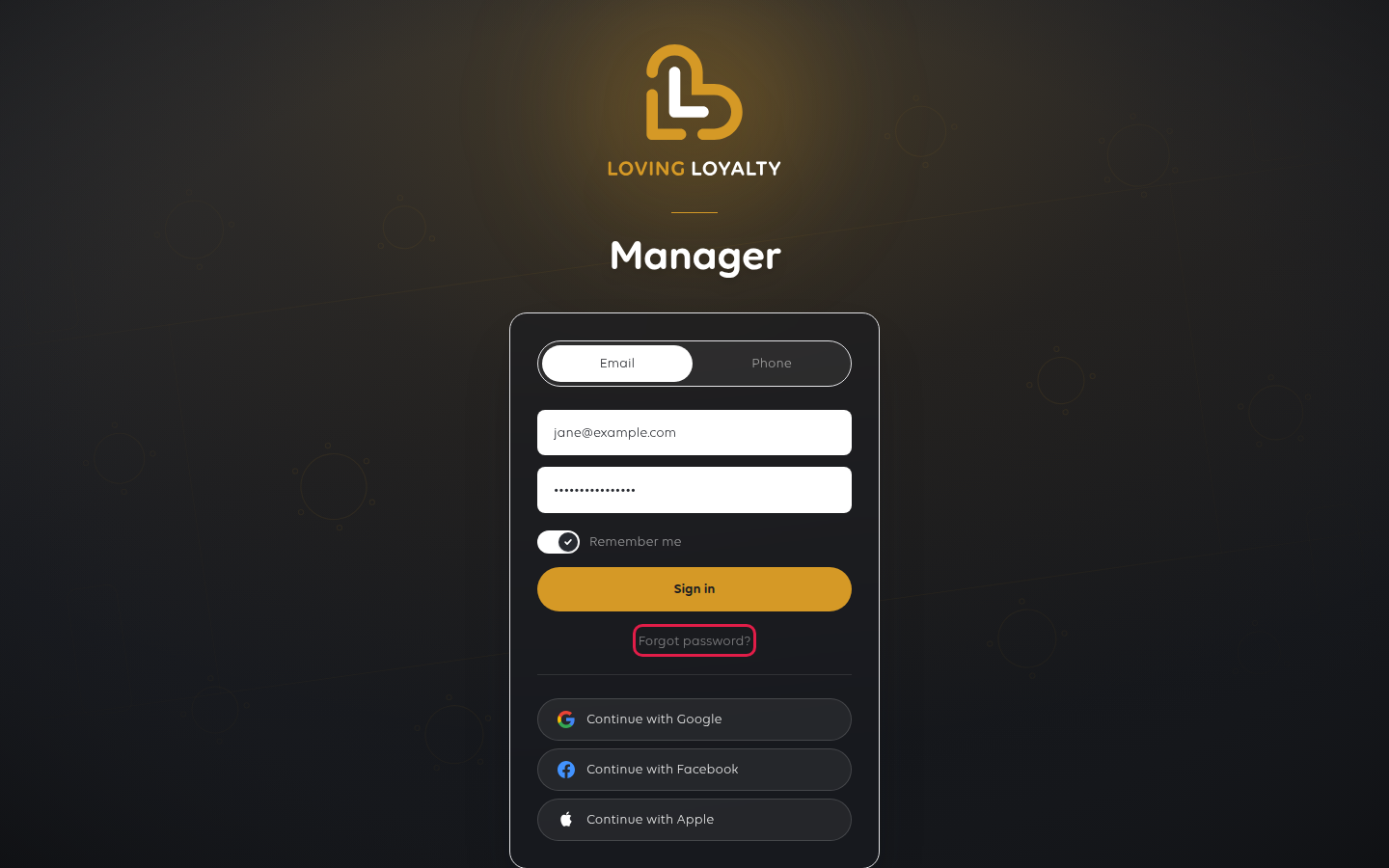
1. Select Forgot password?
On the sign-in page, select Forgot password? under the form.
2. Enter your email address
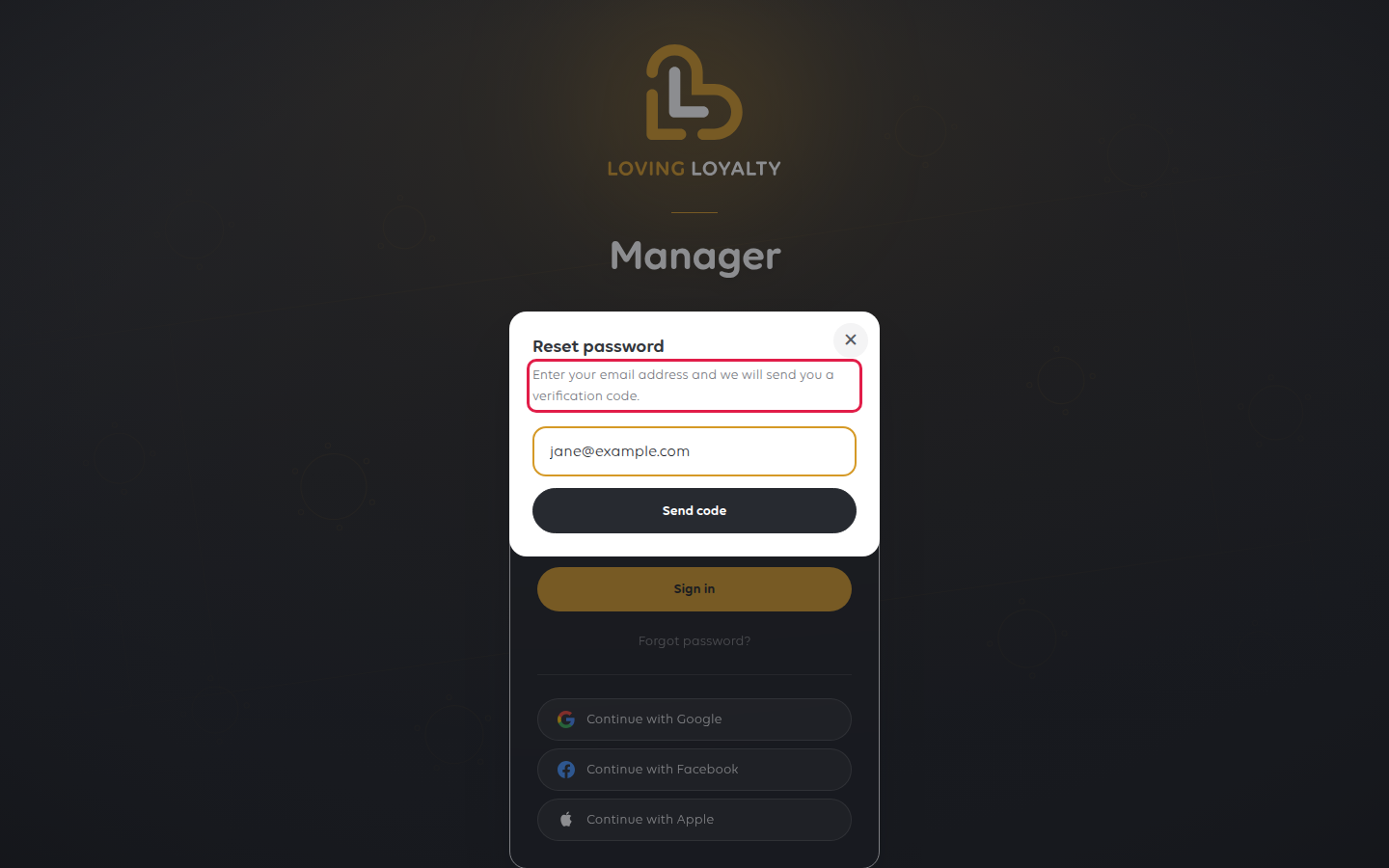
Reset password opens. Type the email address your account uses and select
Send code. A verification code is sent to that address, not a link.
3. Enter the code
The dialog shows We sent a verification code to with your address, and six boxes
for the code.
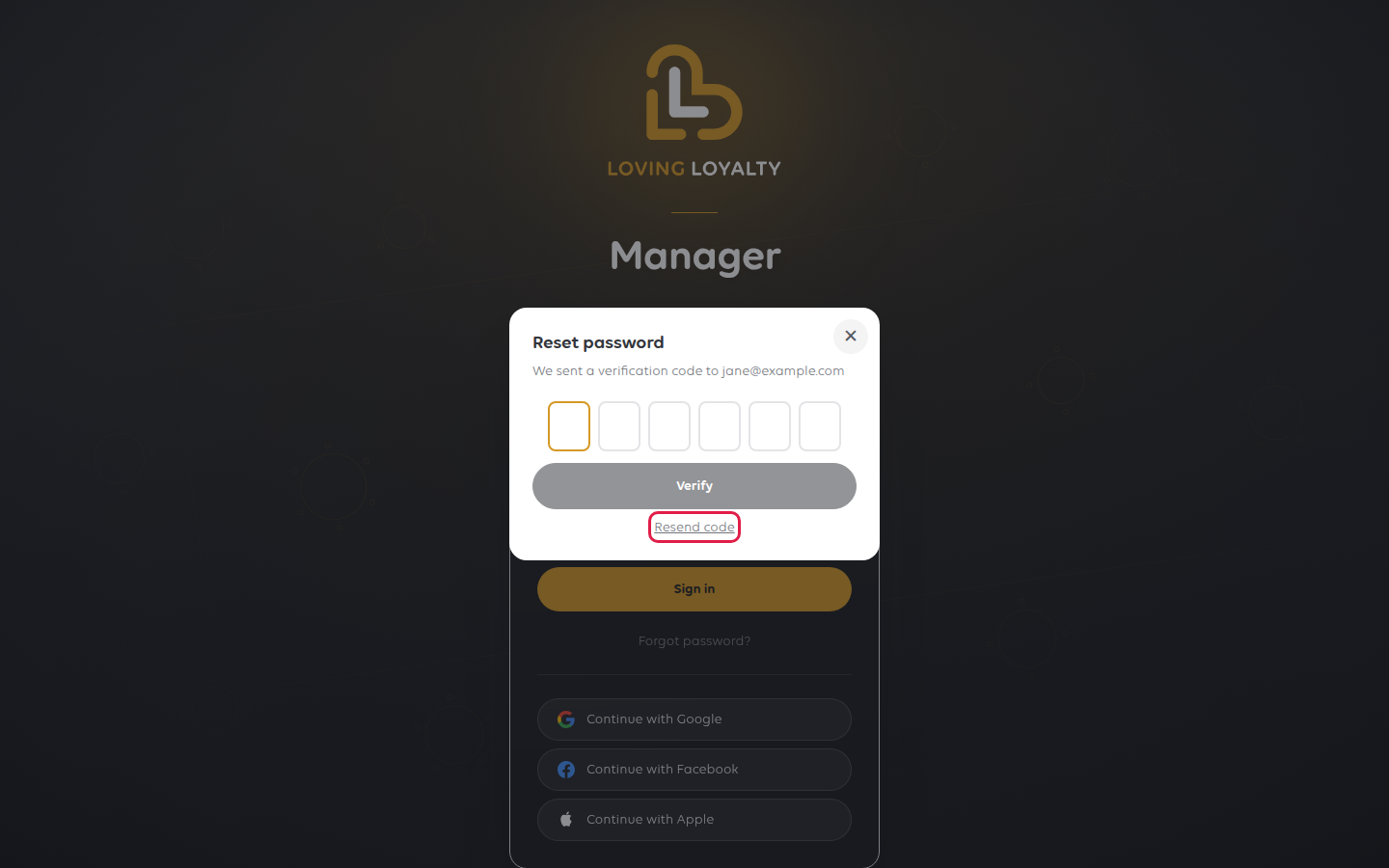
Type the code. Verify stays greyed out until all six digits are in. If the code
does not arrive, check your spam folder, then select Resend code.
4. Choose a new password
Type it in New password and again in Confirm new password. It must be at least
8 characters. Select Save password.
You are signed in and asked to choose your shop.
If something goes wrong
| What you see | What it means | What to do |
|---|---|---|
| No account found for this email address | The account uses a different address | Confirm the address with whoever set the account up |
| No code arrives | It went to spam, or it is delayed | Check the spam folder, then select Resend code |
| Passwords do not match | The two boxes differ | Type the same password in both |
| Access denied. This portal is for managers only. | Your account has no manager role | Ask a manager to give you the Manager role |
| A cashier cannot sign in to the till | That is a till sign-in, not the Manager | See Reset a forgotten POS password |
Was this article helpful?
Thanks for your feedback!
