

 Dansk
 Svenska
 Deutsch
 Norsk bokmål
Get help from inside the app
When something is wrong at the till, or you want to tell us something about the app,
you can do it without leaving the app.
Where it is
Open the menu at the top left and choose Contact us. Opening it empties the basket, so
finish or park the order you are on first.
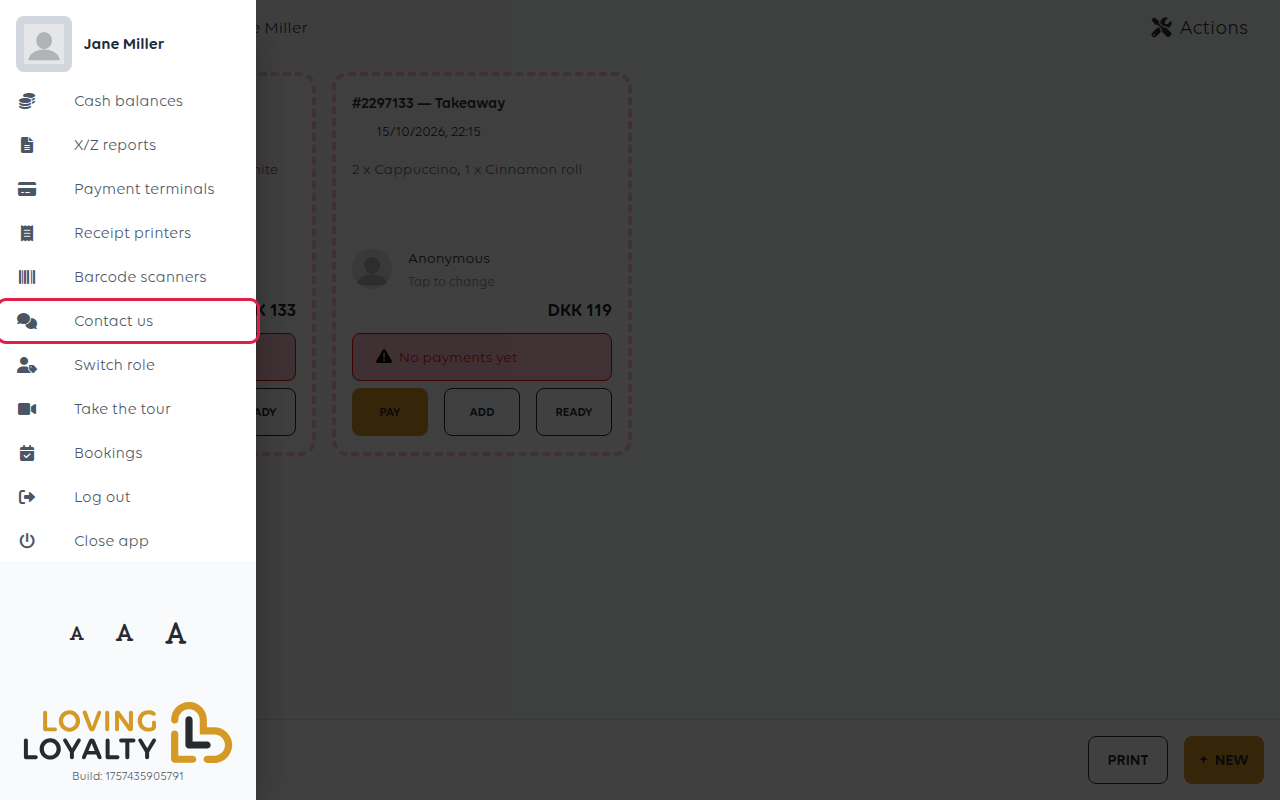
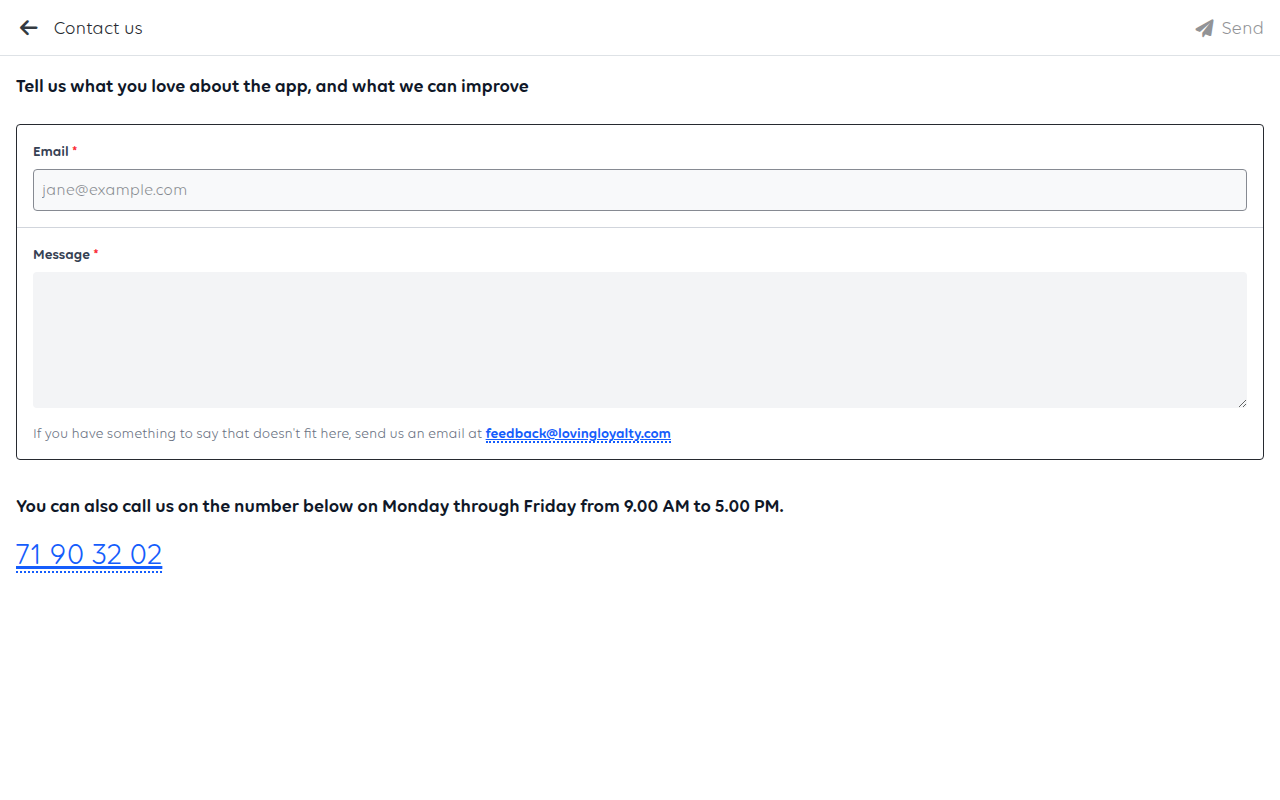
Fill in your Email and your Message, then tap Send. The till confirms the message has gone. The email address is how
we reply, so use one that is read - a shop address nobody opens is the usual reason
an answer never seems to arrive.
The other two ways
The same screen gives you both:
- Email - feedback@lovingloyalty.com, for anything that does not fit the form.
- Phone - 71 90 32 02, Monday to Friday, 9.00 to 17.00.
If the till cannot take money right now, phone. A form is the right tool for
something that can wait, not for a queue at the counter.
What to say so it can be acted on
Whoever reads it cannot see your till. The difference between a fast answer and three
days of questions is usually four facts:
| Include | Example |
|---|---|
| Which shop and which till | Corner Cafe, the till by the window |
| What you did | Took a card payment for DKK 240 |
| What happened instead | Terminal showed approved, the till still says unpaid |
| When | Today about 12:30 |
An order number is worth more than a paragraph of description - it lets us find the
exact sale. See Find an order.
Do not send card numbers, a customer's personal details, or your PIN. None of it
helps, and it should not be in an email.
If it is urgent
Phone rather than write, and keep serving if you can: take cash, or write the order
down and ring it up afterwards. A shop that stops selling while it waits for a reply
loses more than the fault costs.
Was this article helpful?
Thanks for your feedback!
