
How to log in and reset your password
How to log in and reset your password
Logging in to the Manager
Open app.lovingloyalty.com in your browser. Enter your email address and password, then click Sign in.
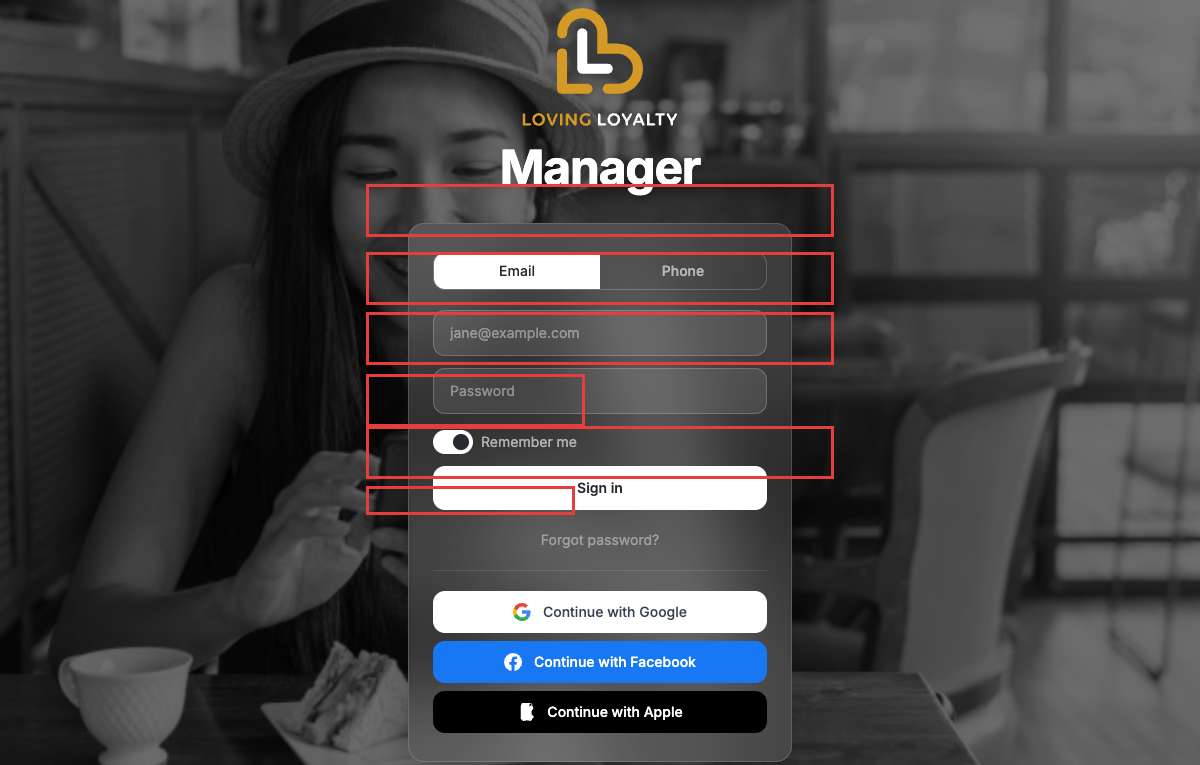
You can also sign in with your Google, Facebook, or Apple account using the social buttons below the form.
Forgot your password?
Click Forgot password? below the Sign in button. Enter your email address and click the button to receive a password reset link.
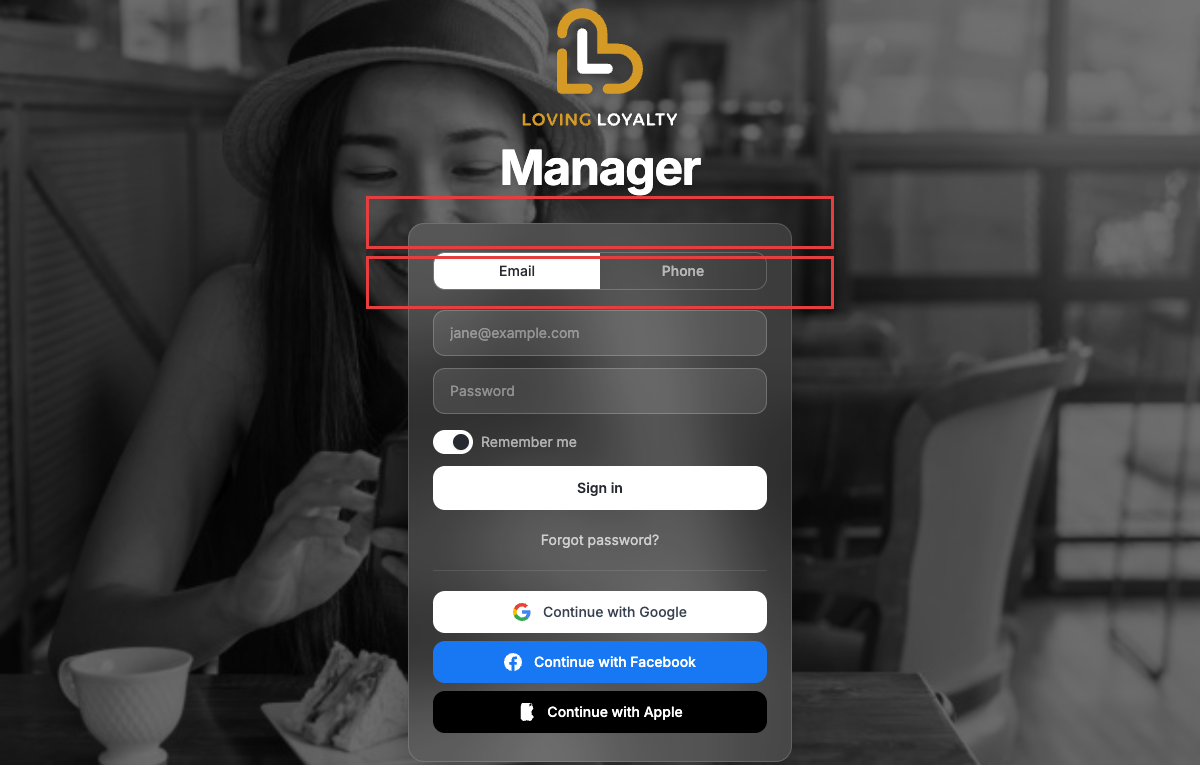
Check your inbox (and spam folder) for the reset email. Click the link in the email to set a new password.
Phone login
Click the Phone tab at the top of the login form, enter your phone number, and you will receive a one-time code to sign in.