
Managing staff
Managing staff
Before you begin: Make sure you are logged in to the Loving Loyalty Manager. If you have not logged in yet, see How to log in and reset your password.
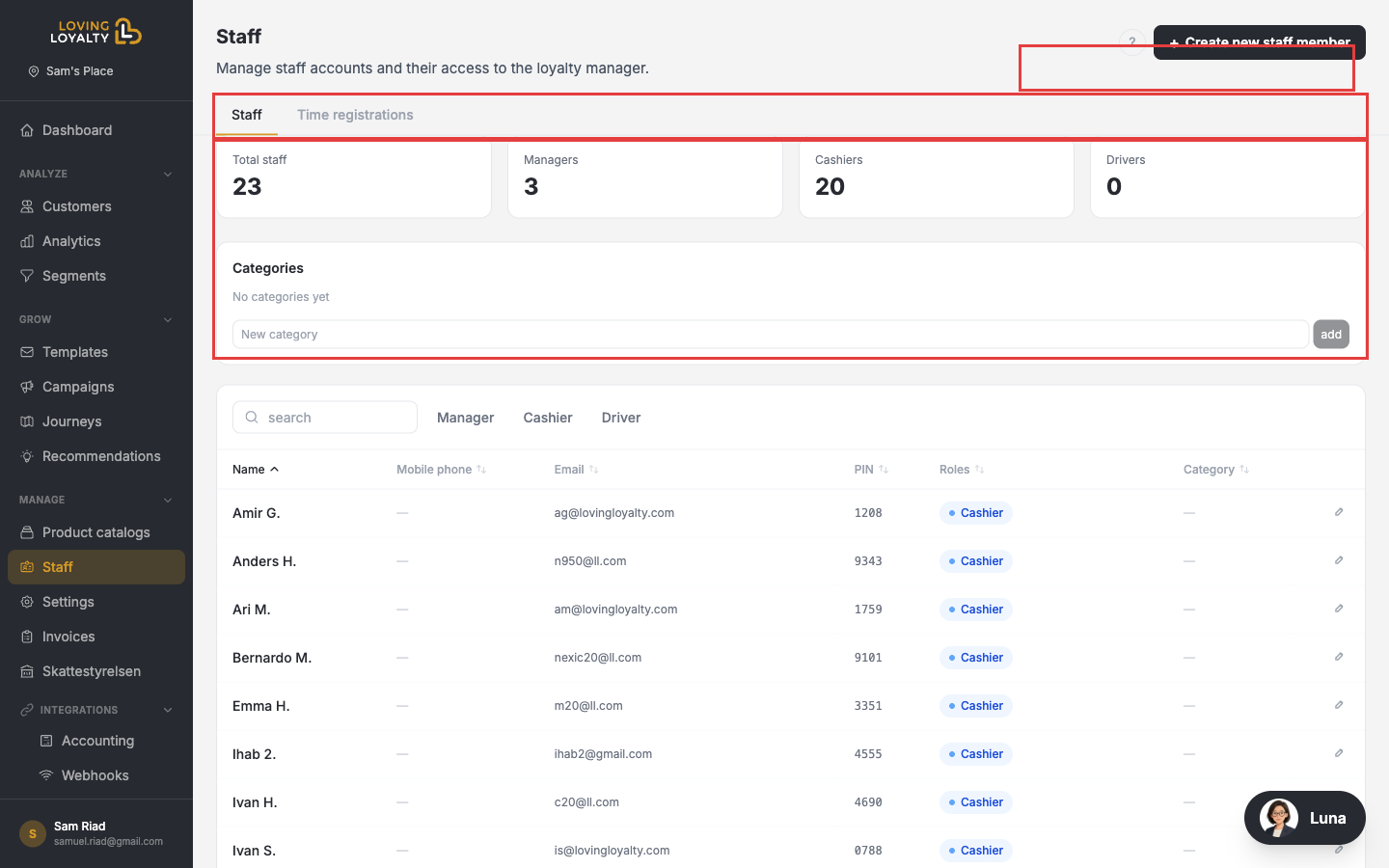
Go to Staff under Manage in the left sidebar to manage all staff accounts for your location.
Staff roles
- Cashier — Can process orders and apply discounts at the POS.
- Manager — Has additional permissions to access reports and settings.
- Driver — Used for delivery operations.
Creating a staff member
- Click + Create new staff member.
- Enter the staff member's Name, Email (optional for cashier-only accounts), and Mobile phone (optional).
- Set a 4-digit PIN used to sign in at the POS.
- Select a Role — Cashier, Manager, or Driver.
- Optionally assign a Category for time registration tracking.
Staff categories
Create categories in the Categories box to group staff members for time registration reports.
Time registrations
Click the Time registrations tab to view clock-in/clock-out records for all staff members.