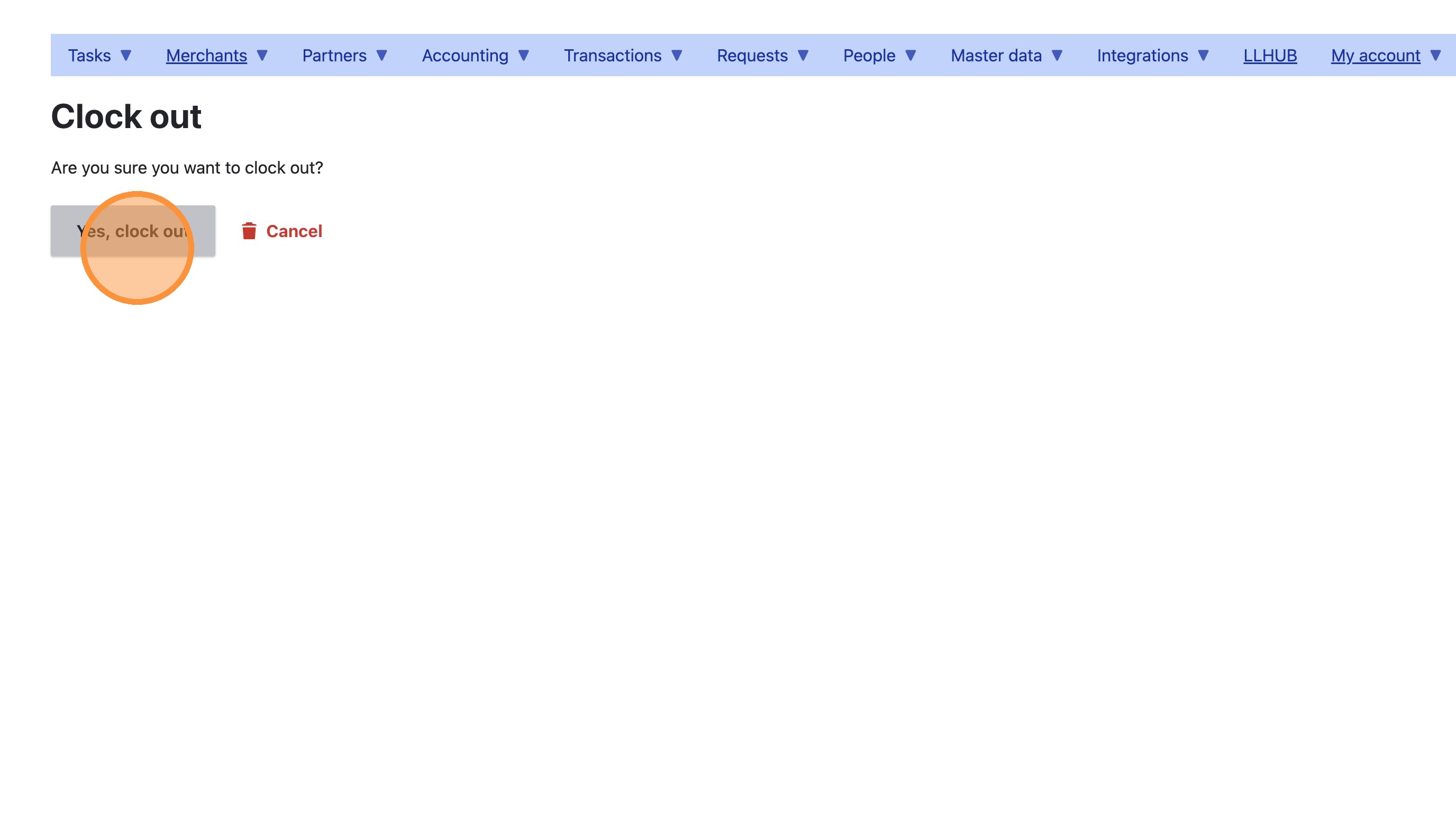
How to clock out as a Loving Loyalty employee
How to clock out as a Loving Loyalty employee
Follow these steps to quickly log your departure using the Loving Loyalty employee portal. This guide ensures you correctly record your time off by navigating the authentication process and submitting your exit status.
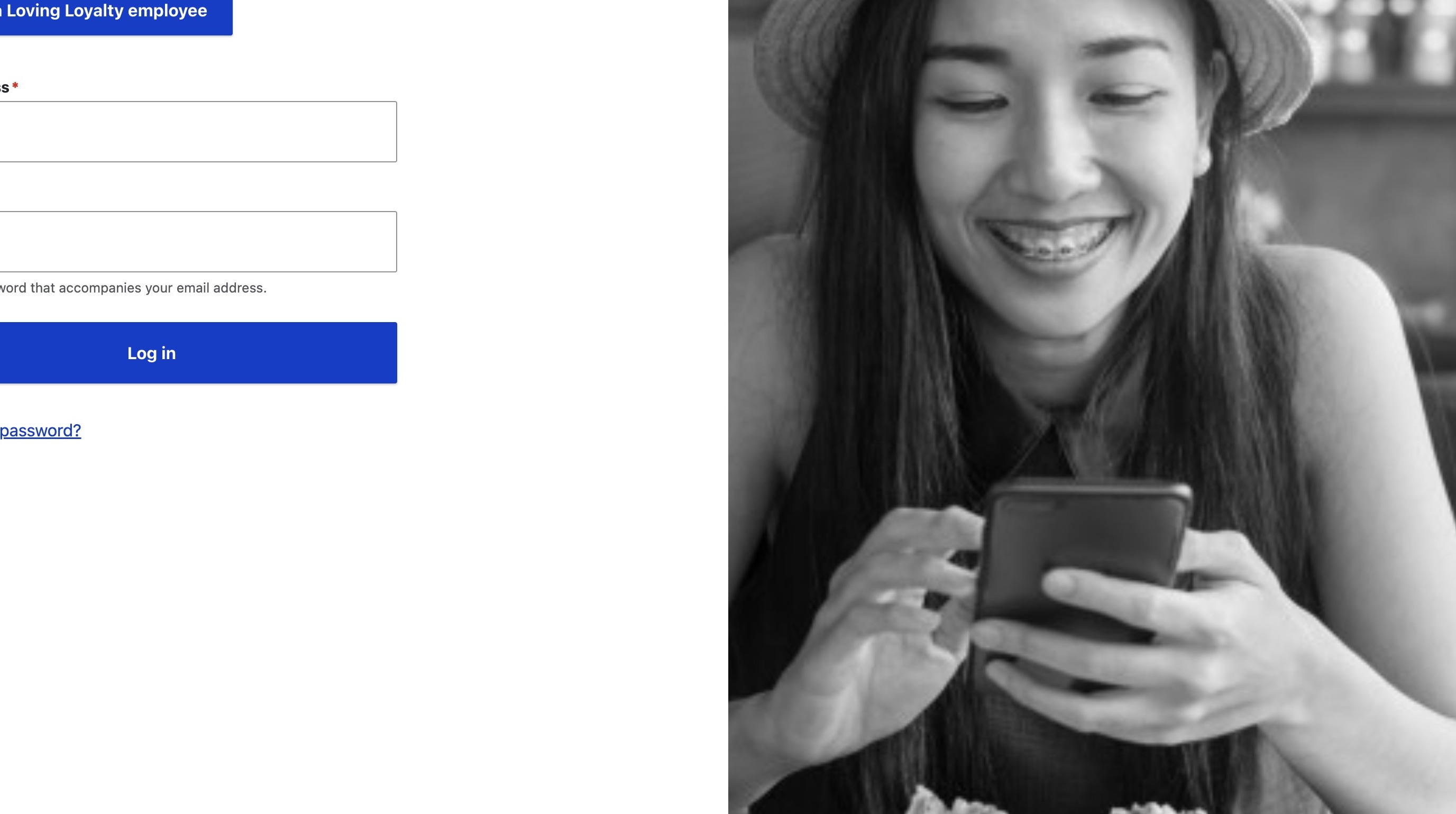
1. Navigate to https://lovingloyalty.com/user/login
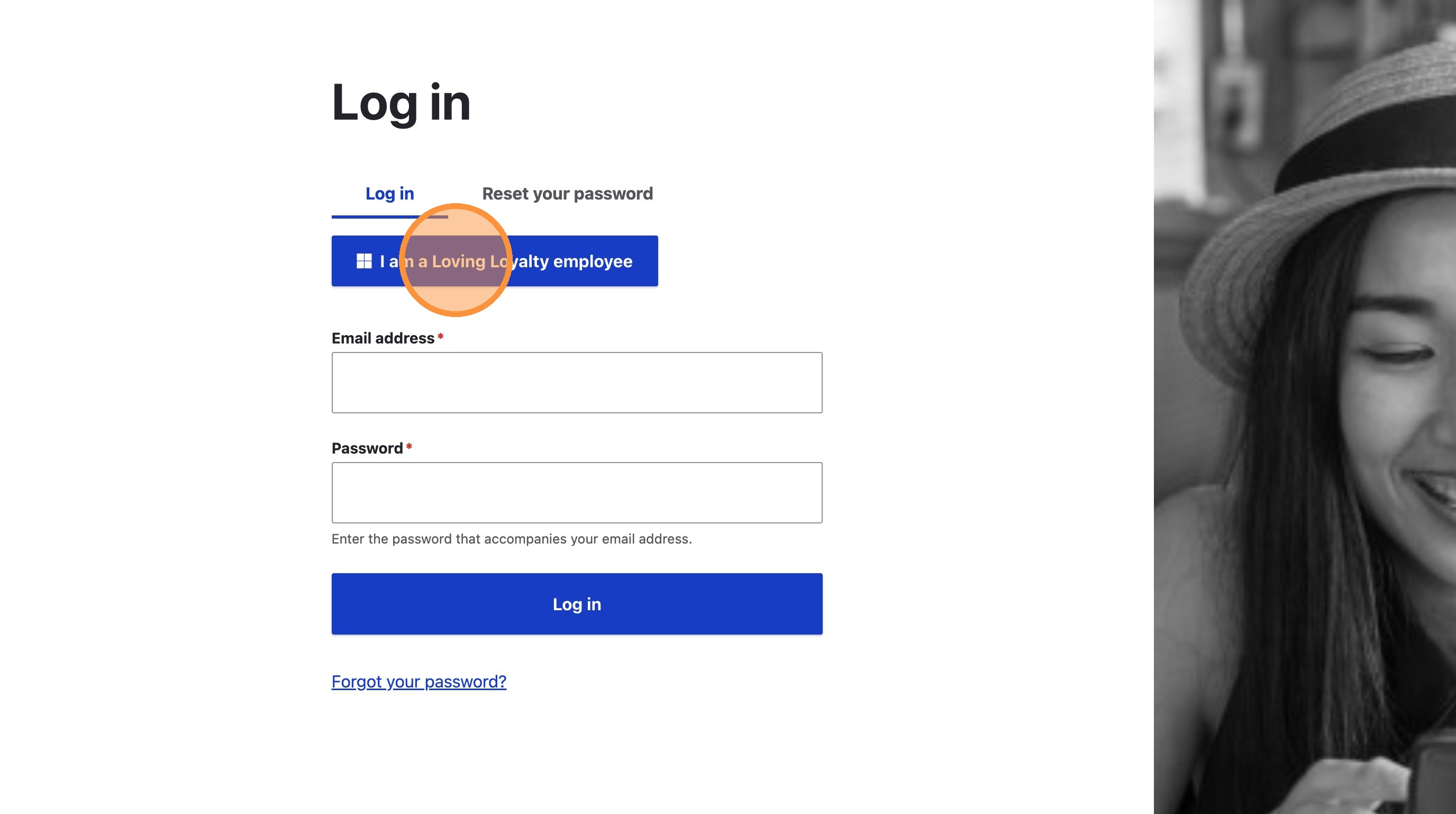
2. Click "I am a Loving Loyalty employee"
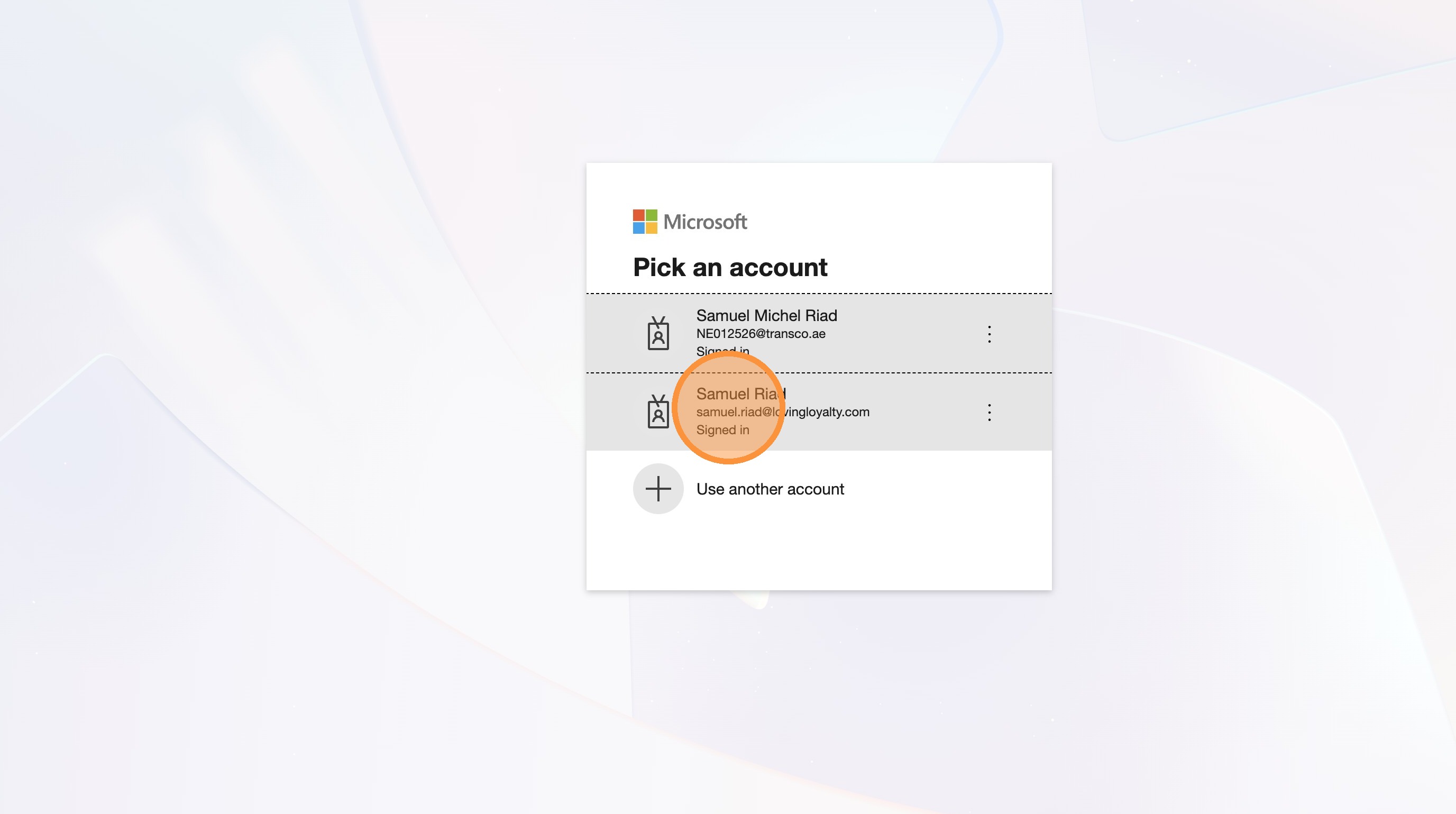
3. Select your account samuel.riad@lovingloyalty.com to continue
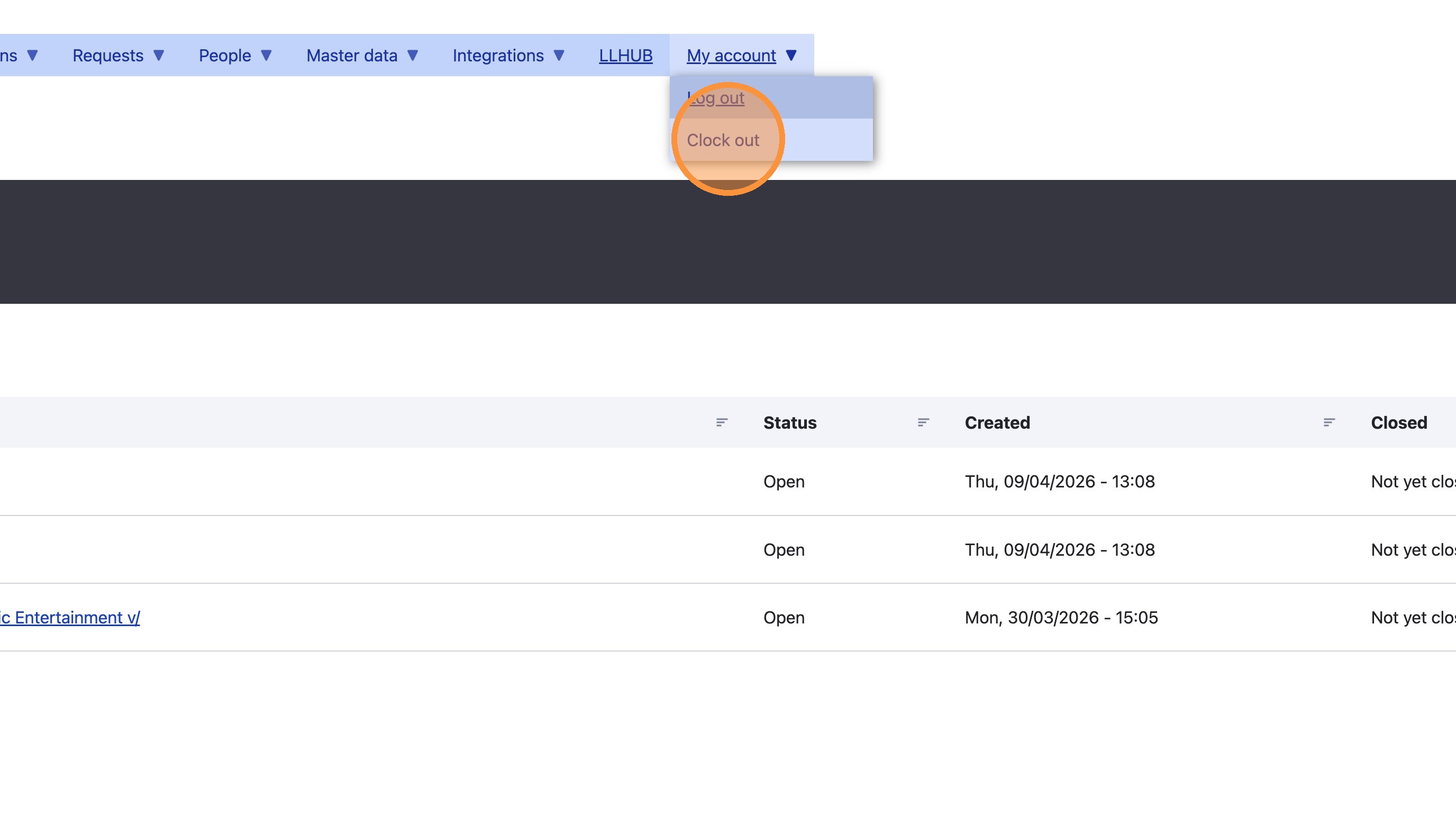
4. Select 'Clock out' from the 'My account' dropdown menu
5. Click 'Yes, clock out' to confirm