
AI-powered recommendations
AI-powered recommendations
Before you begin: Make sure you are logged in to the Loving Loyalty Manager. If you have not logged in yet, see How to log in and reset your password.
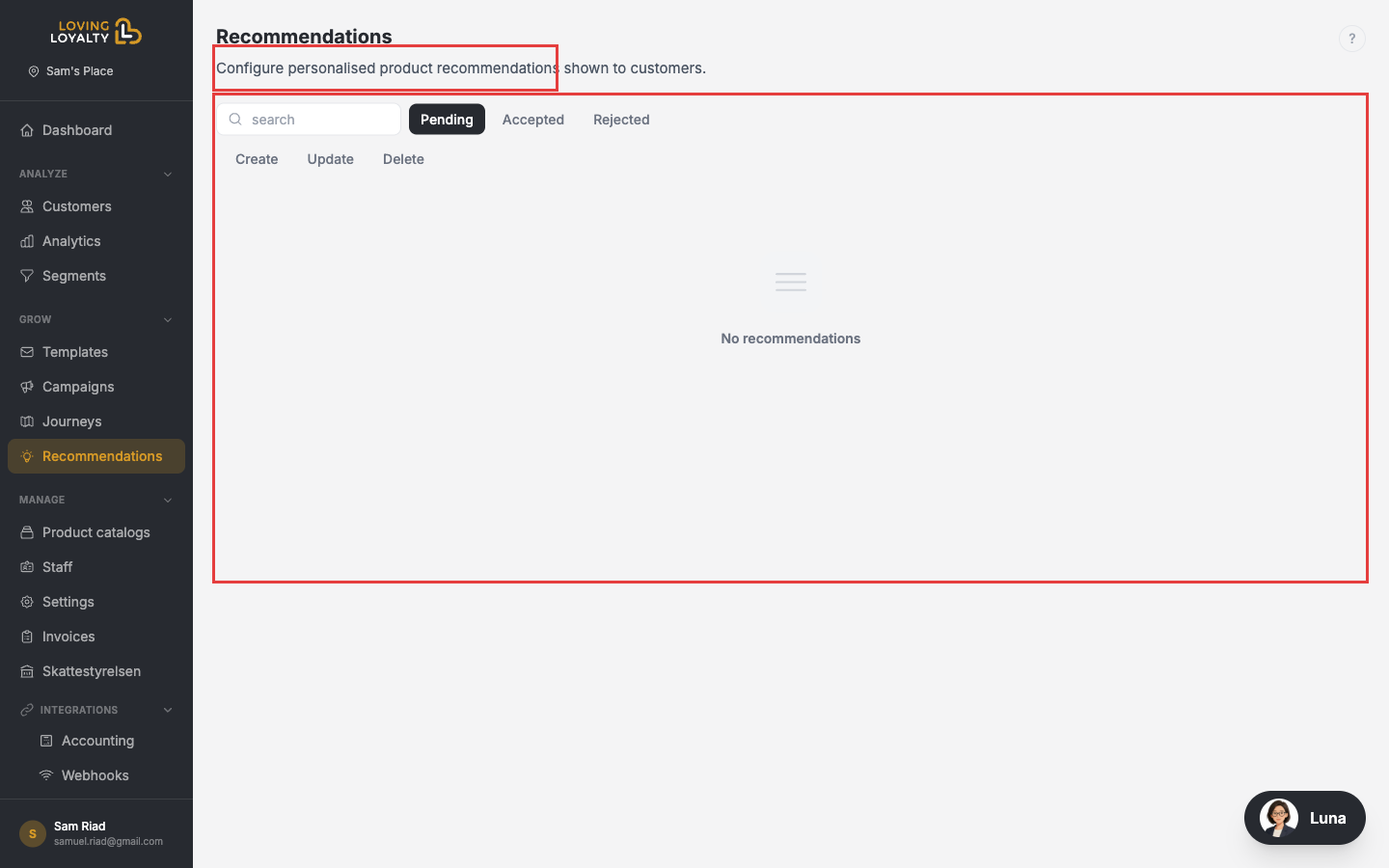
Go to Recommendations in the left sidebar to see AI-generated suggestions for improving your loyalty programme.
How recommendations work
The system continuously analyses your customer behaviour, segment sizes, campaign performance, and journey results. When it identifies an opportunity it surfaces a recommendation with an explanation and an estimate of expected impact.
Reviewing a recommendation
Each recommendation card shows:
- The suggested action (e.g. "Create a win-back campaign for Slipping Away customers").
- The reasoning behind the suggestion.
- Quick-action buttons to accept or dismiss it.
Accepted and Rejected tabs
Once you act on a recommendation it moves to the Accepted or Rejected tab so you can track your history.