
Customer segments
Customer segments
Before you begin: Make sure you are logged in to the Loving Loyalty Manager. If you have not logged in yet, see How to log in and reset your password.
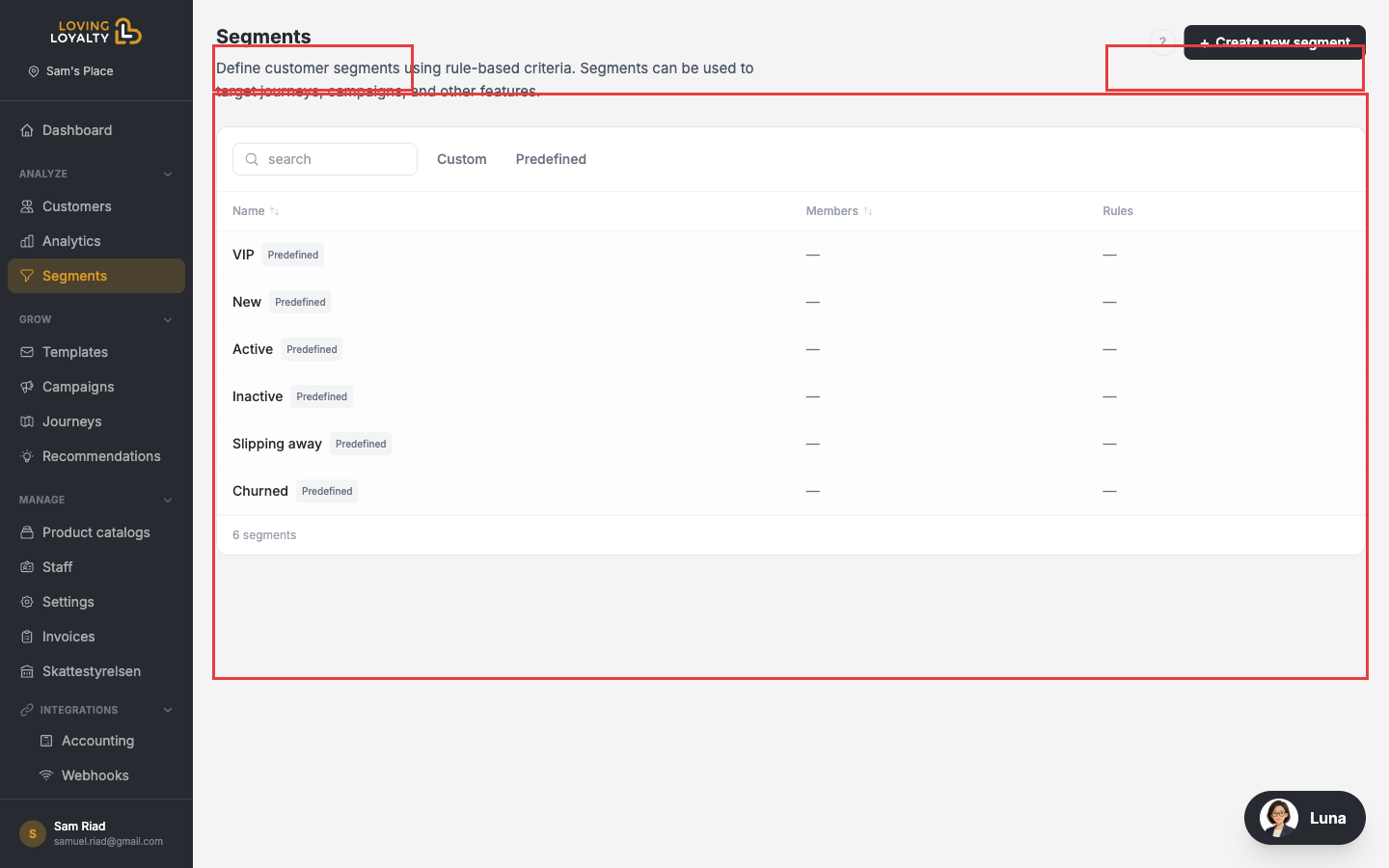
Go to Segments in the left sidebar to view and manage customer groups.
Predefined segments
Loving Loyalty automatically maintains six predefined segments based on purchase behaviour — you don't need to manage them:
- VIP — Your highest-spending customers.
- New — Customers who joined recently.
- Active — Customers who purchase regularly.
- Inactive — Customers who have not purchased recently.
- Slipping Away — Customers whose purchase frequency is declining.
- Churned — Customers who have stopped purchasing.
Custom segments
Click + Create new segment to define your own segment using rule-based criteria. Click the Custom tab to see your custom segments.
Using segments
When creating a Campaign or Journey you can restrict it to a specific segment so only customers in that group receive the offer or automated message.