How to clock in as a Loving Loyalty employee
How to clock in as a Loving Loyalty employee
Learn the quick process for logging into the Loving Loyalty employee portal to start your shift. This guide provides simple steps to ensure you are clocked in correctly and ready to work.
1. Navigate to https://lovingloyalty.com/user/login
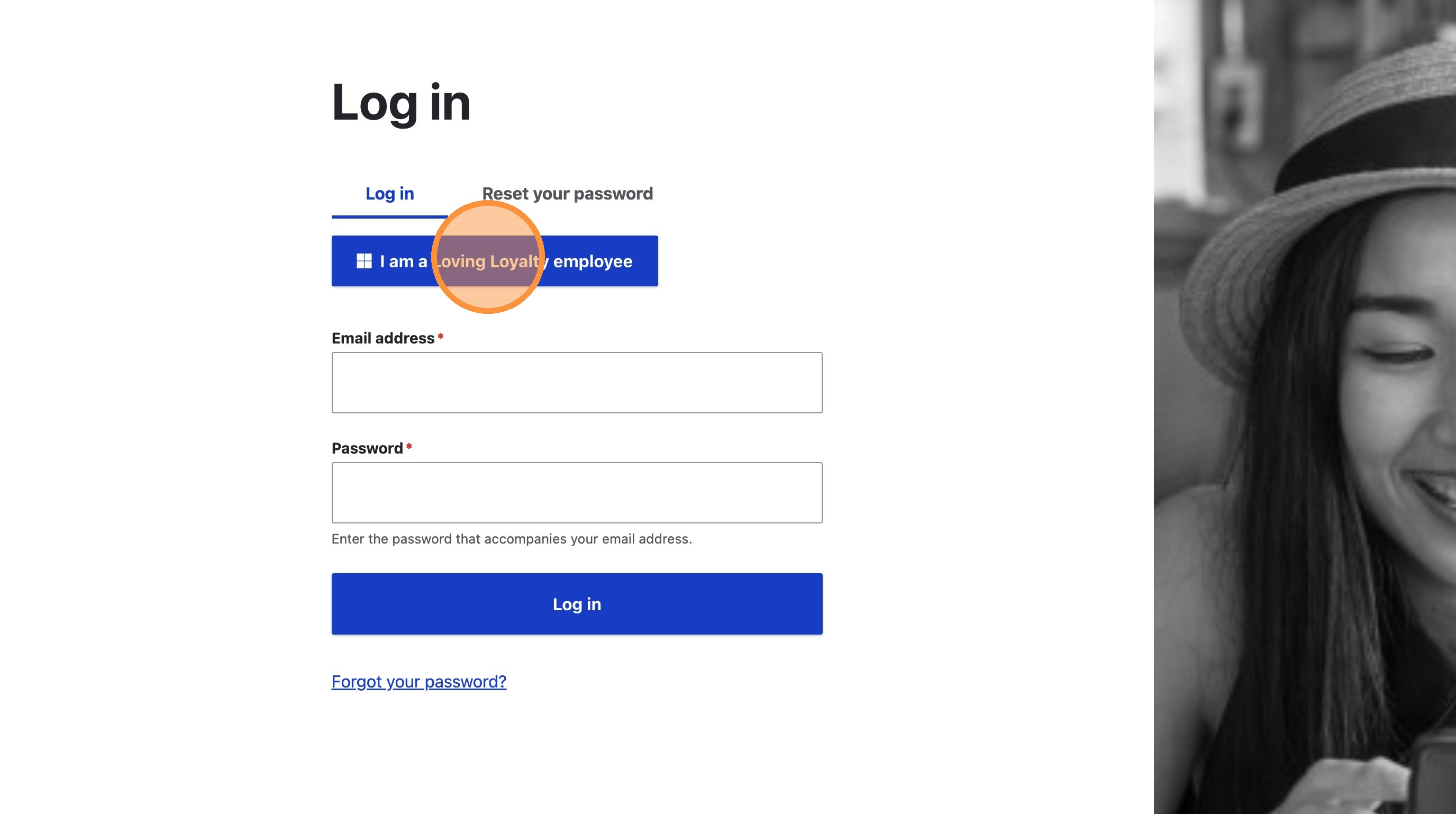
2. Click "I am a Loving Loyalty employee"
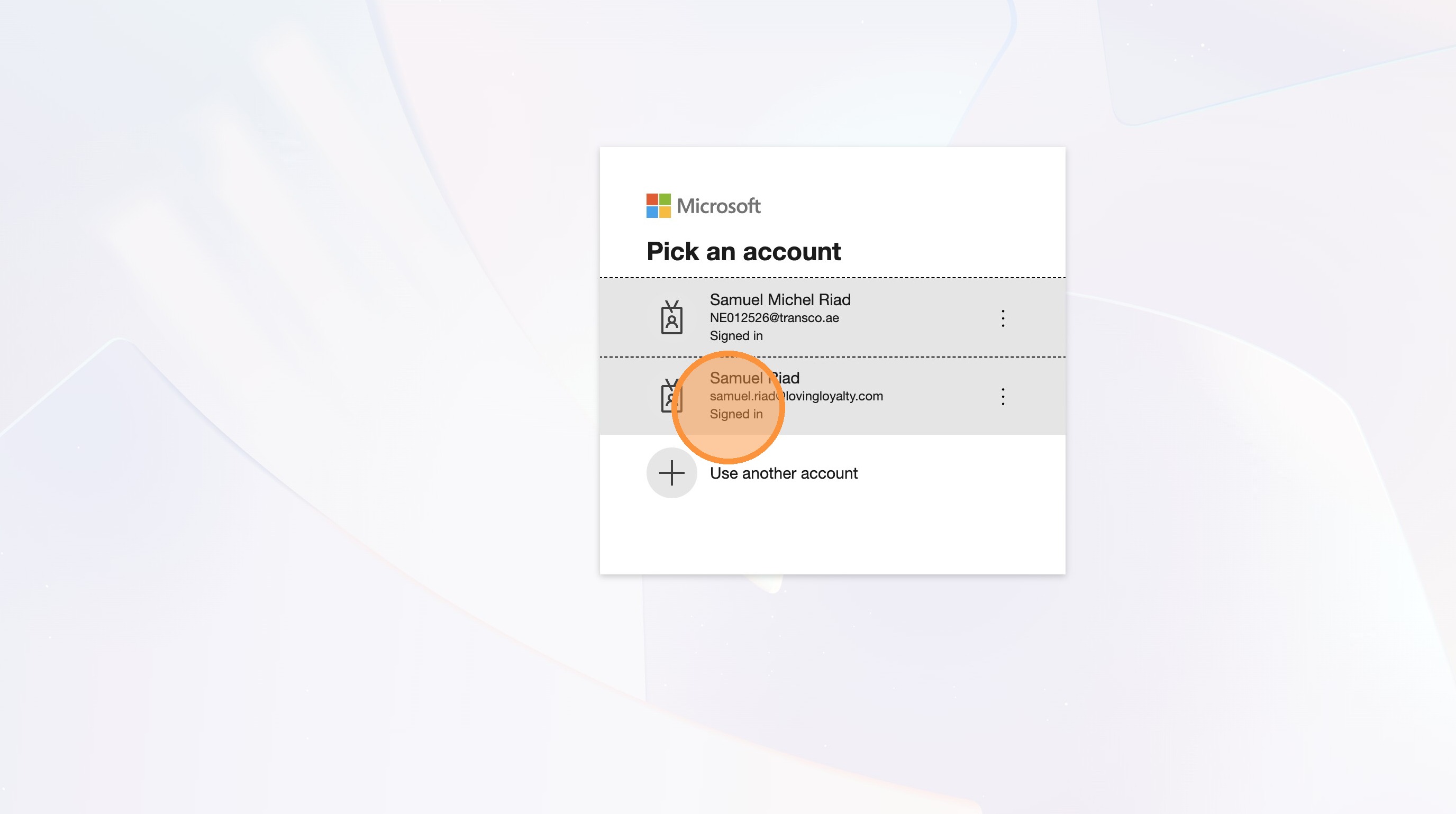
3. Select account to sign in
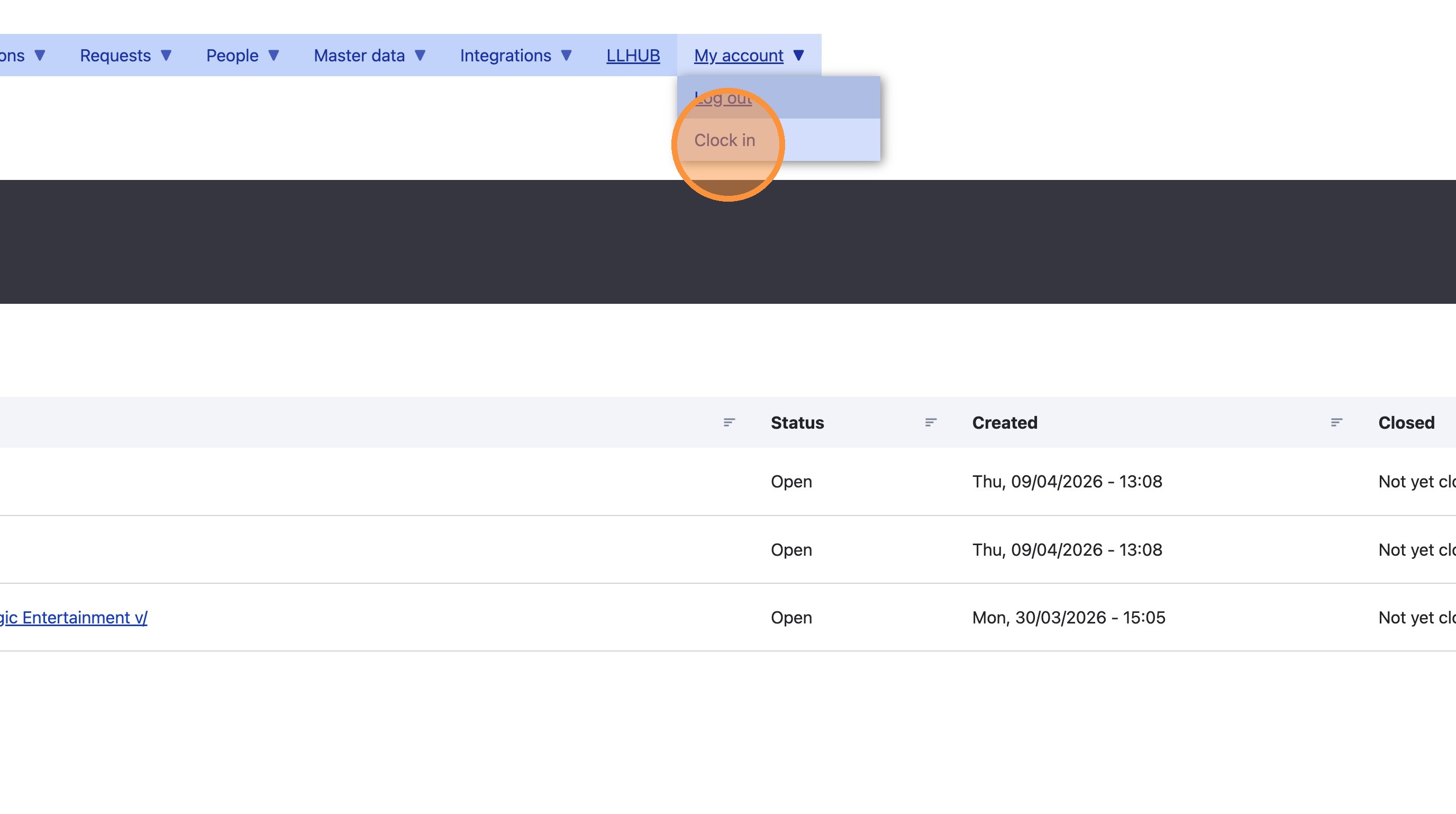
4. Select "Clock in" from "My account" menu
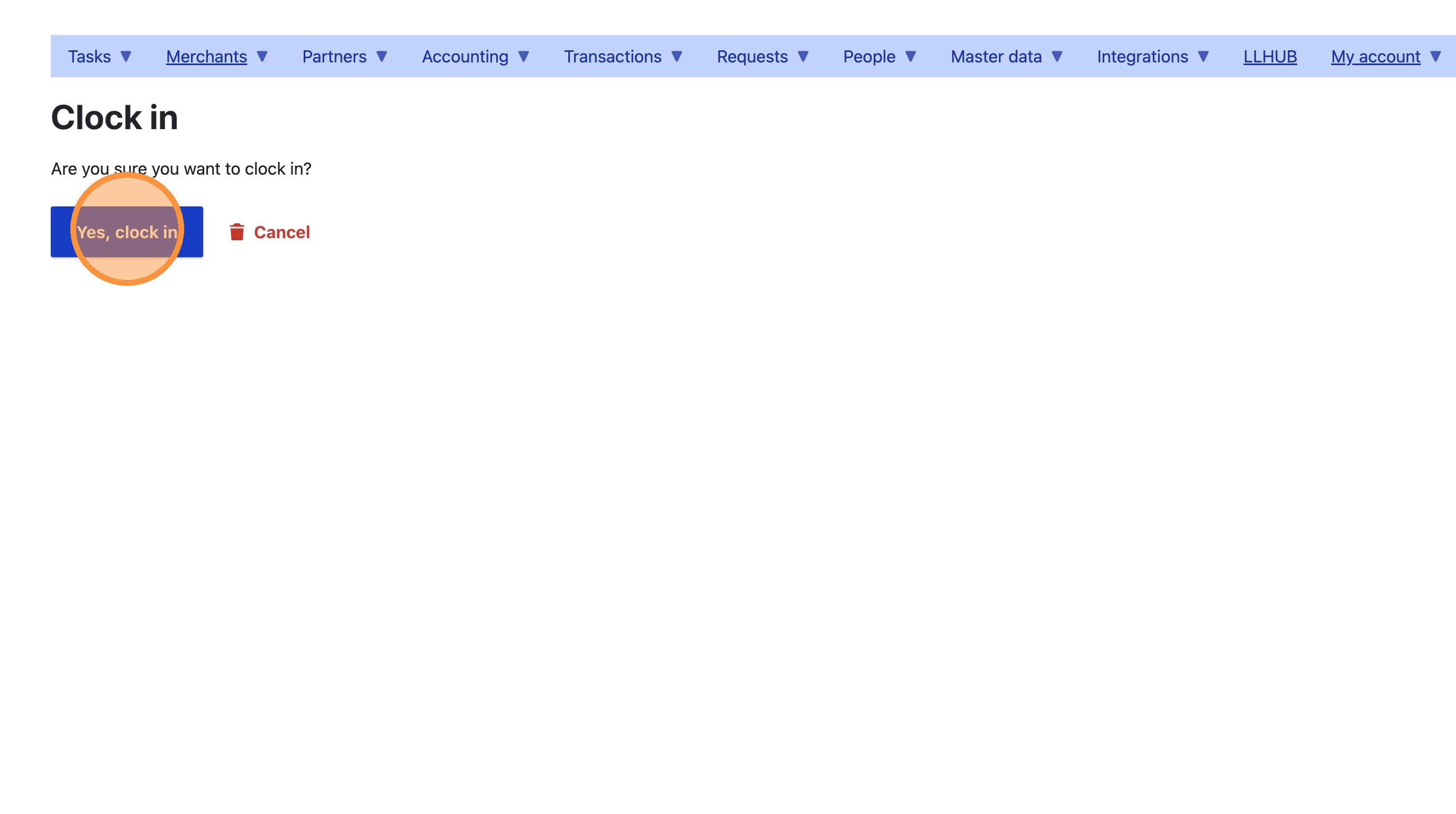
5. Click "Yes, clock in" to confirm