
Setting up webhooks
Setting up webhooks
Before you begin: Make sure you are logged in to the Loving Loyalty Manager. If you have not logged in yet, see How to log in and reset your password.
Webhooks allow Loving Loyalty to send real-time HTTP notifications to your own systems when events happen — for example, when a new order is placed or a customer enrolls.
Go to Webhooks under Integrations in the left sidebar.
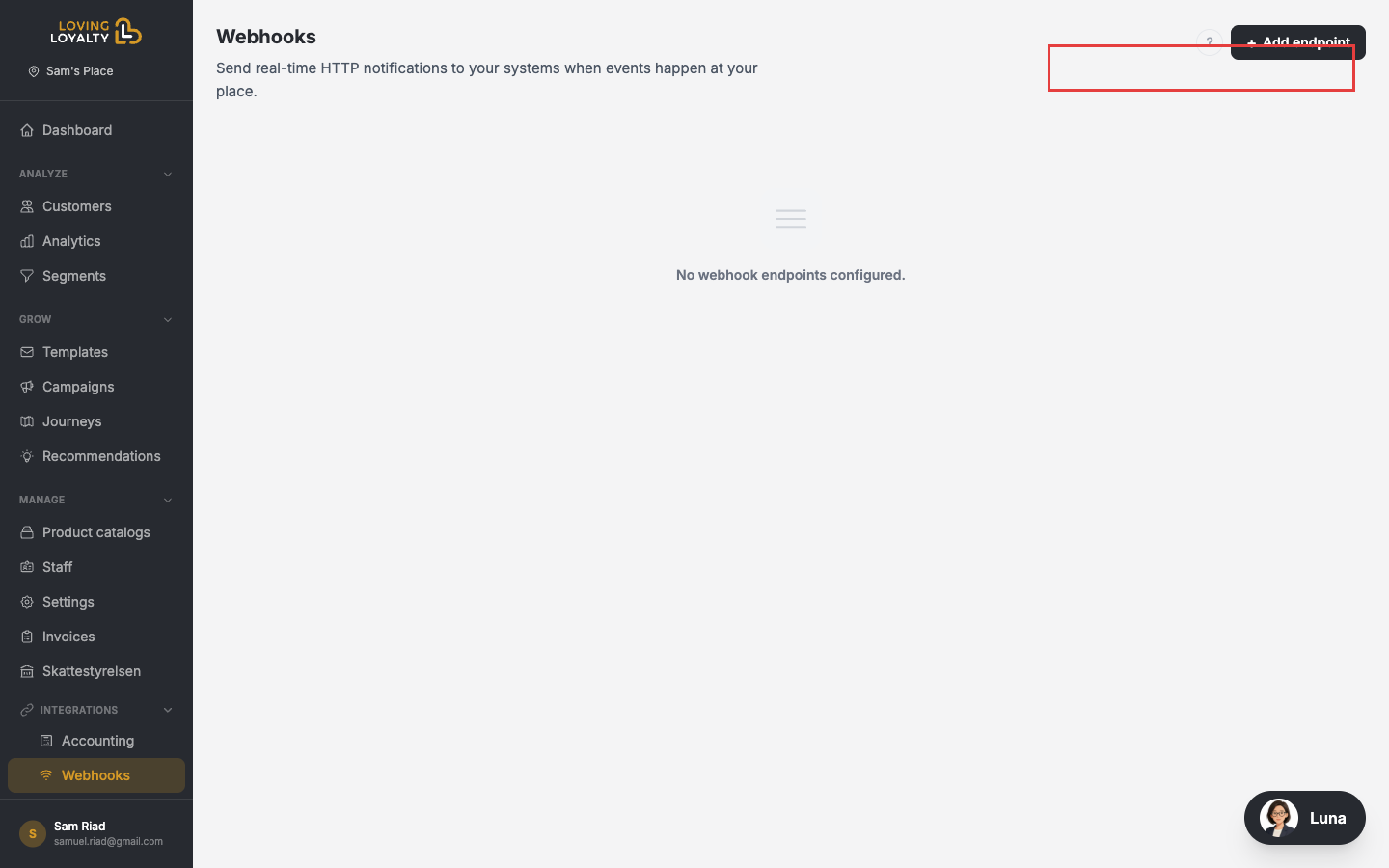
Adding a webhook endpoint
- Click + Add endpoint.
- Enter the URL of the endpoint on your server that should receive the webhook.
- Select the events you want to subscribe to.
- Click Save.
Webhook events
Common events include:
- New order placed
- Customer enrolled
- Campaign redeemed
- Customer tier changed
Payload format
Webhooks are sent as HTTP POST requests with a JSON body. Your endpoint must respond with a 2xx status code to acknowledge receipt. Failed deliveries are retried automatically.
Use cases
- Sync loyalty events to your CRM or business intelligence system.
- Trigger custom notifications or workflows.
- Integrate with third-party tools that accept webhooks (e.g. Zapier, Make).