

 Dansk
 Svenska
 Deutsch
 Norsk bokmål
Export your sales data
Sooner or later someone wants the figures in a spreadsheet: your accountant, your
bookkeeper, or you. There are three exports, and they hold different things.
The three exports
| From | Gives you | Use it for |
|---|---|---|
| Analyze → Analytics | The figures for the date range you set | A quick look at a period you chose |
| Analyze → Sales reports | A finished report as PDF or Excel | Anything anyone else will rely on |
| Analyze → Customers | Your customer list with its columns | Loyalty and marketing questions |
Analytics
Choose the period first, then select Export to Excel.
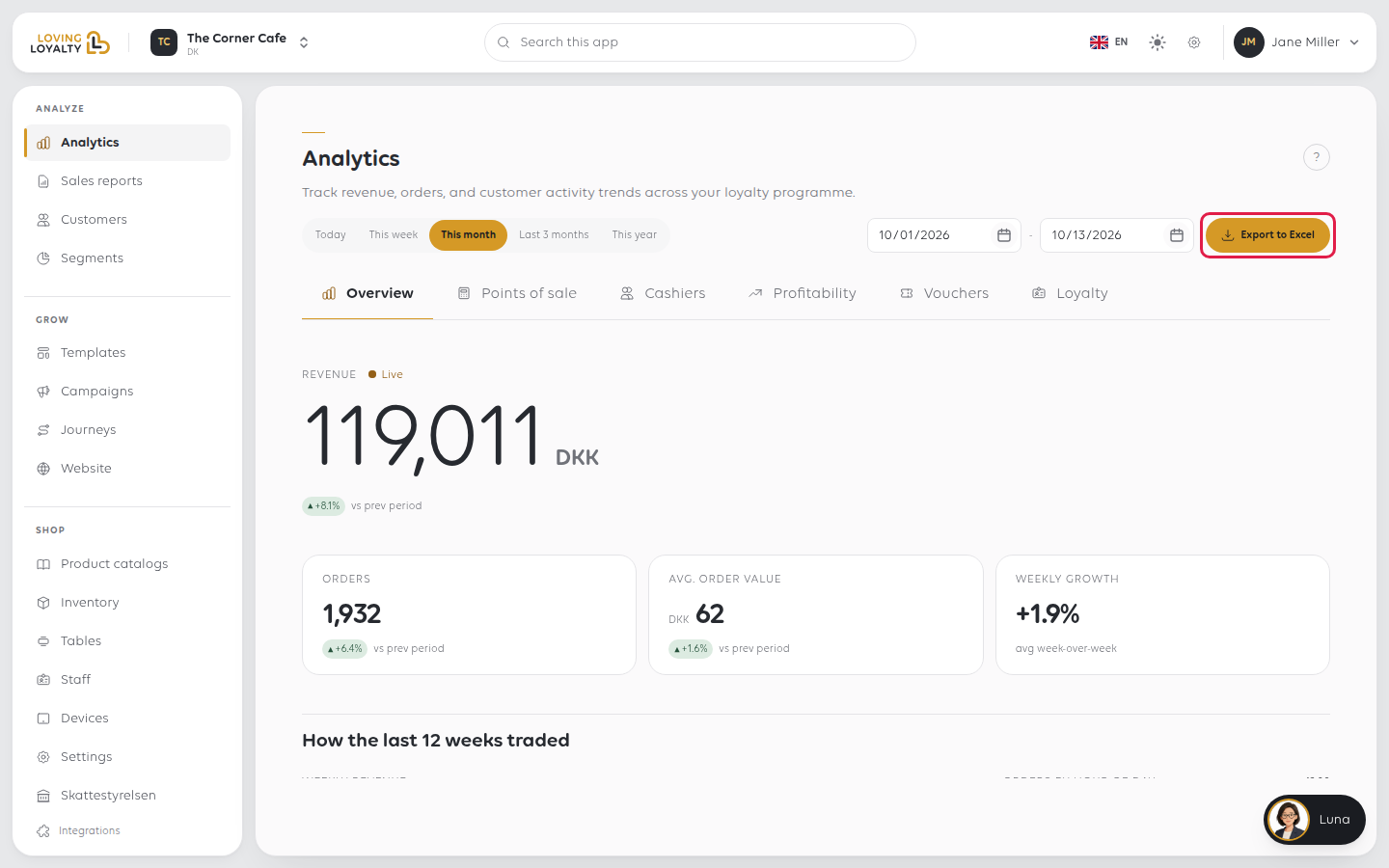
You get the figures for the range you set, not the whole year. Change the range and
export again for a different period.
Sales reports
A sales report is generated for a period and then kept, with PDF and Excel on
each one. This is what to send an accountant: the same report downloaded next month
still says what it said today. An Analytics export does not.
See Find your sales reports.
Customers
Open Analyze → Customers and select Export to Excel. You get the columns shown
in the list: classification, lifetime value, tier spend, savings, points, orders, last
order and tier.
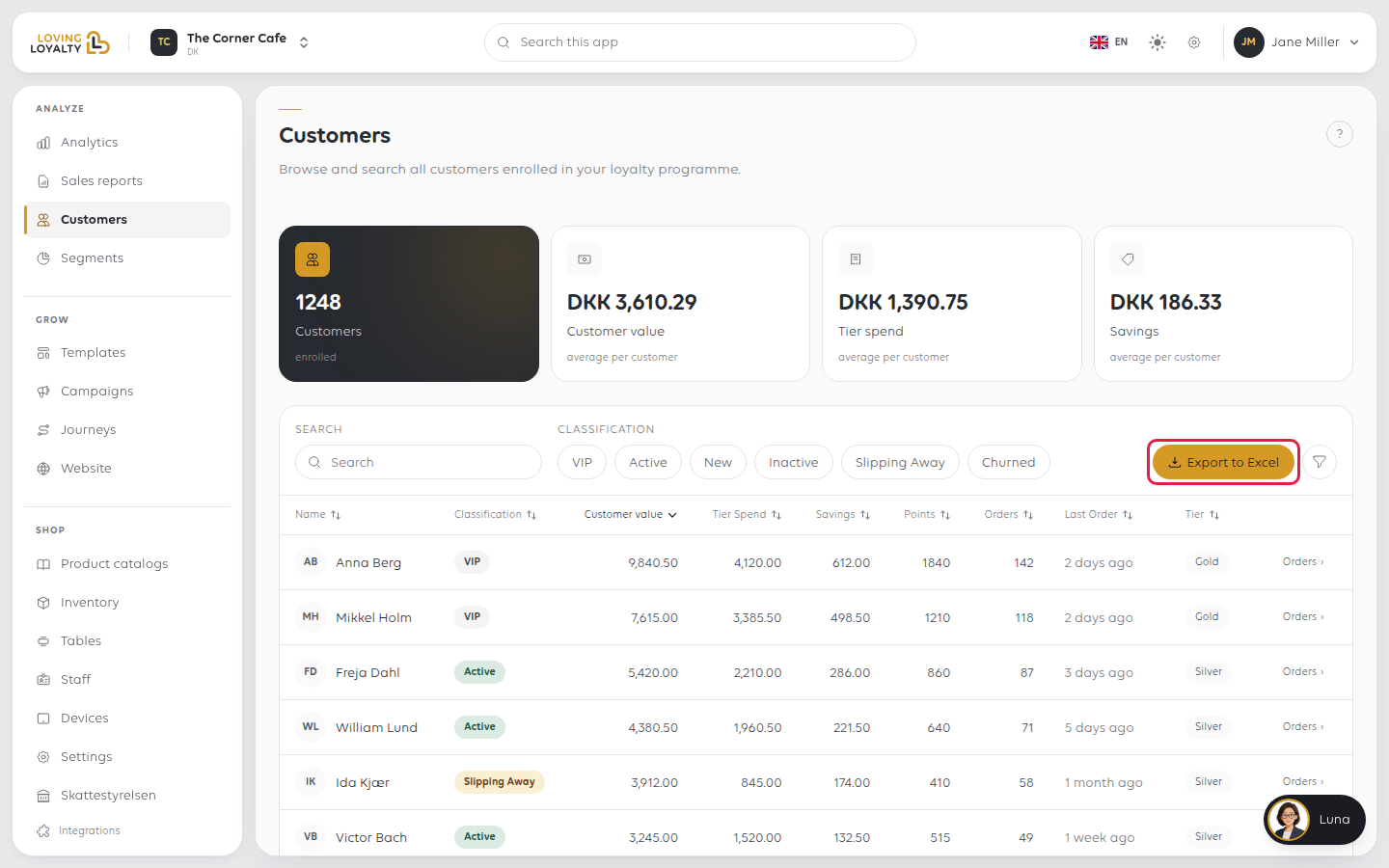
The filters above the list apply to the export, so filter to VIP and you export
the VIPs, not everyone.
A customer export is personal data. Keep it only as long as you need it, do not
forward it, and delete the file when you are done. Once it leaves the Manager, looking
after it is your responsibility.
If something goes wrong
| What you see | What it means | What to do |
|---|---|---|
| The file has fewer rows than expected | A filter was applied | Clear the filters and export again |
| The figures differ from the till | Exports cover a date range; the till's Z report covers a cash balance | See Close the shop with an X or Z report |
| Two exports of the same period disagree | One was Analytics, one a sales report | Use the sales report; it is fixed |
| The export is for the wrong shop | Exports follow the shop you are in | Check the name at the top. See Switch between your shops |
Was this article helpful?
Thanks for your feedback!
