

 Dansk
 Svenska
 Deutsch
 Norsk bokmål
Clear the order list at the end of the day
By closing time the order list has a tail of orders nobody will come back for: paid
ones still sitting open, and unpaid ones that were never collected. The Actions
menu deals with them in one go instead of one at a time.
Before you start - service has finished.
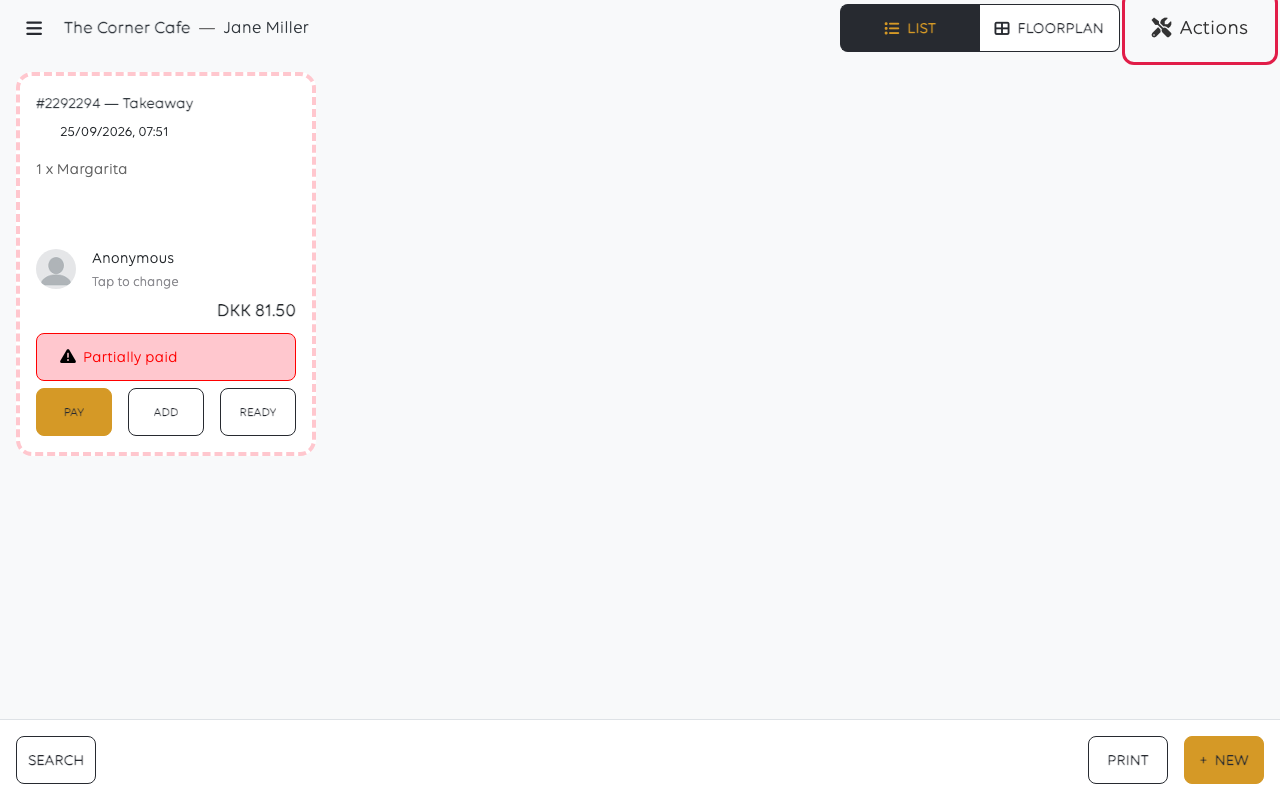
1. Open Actions
On the orders list, tap Actions.
2. Pick an action
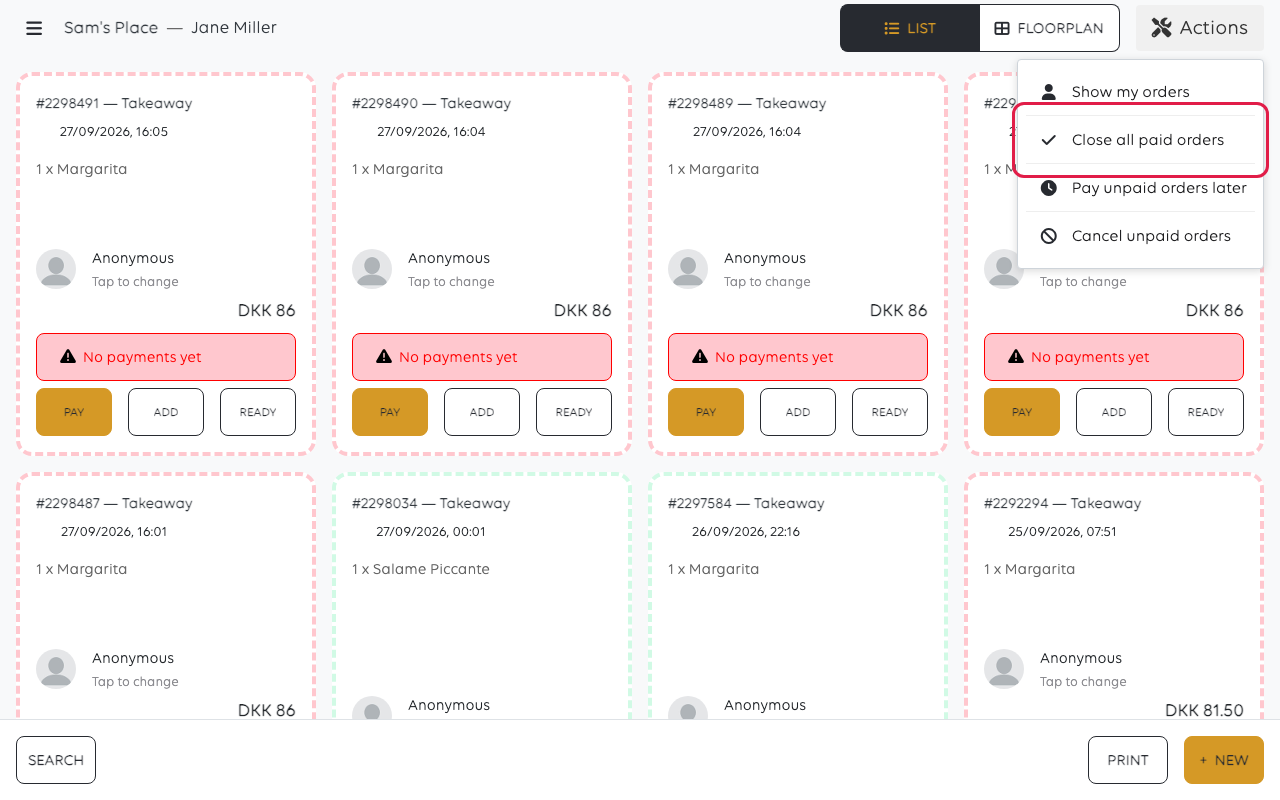
Tap the one you want. For the last two, the till asks you to confirm - tap YES.
| Action | What happens |
|---|---|
| Show my orders | Filters the list to your own orders. Changes nothing |
| Close all paid orders | Closes every order that is fully paid. The money is already in |
| Mark all orders as pay later | Parks what is unpaid, so it survives into tomorrow - see Park an order and take payment later |
| Cancel all unpaid orders | Cancels them. Nothing was collected, so nothing is refunded |
Park or cancel?
This is the decision that matters, and it is about whether the money is still coming.
- A tab someone will settle tomorrow - park it. Cancelling loses what they owe.
- An order nobody collected - cancel it. Parking it moves a fiction into tomorrow
and it will still be there next week.
Cancel all unpaid orders acts on every unpaid order, not the one you were
looking at. Check the list before using it - a parked order belonging to a customer who is
coming back is unpaid too.
Do this before the end-of-day process
Clearing the list is tidying, not closing. The figures are settled by the end-of-day
process and the Z report, and those are easier to read when the list is not full of
orders that were never going anywhere. See Close the shop with an X or Z report.
Was this article helpful?
Thanks for your feedback!
