

 Dansk
 Svenska
 Deutsch
 Norsk bokmål
Softpay error 520/11 on a Landi C20 Pro
Softpay shows 520/11 when the device's card reader does not answer as a payment
starts. NFC can still show as on. Trying the same payment again does not help: close
Softpay completely and open it again.
The menus below are the device's Android settings. On a Danish device they have
Danish names.
1. First, check the payment that failed
Wait for the attempt on screen to finish. Then check on the till whether that payment
went through: a payment counts only when the till shows it as Settled. If you
cannot tell, see A card payment failed before you take the payment again. This is
what stops a customer being charged twice.
2. Close Softpay completely
- Open the device's Settings, then Apps, then Softpay.
- Tap FORCE STOP and confirm.
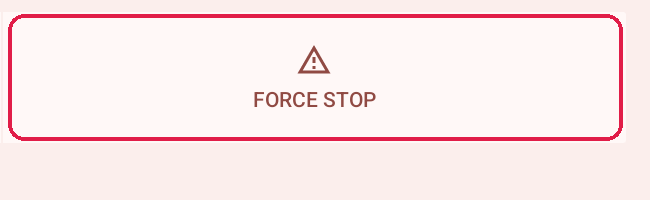
Only do this once the payment attempt has ended.
3. Take the payment again
Open Softpay again and take the payment. If 520/11 comes back, restart the
device and try once more. If it still shows, contact support.
Stop it happening again
These settings can pause Softpay in the background and leave the card reader asleep.
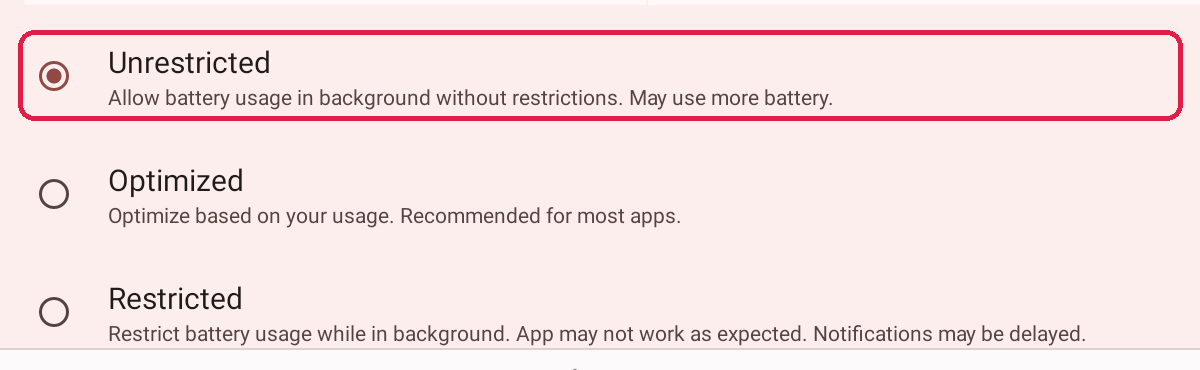
Softpay battery use. In Settings, open Apps, Softpay, App battery
usage and choose Unrestricted.
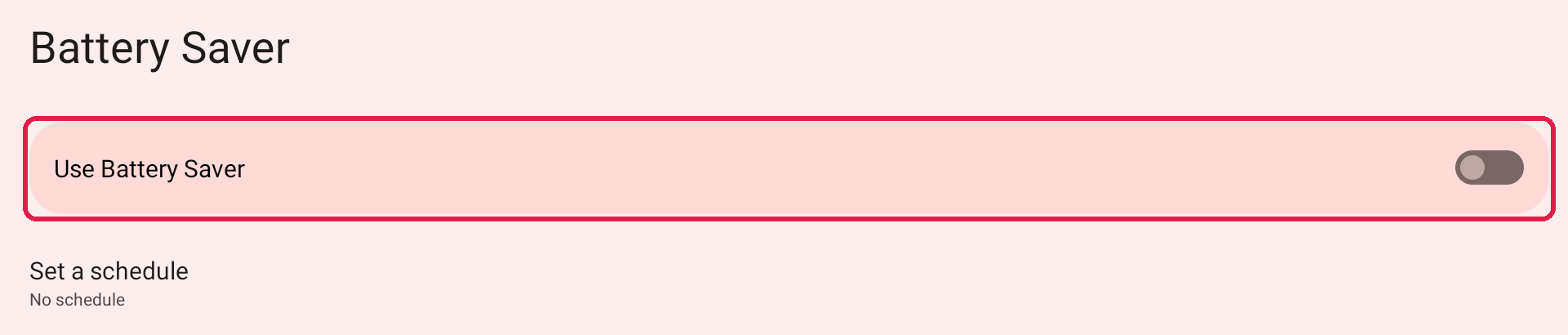
Battery Saver. Search Settings for Battery Saver. Keep Use Battery Saver
off, and check that Set a schedule does not turn it on by itself.
Screen timeout. In Settings, Display, Screen timeout, make sure the
screen does not turn off in the middle of a payment, within your shop's own screen
and security rules.

NFC. In Settings, Connected devices, Connection preferences, NFC,
keep Use NFC on. NFC being on does not rule out 520/11, but it has to be on.

While the customer pays, keep the payment screen in front. Another app, a pop-up,
the screen lock or power saving covering it can cancel the attempt.
Keep Softpay up to date through your usual update route. If you cannot update it
yourself, contact support.
If something goes wrong
| What you see | What it means | What to do |
|---|---|---|
| 520/11 again straight after reopening Softpay | The card reader is still not answering | Restart the device, then try once more |
| 520/11 after a restart | Something beyond these settings | Contact support |
| You cannot tell if the failed payment went through | The result never reached the till | Check for Settled on the till before charging again. See A card payment failed |
| Payments cancel while the customer is paying | Something covered the payment screen | Keep Softpay in front until the payment ends |
When you contact support, give the error code, the time and the amount of the
payment attempt.
Was this article helpful?
Thanks for your feedback!
