

 Dansk
 Svenska
 Deutsch
 Norsk bokmål
Produce a SAF-T file for Skattestyrelsen (Denmark)
SAF-T is the standard file the tax authority asks for when it wants your sales
records. In Denmark that is Skattestyrelsen. You request one for a period and the system
builds it.
Request a file
Open Shop → Skattestyrelsen. The page is only in the menu for a Danish shop.
Files you have already requested are listed with their period, status and a download.
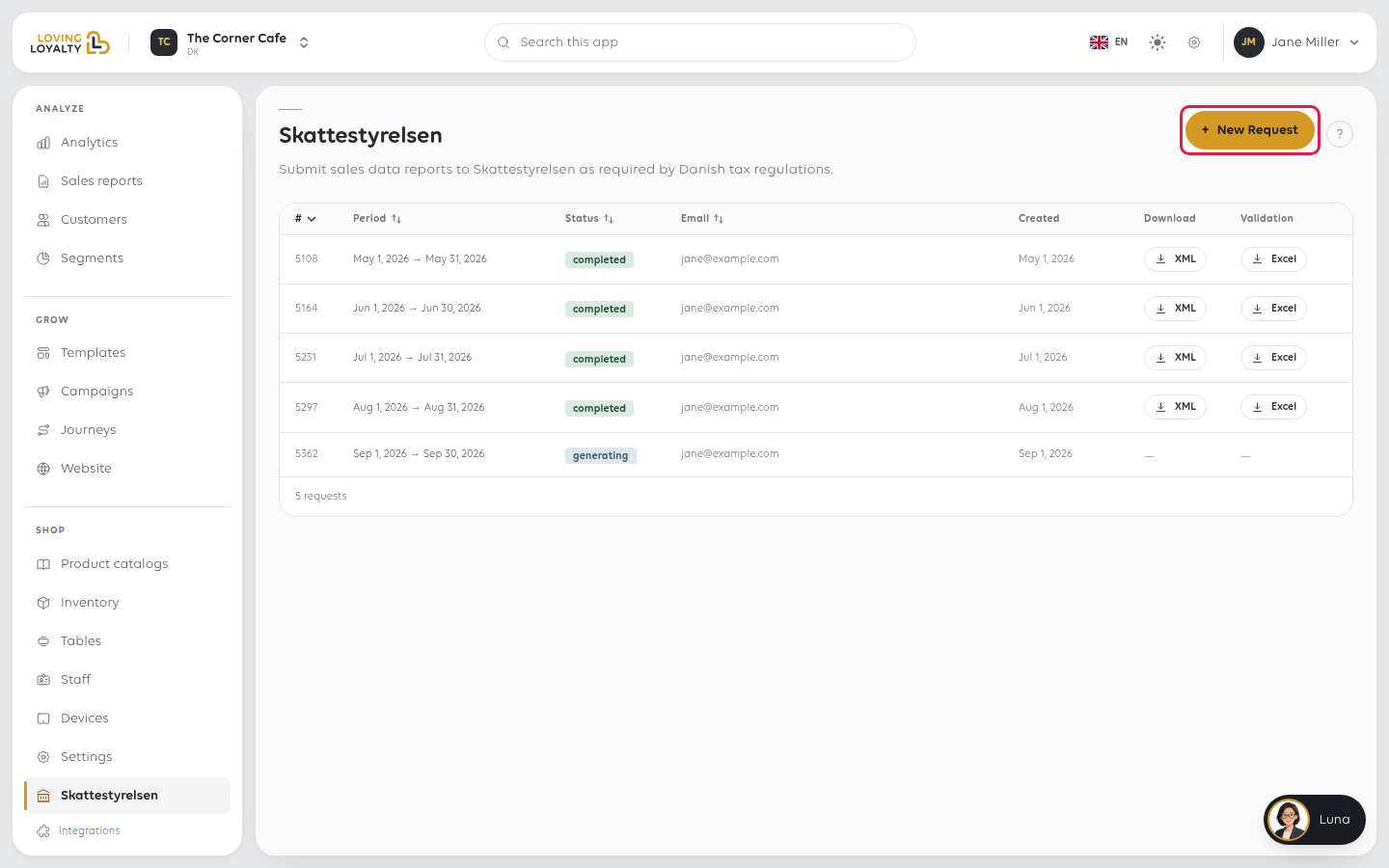
Select New Request.
Give it a period
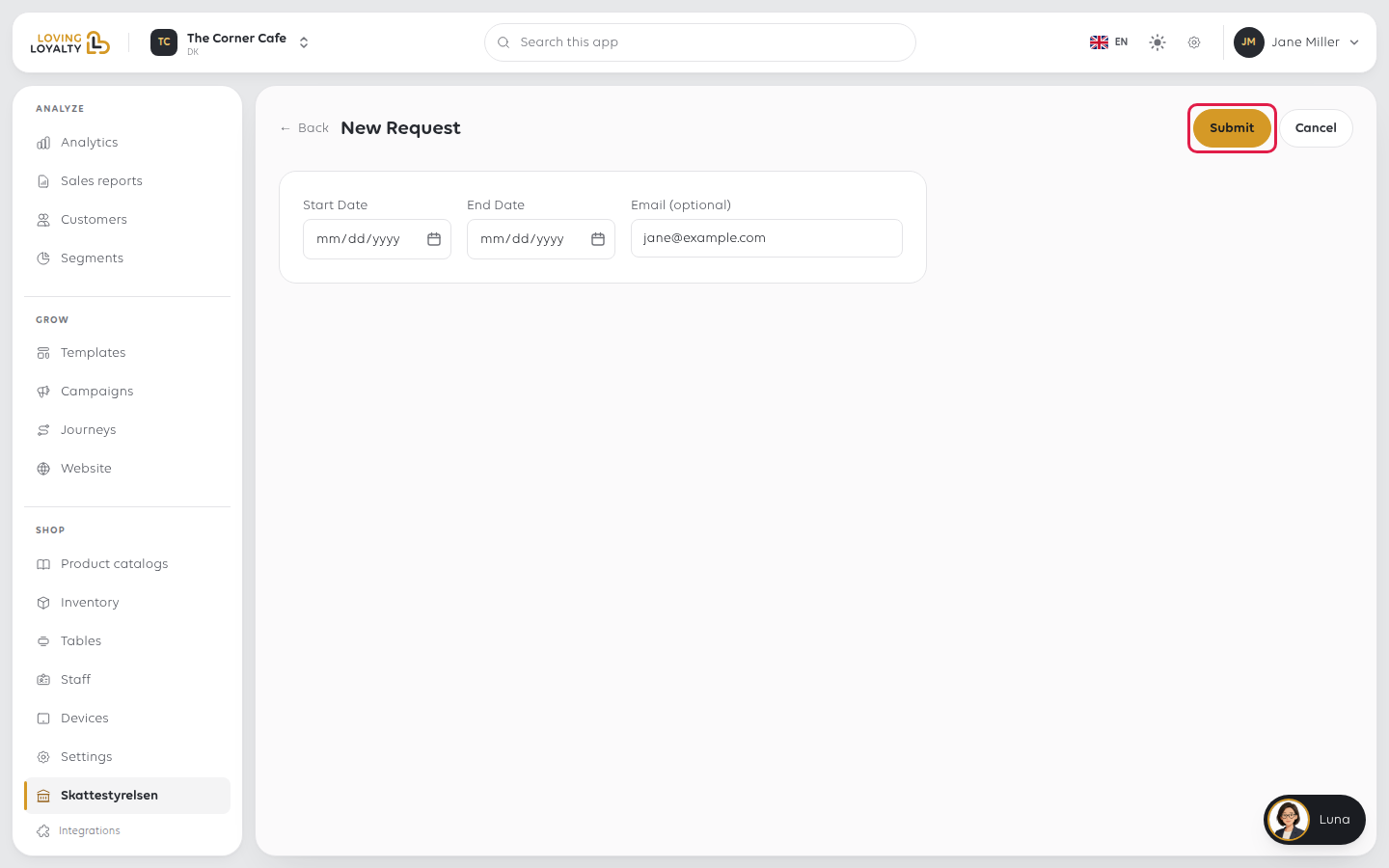
Start Date and End Date set what the file covers. Use exactly the period you
were asked for. A file covering more than was requested discloses more than you
need to. One request covers at most 60 days; for a longer period, request it in parts.
Email (optional) is required in practice: the form will not submit without it.
It starts with your own address filled in; the finished file is sent there, and you can also
collect it from this page.
Select Submit. You are taken back to the list, where the request now shows. When
the file is built, download it with XML.
Request it with time to spare. A file covering a long period is not instant, and
a deadline is a poor moment to discover that.
If something goes wrong
| What you see | What it means | What to do |
|---|---|---|
| Period cannot exceed 60 days | The dates span more than 60 days | Split the period into parts and request each |
| The file has not arrived by email | The address was mistyped, or it is still building | Check the list on this page; the file is always available there |
| The period is wrong | Start and end dates are as submitted | Submit a new request; requests are not edited |
| The tax authority rejects the file | Something in the period's records is incomplete | Contact support with the request and the rejection. See Get help from inside the app |
| You are in Norway | The equivalent authority is Skatteetaten | The process is the same; only the authority differs |
Was this article helpful?
Thanks for your feedback!
