
Connecting Fiken accounting
Connecting Fiken accounting
Before you begin: Make sure you are logged in to the Loving Loyalty Manager. If you have not logged in yet, see How to log in and reset your password.
Fiken is a Norwegian cloud accounting system for small businesses. Connecting it to Loving Loyalty automatically syncs your POS sales into Fiken.
Note: The Fiken integration is available for Norwegian shops only.
Connecting Fiken
- Go to Accounting under Integrations in the left sidebar.
- Find Fiken and click Connect.
- You will be redirected to Fiken to authorise the connection. Log in and approve.
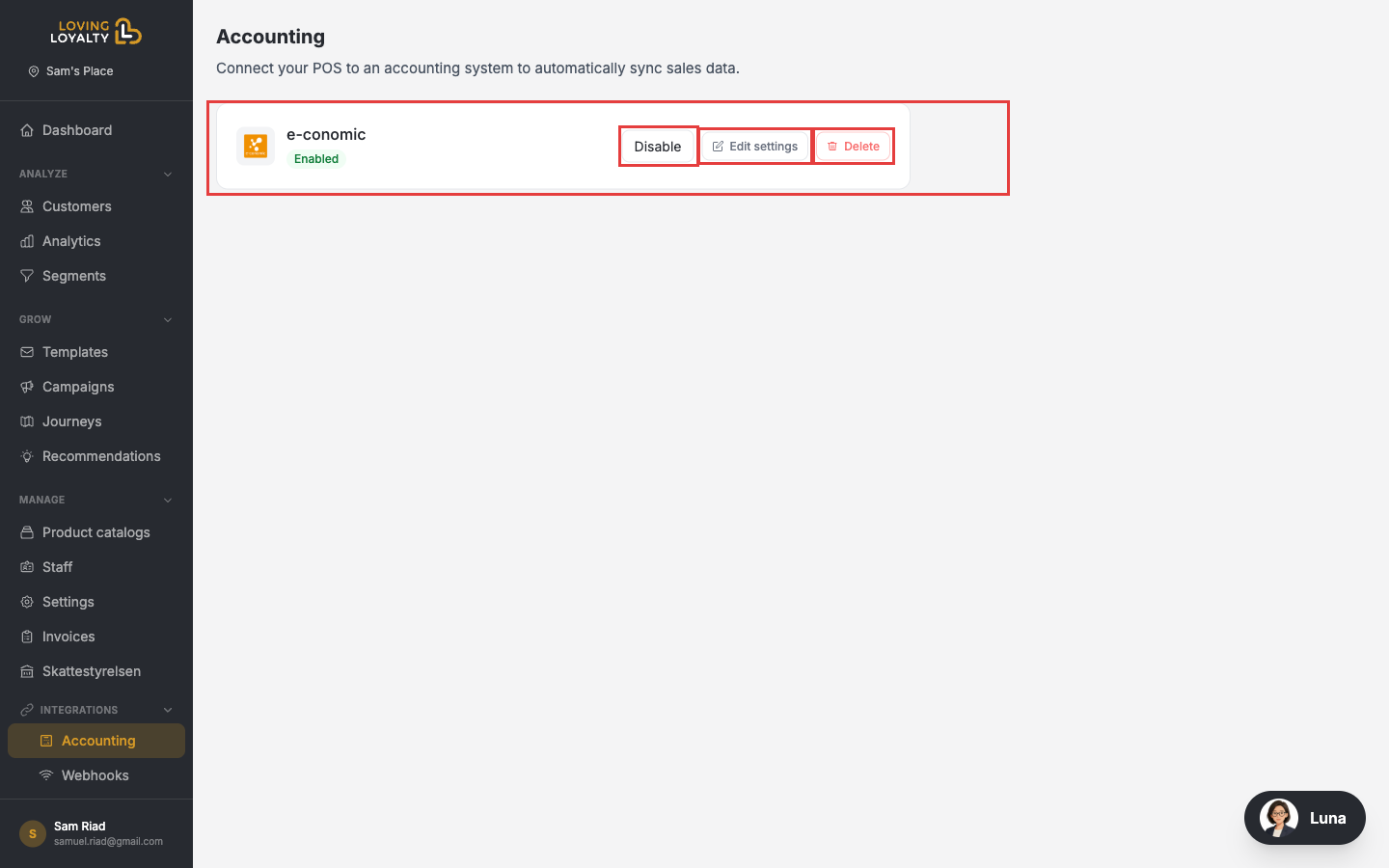
- Once authorised, Fiken shows as Enabled on the Accounting page.
Editing settings
After connecting, click Edit settings next to Fiken.
In the settings page you can configure:
- Start date and time — When to begin syncing transactions.
- Company — Which Fiken company to post entries to (if you have multiple).
- Bank account — The bank account to use for settlement entries.
- Income accounts — Account mapping for sales income lines.
- VAT handling — VAT codes and accounts according to Norwegian tax rules.
Click Save when done.
Disconnecting
On the Accounting page, click Disable or Delete next to Fiken.