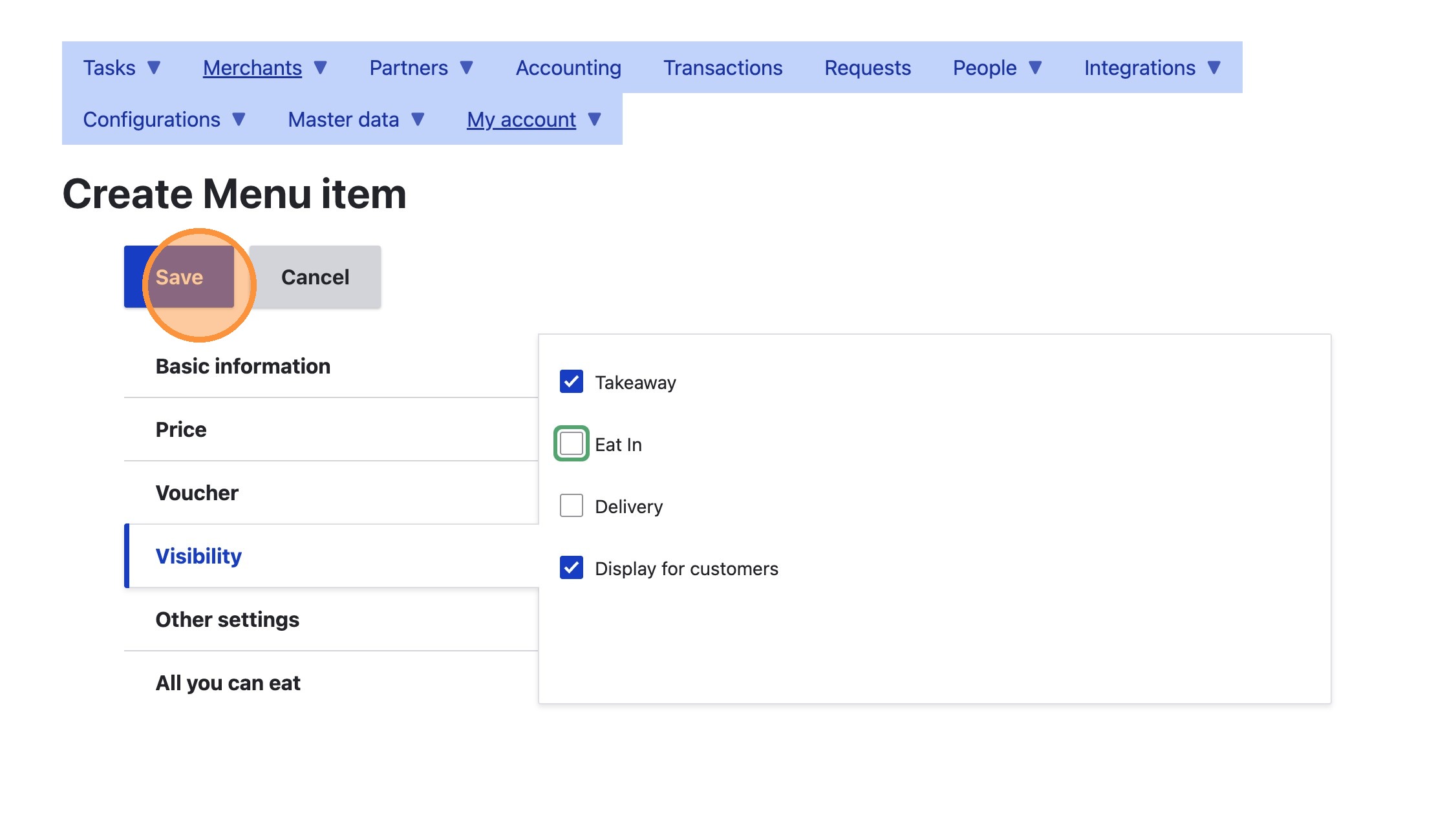
How to Add a New Auto-Added Item
How to Add a New Auto-Added Item
Learn how to add a new menu item to your menu that's automatically added to the customer's cart, such as legally a required carrying bag
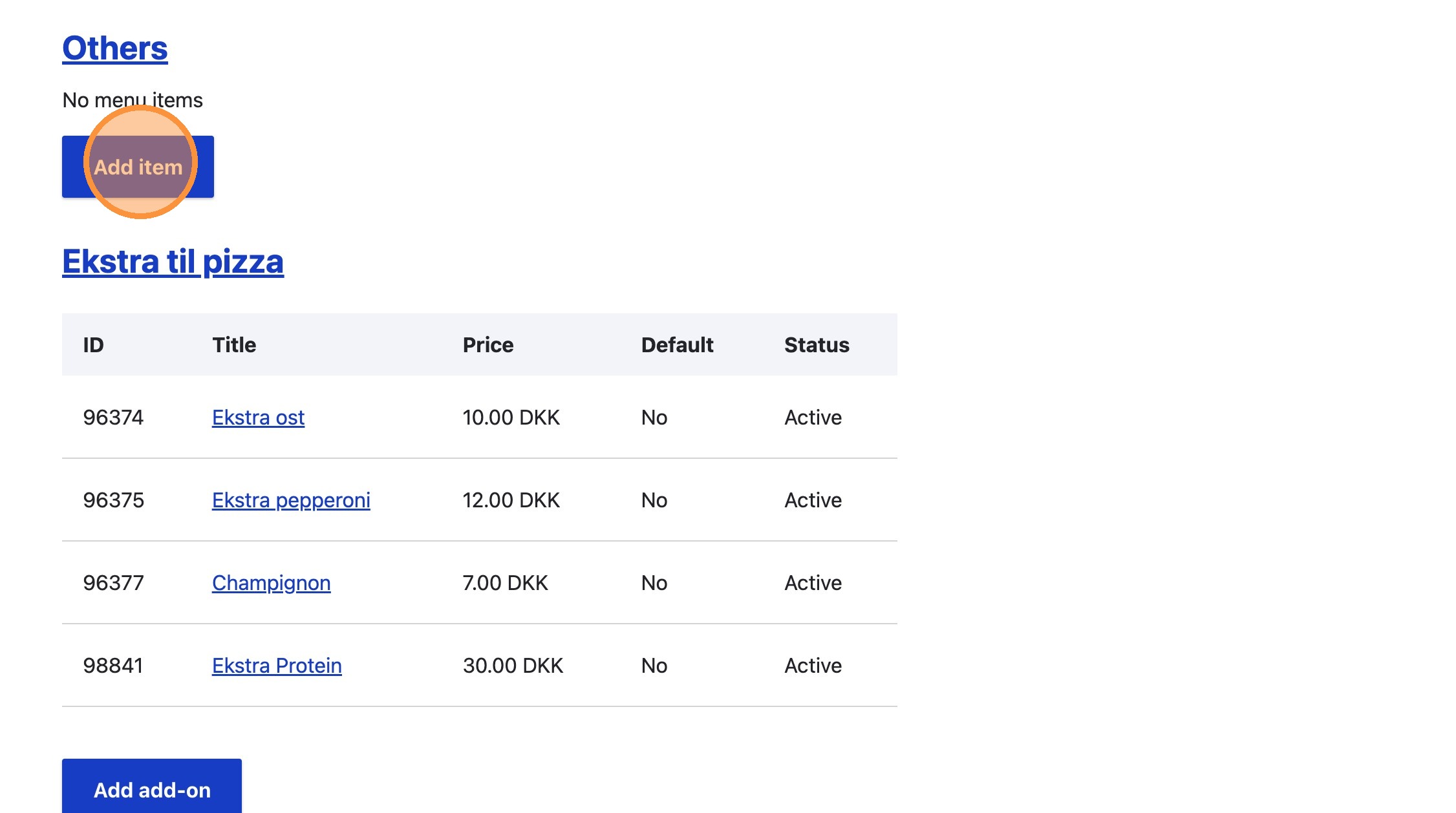
1. Navigate to the place's menu, find or create the appropriate section, and click "Add item"
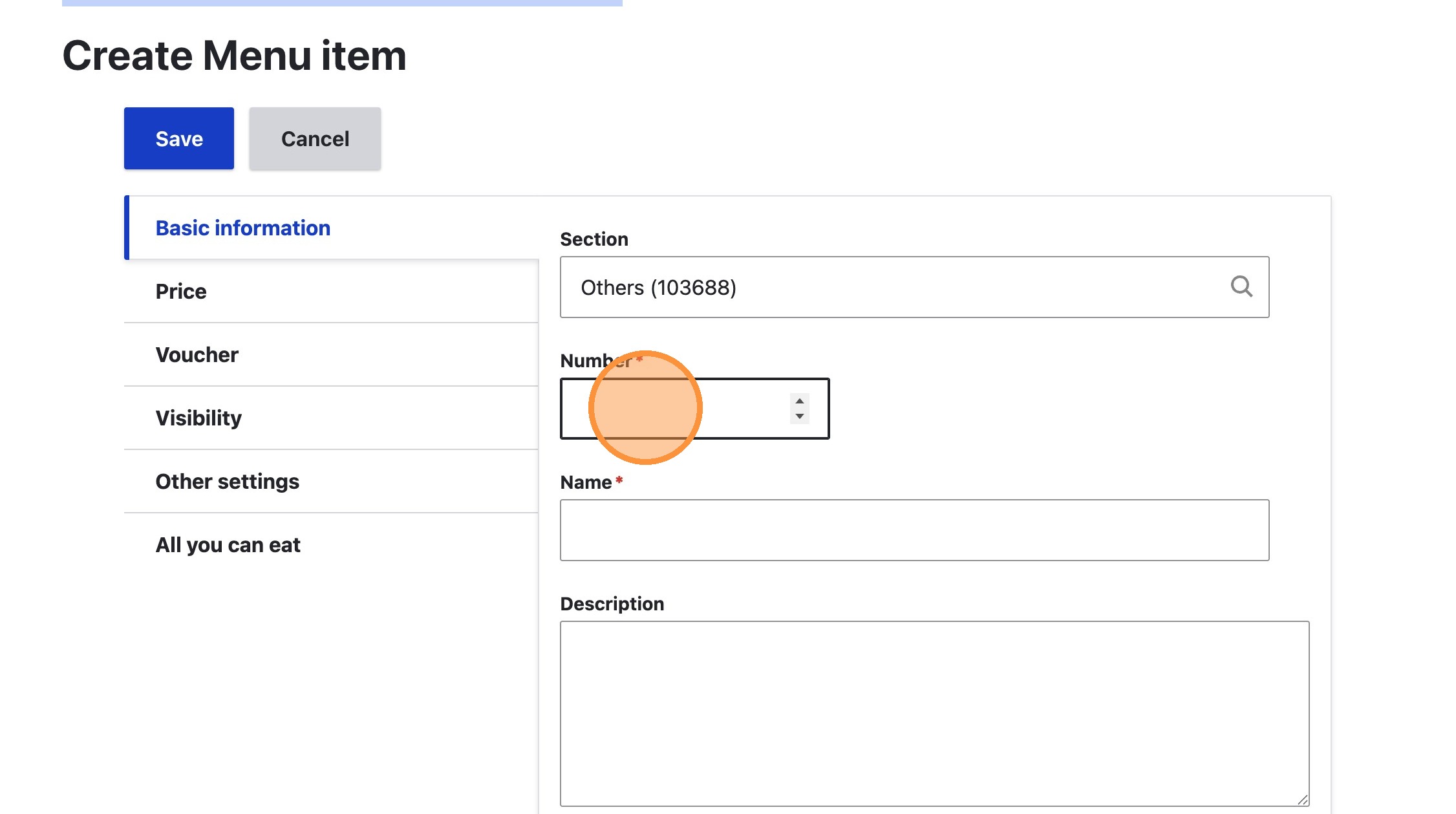
2. Type an appropriate number into the Number field
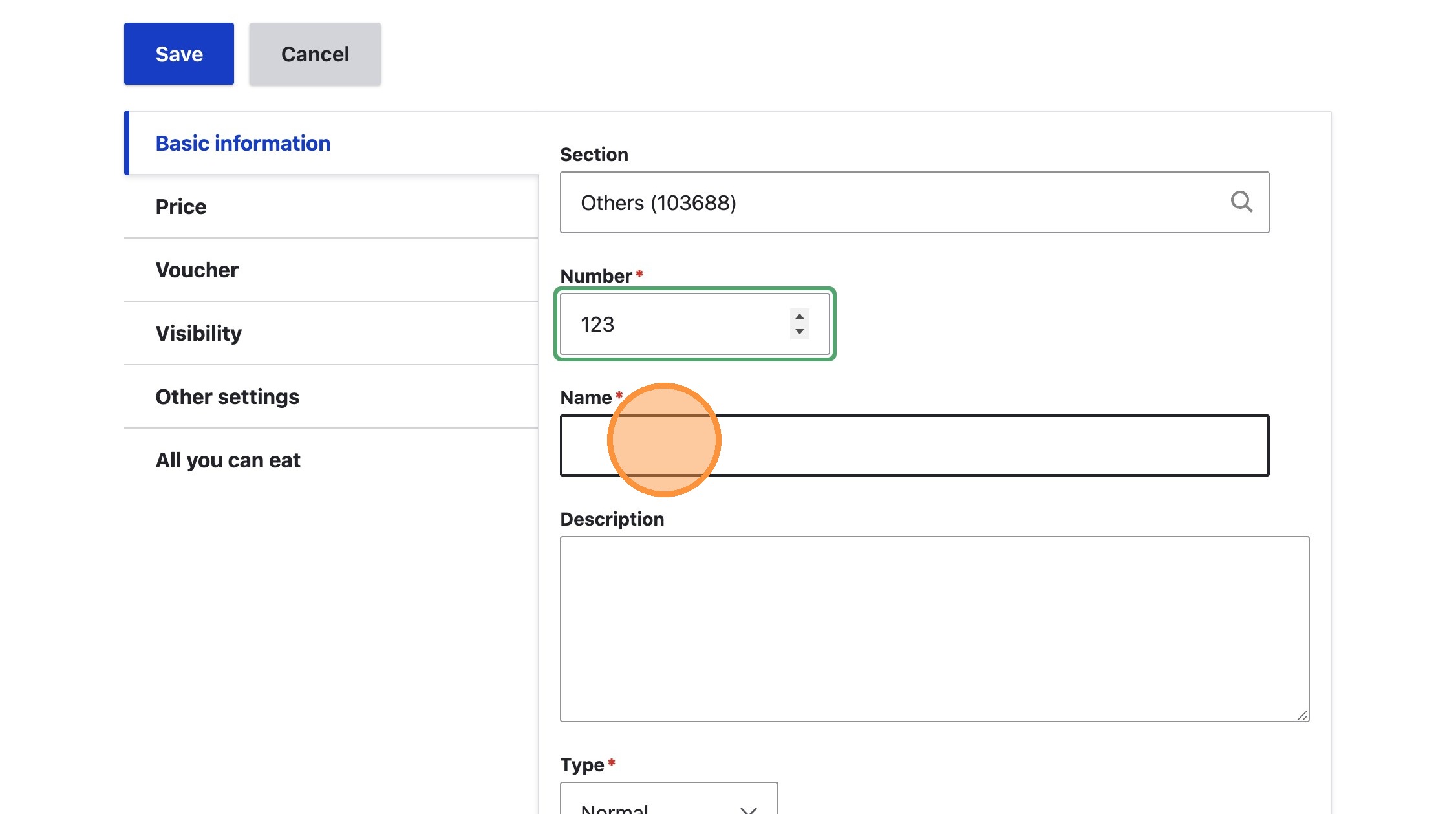
3. Type an appropriate name, such as 'Carrying bag' into the Name field
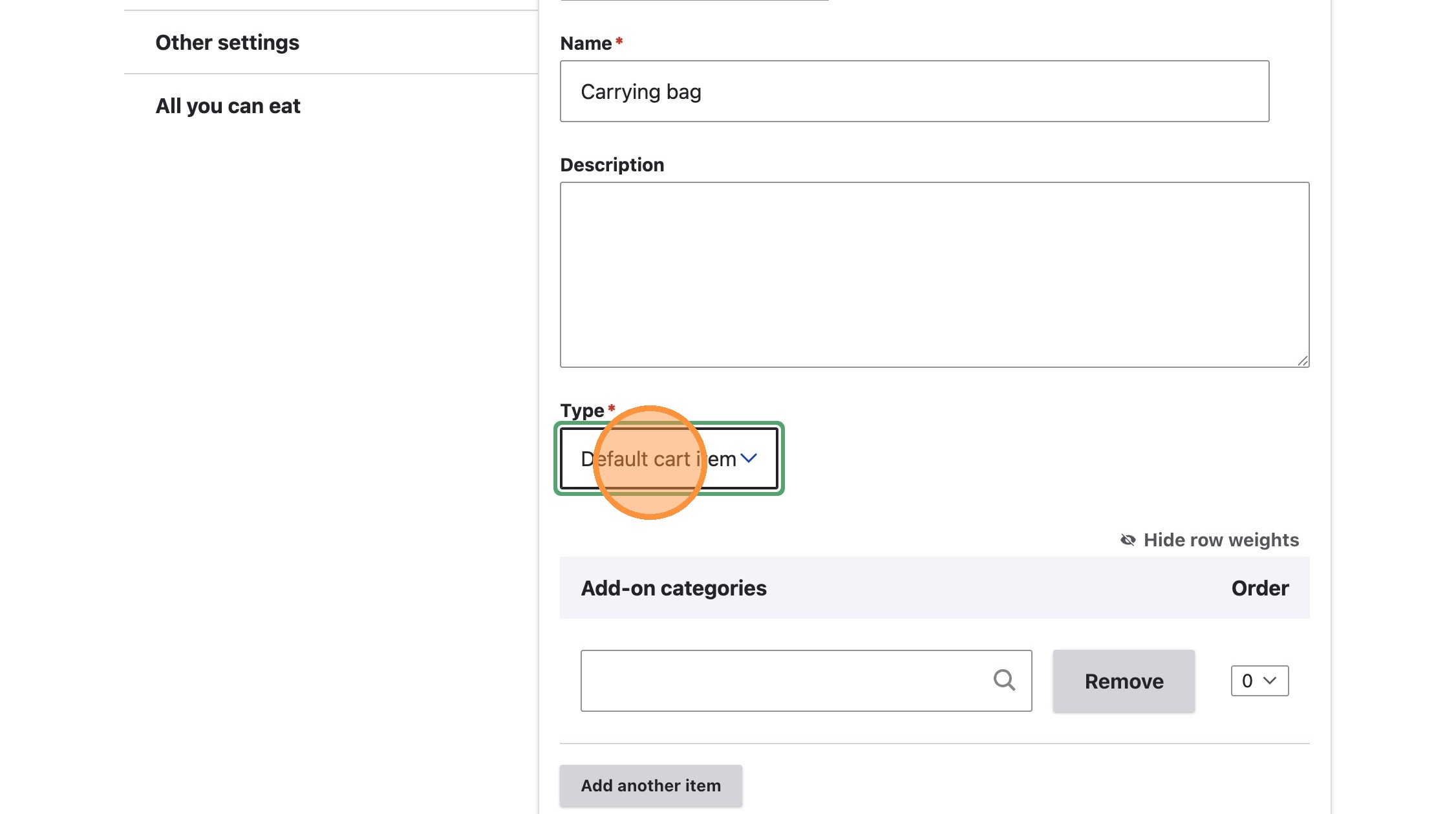
4. Select 'Default cart item' from Type dropdown
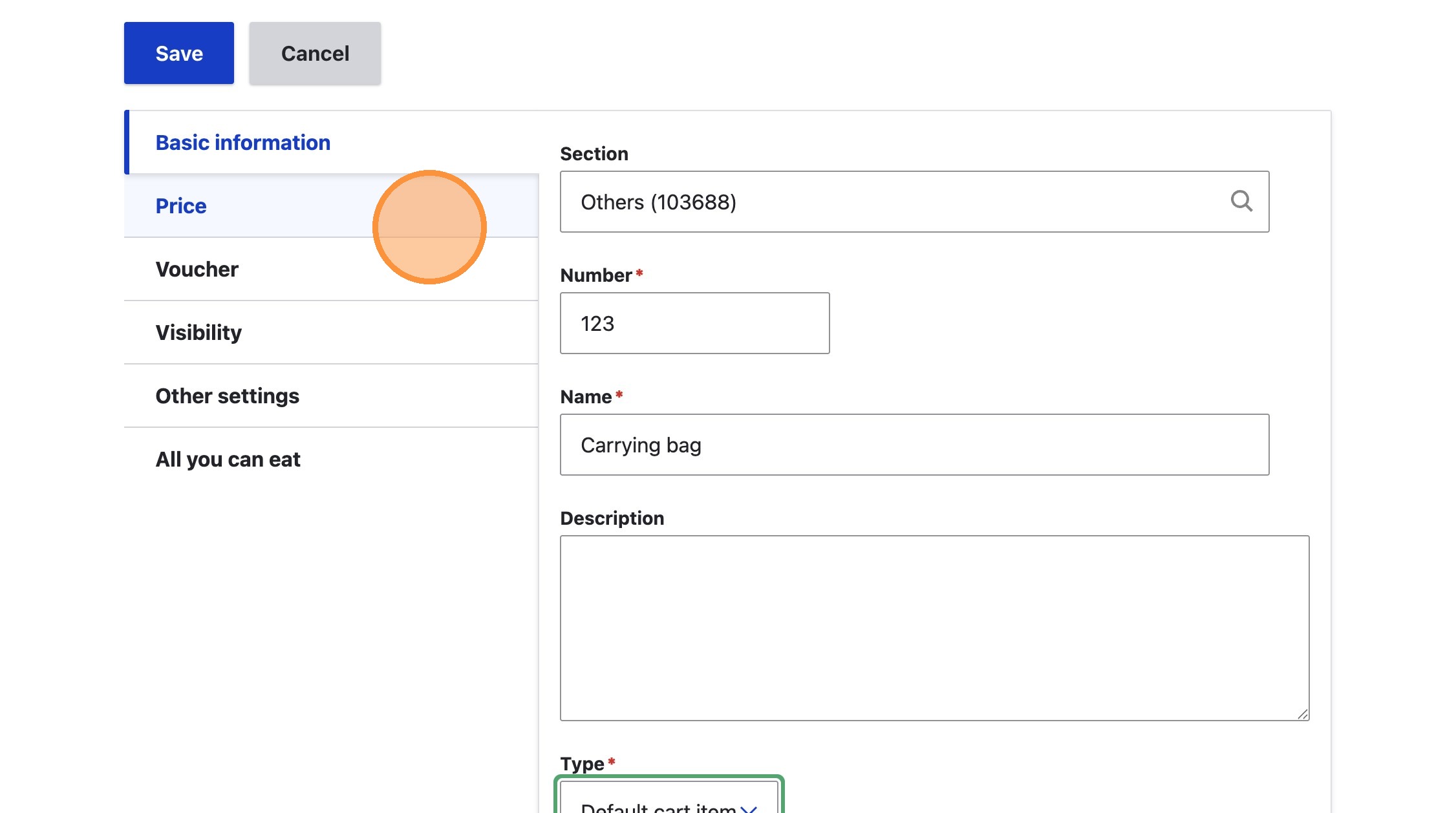
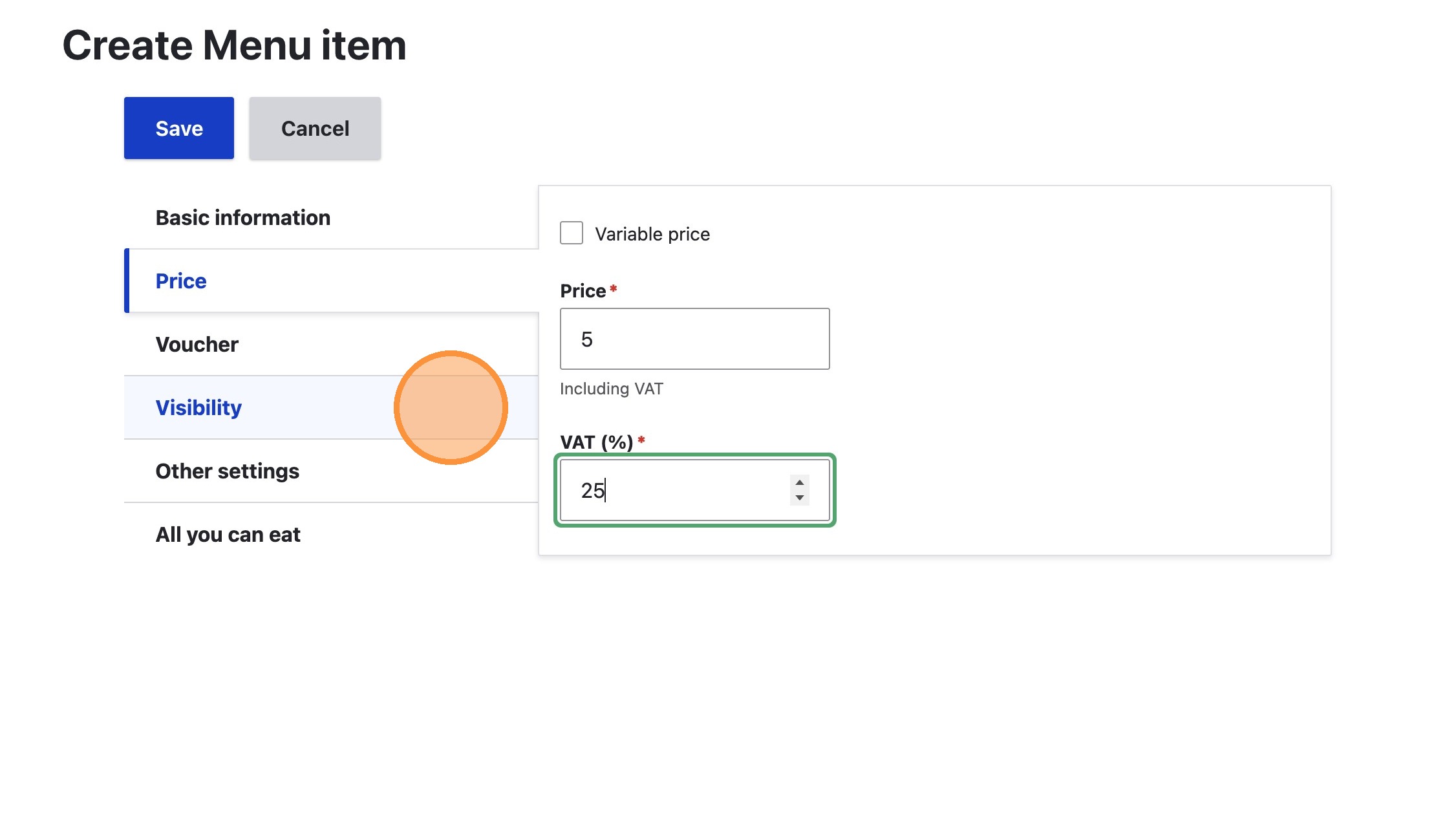
5. Click the 'Price' tab
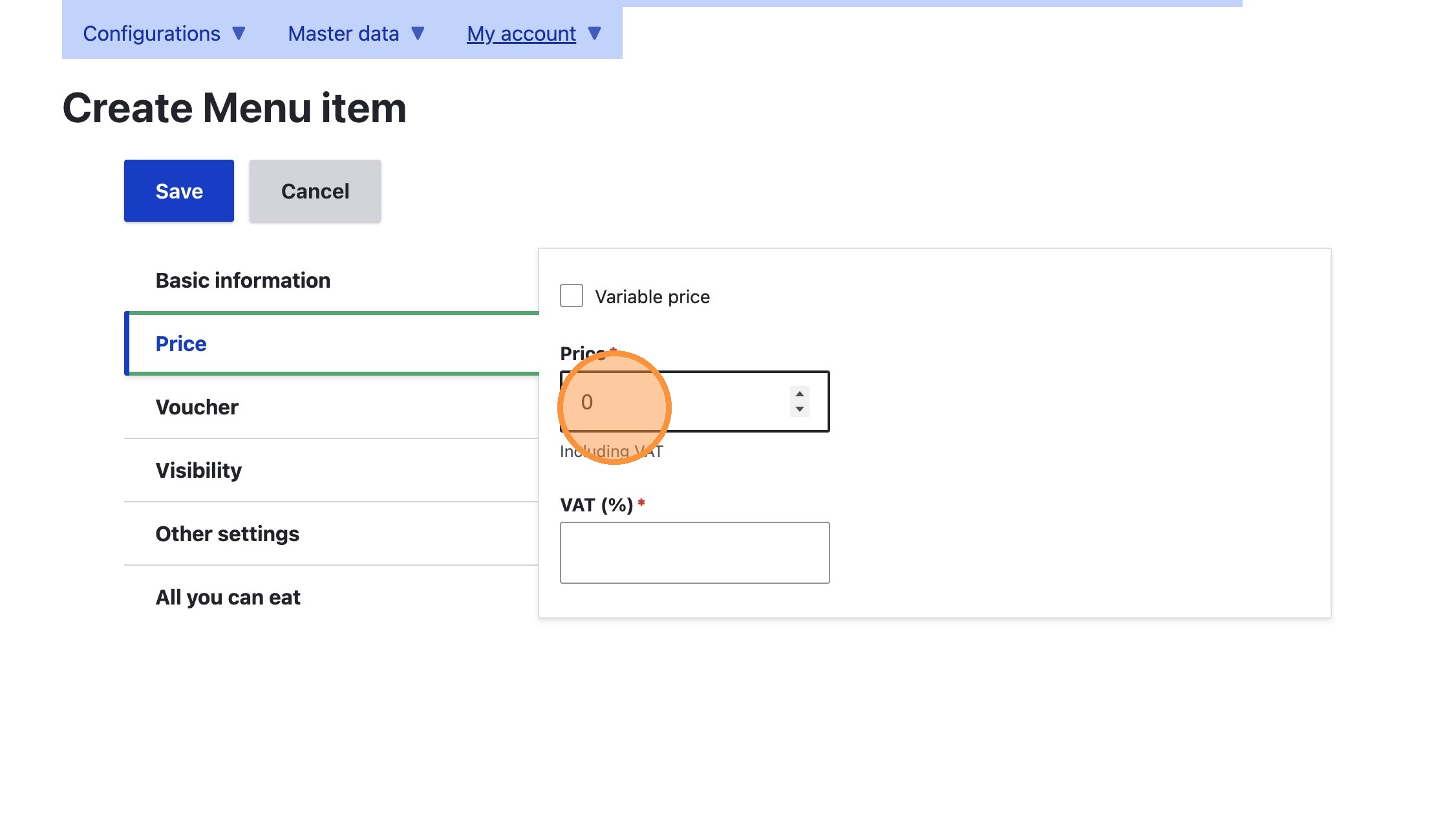
6. Enter a price into the Price field
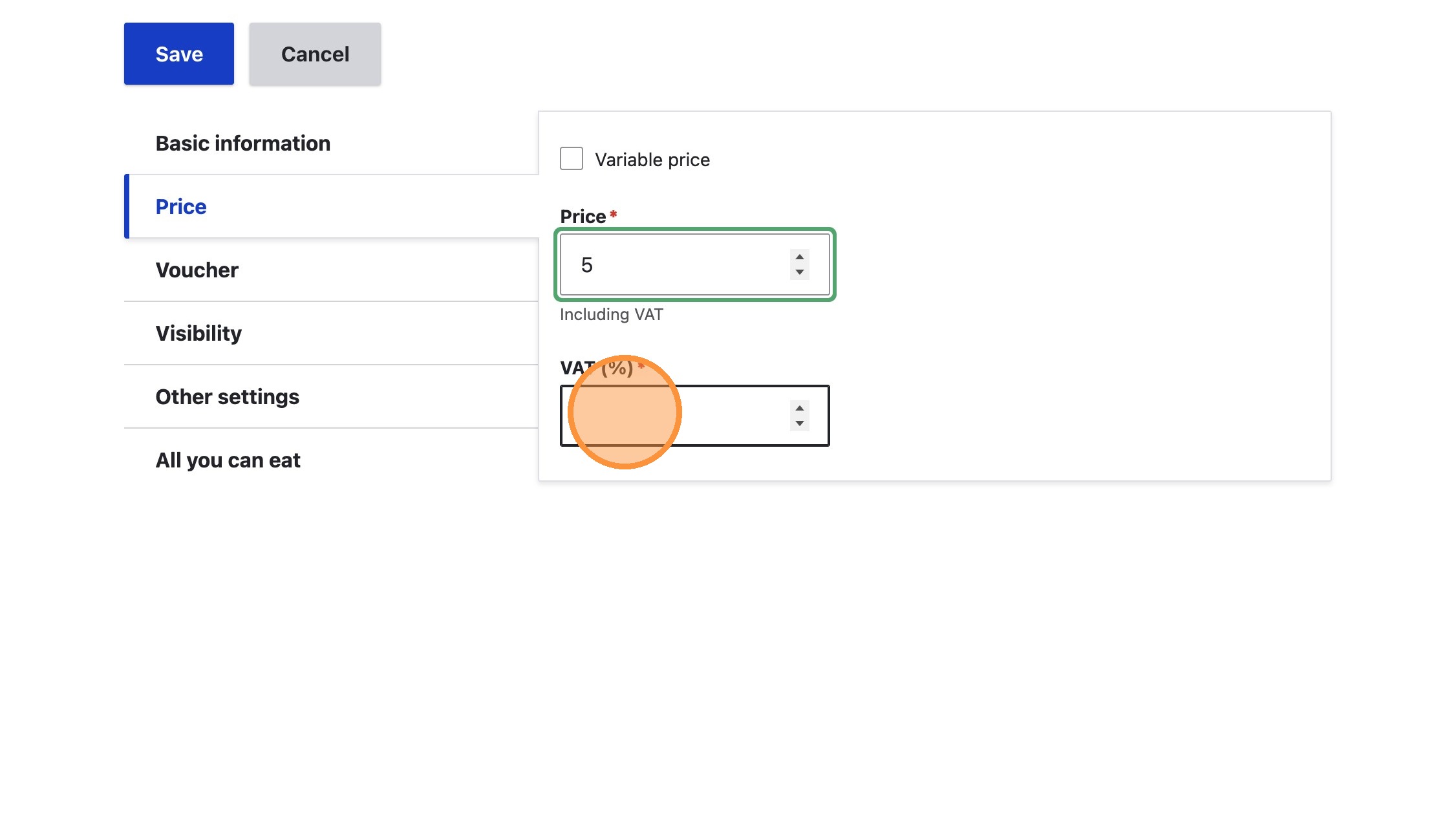
7. Enter the VAT rate into the VAT field
8. Click the 'Visibility' tab
9. Deselect all order types that do not apply, such as Delivery and Eat in
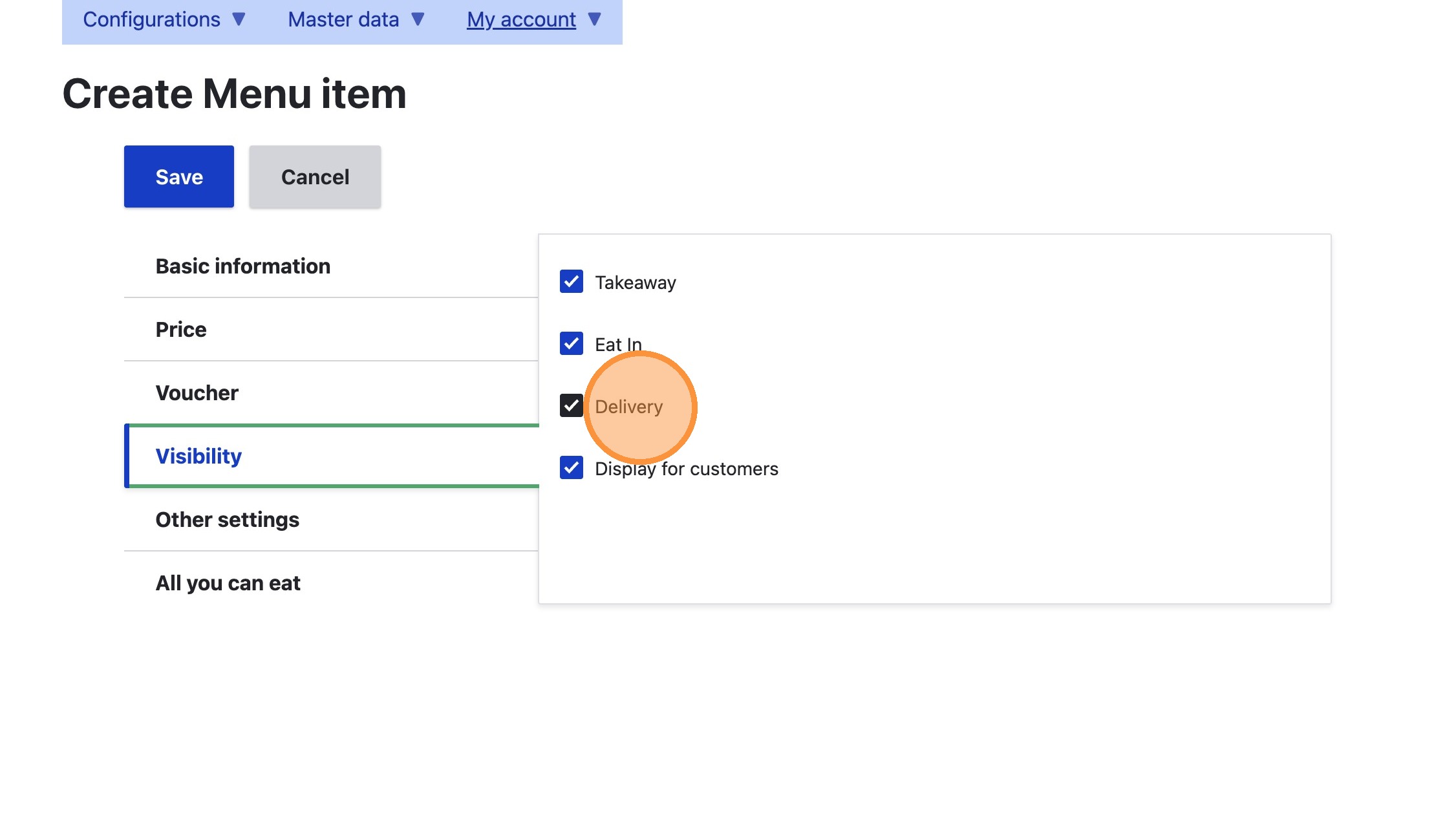
10. Click 'Save'