
Analytics and reporting
Analytics and reporting
Before you begin: Make sure you are logged in to the Loving Loyalty Manager. If you have not logged in yet, see How to log in and reset your password.
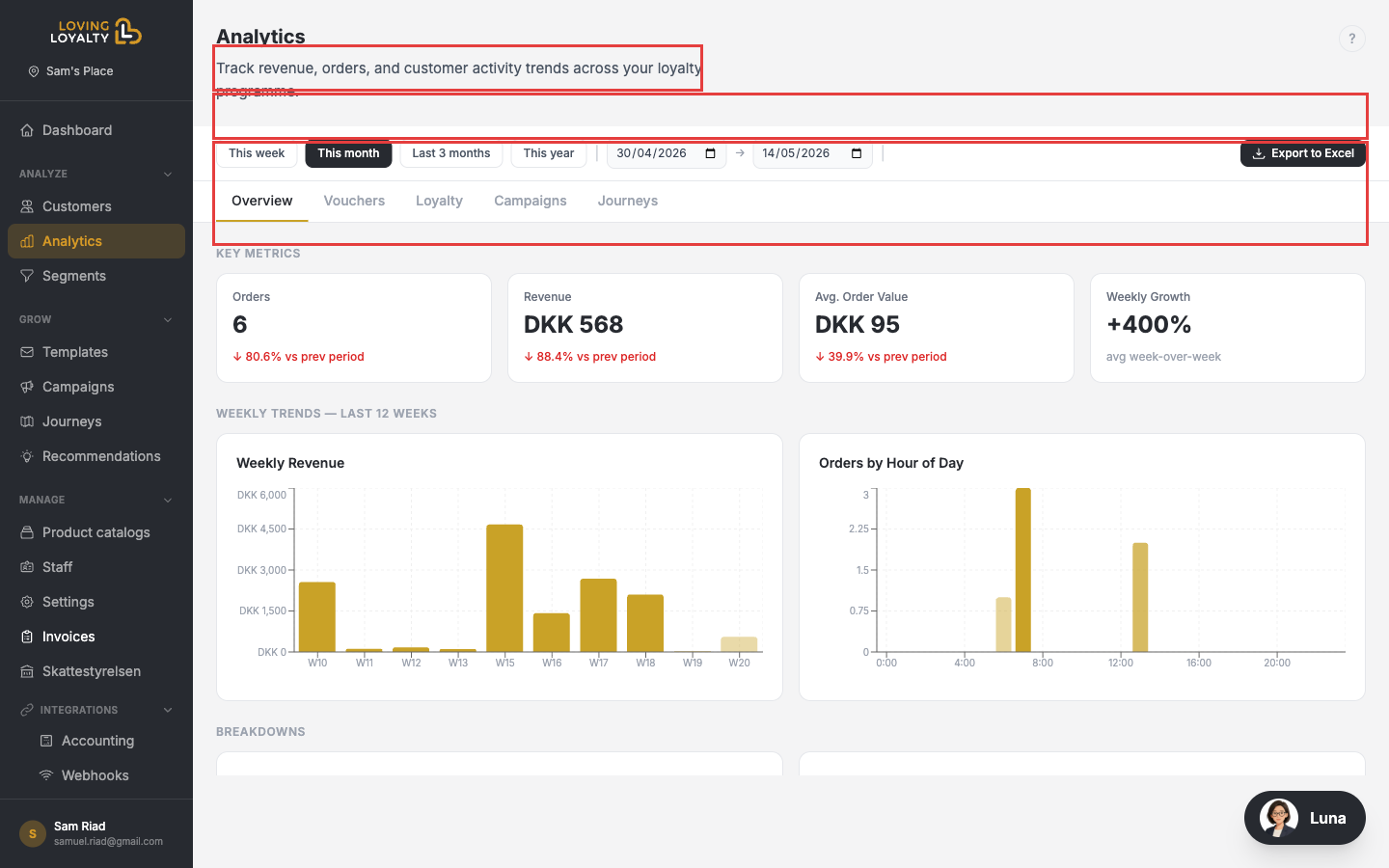
Go to Analytics in the left sidebar to see a detailed breakdown of your loyalty programme's performance.
Selecting a date range
Use the preset buttons — This week, This month, Last 3 months, This year — or use the custom date pickers for any start and end date. All charts and stats update instantly.
Analytics tabs
- Overview — Revenue, orders, avg order value, weekly growth, and trend charts.
- Vouchers — Voucher usage and redemption stats.
- Loyalty — Points issued, redeemed, and customer tier movement.
- Campaigns — Performance of your discount campaigns.
- Journeys — How your automated journeys are performing.
Exporting
Click Export to Excel to download the analytics data for the selected period.