

 Dansk
Dansk
 Svenska
 Deutsch
 Norsk bokmål
Coupon (Gift card)
This guide demonstrates the necessary steps for interacting with a browser address bar and utilizing reload functions. It provides a structured approach for users who need to manage page navigation and interface controls effectively.
Authentication
1. Navigate to the login page.
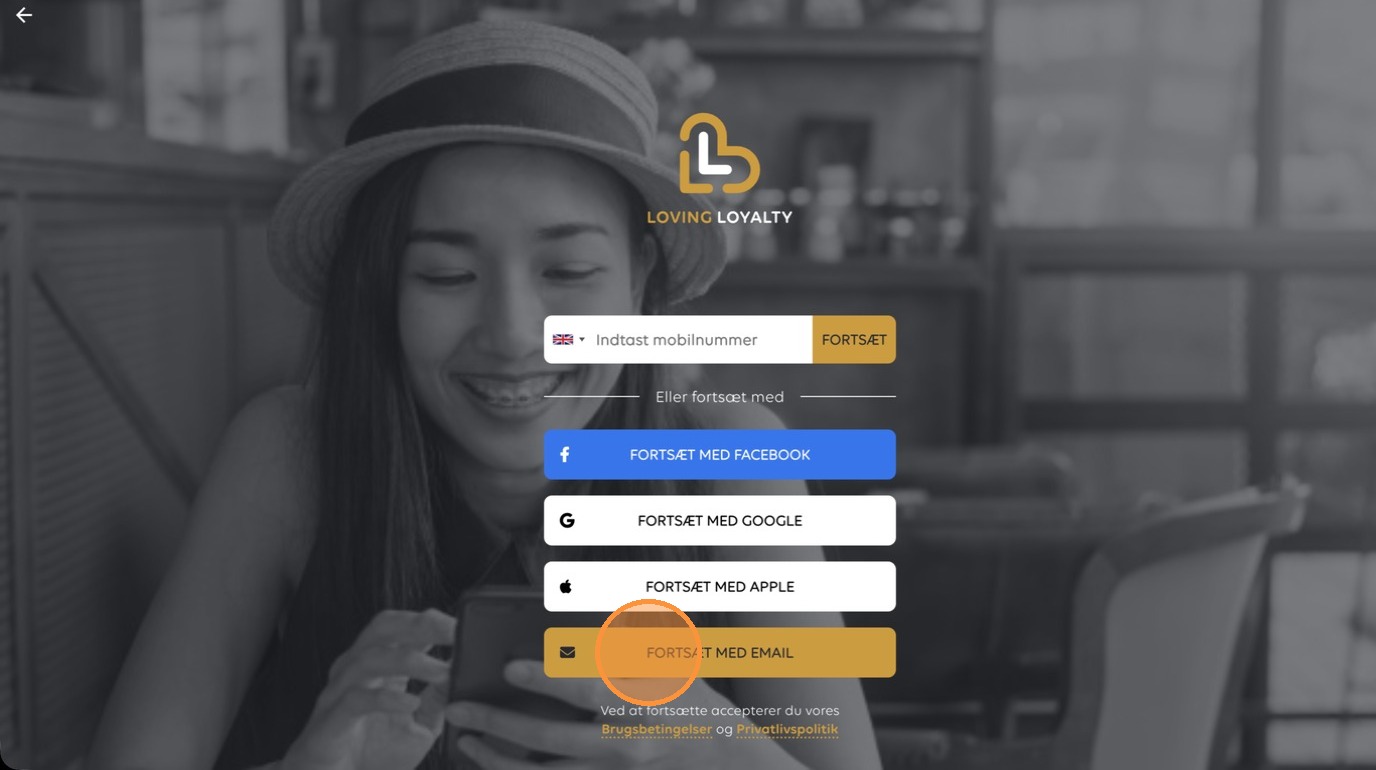
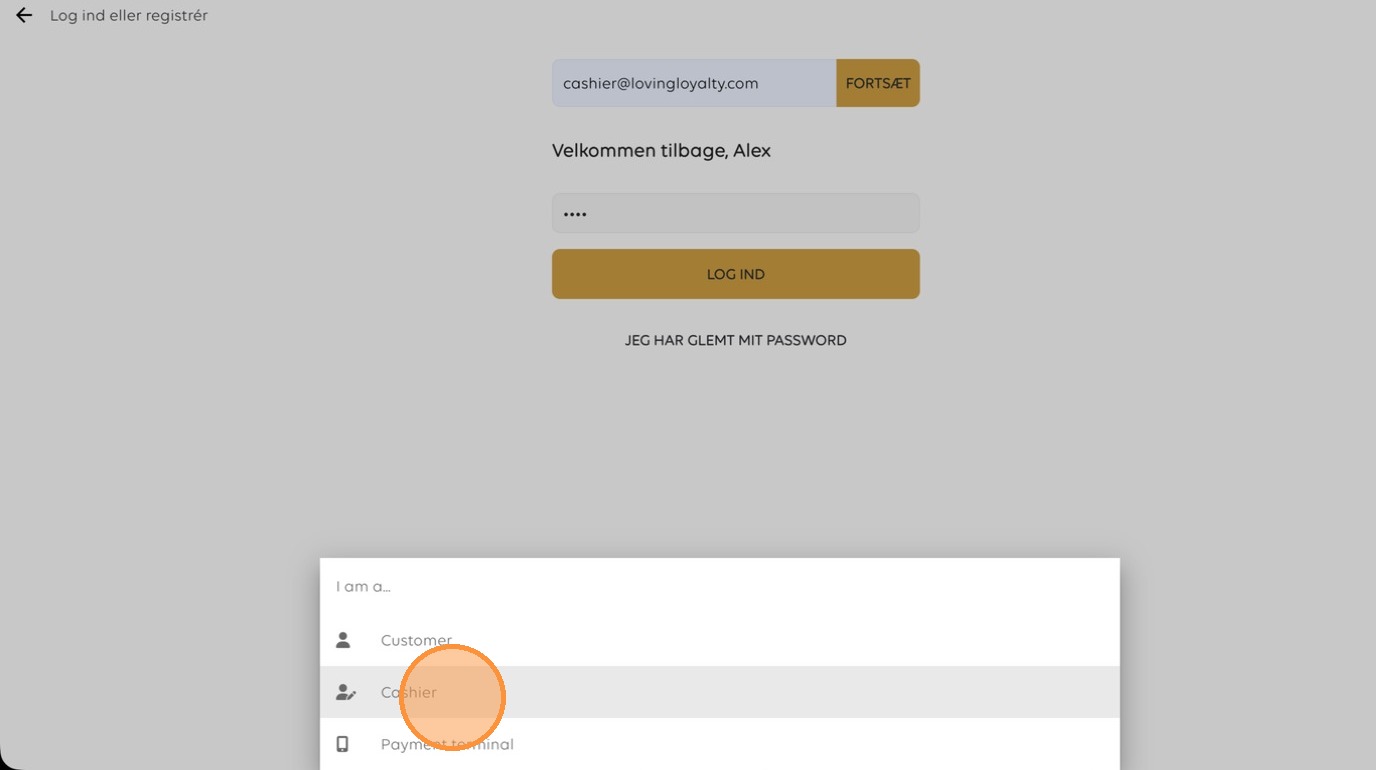
2. Select 'Cashier' from the role options.
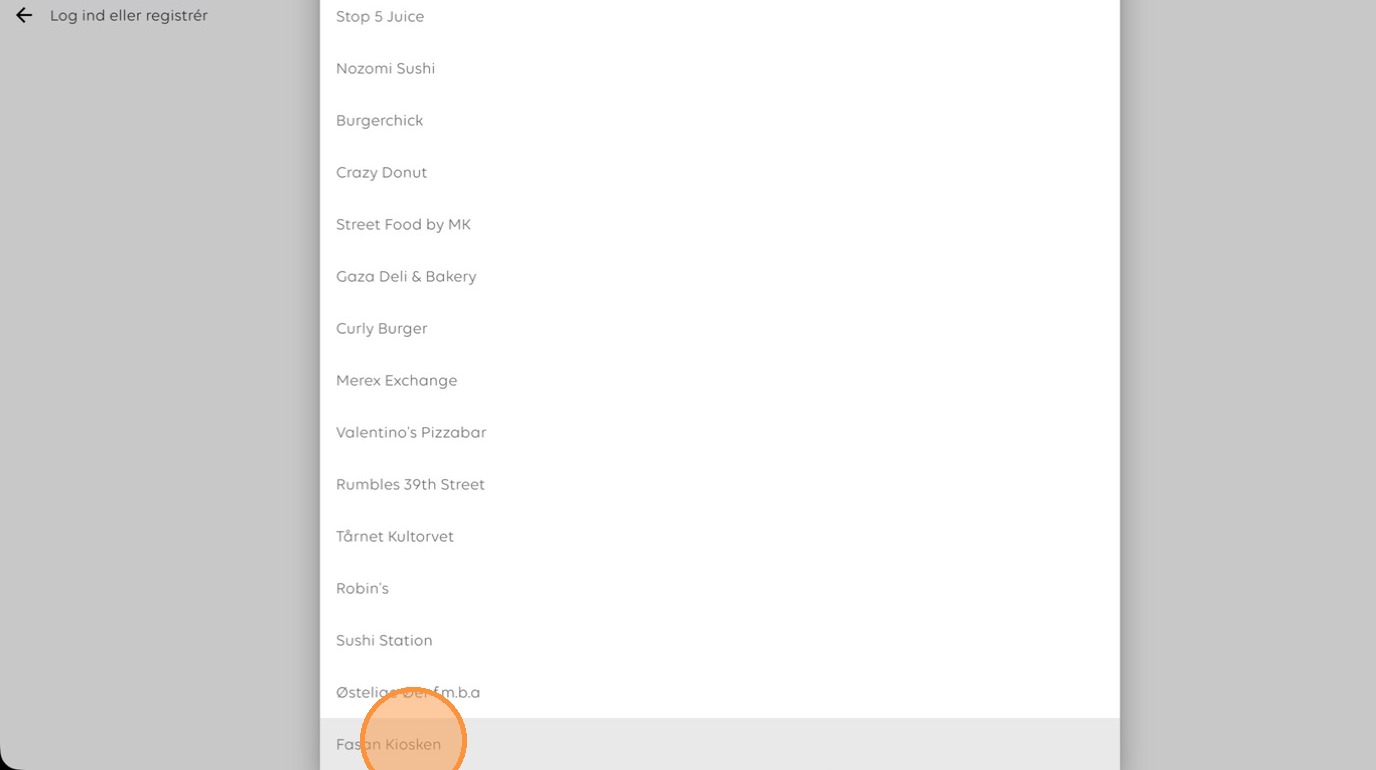
3. Choose 'Fasan Kiosken' as the store location.
4. Click here
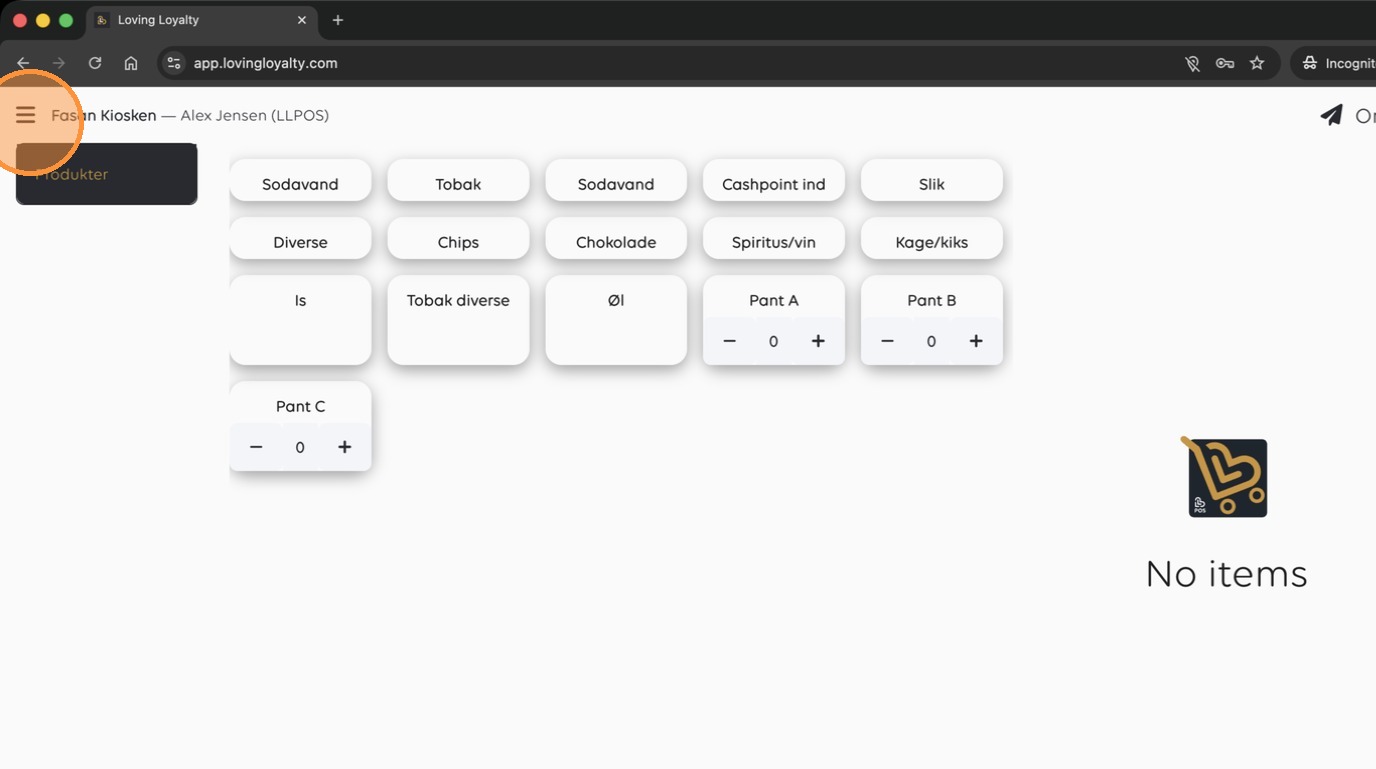
5. Open the sidebar menu.
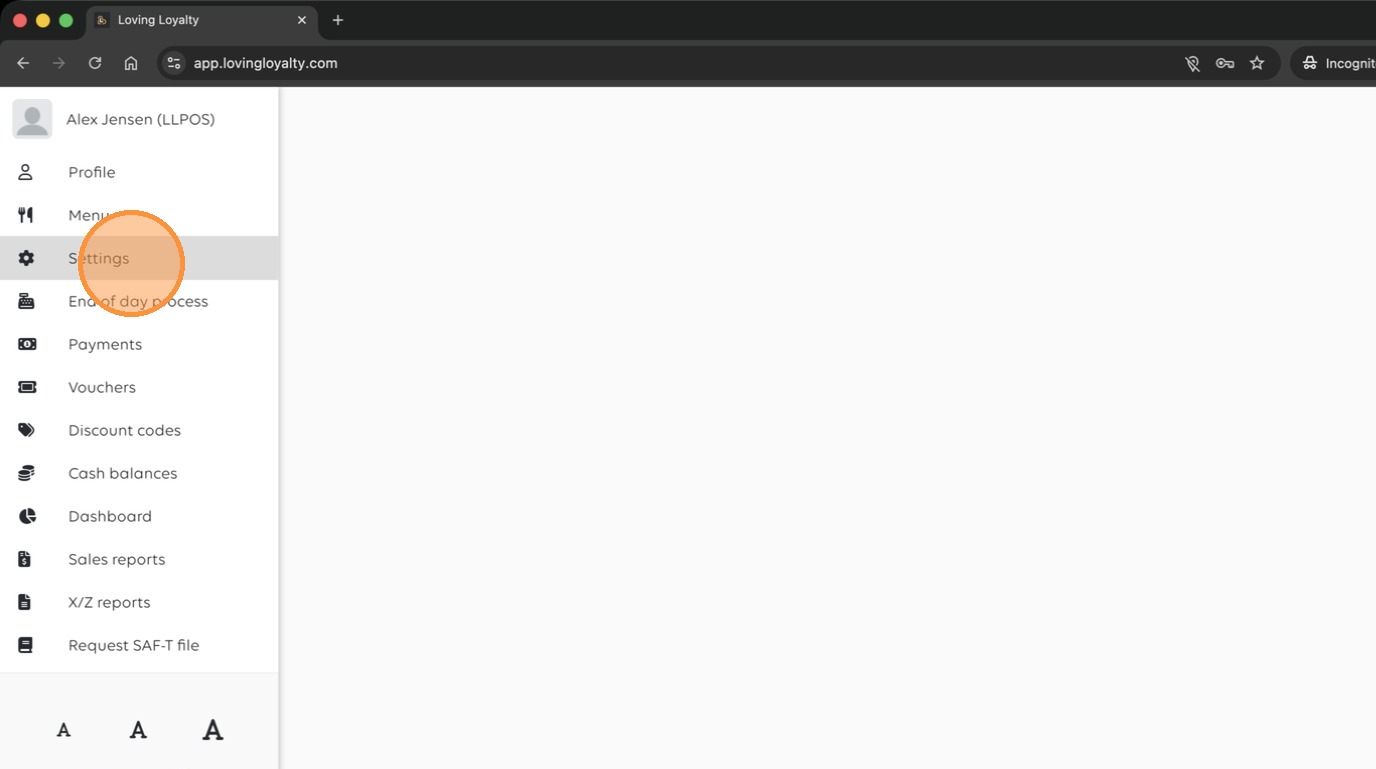
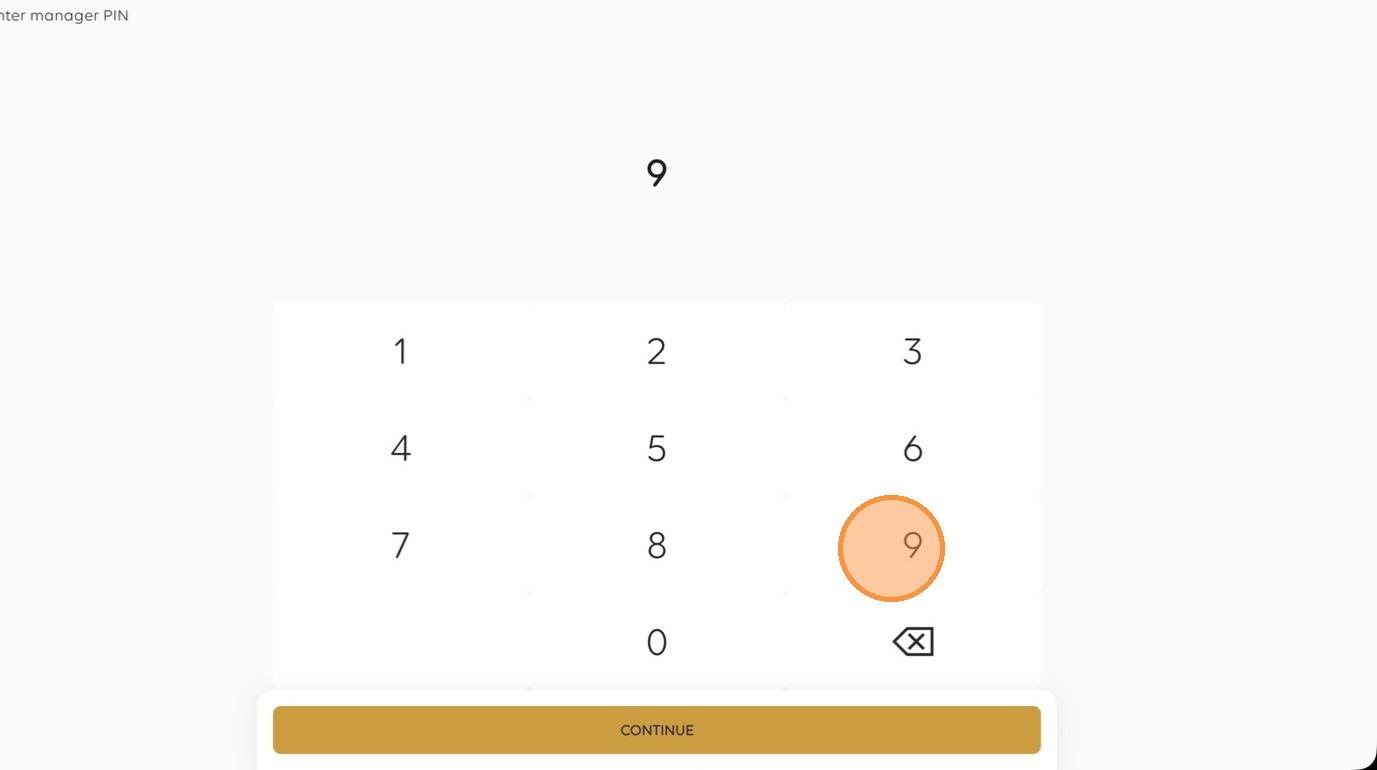
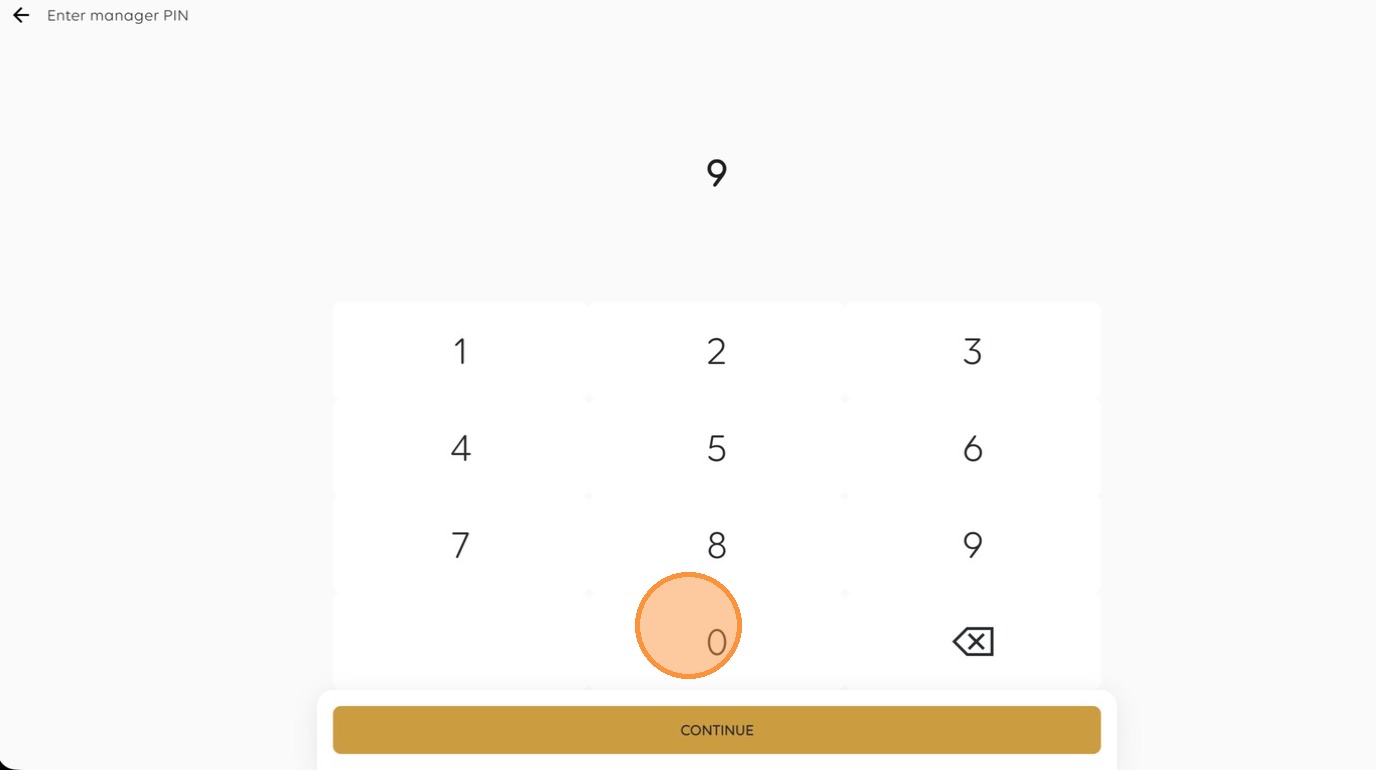
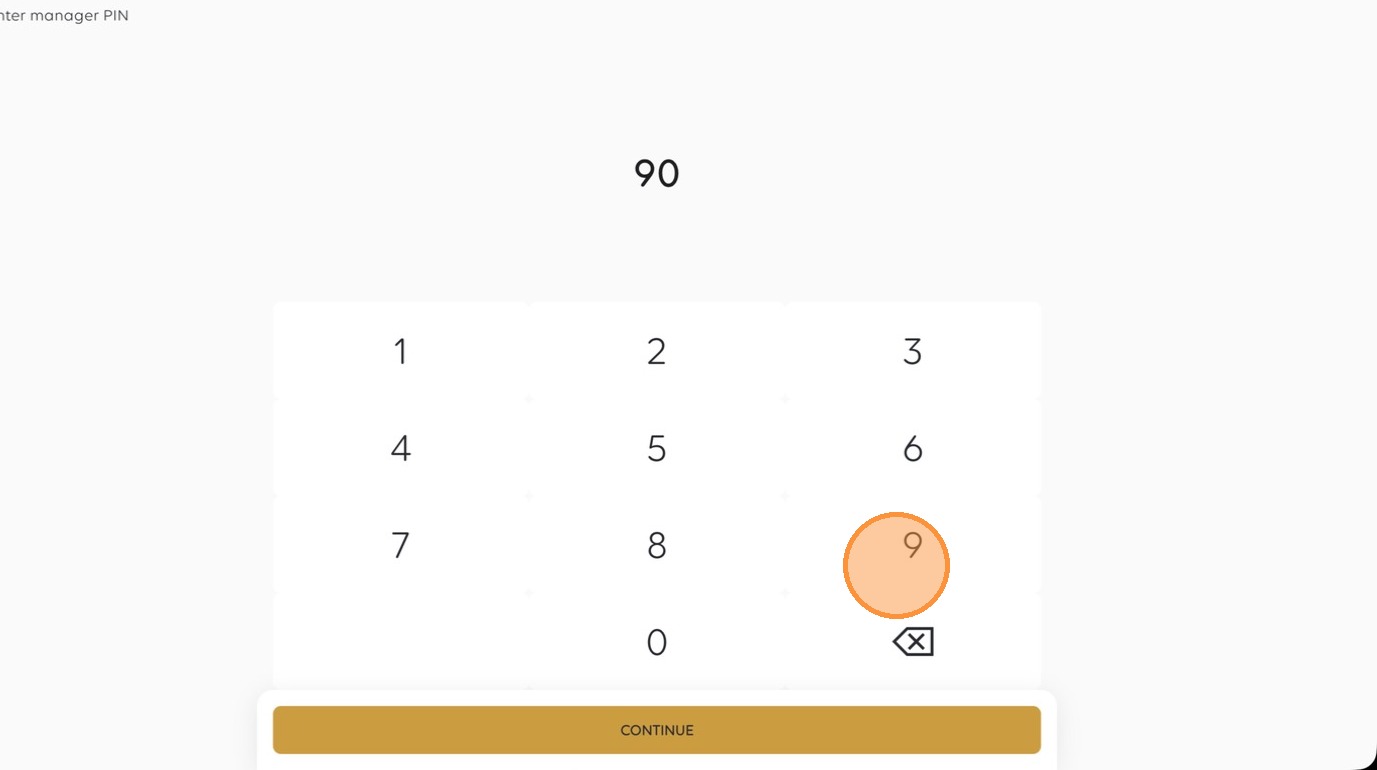
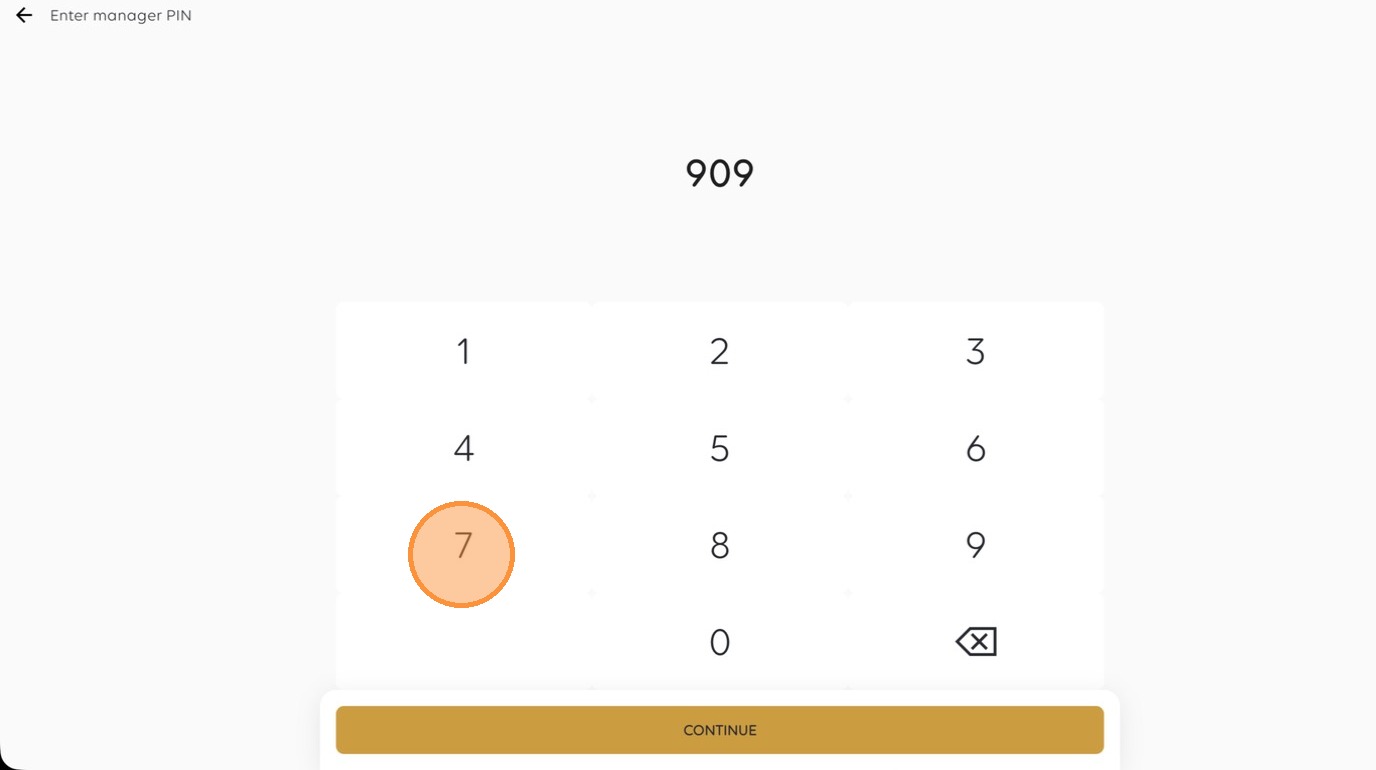
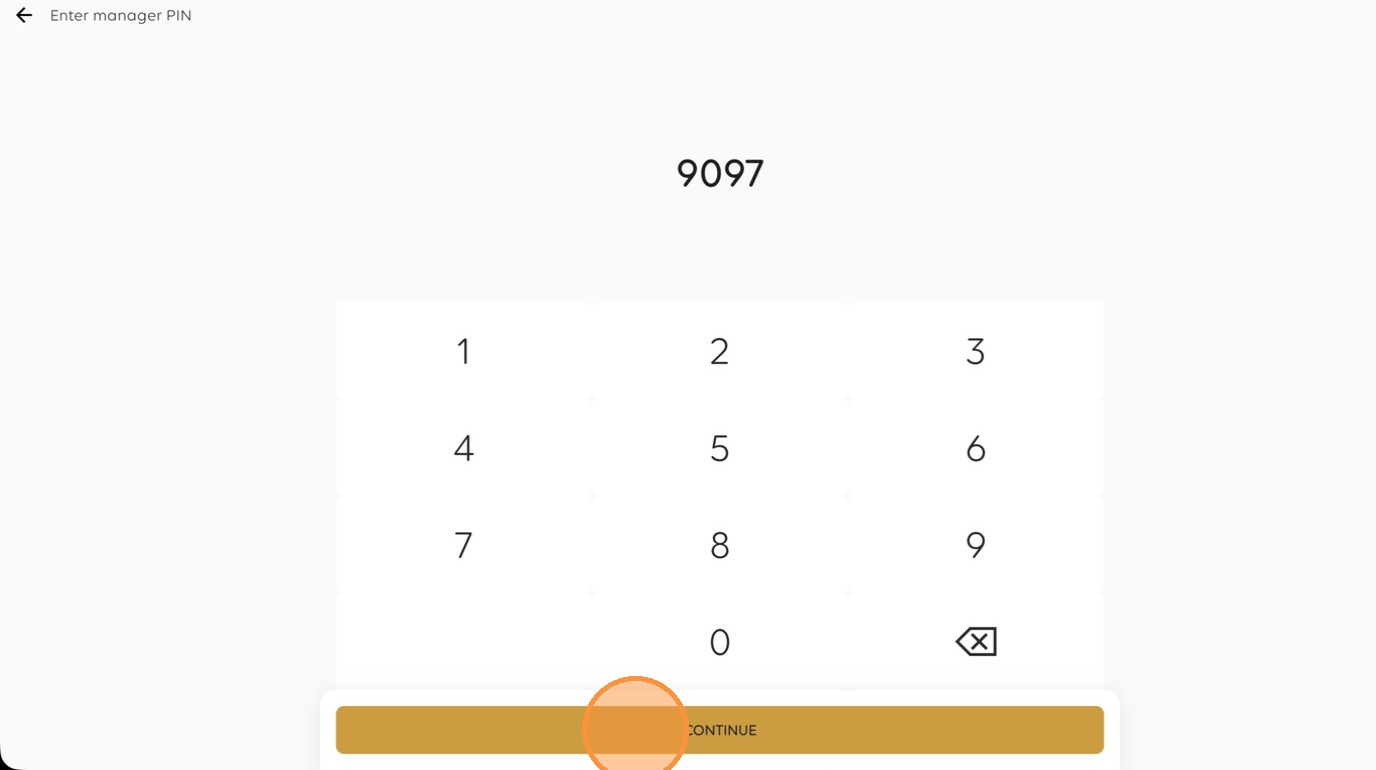
6. Enter the manager PIN.
System Configuration
7. Click here
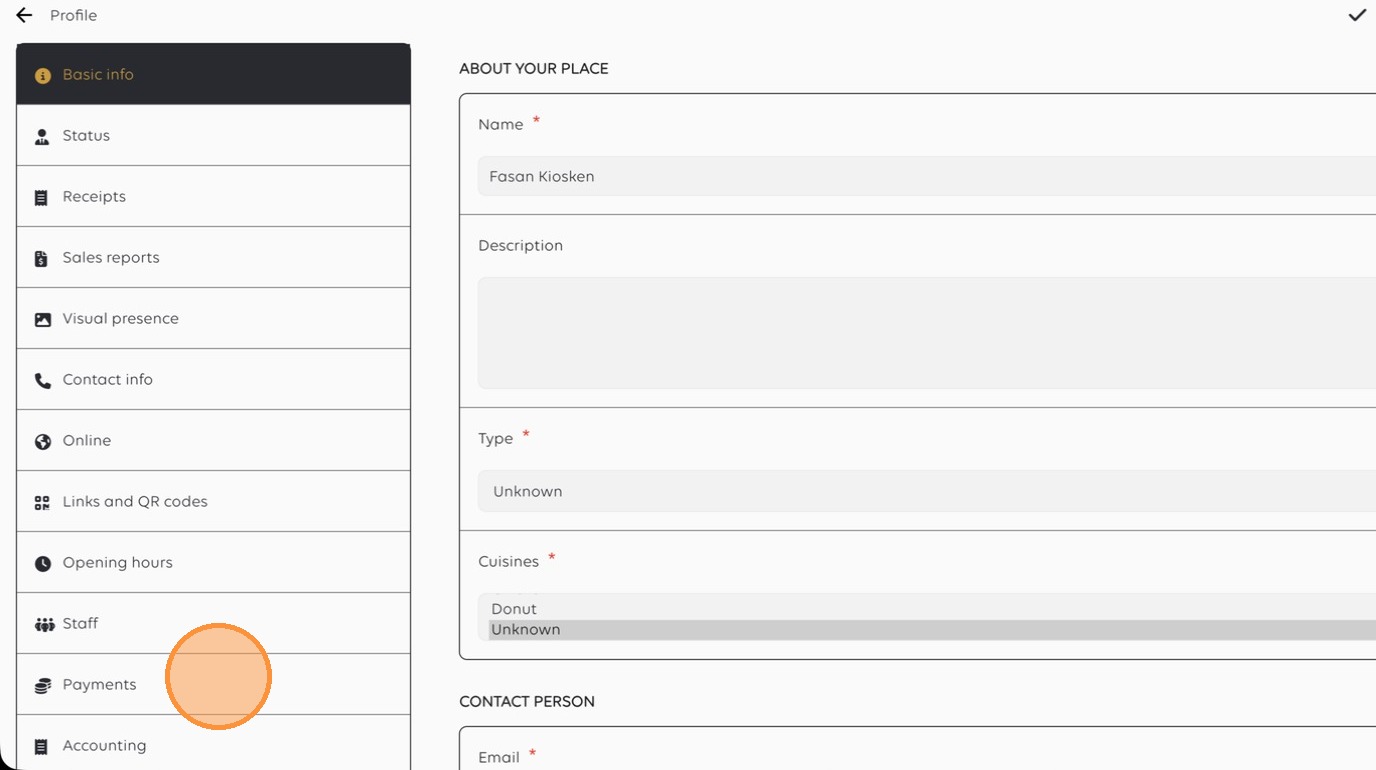
8. Select the 'Payments' settings tab.
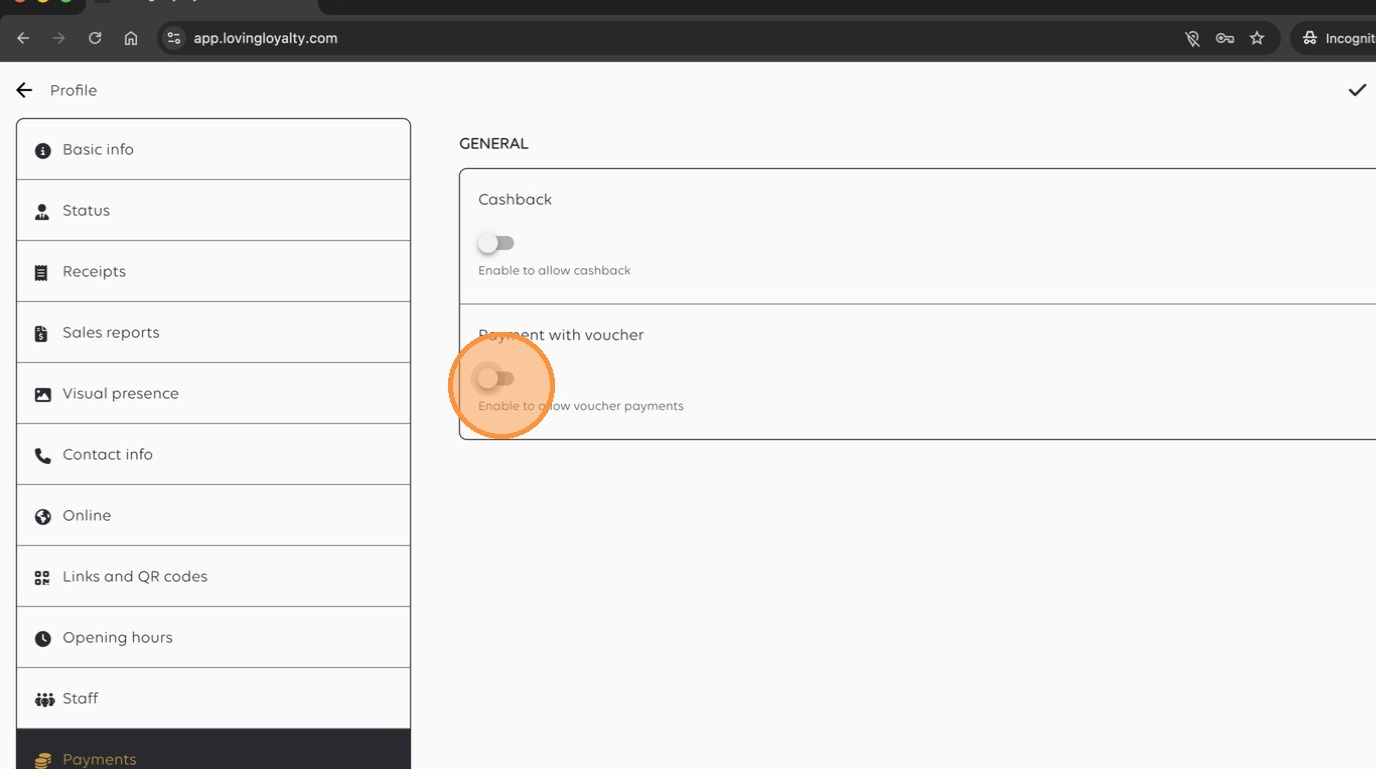
9. Click here
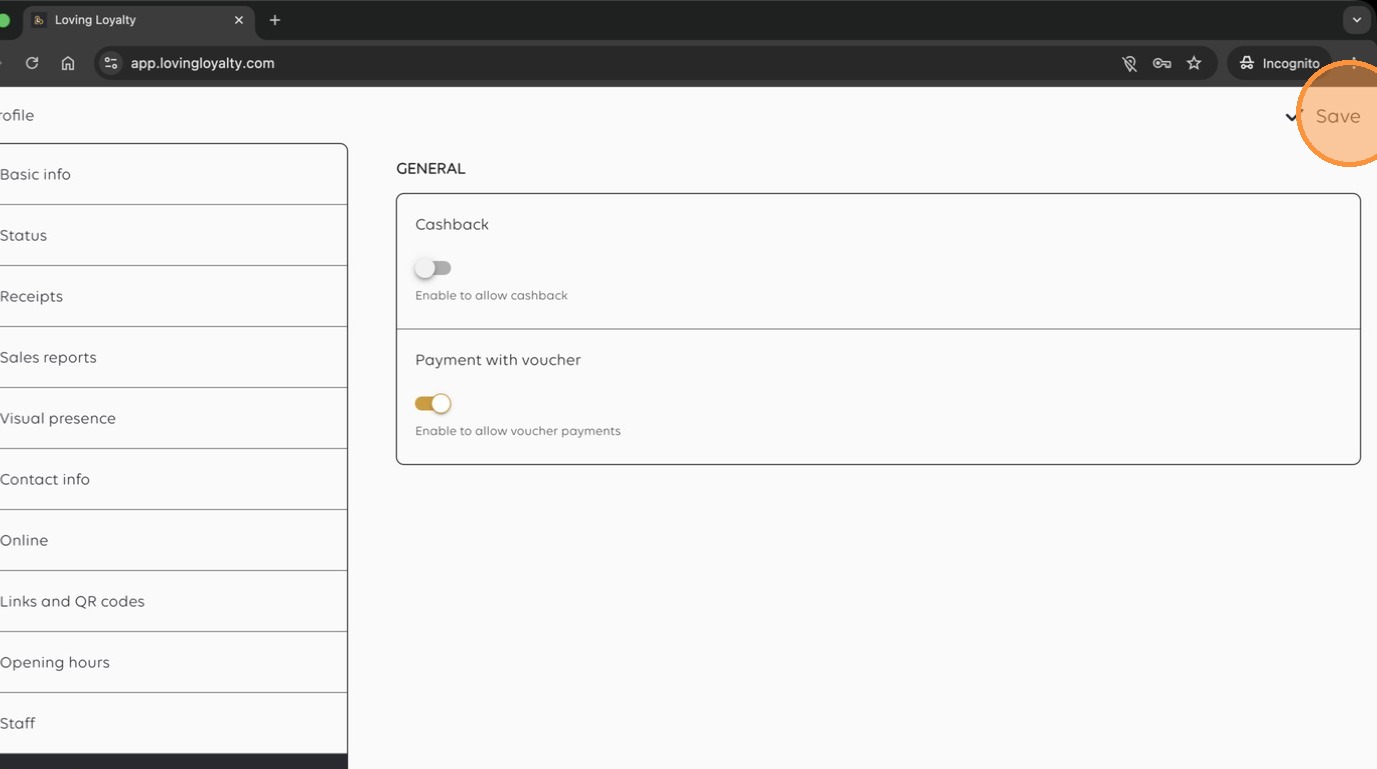
10. Enable 'Payment with voucher' for the store.
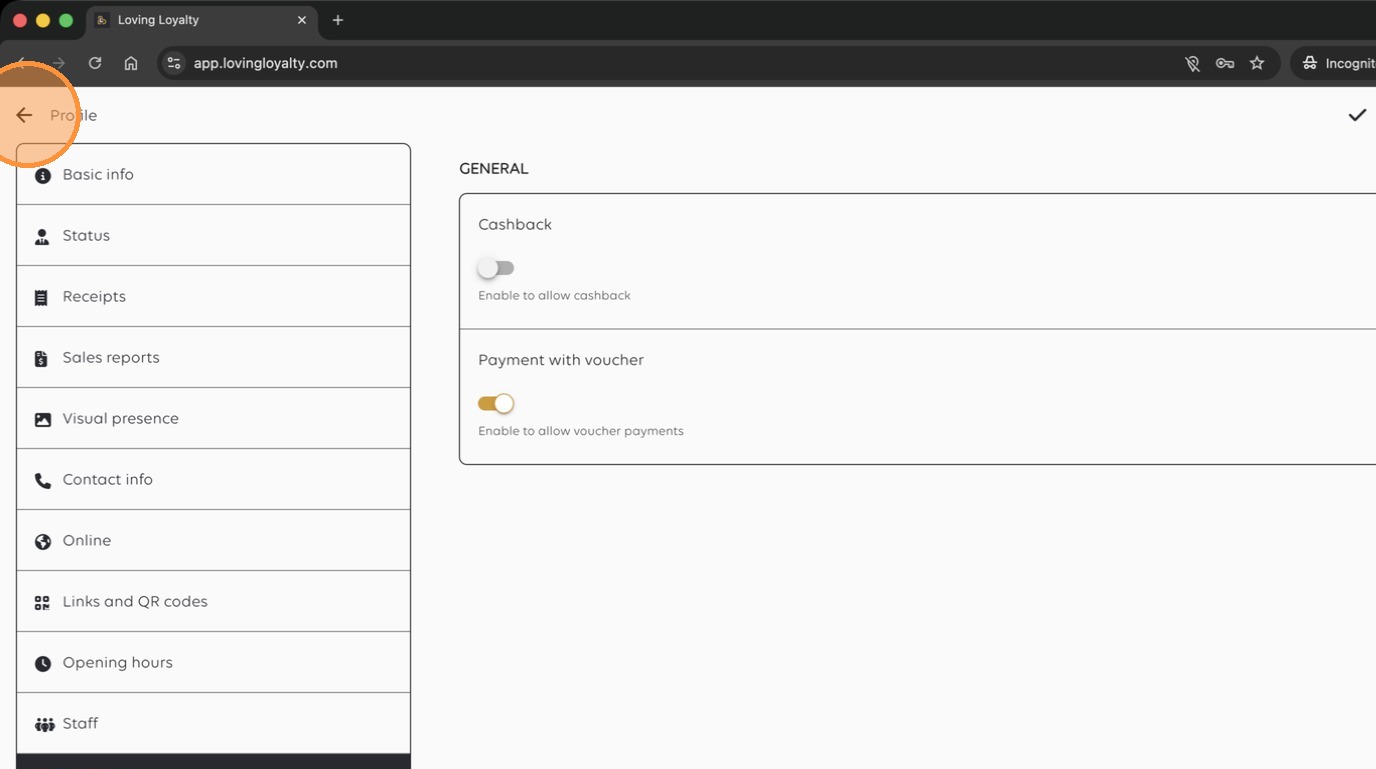
11. Return to the main dashboard.
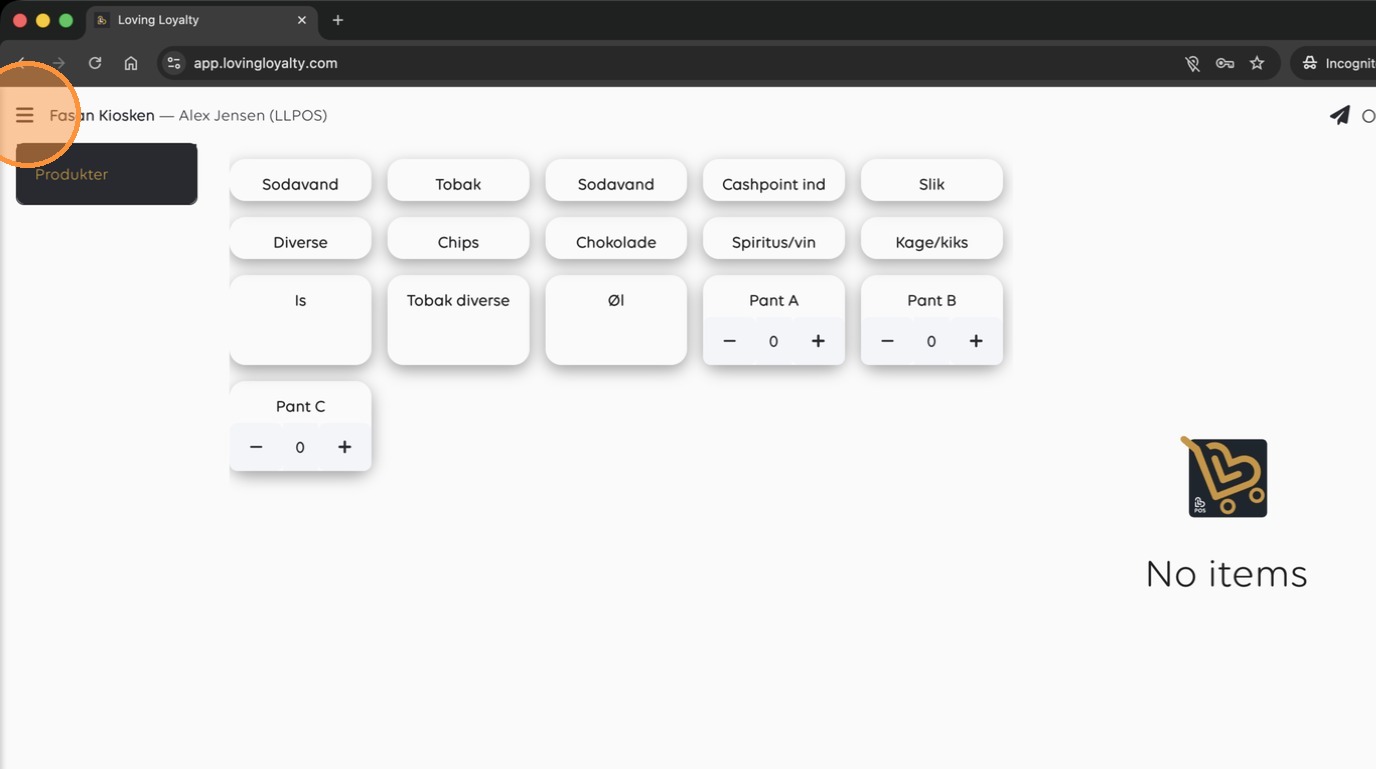
Menu Management
12. Select 'Menu' from the sidebar.
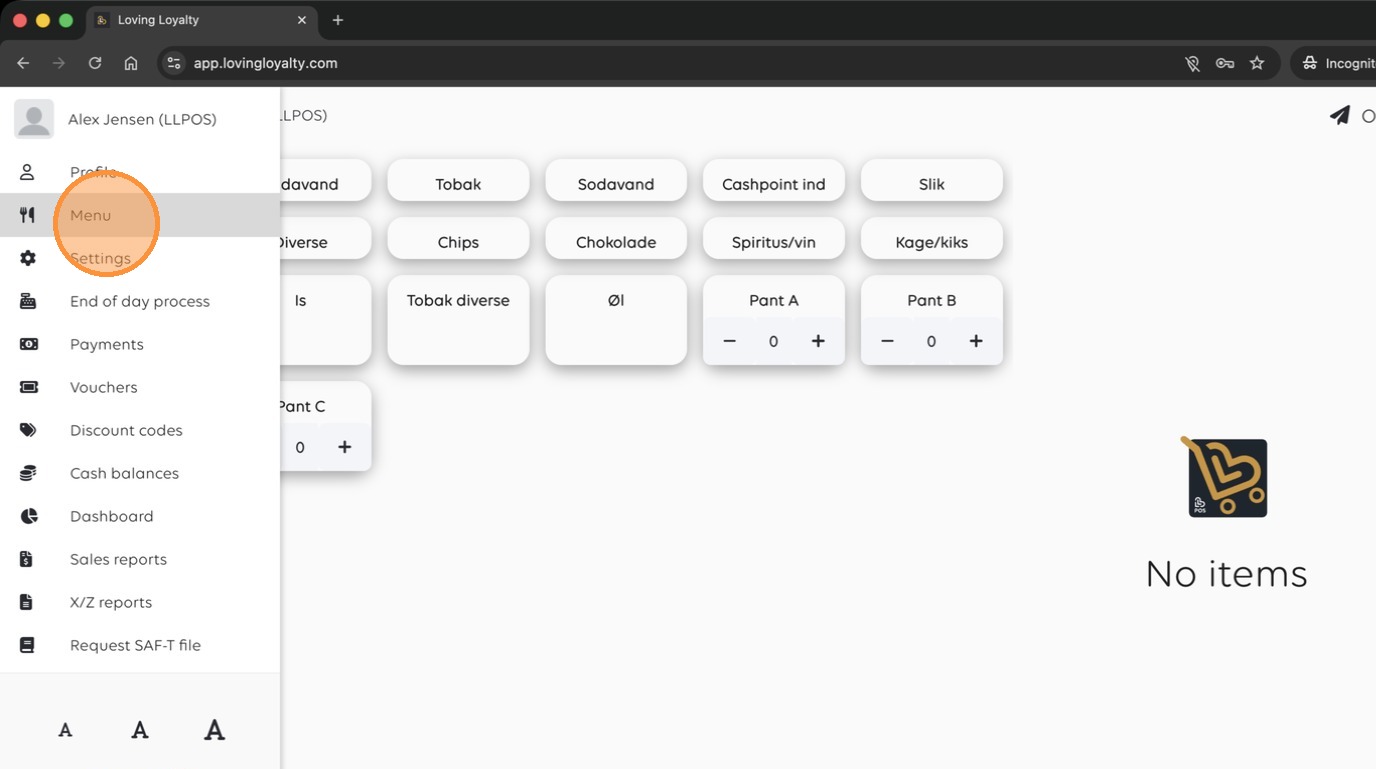
13. Click here
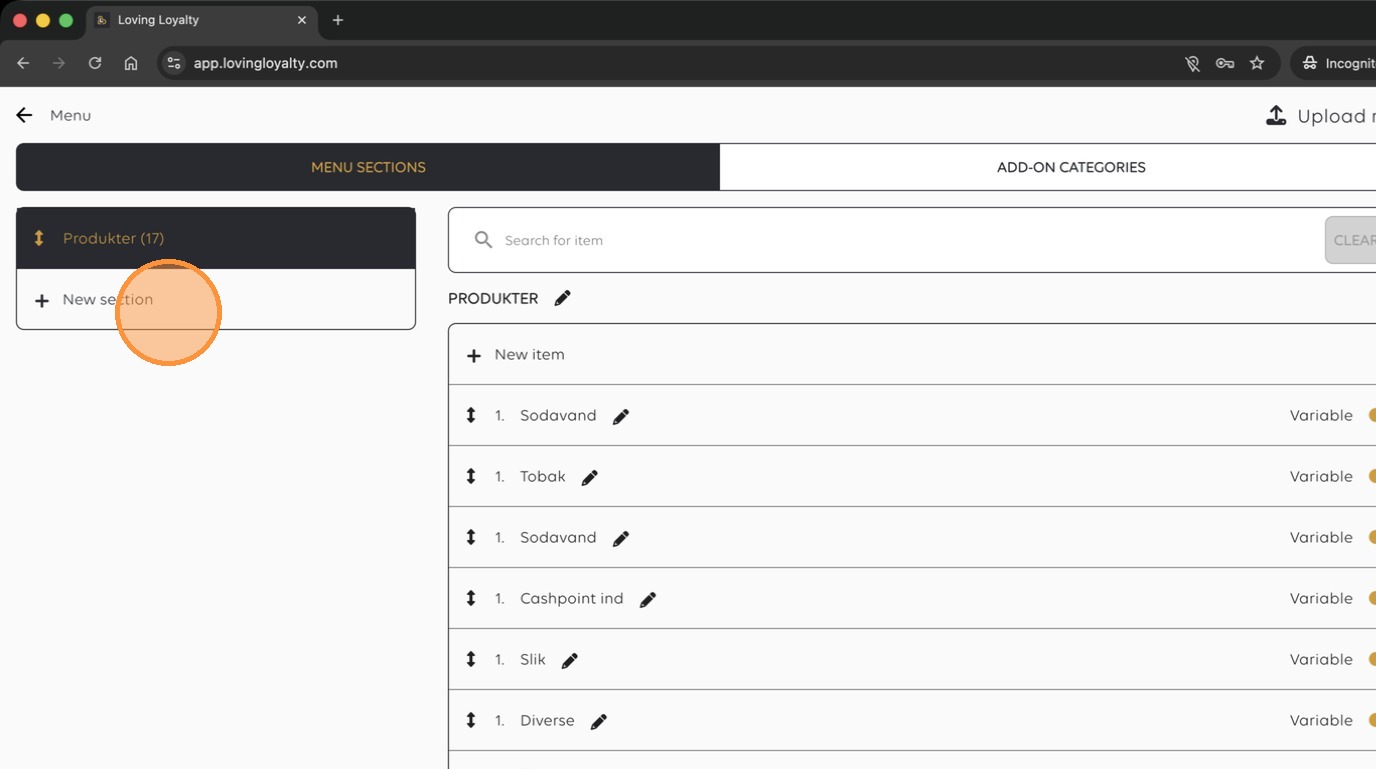
14. Click 'New section' to create a menu category.
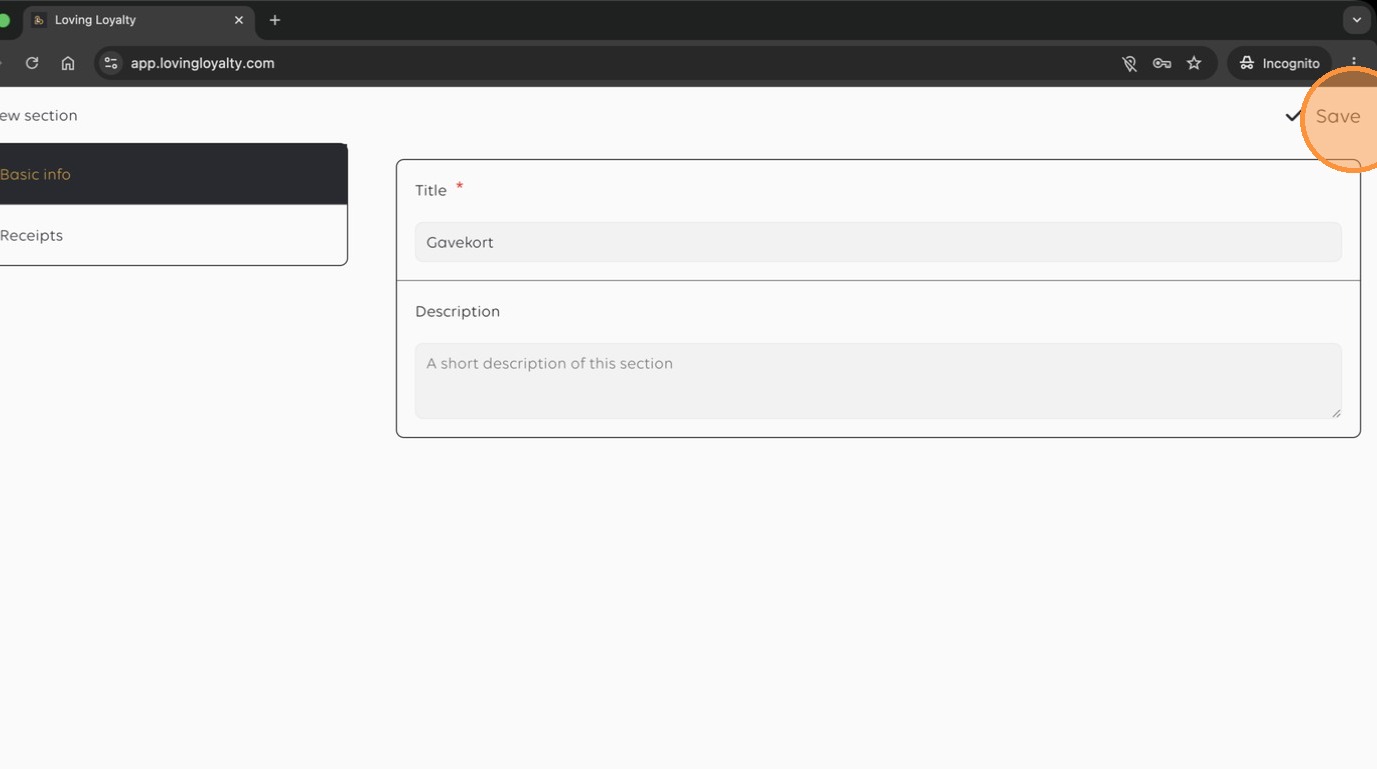
15. Save the new section.
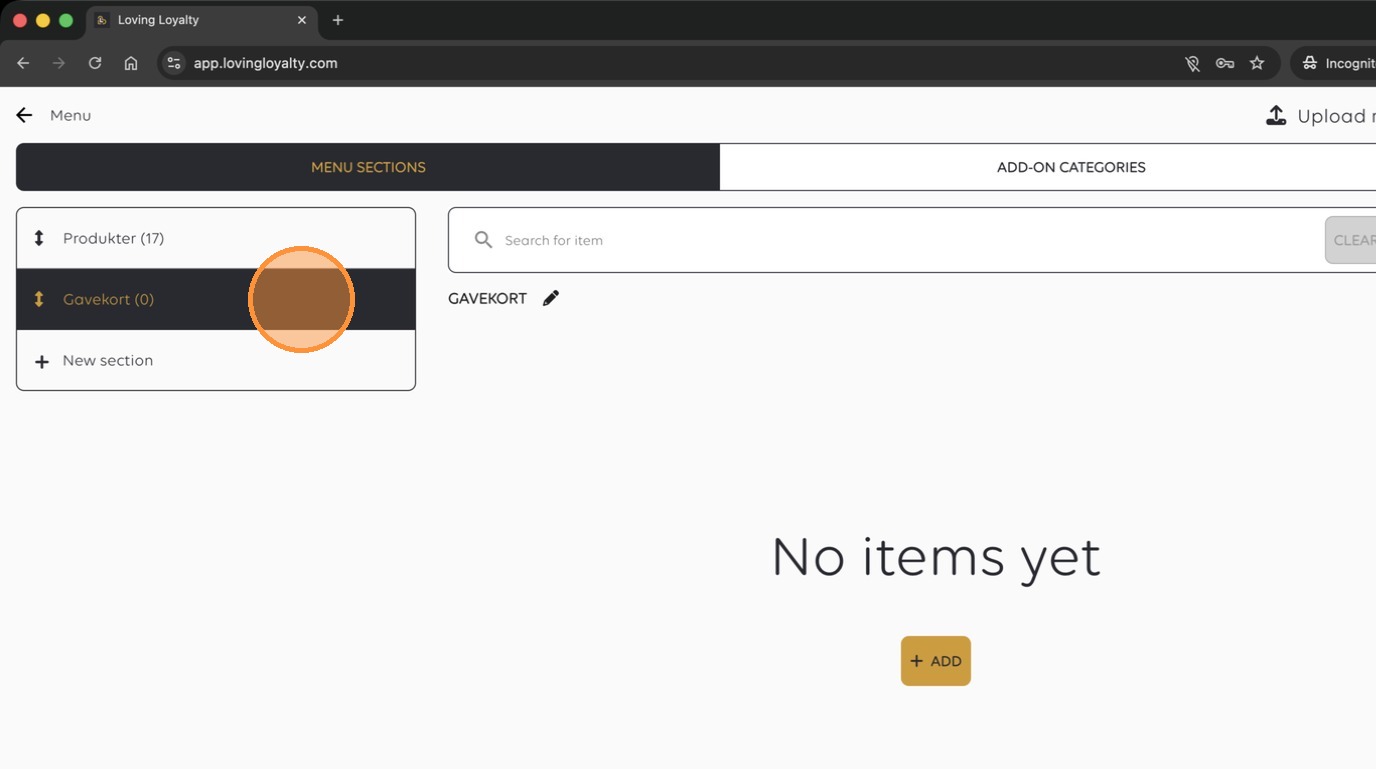
16. Add a new item to the section.
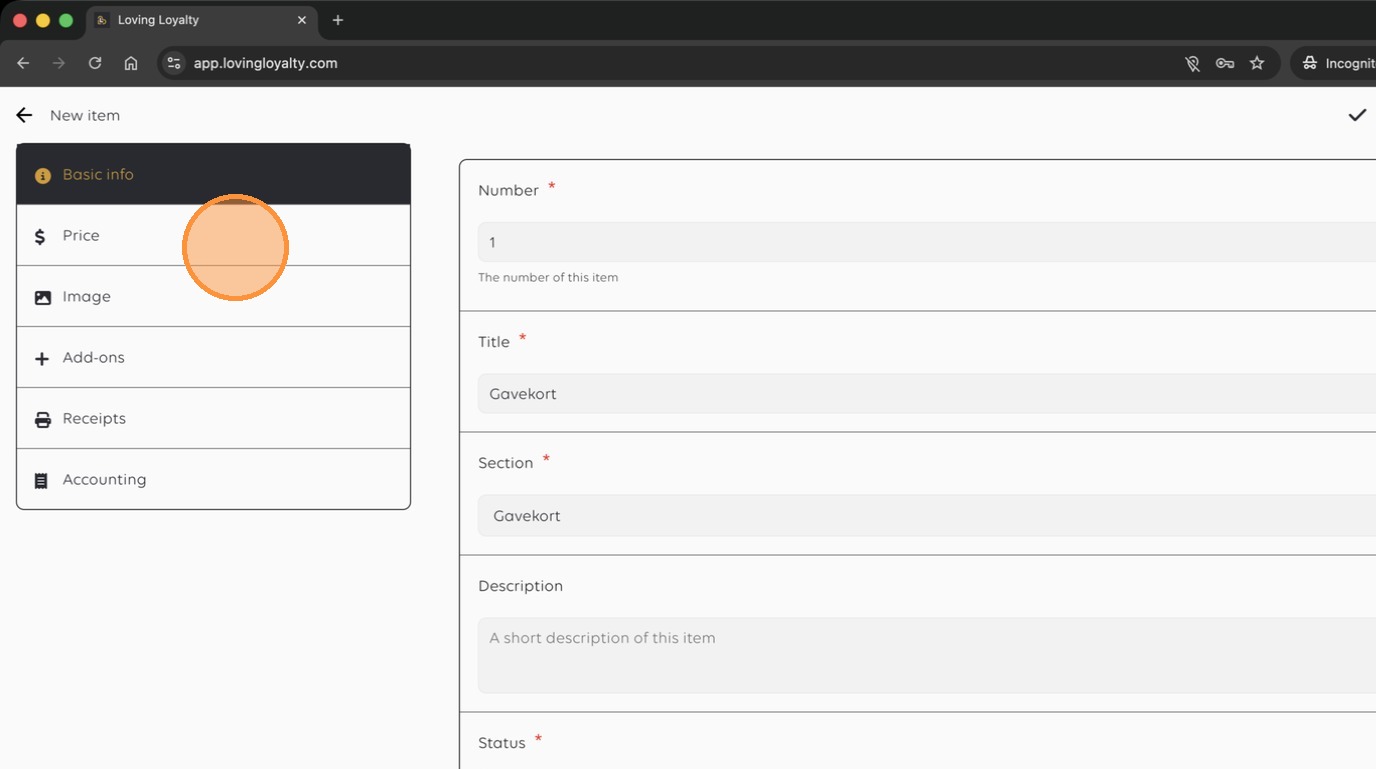
17. Navigate to the 'Price' configuration tab.
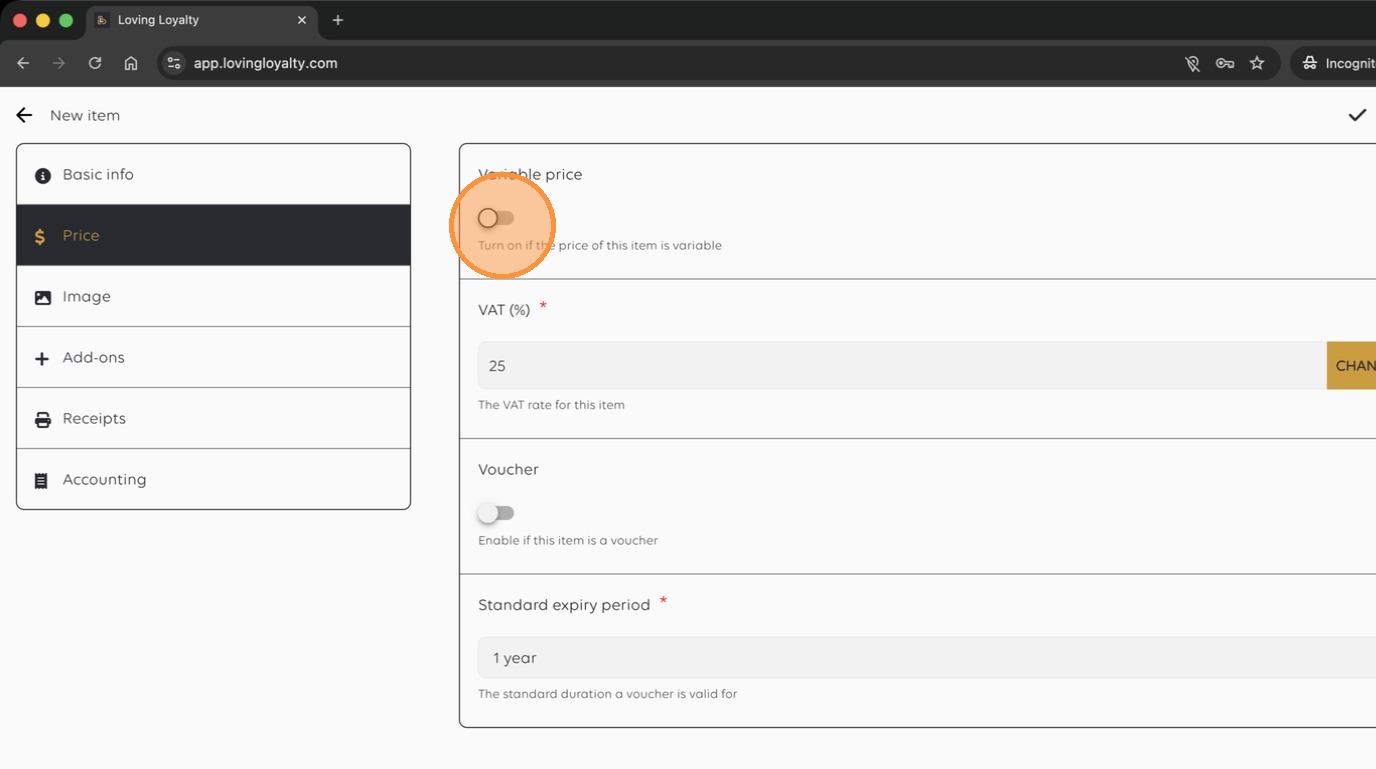
18. Save the item configuration.
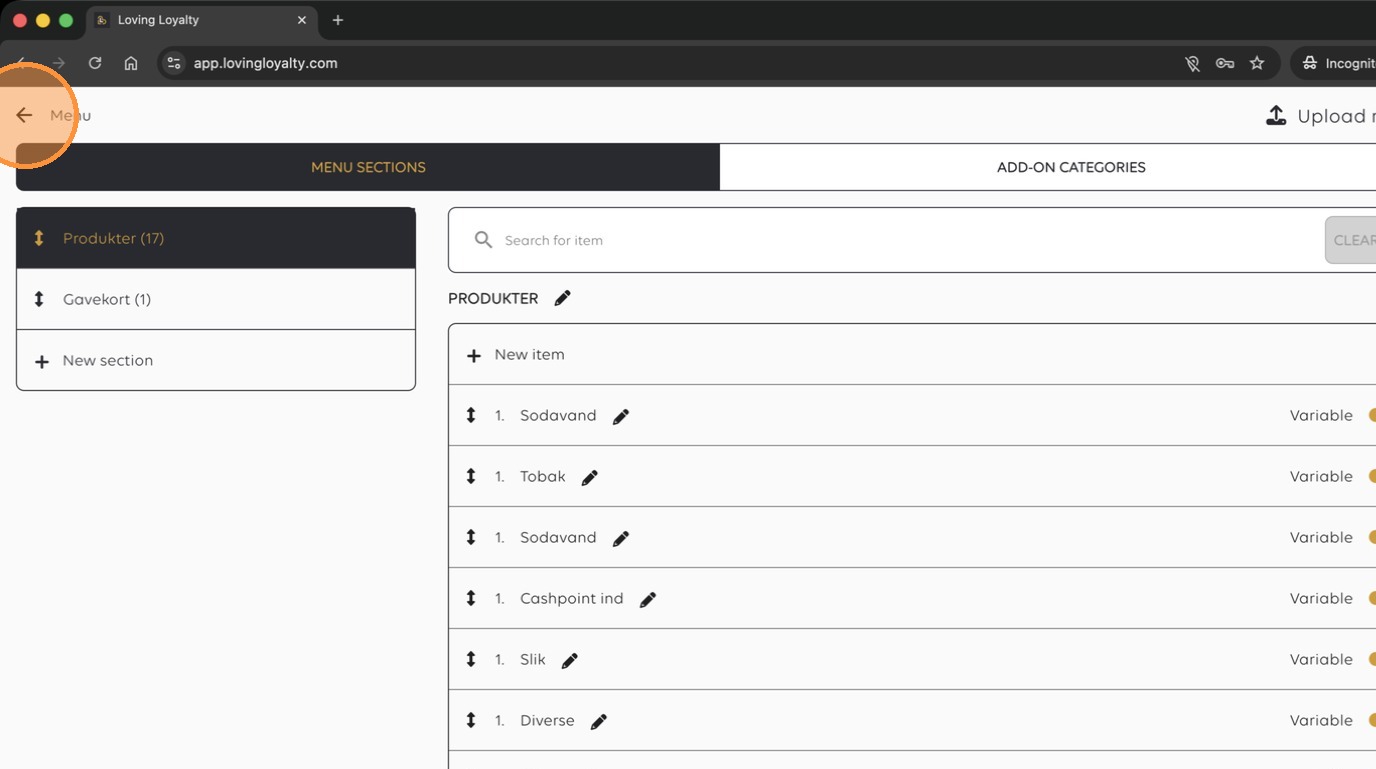
19. Refresh the application to apply the menu updates.
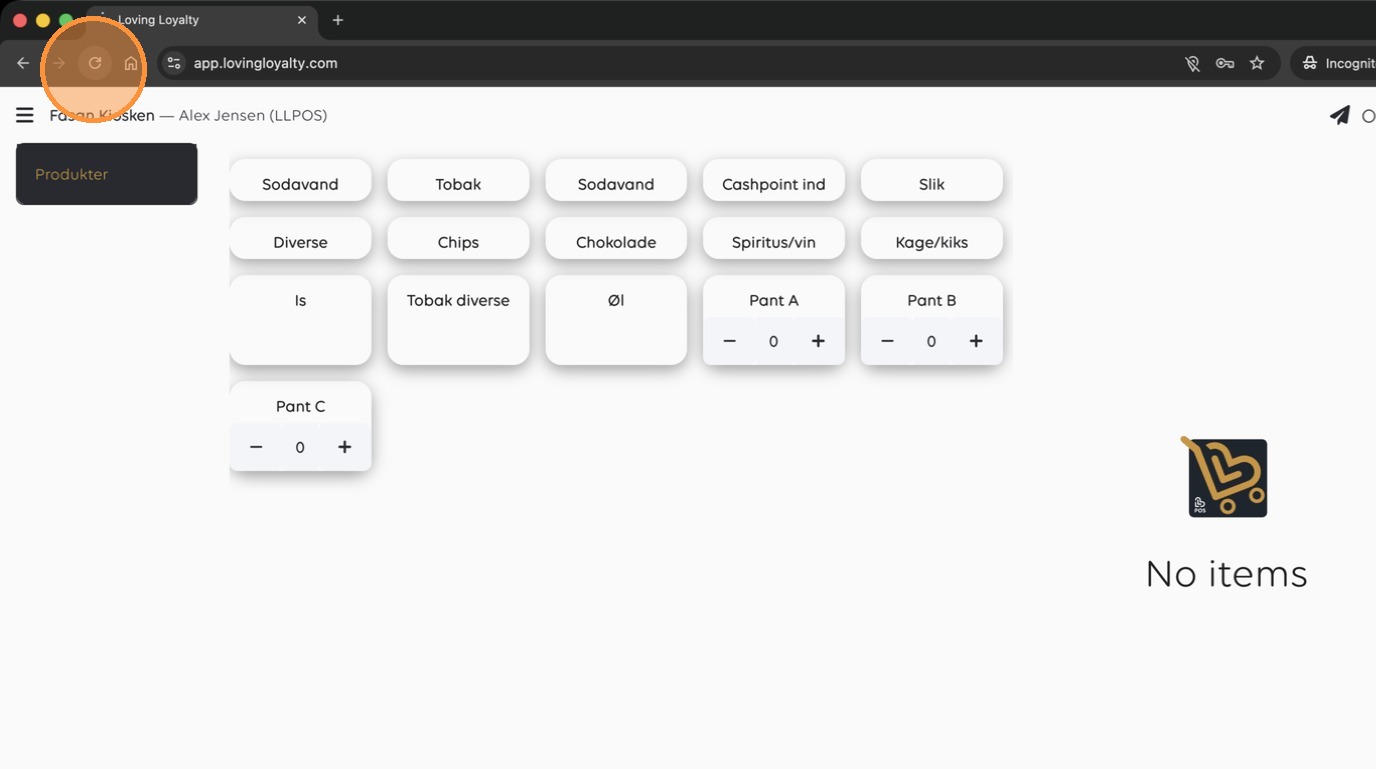
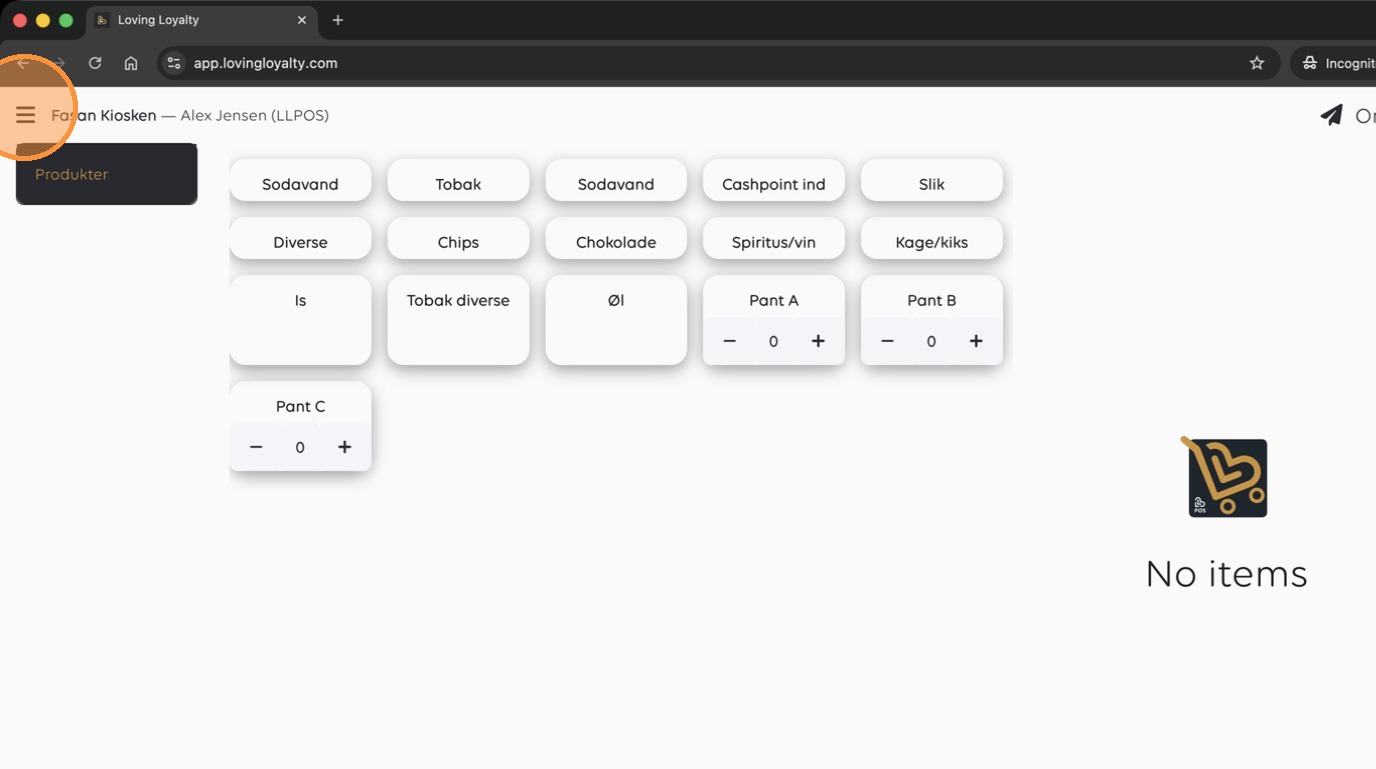
20. Click here
Order Processing
21. Click the 'Gavekort' item to add it to the order.
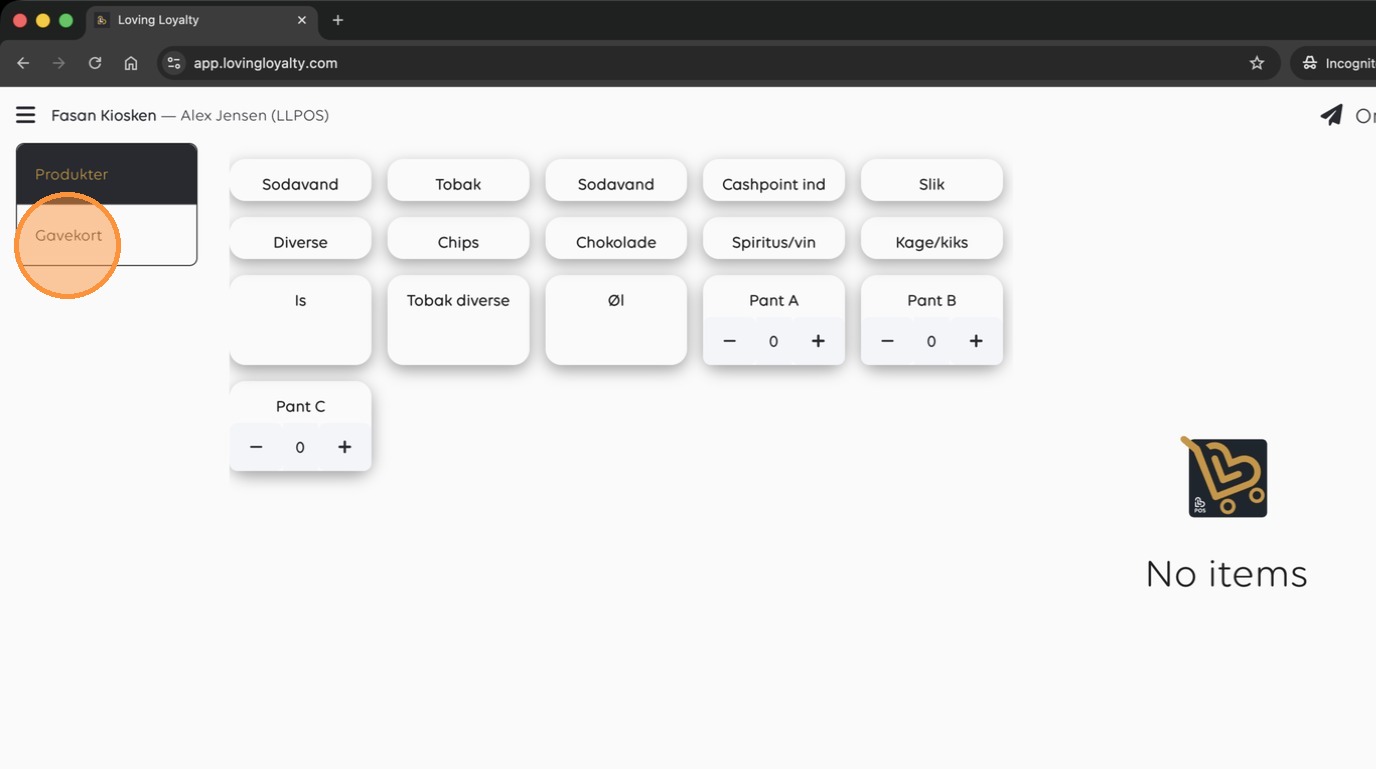
22. Click here
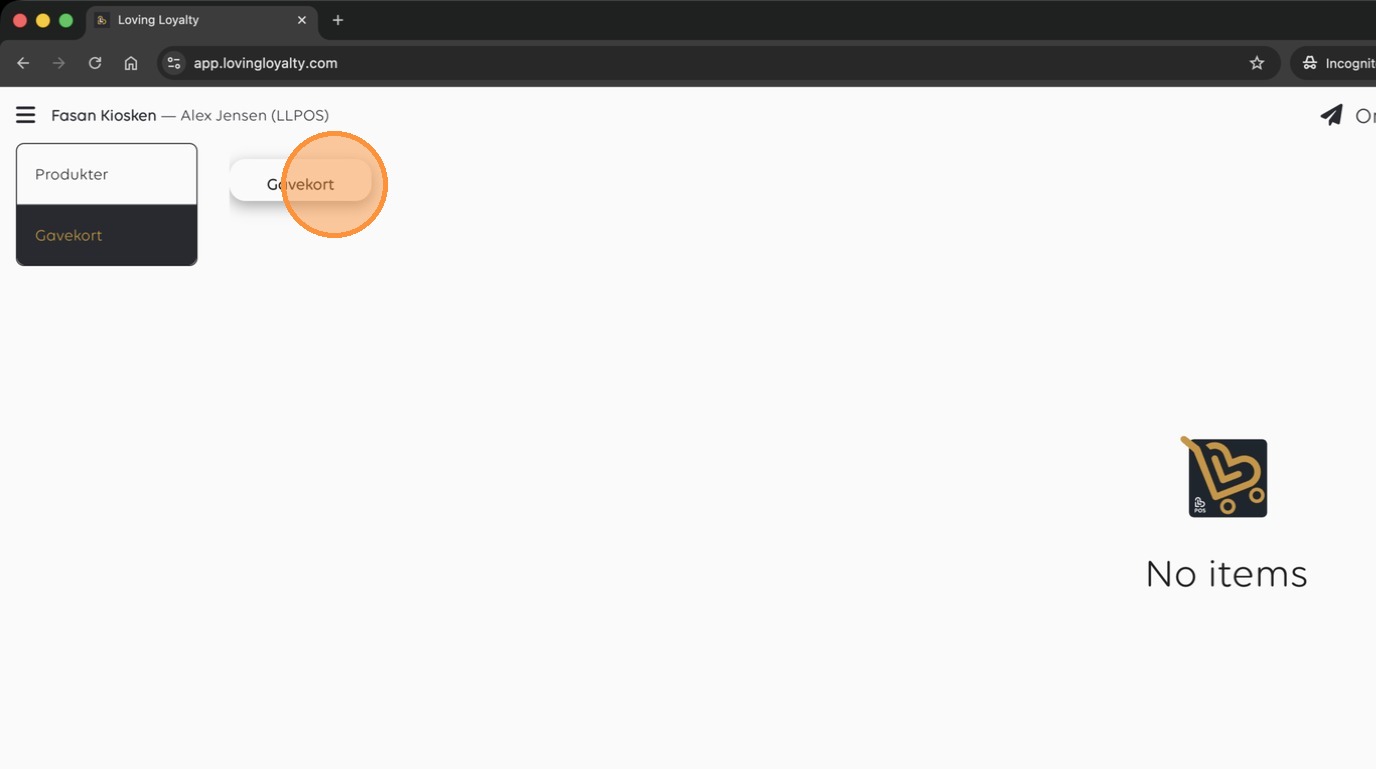
23. Click here
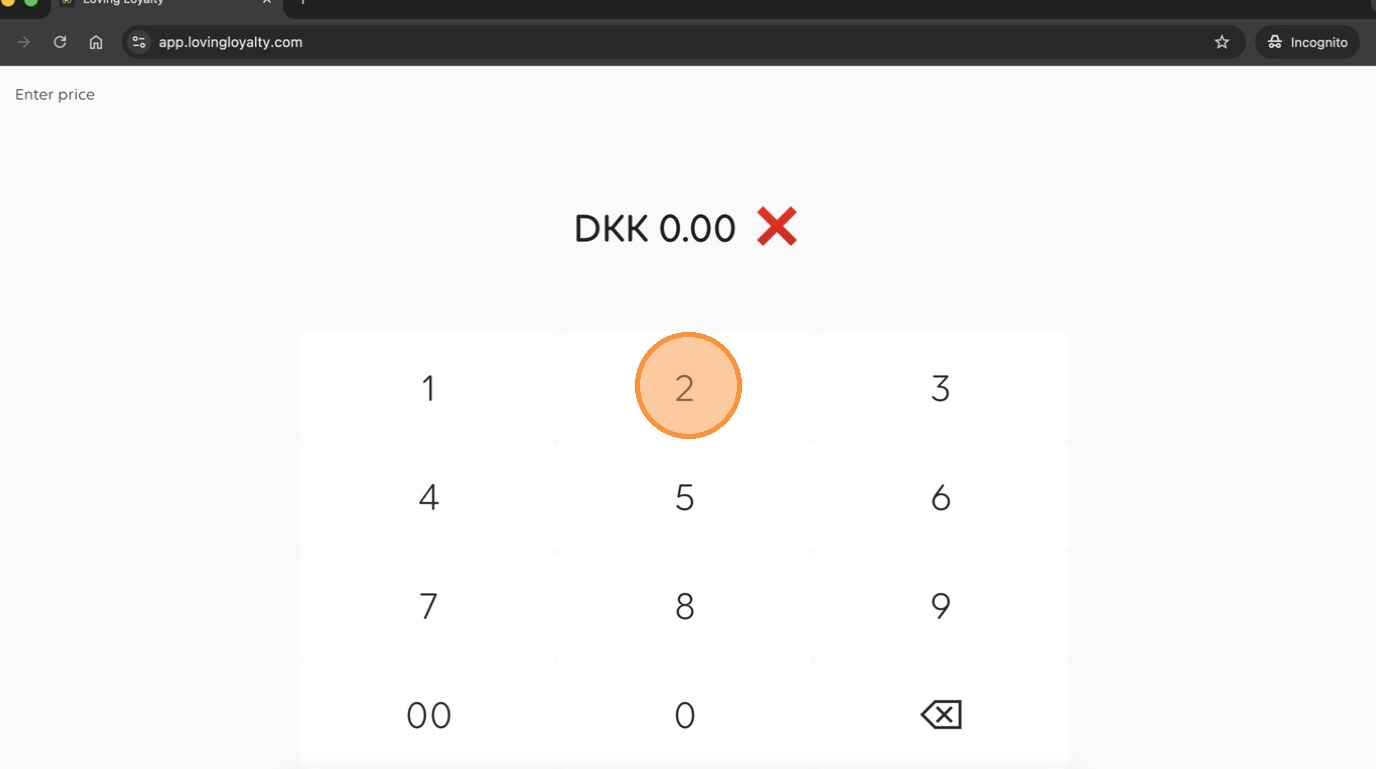
24. Enter the product price and add it to the cart.
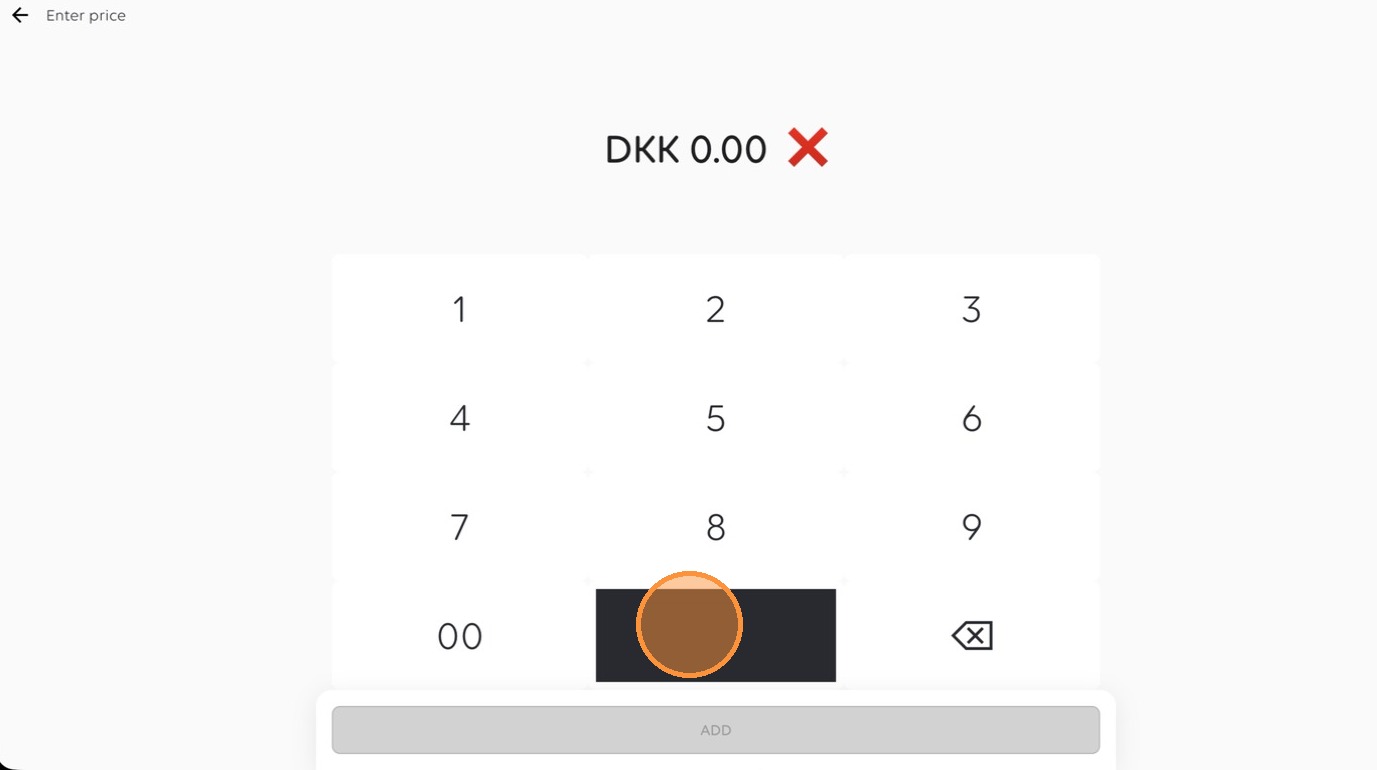
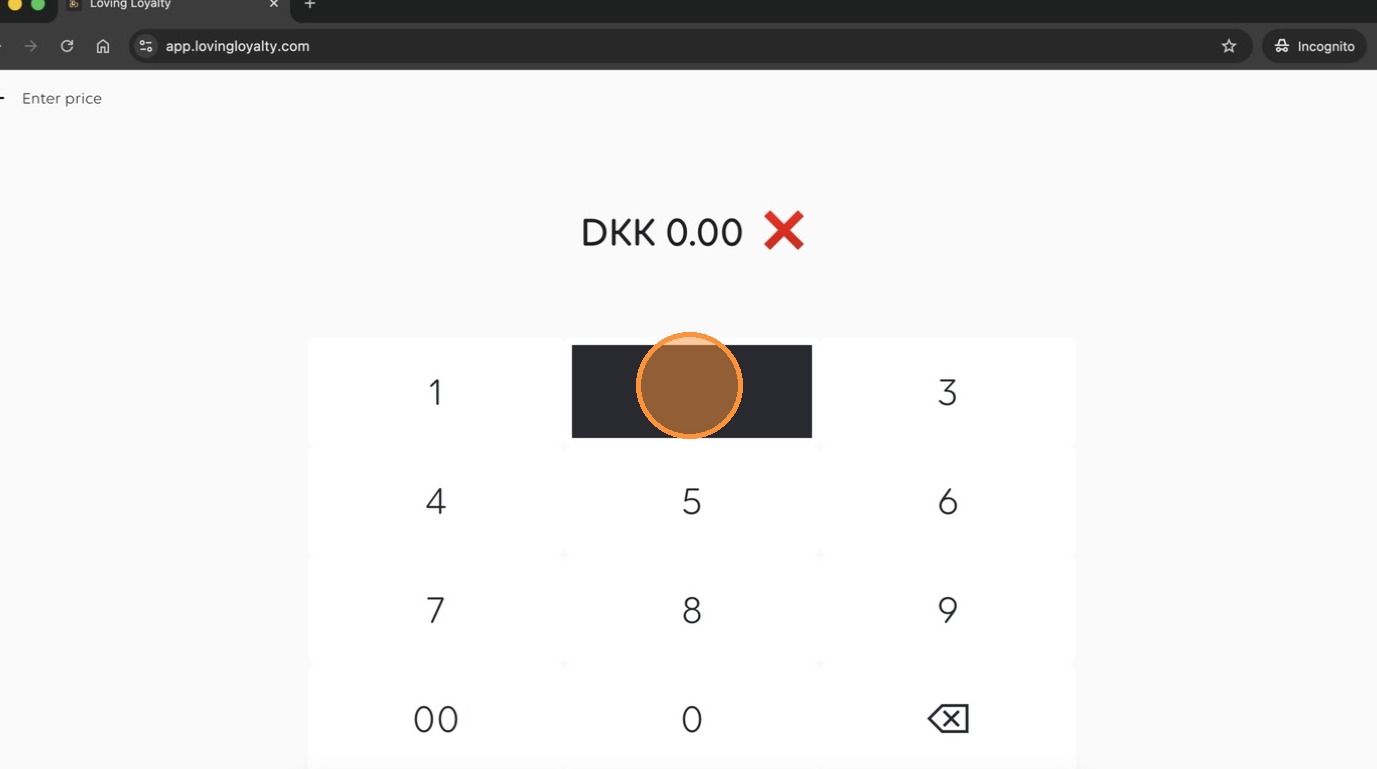
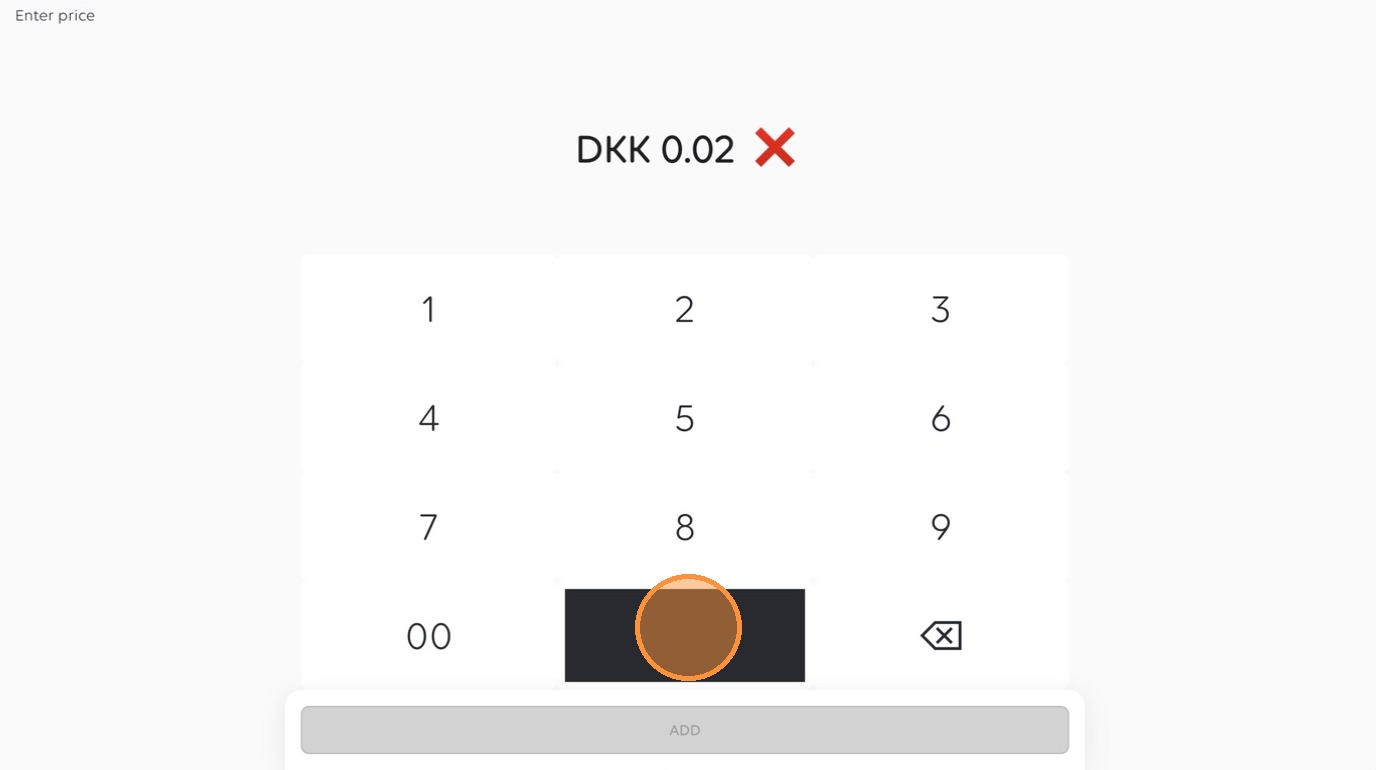
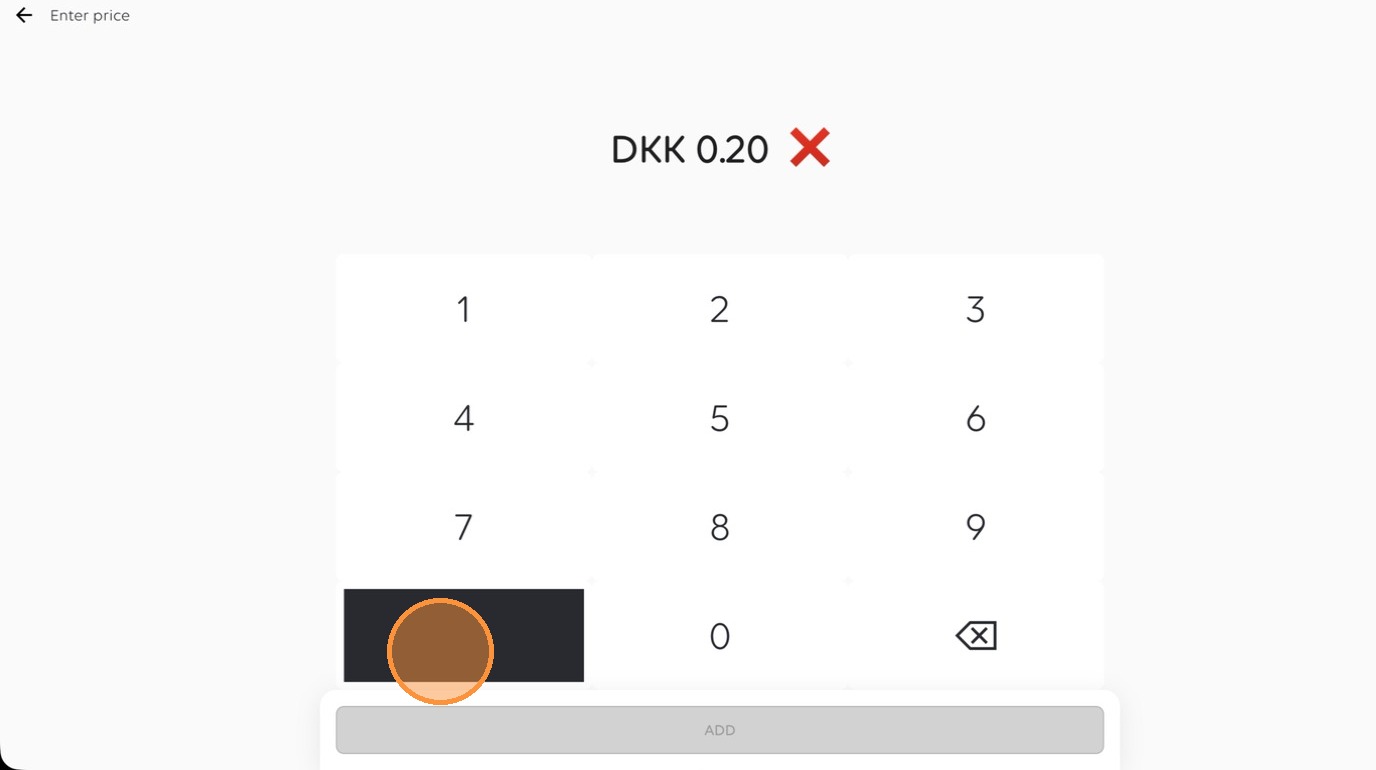
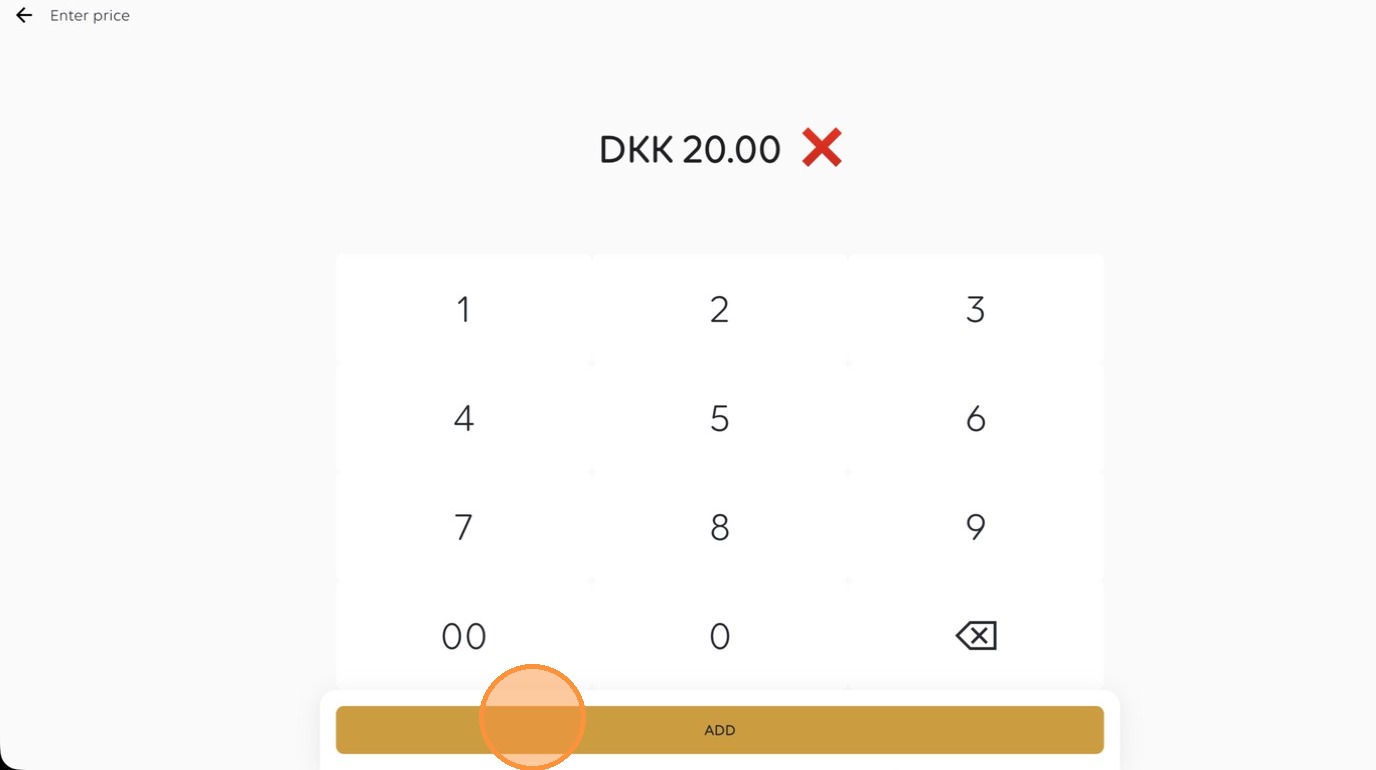
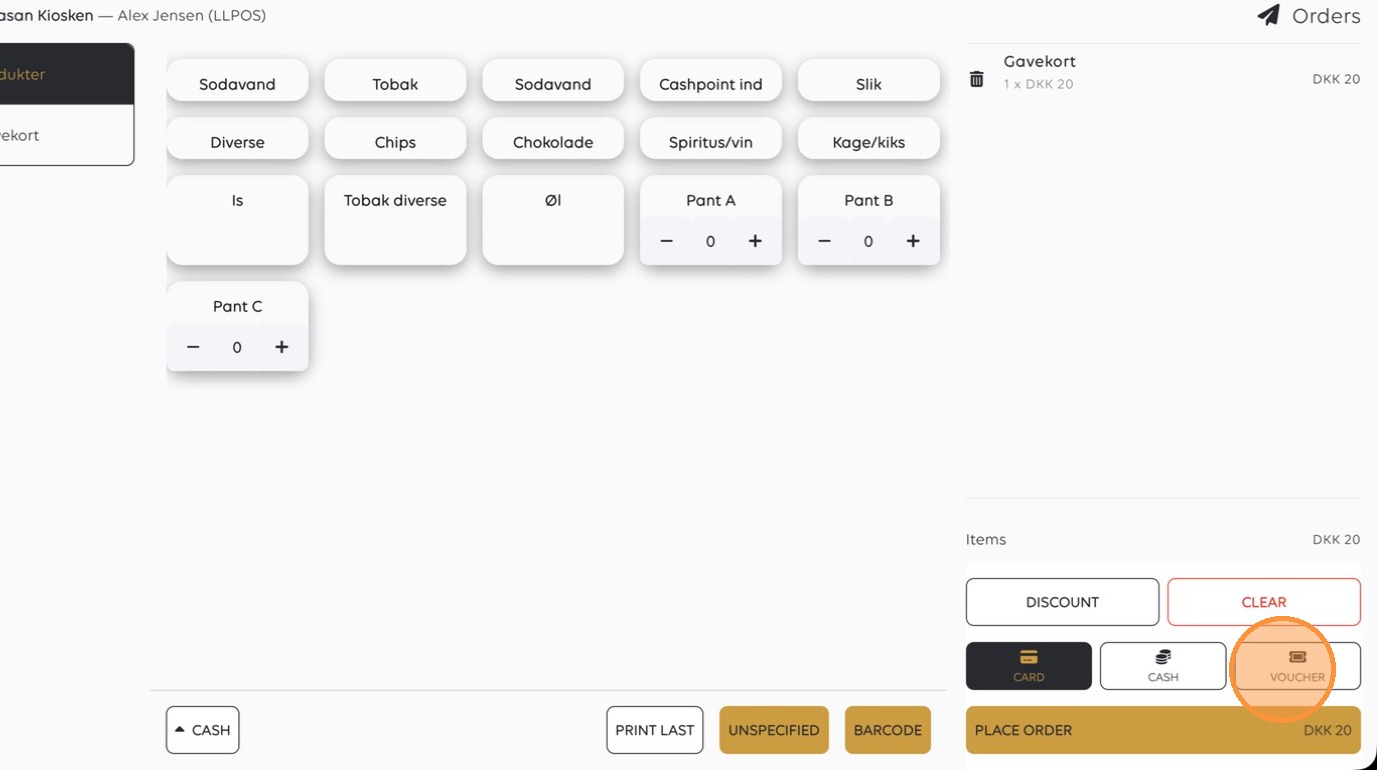
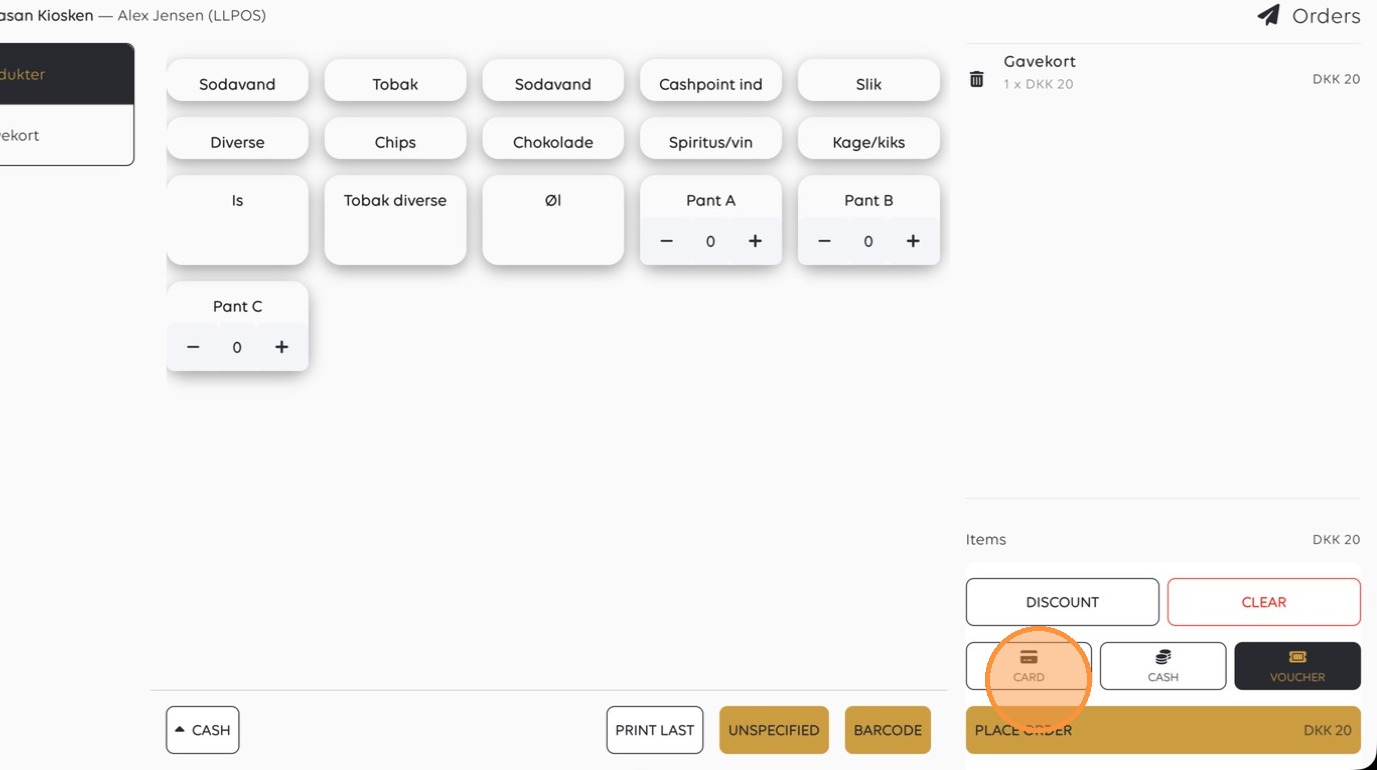
25. Select 'Voucher' to complete the transaction.
Was this article helpful?
Thanks for your feedback!